CoSupport AI Review 2026: Pricing, Accuracy & Real Fit
CoSupport AI Review 2026: Pricing, Accuracy, and Real Fit
CoSupport AI is an AI customer support automation platform that resolves tickets on its own and drafts replies for human agents, trained only on a company's own knowledge base and past tickets. This review examines where it genuinely performs, where it falls short, and how its three pricing models change the buying math for support teams in SaaS, e-commerce, finance, education, and BPO operations.
What CoSupport AI actually does
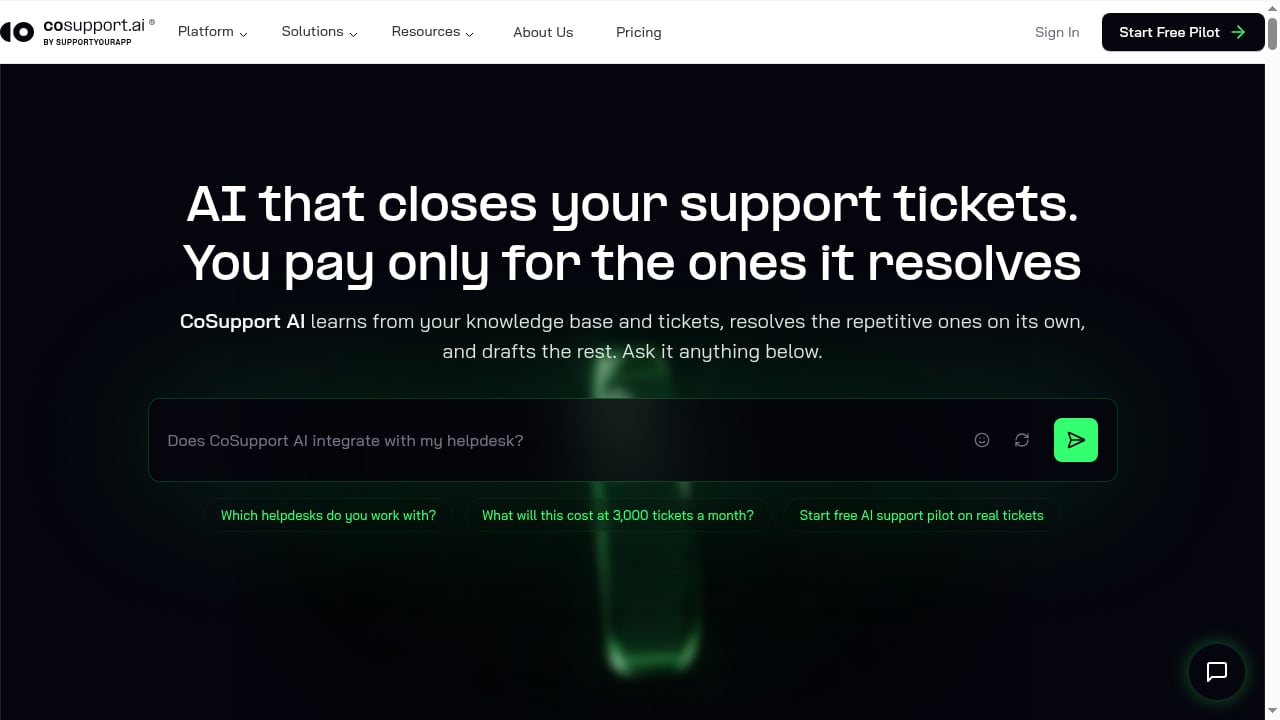
First viewport screenshot of AI Customer Service Platform | Automate Support with CoSupport.
CoSupport AI is not a standalone helpdesk. It sits on top of the helpdesk you already run — Zendesk, Freshdesk, or Zoho Desk — and adds two layers of automation:
- An autonomous AI agent that handles repetitive tickets end to end, including multi-step reasoning: it searches its knowledge sources, analyzes what it finds, re-searches when the first pass is thin, and validates before responding.
- An AI assistant that drafts replies, summaries, and translations for human agents working harder or more sensitive cases.
The platform learns from a company's knowledge base and historical tickets rather than generic model training data. It also connects to sources such as Shopify, Stripe, Notion, and Confluence, and exposes an agentic API for autonomous workflows across other tools and systems.
Two features matter more than the marketing suggests. Decision logs show what the AI decided and which data backed each answer, which is the difference between a support tool you can audit and a black box. Multi-step reasoning is what separates a retrieval chatbot from an agent that can chase a billing question across three documents before answering.
CoSupport AI reports an average 74% AI resolution rate, up to 85% on its 2.0 version, and resolution times as low as 6 minutes. Those are vendor-reported figures, so treat them as a ceiling to validate in a pilot rather than a guarantee.
Who CoSupport AI is built for
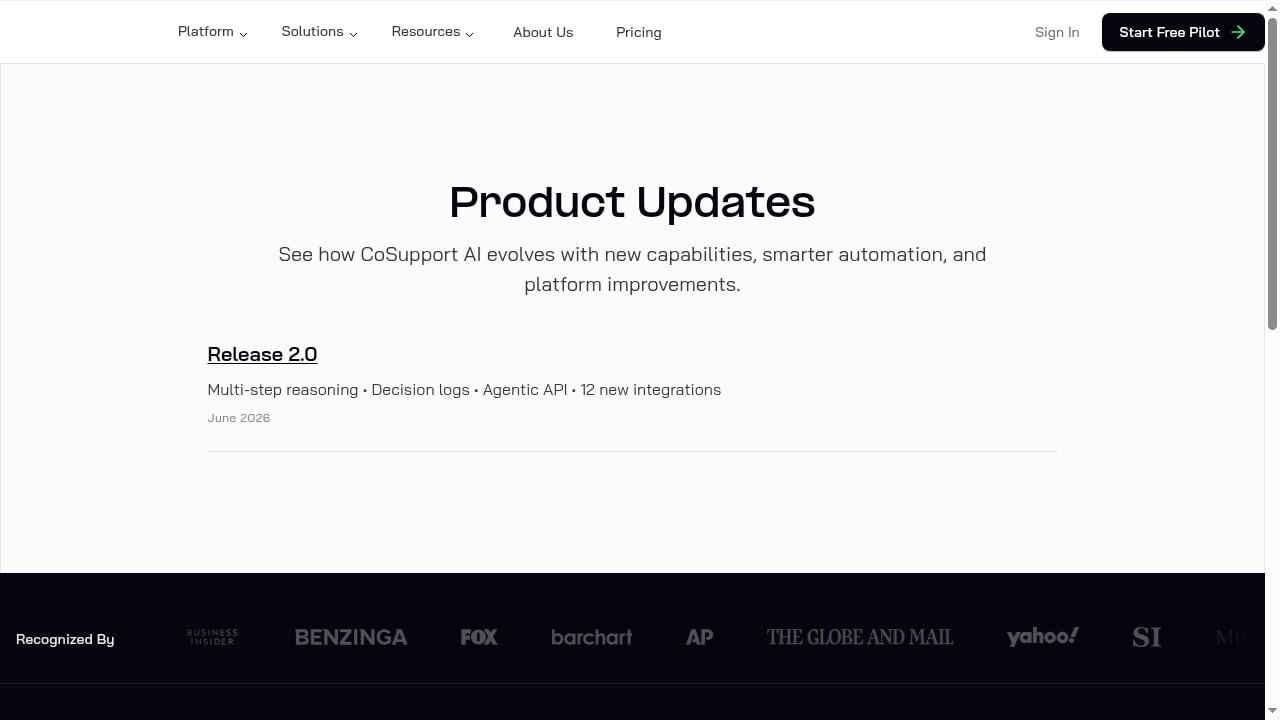
First viewport screenshot of CoSupport AI Product Updates.
Strong fit
- SaaS and consumer app teams with a structured knowledge base and a steady flow of repetitive tickets.
- E-commerce brands facing seasonal spikes that need 24/7 coverage without proportional headcount.
- Teams already on Zendesk, Freshdesk, or Zoho Desk that want AI automation layered on top instead of a platform migration.
- High-volume operations where per-ticket economics make resolution-based pricing attractive.
- International support desks that need consistent multilingual replies.
Weak fit
- Freelancers and very small businesses with low ticket volume — the economics rarely justify configuration effort.
- Teams without a usable knowledge base. If your documentation is thin or contradictory, the AI will reflect that.
- Buyers who want a plug-and-play chatbot. CoSupport AI rewards configuration; it does not eliminate it.
Strengths worth paying for
Fast time to first answer. Connecting a website or help center and testing in a sandbox-style playground takes minutes, not weeks. That short feedback loop is the platform's most underrated asset: you can change a behavior, retest, and see the effect immediately.
Flexible knowledge sources. A single agent can combine a website, help center articles, FAQs, Notion, Confluence, Google Drive, SharePoint, and OneDrive. Teams that have documentation scattered across systems benefit most here.
Natural-language workflows with versioning. Custom workflows are written in plain language rather than rule trees, and changes are saved as drafts you can test before deploying. Prebuilt workflows for escalation, bug reports, and feature requests give you a starting structure.
Decision logs and auditability. For regulated industries — finance and education especially — being able to show why the AI answered a certain way is a compliance asset, not a nice-to-have. If that is a priority, pair this review with our guide on ensuring compliance in AI customer service.
Outcome-based pricing. Paying $0.19 per resolved ticket aligns vendor incentives with yours in a way seat-based AI pricing rarely does.
Limitations and honest risks
Retrieval is not perfect. Independent testing has found cases where the AI missed relevant knowledge or paraphrased content while presenting it as a direct source. For high-stakes answers — refunds, legal terms, pricing exceptions — you need guardrails and spot checks.
Human handoff needs configuration. The platform supports escalation workflows, but reviewers have noted the AI does not always proactively offer a human when it cannot answer. Build explicit escalation triggers rather than assuming the default behavior covers you.
Setup effort is real. The pilot is free and there are no setup fees, but the quality ceiling depends on how much work you put into knowledge curation, persona settings, and workflows. Teams expecting instant perfection will be disappointed.
It is not a helpdesk. If you also need ticketing, SLA management, and channel routing, evaluate the underlying platform separately — our top 10 help desk and ticketing software roundup covers that layer.
Pricing signals: three models, three different buyers
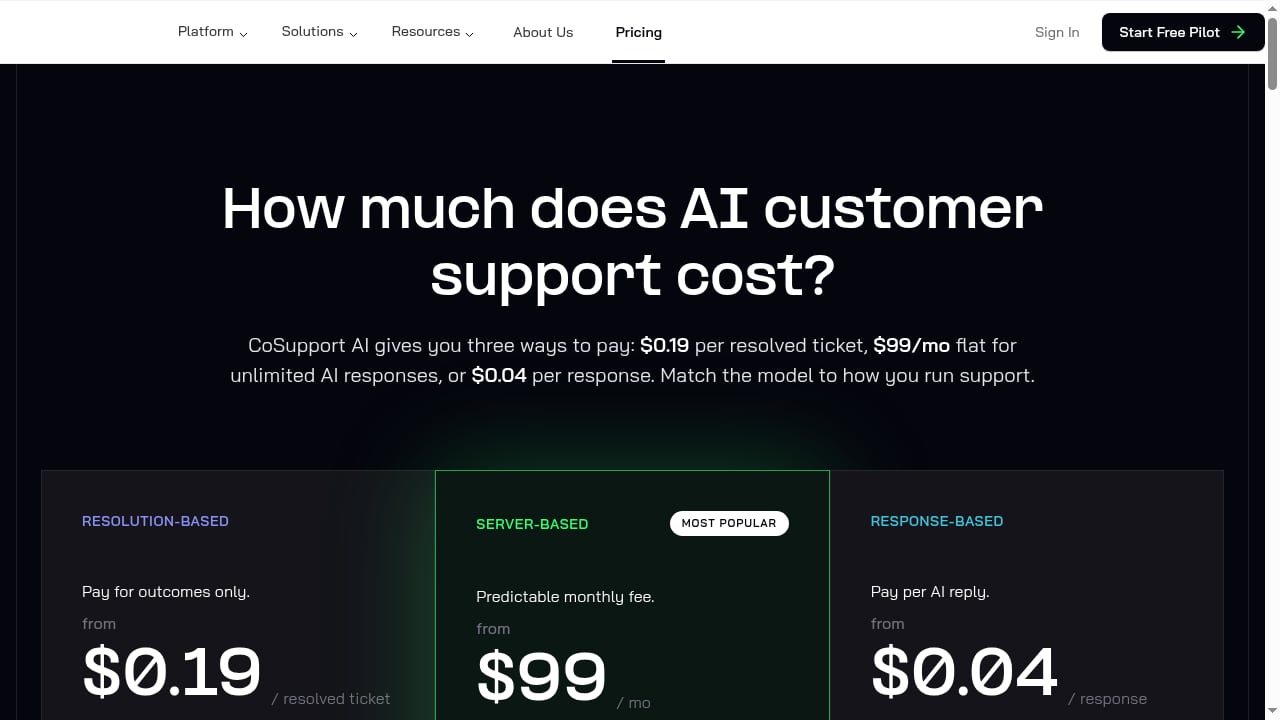
First viewport screenshot of Pricing for AI Customer Support - From $99/mo | CoSupport.
| Model | Price | What you pay for | Best for |
|---|---|---|---|
| Resolution-based | $0.19 per resolved ticket | Only tickets the AI fully resolves | Teams confident in resolution quality and wanting cost tied to outcomes |
| Server-based | $99/month flat | Unlimited AI responses | High-volume teams with predictable ticket flow |
| Response-based | $0.04 per AI-generated reply | Every AI reply, resolved or not | Low-volume or seasonal businesses testing the waters |
The flat $99 server-based tier is the standout signal: at high volume it can undercut per-resolution pricing dramatically, but it assumes you can absorb unlimited responses without quality drift. The resolution-based model is the fairest on paper but requires you to trust the resolution definition. The response-based model is the cheapest entry point and the easiest to outgrow.
CoSupport AI also offers a free pilot on real tickets, no setup fees, and a 60-day refund guarantee. That structure lowers the risk of a first purchase considerably — use the pilot to measure resolution rate on your own ticket mix, not the vendor's benchmark.
What setup actually looks like
- Connect a knowledge source. Start with your help center or website; add Notion, Confluence, or past tickets once the first source is synced.
- Define the persona. Set tone, response length, and whether the agent writes for chat or email.
- Test in the playground. Throw edge cases at it: missing information, ambiguous billing questions, escalation scenarios. Watch whether it admits uncertainty.
- Build escalation rules. Decide what the AI must never handle and how it collects context before handing off.
- Deploy gradually. Route a percentage of live tickets first, review decision logs weekly, and expand as resolution quality holds.
How it compares to the alternatives
CoSupport AI's closest competitors are AI layers inside established helpdesks. If you are weighing platforms rather than add-ons, our Intercom vs Zendesk vs Front comparison and Intercom vs Help Scout analysis cover resolution depth and pricing for built-in AI agents. The practical distinction: CoSupport AI is helpdesk-agnostic and priced on outcomes, while built-in agents are more tightly bundled but lock you into one platform.
Decision criteria: should you buy?
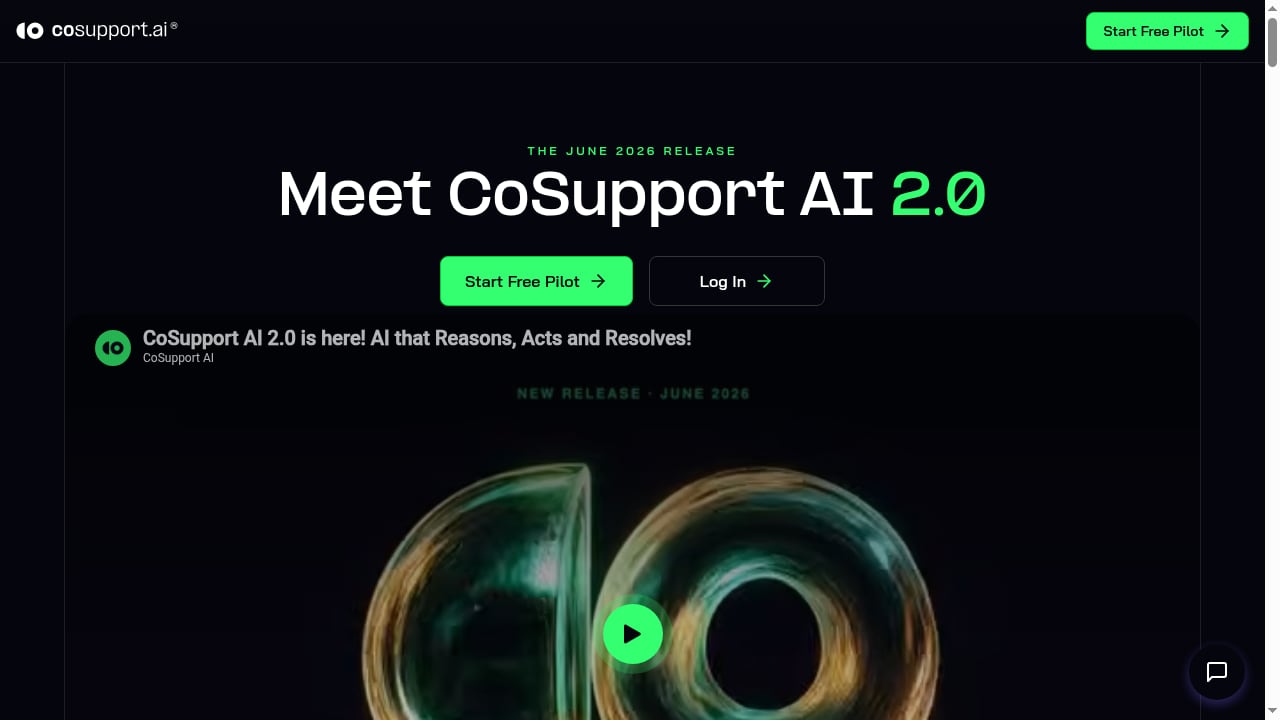
First viewport screenshot of What's new in CoSupport AI 2.0.
Ask these five questions before committing:
- Do you have a knowledge base worth training on? If not, fix that first.
- What share of your tickets are genuinely repetitive? Below roughly 30%, outcome-based pricing rarely pays off.
- Which pricing model matches your volume curve? Flat $99 suits steady high volume; $0.19 per resolution suits variable or seasonal flow.
- Can you staff the configuration work? Someone needs to own workflows, FAQs, and log reviews.
- What is your risk tolerance for wrong answers? High-stakes categories need hard escalation rules.
If you answer those honestly and the pilot shows resolution rates near the vendor's claims on your own tickets, CoSupport AI is a credible buy. If your knowledge is messy or your volume is low, wait.
Related reading
- Intercom vs Wonderchat vs CM.com: 2026 Comparison - Compare Intercom, Wonderchat, and CM.com on AI customer service, channels, pricing, and fit. See which platform suits your support and engagement needs.
FAQ
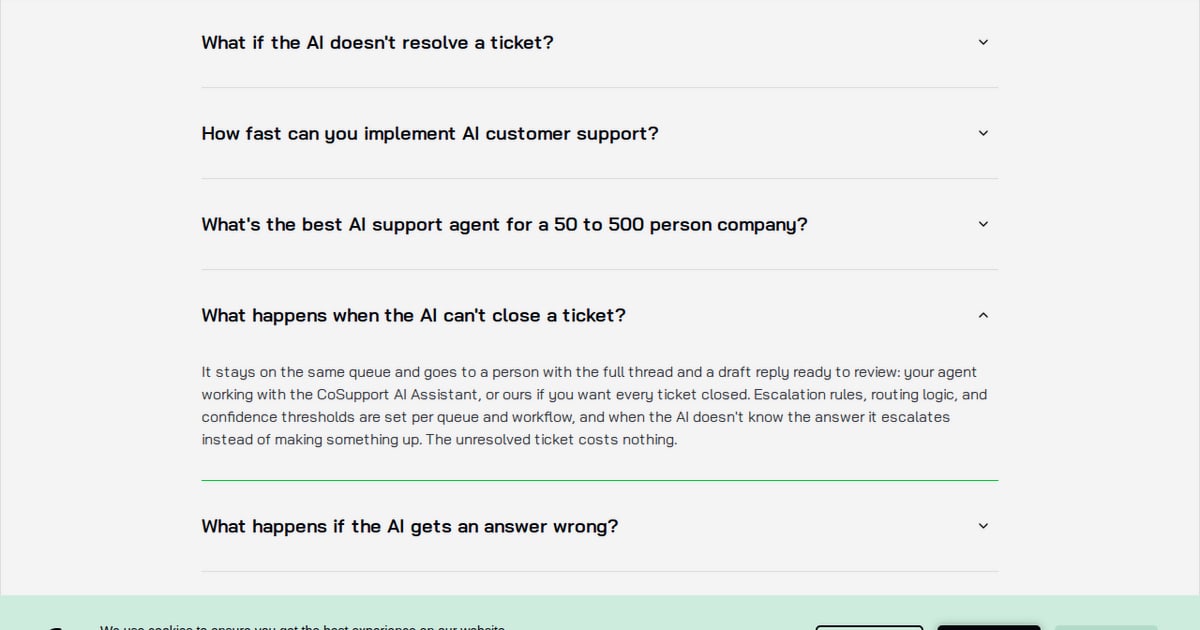
Is CoSupport AI a helpdesk?
No. It is an AI automation layer that integrates with helpdesks such as Zendesk, Freshdesk, and Zoho Desk, plus tools like Shopify, Stripe, Notion, and Confluence.
How much does CoSupport AI cost?
Three models: $0.19 per resolved ticket, $99/month flat for unlimited AI responses, and $0.04 per AI-generated reply. There are no setup fees, and a free pilot and 60-day refund guarantee reduce first-purchase risk.
What resolution rate should I expect?
CoSupport AI reports an average 74% resolution rate and up to 85% on version 2.0. Independent tests have landed in a similar range but vary by ticket mix and knowledge quality. Validate in a pilot.
Does CoSupport AI work in multiple languages?
Yes. It detects the customer's language and responds in multiple languages, which makes it useful for international support desks.
What is the biggest weakness?
Knowledge retrieval accuracy and inconsistent proactive human handoff. Both are manageable with curated knowledge, explicit escalation workflows, and regular decision-log reviews.
Conclusion
CoSupport AI is a serious automation platform for teams with real ticket volume and a knowledge base worth training on. Its multi-step reasoning, decision logs, and outcome-based pricing are genuine differentiators, and the free pilot makes the risk manageable. The caveats are equally real: retrieval accuracy needs monitoring, escalation must be configured deliberately, and the platform rewards teams willing to invest in setup. Buy it to reduce repetitive ticket load — not to replace judgment on the tickets that matter.
Sources: Trustpilot reviews of cosupport.ai, The Business Dive's CoSupport AI review, and ReviewNexa's 60-day CoSupport AI test.