WhatsApp Business Messaging: The 2026 Strategy Guide
WhatsApp Business Messaging: The 2026 Strategy Guide
WhatsApp business messaging turns the app your customers already open dozens of times a day into a sales, support, and notification channel. With more than 2 billion users worldwide, it offers reach that few channels can match — but it also comes with its own rules, product tiers, and technical choices. This guide explains how the pieces fit together, when to use the App versus the API, and how to run messaging that scales without burning out your team.
What WhatsApp business messaging actually is
WhatsApp Business Messaging: The 2026 Strategy Guide - What WhatsApp business messaging actually is.
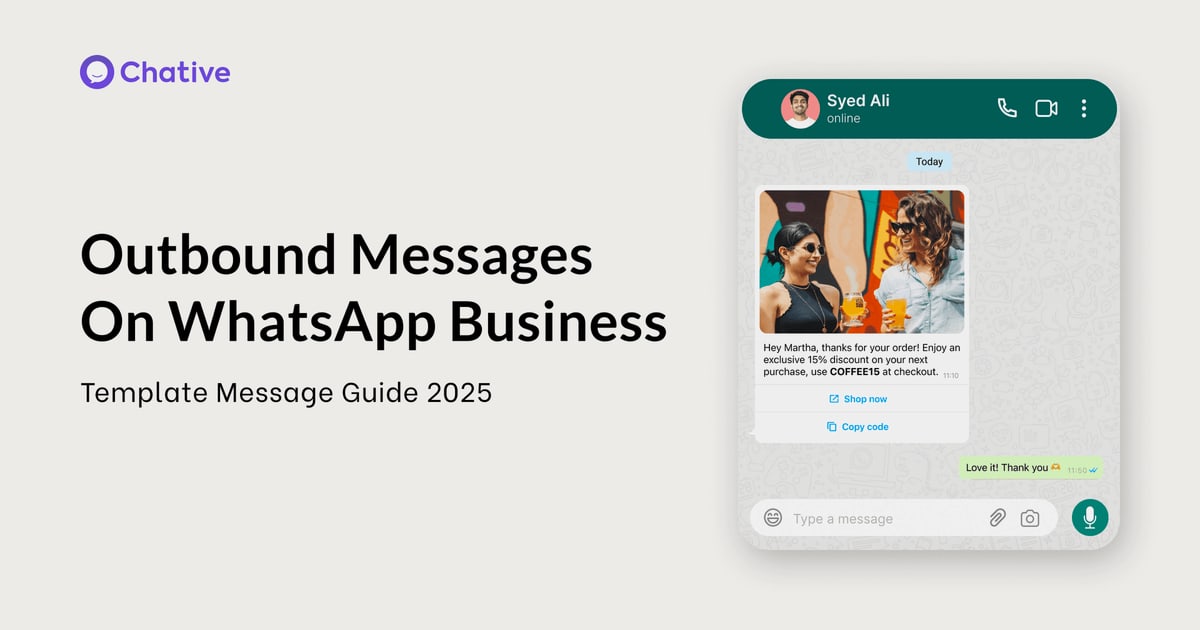
WhatsApp business messaging is two-way communication between a company and its customers over WhatsApp, using either the WhatsApp Business App or the WhatsApp Business Platform (often called the API). Messages can be conversational — a customer asks a question, an agent or bot answers — or template-based, such as an order confirmation or appointment reminder.
The channel is built for the full customer journey: marketing, sales, commerce, support, and verification. That breadth is why it shows up in banking, ecommerce, travel, and healthcare alike.
WhatsApp Business App vs. WhatsApp Business Platform
WhatsApp Business Messaging: The 2026 Strategy Guide - WhatsApp Business App vs. WhatsApp Business Platform.
The single most important decision is which product tier you use. They are not interchangeable.
WhatsApp Business App
- Built for small businesses that personally manage conversations
- Manual replies, quick replies, and a basic catalog
- No programmatic access, so automation is limited
- Best when one or two people handle all customer chats
WhatsApp Business Platform (API)
- Designed for medium to large businesses communicating at scale
- Programmatic access through the WhatsApp Business Platform developer documentation
- Supports automated flows, smart routing, rich media, interactive CTAs, and dynamic product lists
- Integrates with CRM, marketing automation, and helpdesk systems
A practical rule: if your message volume outgrows a shared phone, or you need routing, analytics, or automation, you have outgrown the App.
The message types that drive results
WhatsApp Business Messaging: The 2026 Strategy Guide - The message types that drive results.
Most successful programs mix a few repeatable message types rather than improvising every conversation.
Notifications and reminders
Order confirmations, shipment updates, and appointment reminders are low-friction, high-value messages. They reduce inbound "where is my order?" tickets and keep customers informed without a phone call.
Promotions and re-engagement
Personalized offers, upsell and cross-sell nudges, and cart-abandonment follow-ups work well on WhatsApp because open rates tend to be high. The trade-off is that promotional messages require clear opt-in and careful frequency control.
Commerce conversations
Customers can browse products and place orders inside the chat, which shortens the path from question to purchase. This is where interactive elements like product lists and buttons earn their keep.
Customer care and verification
Automated conversational flows absorb high-volume questions, and smart routing hands off to a live agent only when needed. On the security side, one-time passwords and multi-factor authentication over WhatsApp are a common use case.
How templates, opt-in, and quality ratings work
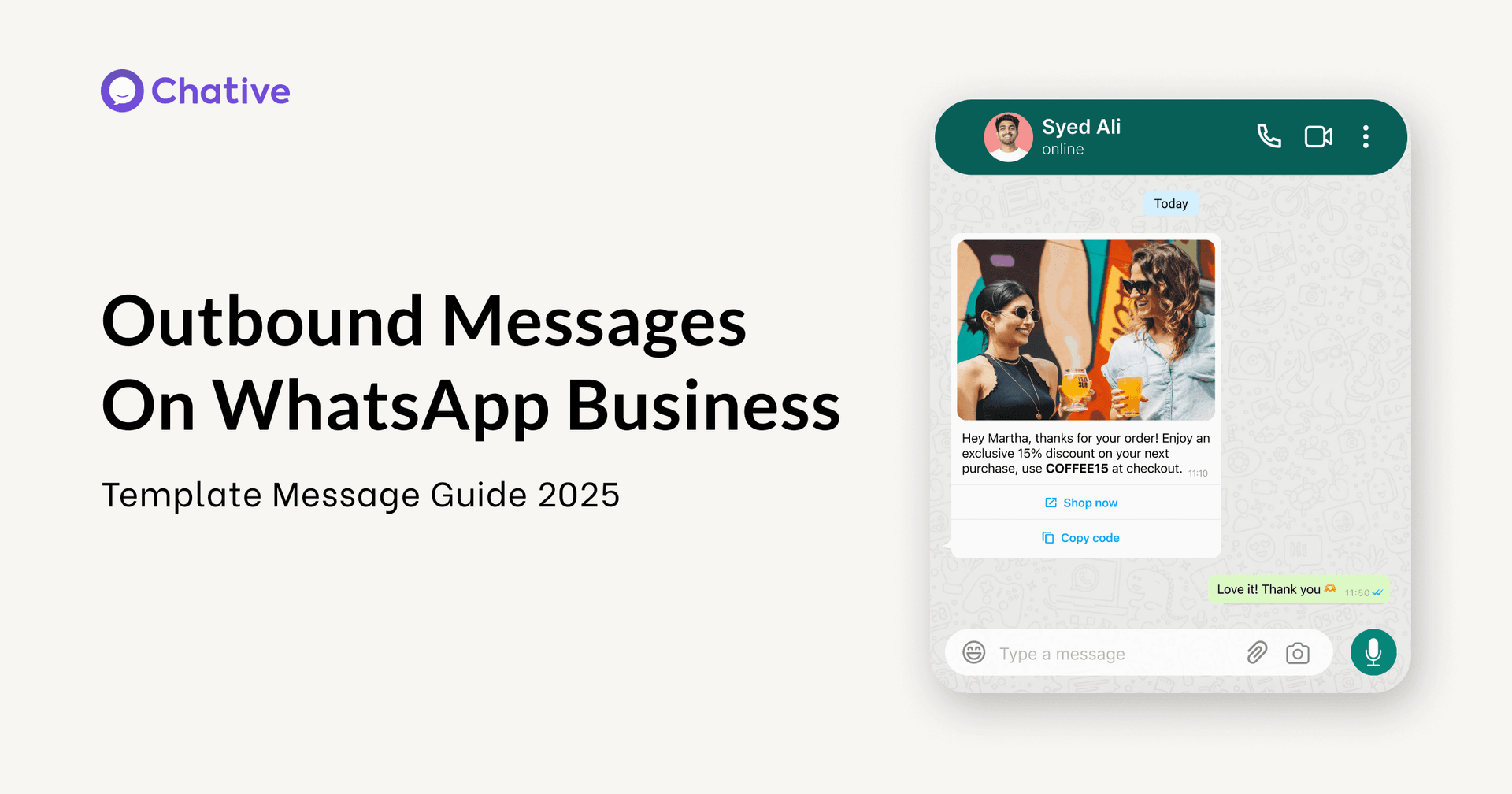
WhatsApp Business Messaging: The 2026 Strategy Guide - How templates, opt-in, and quality ratings work.
WhatsApp is not an open outbound channel. Businesses must follow rules that protect the user experience.
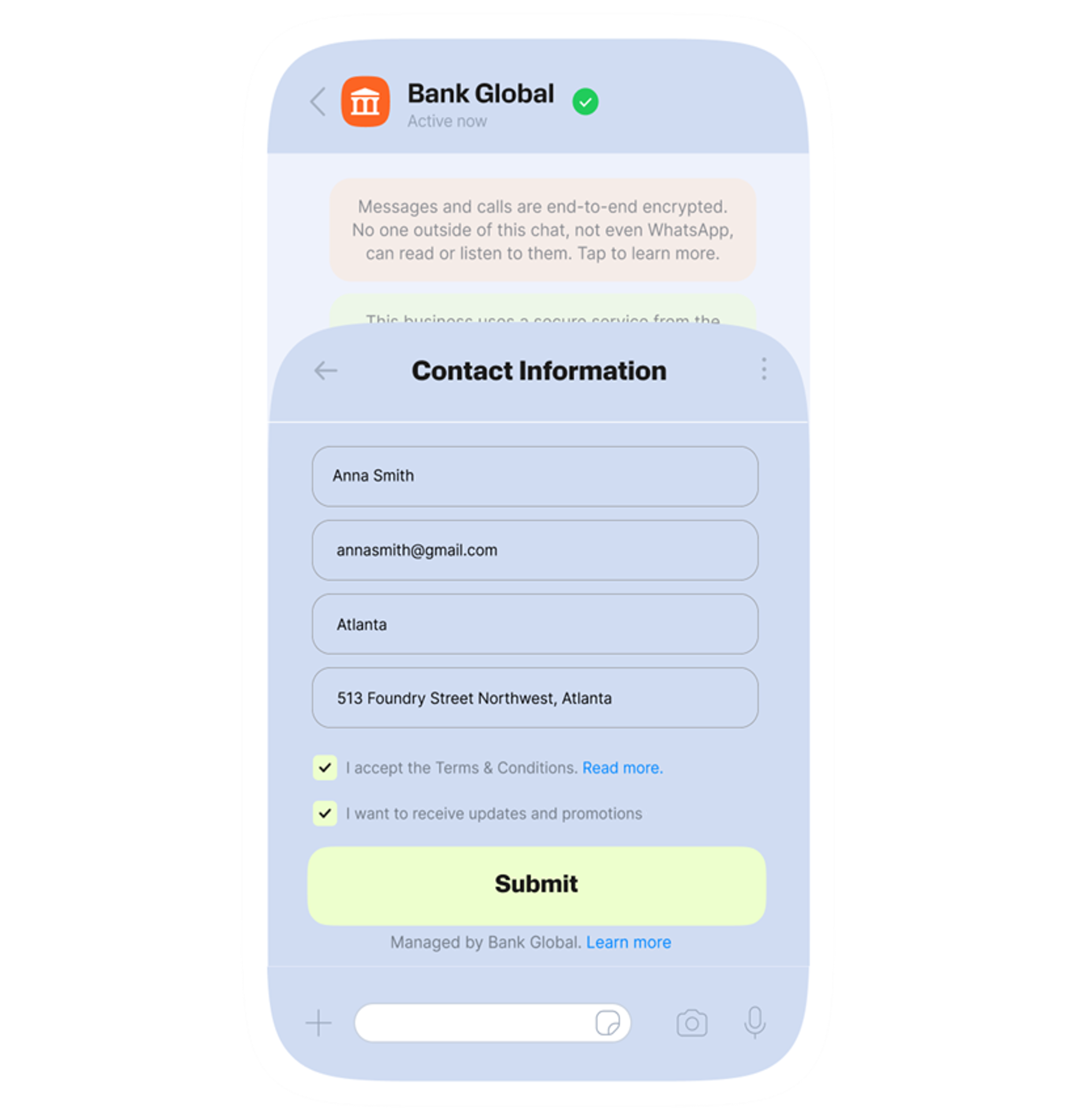
- Opt-in: You need consent before sending business-initiated messages. Document how and when customers agreed.
- Templates: Business-initiated messages use pre-approved templates. A simple send looks like this in the Cloud API:
import requests

url = "https://graph.facebook.com/<API_VERSION>/<WHATSAPP_BUSINESS_PHONE_NUMBER_ID>/messages"
headers = {
    "Authorization": "Bearer <ACCESS_TOKEN>",
    "Content-Type": "application/json",
}
data = {
    "messaging_product": "whatsapp",
    "to": "<WHATSAPP_USER_PHONE_NUMBER>",
    "type": "template",
    "template": {
        "name": "hello_world",
        "language": {"code": "en_US"},
    },
}

response = requests.post(url, headers=headers, json=data, timeout=30)
print(response.json())
- Quality rating: WhatsApp tracks how users respond to your messages. Blocks and reports lower your rating and can restrict your sending limits.
Treat these rules as product design constraints, not paperwork. They push you toward messaging people actually want.
Where WhatsApp fits in a multi-channel support stack
WhatsApp rarely lives alone. Most teams run it alongside live chat, email, in-app messaging, and phone. The risk is fragmentation: a customer messages on WhatsApp, emails a follow-up, then calls — and each agent sees only a slice of the story.
That is why channel strategy and conversation strategy are different problems. Unifying context across channels is the harder, more valuable work; our guide to unifying customer conversations walks through the practical steps and metrics.
AI changes the economics here. An AI agent can handle routine WhatsApp questions instantly, in any language, at any hour, and escalate to a human with full context when the issue is genuinely complex. Platforms like Intercom pair a shared inbox with a natively integrated AI Agent, Fin, so WhatsApp-style conversational volume does not translate directly into headcount. If you are evaluating that layer, our Fin review covers resolution rates, setup, and limitations.
A practical rollout plan
- Pick the right tier. Start on the App if volume is low and personal; move to the Platform when you need automation, routing, or integrations.
- Choose two or three use cases. Notifications plus customer care is a common starting pair. Add commerce once the basics are stable.
- Design for opt-in from day one. Collect consent at checkout, signup, or first contact, and store it where your team can see it.
- Write templates people want to receive. Short, specific, and useful beats clever.
- Connect WhatsApp to your helpdesk. Route conversations into the same inbox your agents already use, so context is not lost.
- Measure resolution, not message count. Track how many conversations close without a human, how fast, and how satisfied customers are.
Common mistakes to avoid
- Sending promotional messages to people who never opted in
- Treating WhatsApp as a broadcast channel instead of a conversation channel
- Running it as a silo that agents must check separately
- Ignoring quality ratings until sending limits get restricted
- Automating every path with no clear route to a human
Related reading
- Intercom vs Dixa: AI-First Helpdesk or Ecommerce Substitute? - Intercom vs Dixa compared: AI agents, channels, pricing models, and ecommerce use cases. See which customer service platform fits your team in 2026.
Sources and further reading
- WhatsApp for Business | Do more with conversations - Grow customer engagement, marketing, sales and customer service success with business messaging on the platform with more than 2 billion users around the world.
- Business Platform - Grow your business with WhatsApp Business Platform. Connect with WhatsApp users to enhance customer experiences, drive sales and build valuable relationships.
FAQ
Is WhatsApp business messaging free?
The WhatsApp Business App is free to use. The WhatsApp Business Platform is priced per conversation or per message depending on the category, so costs scale with volume. Check current Meta pricing for exact rates.
What is the difference between the WhatsApp Business App and the API?
The App is a manual tool for small teams. The API (Business Platform) offers programmatic access, automation, integrations, and support for higher message volumes.
Do I need opt-in to message customers on WhatsApp?
Yes. Business-initiated messages require consent, and most use pre-approved templates. Conversational replies within an open customer service window are more flexible.
Can AI handle WhatsApp customer support?
Yes. AI agents can resolve common questions, qualify requests, and escalate to humans with context. The quality depends on how well the AI is connected to your knowledge and systems.
How does WhatsApp compare to other support channels?
WhatsApp excels at reach and conversational immediacy. Email suits detailed, asynchronous threads; live chat suits website visitors; phone suits complex or emotional issues. Most teams need a combination, which is why platform comparisons matter — see our breakdown of Intercom vs. WotNot vs. LiveAgent for how channel coverage differs across tools.
Conclusion
WhatsApp business messaging rewards teams that treat it as a conversation channel with real rules, not a megaphone. Choose the right product tier, design around opt-in and templates, connect the channel to your wider support stack, and let AI absorb the repetitive volume. Done well, it shortens the distance between a customer's question and a resolved answer — which is the whole point.