Automate Social Media Customer Service: 2026 Playbook
Automate Social Media Customer Service: A Practical 2026 Playbook
Your customers are already asking questions in your Instagram DMs, Facebook comments, and X mentions. The problem isn't whether they'll reach out on social — it's whether your team can keep up without burning out. Automating social media customer service means using AI agents, rules, and routing to handle the repetitive volume while your people focus on the conversations that actually need a human.
This guide covers what to automate, what to leave alone, how to build the workflow, and how to measure whether it's working.
What "automating social media customer service" actually means
It's easy to confuse social media automation with post scheduling. They're different jobs. Scheduling tools publish content. Customer service automation handles inbound messages — questions, complaints, order issues, and praise — across public and private channels.
The work typically breaks into four layers:
- Triage — sorting incoming DMs, comments, and mentions by intent and urgency.
- Deflection — resolving common questions instantly with an AI agent or chatbot before a human ever sees them.
- Routing — sending complex or sensitive conversations to the right person or team.
- Follow-up — closing the loop with CSAT surveys, status updates, or proactive outreach.
Most teams start with triage and deflection because that's where the volume is. Routing and follow-up come next, once the basics are stable.
Which social tasks are worth automating (and which aren't)
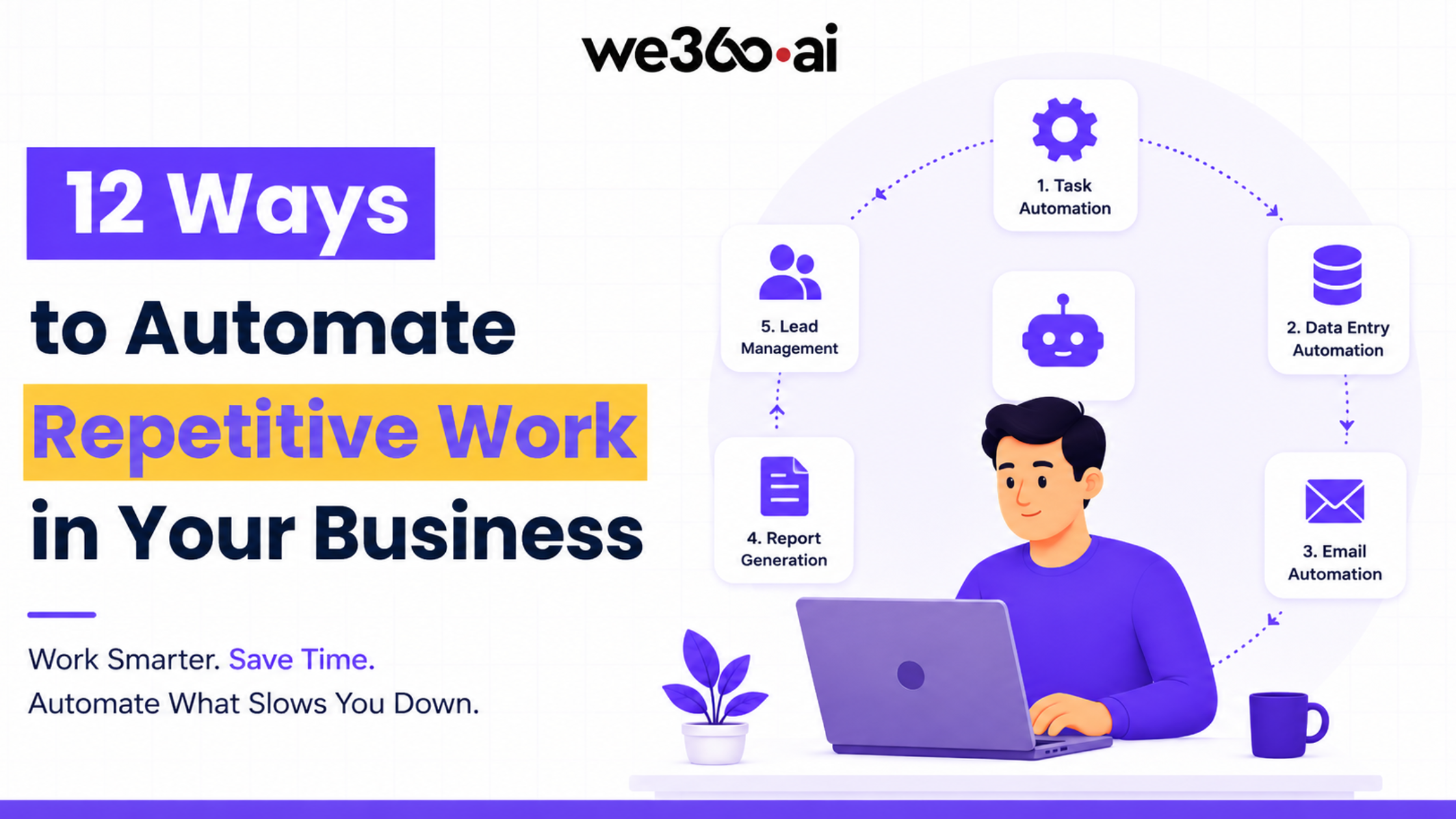
Automate Social Media Customer Service: 2026 Playbook - Which social tasks are worth automating (and which aren't).
Not everything should be automated. The goal is to remove repetitive work, not to remove the human touch from moments that matter.
Good candidates for automation
- Order status and shipping questions — high volume, predictable answers.
- Password resets and account access — structured, low-risk, easy to verify.
- Store hours, return policies, and pricing — static answers that don't change often.
- After-hours coverage — an AI agent can respond when your team is offline.
- First-response acknowledgements — confirming receipt and setting expectations.
- Sentiment and intent tagging — so reporting is accurate without manual labeling.
Keep these human
- Escalated complaints — especially anything involving refunds, legal issues, or public backlash.
- High-value or VIP customers — a personal reply often matters more than speed.
- Crisis moments — during a PR issue or outage, a human voice is non-negotiable.
- Nuanced product questions — where the answer depends on context an AI can't see.
A useful rule: automate the first response and the routine resolution, but always give customers a clear path to a person.
How to build a social customer service automation workflow
Automate Social Media Customer Service: 2026 Playbook - How to build a social customer service automation workflow.
A working setup has five stages. You don't need to launch all of them at once.
1. Centralize your channels
Pull DMs, comments, and mentions from every platform into one shared inbox. If your team is toggling between five native apps, no amount of automation will fix the underlying chaos. Unifying conversations across chat, email, and social into a single view is the foundation — see this guide on unifying customer conversations for a step-by-step approach.
2. Define intents and build your knowledge base
Before an AI agent can answer anything, it needs a source of truth. Document your top 20–30 recurring questions with approved answers. This becomes the knowledge base your automation draws from. Keep it current — stale answers are worse than no automation.
3. Deploy an AI agent for first-line resolution
Modern AI agents can resolve a meaningful share of inbound social messages without a human. Intercom's Fin AI Agent, for example, is built to resolve customer questions instantly using your help content and connected data, and it works across channels including social messaging. If you want to understand how resolution rates and setup actually play out, the Fin review breaks down what to expect.
4. Add routing rules for escalations
When the AI can't resolve something, it should hand off cleanly. Set rules based on intent, sentiment, customer value, or keywords. The handoff should include full context — the customer shouldn't have to repeat themselves.
5. Close the loop
Send a CSAT survey after resolution. Tag conversations by outcome. Feed what you learn back into the knowledge base and routing rules. Automation improves when you treat it as a loop, not a one-time setup.
AI agents vs. rule-based chatbots: which fits your team
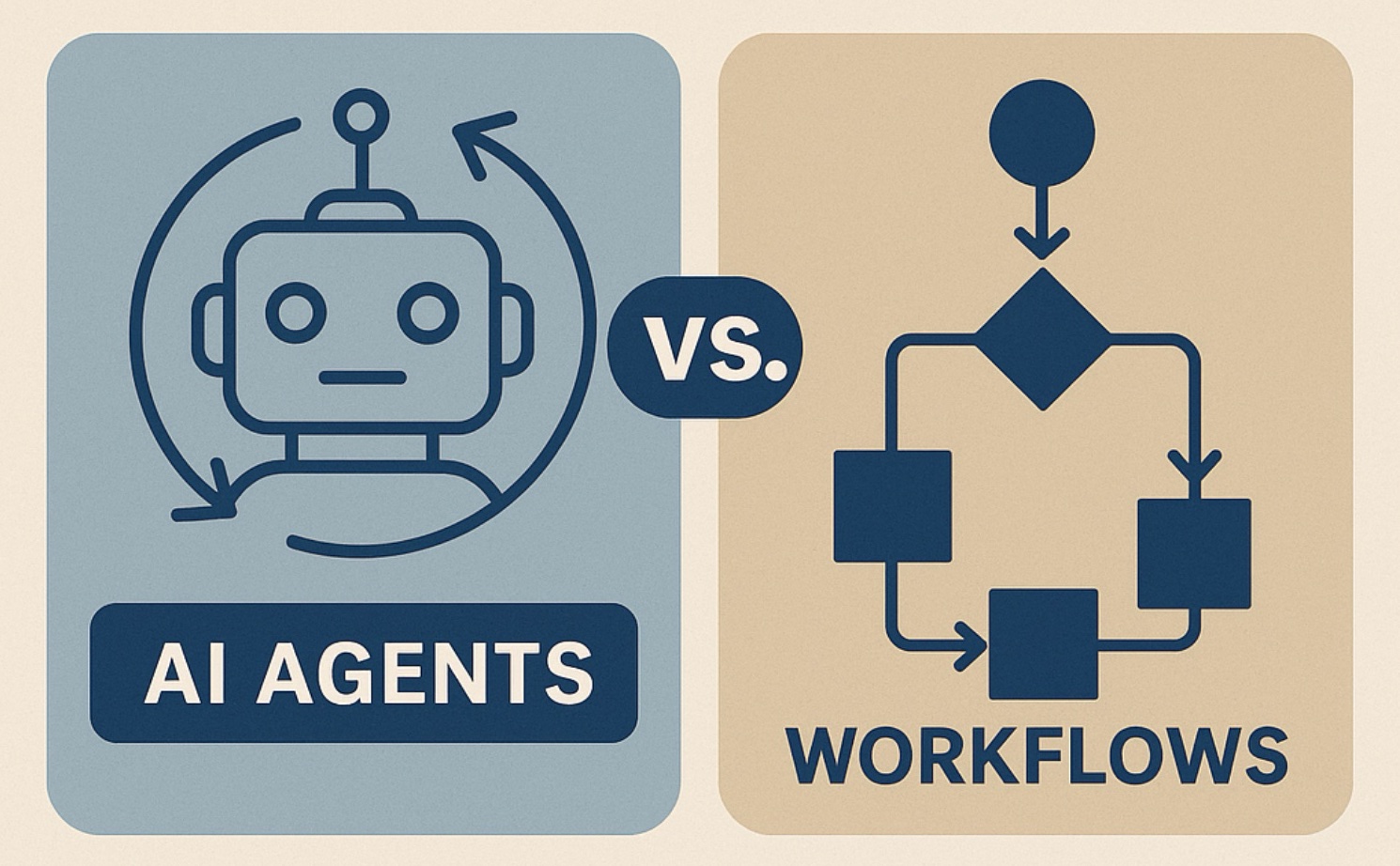
Automate Social Media Customer Service: 2026 Playbook - AI agents vs. rule-based chatbots: which fits your team.
Both approaches have a place. The right choice depends on volume, complexity, and how much you want to maintain.
| Approach | Best for | Strengths | Limits |
|---|---|---|---|
| Rule-based chatbot | Simple, predictable FAQs | Cheap, easy to set up, fully controlled | Breaks on unexpected phrasing; needs constant rule updates |
| AI agent | Varied, natural-language questions | Handles phrasing variety; resolves more without human help | Needs good source content; requires monitoring early on |
| Hybrid | Most growing teams | AI handles volume; rules handle compliance and routing | Slightly more setup work |
For most teams past the startup stage, a hybrid model works best: an AI agent for open-ended questions, and rules for anything that must follow a strict script.
If you're comparing platforms that offer these capabilities, side-by-side reviews help. Intercom vs HappyFox looks at AI agents, channels, and pricing, while Intercom vs WotNot vs LiveAgent covers AI resolution and ease of use across three different approaches.
Metrics that tell you if automation is working
Vanity metrics won't help here. Track these instead:
- First response time — should drop sharply once automation is live.
- Resolution rate — the share of conversations closed without a human.
- Deflection rate — how many customers found an answer without opening a ticket.
- Escalation accuracy — how often the right conversation reaches the right person.
- CSAT by channel — social often scores differently than email or chat; watch it separately.
- Reopen rate — if customers come back with the same issue, your automation isn't actually resolving.
Set a baseline before you launch, then review weekly for the first month and monthly after that.
Common mistakes to avoid
- Automating before you've centralized. Fragmented channels make automation harder, not easier.
- Hiding the human option. Customers who can't reach a person will escalate publicly — usually in a comment thread.
- Skipping the knowledge base. An AI agent without good source content will guess, and guessing erodes trust.
- Ignoring tone. Social replies are public. Automated responses should sound like your brand, not a ticket system.
- Setting and forgetting. Intents shift. Review your top questions quarterly and update answers.
Related reading
- Intercom vs ProProfs Help Desk vs HelpCrunch (2026) - Compare Intercom, ProProfs Help Desk, and HelpCrunch on AI agents, ticketing, channels, pricing, and fit — with clear guidance on which to choose.
- Beam AI Review 2026: Agentic Automation Tested - Hands-on Beam AI review: agentic automation for finance, support, HR, and debt collection. Strengths, limits, pricing signals, and who should buy.
Sources and further reading
- 11 Best Social Media Automation Tools for 2026 - Looking for the best social media automation tools? Compare 11 platforms for automated social media posting, visual content generation, and scheduling — from free tools to enterprise solutions.
FAQ
Can AI fully replace human agents on social media?
No — and it shouldn't try. AI handles volume and routine questions well, but escalations, sensitive complaints, and high-value customers still need people. The realistic goal is to let AI resolve the routine so humans can focus on the complex.
How long does it take to set up social media customer service automation?
A basic setup — centralized inbox, knowledge base, and AI agent for common questions — can be live in a few weeks. Routing rules and reporting usually take another month to tune based on real conversation data.
Which social platforms can be automated?
Most major platforms support automation through APIs or third-party tools, including Instagram, Facebook Messenger, WhatsApp, X, and TikTok. WhatsApp in particular has mature business messaging infrastructure — this WhatsApp business messaging guide covers the App vs. API decision and template requirements.
Does automating social customer service hurt the customer experience?
It hurts when automation is used to avoid customers. It helps when it resolves routine questions fast and hands off cleanly. The difference is whether customers can reach a human when they need one.
What's the biggest mistake teams make?
Launching automation without a solid knowledge base. An AI agent is only as good as the content behind it. Fix the source material first, then automate.
Conclusion
Automating social media customer service isn't about replacing your team — it's about removing the repetitive work that keeps them from doing their best work. Start by centralizing your channels, document your most common questions, deploy an AI agent for first-line resolution, and build routing rules that hand off cleanly. Then measure resolution rate, response time, and CSAT, and improve from there.
The teams that get this right in 2026 will be the ones that treat automation as a system to maintain, not a switch to flip.
For a broader look at how AI-first platforms handle this across every channel, Sprout Social's overview of social automation tools and Gumloop's roundup of social media automation tools are useful references for comparing feature sets.