Dashly Review 2026: AI Inbound Revenue Agents Explained
Dashly Review 2026: AI Inbound Revenue Agents Explained
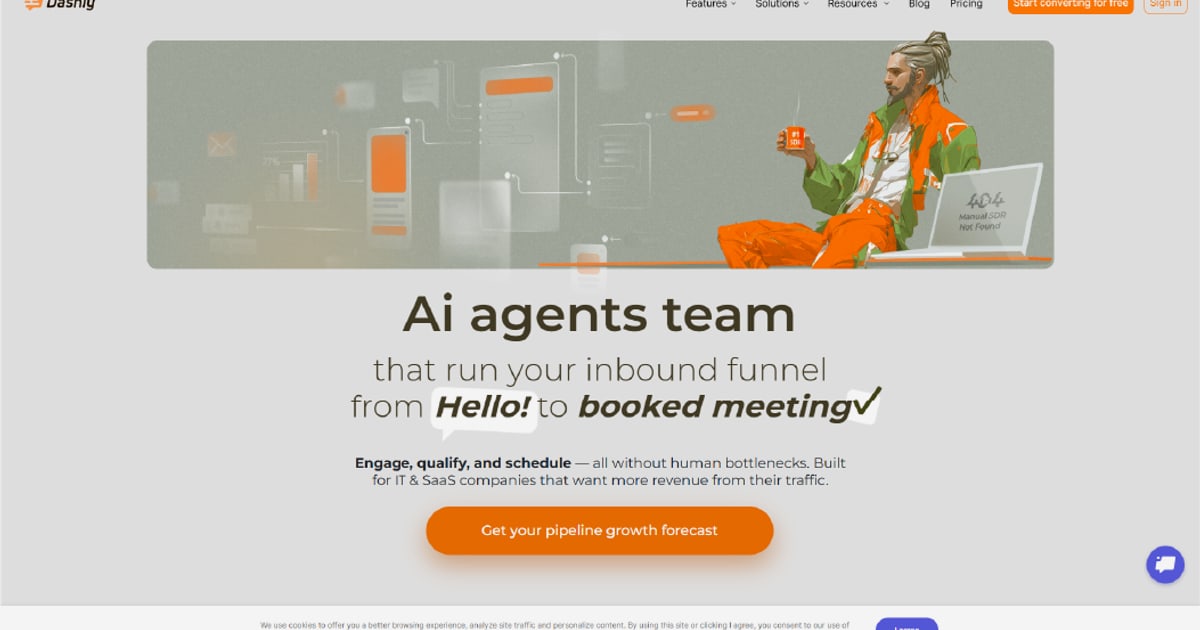
Dashly has carved out a distinct position in the crowded AI sales and support software market. Rather than positioning itself as another generic chatbot builder, Dashly bills itself as an AI inbound revenue platform: a system of specialized AI agents that engage website visitors, qualify leads, book meetings, and route conversations across multiple channels. This review examines what Dashly actually does, who it serves best, how its pricing works, and where it fits relative to AI-first customer service platforms.
What Is Dashly?
Dashly Review 2026: AI Inbound Revenue Agents Explained - What Is Dashly?.
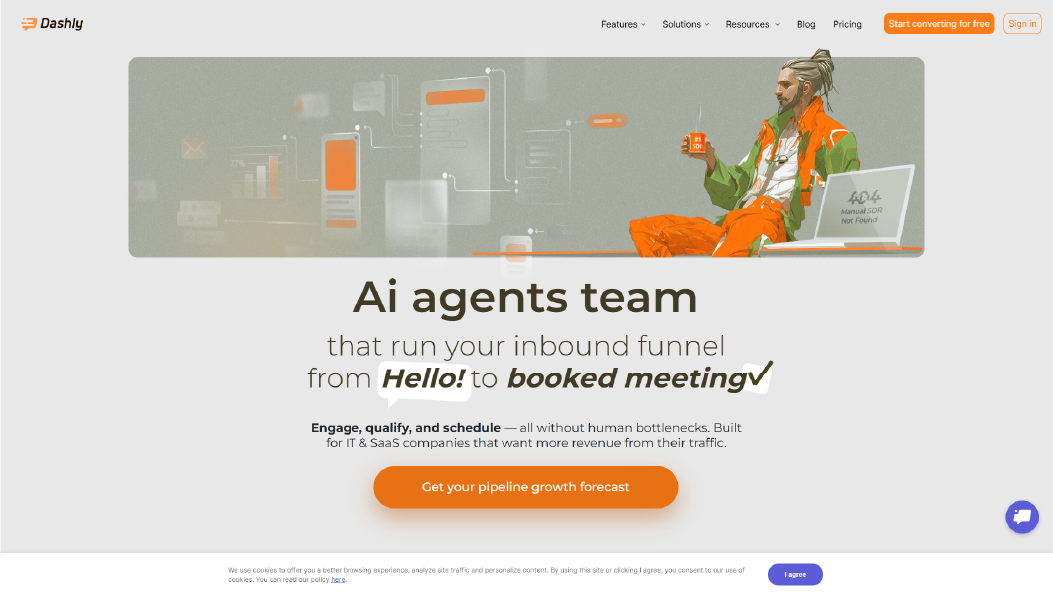
Dashly is a B2B-focused platform that turns inbound website traffic and messenger conversations into qualified sales pipeline. The core idea is simple: instead of letting leads sit in a queue for hours before a human SDR responds, Dashly's AI agents engage them instantly, ask qualification questions, and book meetings directly on your calendar.
The platform is built around four specialized AI agents, each with a distinct role in the inbound funnel:
- Engagement Agent: Opens conversations at the right moment based on visitor behavior, such as returning to a pricing page multiple times.
- Qualifier Agent: Asks ideal customer profile (ICP) questions, scores intent, and routes leads to the right next step.
- Support Agent: Answers off-script product questions without breaking the qualification thread.
- Booking Agent: Locks in meeting slots, sends calendar invites, and runs follow-up nurture sequences.
This division of labor is deliberate. Dashly's argument is that a single "do-everything" chatbot ends up mediocre at all tasks because each role has different objectives and success metrics. Splitting the workload makes hand-offs explicit and tunable.
How Dashly Works

Dashly Review 2026: AI Inbound Revenue Agents Explained - How Dashly Works.
The Lead Profile
At the center of Dashly is a unified Lead Profile that builds in real time as conversations progress. It pulls together:
- Pages visited and frequency of visits
- Traffic source and campaign attribution
- CRM stage and existing records
- Past conversation topics and history
- Enrichment data like role, industry, and company size
This profile travels with the lead across channels. If someone starts a conversation on your website and later moves to WhatsApp, the agent recognizes them and continues the same thread without re-asking questions.
Multichannel and Cross-Channel Engagement
Dashly supports native engagement across web chat, WhatsApp, Telegram, Instagram DM, Facebook Messenger, Viber, and email. The lead chooses the channel, or the agent does. Either way, it's one conversation thread with one Lead Profile.
A notable feature is agent-initiated handoff across channels. If an on-site visitor is about to bounce, the agent can invite them to continue in WhatsApp with one tap. When they open the messenger, the agent picks up exactly where the on-site dialog left off.
Data-Driven Responses
Dashly emphasizes that every message an agent sends is built from real data: actual behavior on your site, real CRM records, and genuine past conversations. This is not a generic LLM guessing at context. The platform claims this data foundation is what enables conversion rates like 82% MQL-to-meeting, versus the roughly 20% a generic chatbot typically achieves.
Dashly Features Deep Dive
AI Agent Scenarios
Dashly uses scenario-based agent flows rather than open-ended prompts. Each scenario has a defined objective, success metric, and transition logic. This makes performance measurable and tunable in ways that a single opaque LLM call is not.
Analytics and Attribution
Dashly provides end-to-end analytics that compare AI agent performance against form submissions and other conversion paths. The dashboard shows pipeline generated by scenario, meeting conversion rates, qualified lead counts, and contact processing volumes. In one published example, the AI agent scenario generated 72.5% of total pipeline while processing 81% of all contacts.
CRM and Calendar Integrations
Dashly offers native integrations with HubSpot, Pipedrive, Salesforce, and AMO CRM, plus custom integrations via open API and webhooks. Calendar booking checks live slot availability and syncs with your existing scheduling tools.
24/7 Operation
All four agents run continuously. Night-time leads are engaged, qualified, and offered meeting slots the same way they would be at noon. This addresses one of the most persistent problems in inbound sales: slow first response.
Dashly Pricing

Dashly Review 2026: AI Inbound Revenue Agents Explained - Dashly Pricing.
Dashly uses a SaaS subscription model based on traffic volume, active leads, which agents you deploy, and integration depth. The company states that mid-market teams typically start at around $2,500 per month, with a payback period of 2–5 months.
Pricing is not published as a simple per-seat rate. Because costs scale with traffic and lead volume rather than headcount, the economics differ from traditional helpdesk or CRM pricing. Teams evaluating Dashly should request a custom quote based on their specific traffic and pipeline needs.
Dashly vs. AI-First Customer Service Platforms
Dashly's focus is inbound revenue generation, not general customer support. This distinction matters when comparing it to platforms like Intercom.
Intercom is an AI-first customer service platform built for the AI Agent era. It provides a helpdesk with a natively integrated AI Agent, Fin, that resolves customer support questions instantly. Intercom's core use cases include automating support with AI, managing conversations across live chat, email, in-app messaging, and phone, and providing self-service through an integrated Help Center.
Where Dashly optimizes for pipeline and meeting bookings, Intercom optimizes for support resolution and customer experience. The two platforms can coexist in a stack: Dashly for inbound sales qualification and Intercom for ongoing customer support and engagement.
For teams evaluating both, the decision comes down to primary objective:
- Choose Dashly if your bottleneck is inbound lead response time, qualification consistency, and meeting booking.
- Choose Intercom if your bottleneck is support ticket volume, resolution speed, and customer experience across existing users.
For a deeper comparison of AI support platforms, see this Intercom vs WotNot analysis or the broader Intercom vs Capacity vs ClickDesk comparison.
Dashly Implementation and Time to Value
Dashly claims most teams deploy within 2–5 days. The setup process involves:
- Connecting your CRM
- Uploading your knowledge base
- Defining qualification criteria
- Activating the agents
No engineering is required for standard deployments. The company contrasts this with building a custom wrapper around Claude or ChatGPT, which it estimates would take 12–18 months of engineering to replicate Dashly's full data layer, integration surface, and agent orchestration.
Who Is Dashly For?
Dashly is positioned for B2B SaaS companies, MarTech and Sales Tech vendors, HR Tech platforms, and real estate businesses with:
- 50K+ monthly website traffic
- A sales cycle of one month or longer
- Average contract value of $500 or more
- An inbound marketing motion
The platform is particularly valuable for teams that already have SDRs. Dashly's pitch is that AI agents can handle the repetitive parts of inbound qualification, freeing human SDRs to focus on high-value conversations. The company claims typical deployments let teams redeploy 1.5 or more full-time equivalents.
Limitations to Consider
Dashly is not a general-purpose support platform. Teams looking for a full helpdesk with ticketing, SLAs, and support-specific workflows may find Dashly's sales-focused feature set incomplete. The platform also requires meaningful inbound traffic to deliver value; low-traffic sites won't generate enough conversations to justify the investment.
Pricing transparency is another consideration. The $2,500/month starting point is a signal, not a published rate card. Teams with tight budgets should clarify total costs before committing.
Dashly Alternatives
If Dashly's sales-focused approach isn't the right fit, several alternatives serve adjacent needs:
- Intercom: AI-first customer service with Fin AI Agent, shared inbox, and multi-channel support for both prospects and existing customers.
- Customer.io: Engagement and automation platform focused on lifecycle messaging and segmentation. See the Customer.io review for details.
- Talkdesk: Contact center platform with voice and omnichannel support. Review Talkdesk pricing for cost breakdowns.
- HappyFox and OTRS: Traditional helpdesk and ticketing systems. Compare them in this Intercom vs HappyFox vs OTRS analysis.
Sources and further reading
- Dashly: AI Inbound Revenue Agents for B2B - The AI inbound revenue platform. 4 data-driven AI agents + customer data platform engage, qualify, and book every inbound lead 24/7. Double your pipeline without hiring a single SDR.
- Not another “comparison site” - Dashly, a smarter way to manage your mortgage. - Our 24/7 Mortgage Monitor guarantees you're always on the best deal, seamlessly linking you to your mortgage adviser, lender, and credit report for optimised mortgage management 24/7. Start your free mortgage monitoring today, even if you’re in a fixed period.
- Dashly Intelligence - AD-1108CL-2241AT-0918MD-3304PH-4408AD-7712BIZ-117CL-1109AT-0926AT-0921MD-3309CL-2244PH-4410BIZ-118AD-7702CL-2249PH-4419AT-0931AD-1108CL-3367AT-1182AD-9920CL-9988AT-7704BIZ-441PH-5503AD-1108
Frequently Asked Questions
What does Dashly do?
Dashly is an AI inbound revenue platform that uses specialized AI agents to engage website visitors, qualify leads, book meetings, and route conversations across web chat, WhatsApp, Telegram, email, and other channels.
How much does Dashly cost?
Dashly pricing is subscription-based and scales with traffic volume, active leads, and deployed agents. Mid-market teams typically start at around $2,500 per month.
Is Dashly a customer support platform?
Dashly includes a Support Agent for answering product questions during the sales process, but its primary focus is inbound lead qualification and revenue generation, not full-scale customer support.
How is Dashly different from Intercom?
Dashly optimizes for inbound sales pipeline and meeting bookings, while Intercom is an AI-first customer service platform focused on support resolution, shared inbox management, and customer experience.
How long does Dashly take to implement?
Most teams deploy Dashly within 2–5 days by connecting their CRM, uploading a knowledge base, and defining qualification criteria. No engineering is required for standard setups.
Does Dashly integrate with HubSpot?
Yes, Dashly offers native integrations with HubSpot, Pipedrive, Salesforce, and AMO CRM, plus custom integrations via open API and webhooks.
Conclusion
Dashly addresses a real and persistent problem: inbound leads going cold because human SDRs can't respond fast enough. Its specialized agent architecture, unified Lead Profile, and cross-channel continuity are genuinely differentiated features that go beyond what a generic chatbot can deliver.
The platform is not a replacement for a full customer service suite. Teams that need deep support automation, ticketing, and help center functionality should look at AI-first platforms like Intercom, which offers the Fin AI Agent for instant support resolution and a shared inbox for multi-channel conversation management.
For B2B teams with meaningful inbound traffic and a sales-led motion, Dashly is worth a serious evaluation. The 2–5 day deployment window and measurable pipeline impact make it a low-risk experiment with potentially significant returns.