Helpshift Review 2026: AI Player Engagement for Game Studios
Helpshift Review 2026: AI Player Engagement for Game Studios
Helpshift is no longer a general-purpose mobile support SDK. Under Keywords Studios, it has repositioned as an AI-native player engagement platform built specifically for gaming, combining in-game support, AI-driven resolution, trust and safety, and community moderation. That focus is real, and it changes who should buy it. This review covers what Helpshift actually does, where it excels, where it falls short, and how to decide whether it fits your studio in 2026.
What Helpshift Is Today
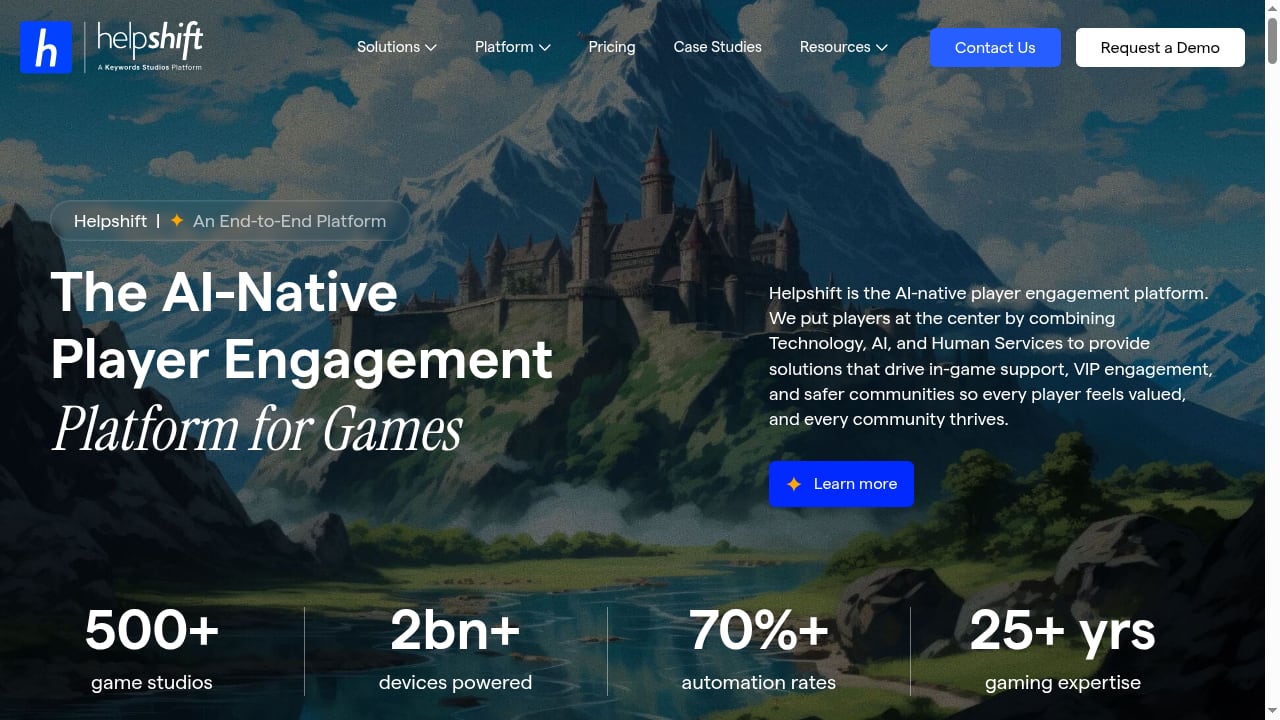
First viewport screenshot of AI-Native Player Engagement Platform For Gaming | Helpshift.
Helpshift started as an in-app customer service SDK for mobile apps. Today, every surface of the product and marketing is built for game studios. The company cites 500+ game studios, 2bn+ devices, and 70%+ automation rates, with named logos including EA, Sega, Ubisoft, and Supercell.
The platform now stacks four solutions:
- Player support — in-game chat, ticketing, and AI resolution
- Player engagement — proactive messaging and lifecycle campaigns
- Trust and safety — moderation and policy enforcement
- Community — AI trained on Discord and Steam conversations
The strategic pivot means the question for most readers is not "is Helpshift good?" but "is Helpshift still built for my use case?" If your customers are players reporting lost rewards, purchase failures, or account issues, this is a purpose-built option. If you run a SaaS product or ecommerce store, most of the platform is designed for a workflow you do not have.
How Helpshift's AI Actually Works
Helpshift's AI is a deflection engine with a structured escalation path. It deflects in two complementary ways, then hands off to a human when automation runs dry.
QuickSearch Bot and Content Deflection
The QuickSearch Bot is the front door. It reads the player's first message and suggests up to three relevant FAQs before a ticket is ever opened. The player taps "that helped" (deflected) or "I need more help" (ticket created). It deploys without developer help, which is genuinely useful for support teams that want fast self-service coverage.
The ceiling here is the quality of your FAQs. If a topic is not well documented, QuickSearch cannot surface it, and the player falls through to the queue. It is closer to a smart knowledge base search than a true agent.
Custom Bots, Care AI, and Resolution Deflection
The deeper layer is where Helpshift gets more interesting. Custom Bots, built in a code-free visual builder, let you drop "Send AI-powered FAQ" or "AI Powered Answer" steps anywhere in a flow, branch on player replies, and make API calls to your own systems.
On top of the bots sits Care AI, the generative agent that resolves issues in conversation, grounded in approved knowledge and governed by confidence scoring. AI classification and automated routing decide, per message, whether to stay automated or call in a human. This is real ticket automation, not just FAQ matching, and the flow builder is one of Helpshift's strongest features.
Guard AI and Language AI
Helpshift's answer to hallucination risk is Guard AI, a governance layer that monitors AI and human conversations in real time to enforce policy and prevent hallucinations. You configure the agent's role and guardrails, including prompt-injection blocking and irrelevant-content filtering, in a settings panel.
There is also an AI Agent Copilot for human agents and Language AI covering 70+ languages, with auto-translation inline in the agent reply box. For studios running global launches, that multilingual coverage matters, though you should test gaming-specific terms (item names, event titles, slang) rather than assume generic machine translation holds up.
The Deflection-Rate Trap
This is the most important part of any Helpshift evaluation, because it is where AI support buying goes wrong. Helpshift, like many vendors, leads with deflection. Its case studies cite Rovio at 91% deflection and SYBO at 77% automation. Those numbers are impressive, but deflection alone tells you almost nothing about whether players were helped.
A deflected ticket just means the player did not reach a human. Maybe they got their answer. Or maybe they gave up. The metric counts both as a win. As one operator put it in a public thread on deflection metrics:
"A 90% deflection rate with 60% CSAT means you're blocking customers from help, while a 70% deflection rate with 85% CSAT means you're efficiently solving problems. The number alone is meaningless."
The handoff is where this bites hardest. An operator at IrisAgent shared a hard number: most companies see 8-10 back-and-forth exchanges before the bot gives up. Some never do, looping players through the same "did this help?" flow until they rage quit.
The sharpest version is gaming-specific. After a wave of false bans in ArcRaiders, a player argued the support system "prioritizes a high deflection rate... when they say 'solved', they mean that the AI declared the matter closed and dismissed it, regardless of the problem actually being properly addressed."
None of this means Helpshift's AI is bad. It means you should never buy on the deflection number alone. Ask any vendor, Helpshift included, what their customer-confirmed resolution rate and CSAT look like together, and weight that far more heavily than deflection.
Pricing Signals
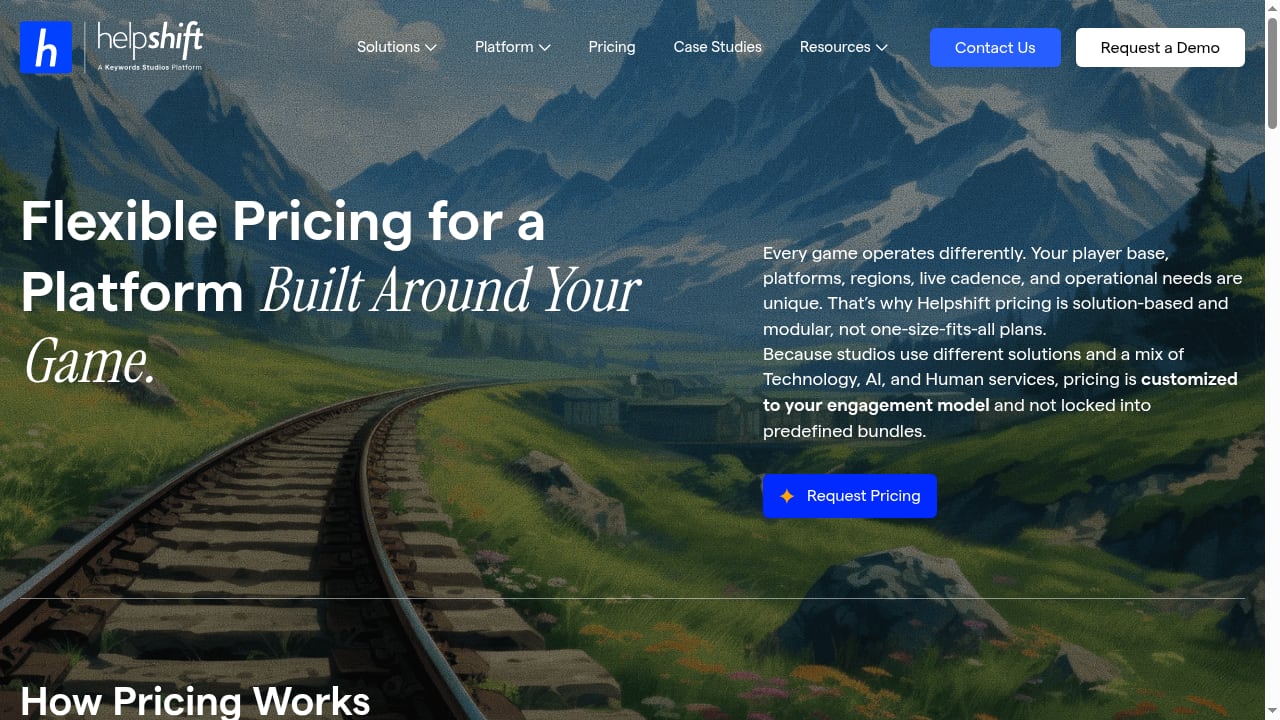
First viewport screenshot of Pricing | Helpshift.
Helpshift pricing is now quote-only. The official pricing page lists no plan names and no rates, describing pricing as "solution-based and modular" and routing you to a "Request Pricing" form. Quotes are assembled from interaction volume, which modules you activate, and your language and geography coverage.
For a sense of the shape, these are historical and third-party figures, not live published rates:
| Source | Model | Indicative cost |
|---|---|---|
| Helpshift official page | Quote-only, solution-based | No published numbers |
| eesel's Helpshift pricing writeup | Usage-based per ticket | ~$0.40 per ticket, $250/mo default cap |
| Featurebase comparison | Per seat + per resolution | ~$29/seat/mo + $0.29 per AI resolution |
| checkthat.ai profile | Starter tier + overage | ~$150/mo for 250 issues, $0.45 per extra |
| Free trial | No card required | 30-day trial |
The consistent signal is that Helpshift bills on interaction volume rather than per seat, which is the right model for support. The catch is opacity: you cannot budget against a number you cannot see, and reviewers note help and docs are gated behind the enterprise plan. If predictable, transparent pricing matters to you, that is a real friction point worth weighing against more open options. For a broader comparison of AI support pricing models, see our guide to Fin alternatives and how to evaluate AI customer service platforms.
Setup and Onboarding
Helpshift's setup is solution-based, with developer involvement required for SDK integration. Users on G2 report that macros, custom views, and queues make ticket handling fast once the platform is running. The catch is getting there: developers note that the iOS SDK integration can be fiddly, and a recurring theme in G2 feedback is that the most helpful resources sit behind the enterprise tier.
Deployment speed varies by module. QuickSearch Bot and content deflection deploy without developer help. Care AI and Custom Bots require configuration and knowledge base preparation. The in-game SDK requires engineering time.
For studios comparing setup effort across platforms, our Intercom vs HelpDesk vs Dixa comparison covers how AI support platforms differ in onboarding complexity and time-to-value.
What Real Users Say
Helpshift sits at a solid 4.3/5 on G2 from 381 reviews and 3.9/5 on Capterra, though Trustpilot is a rough 1.9/5. That last one is end-players venting about in-game support, not buyers, so weight it accordingly.
What people like:
- The polished in-app SDK
- Easy self-service FAQs
- Fast onboarding
- Macros, custom views, and queues for efficient ticket handling
A games player-experience lead on Capterra wrote that "the easily searchable FAQs have been extremely helpful for self service support."
What people do not like:
- Thin analytics and reporting
- Limited user role management
- Clunky PowerBI-based setup
- Views that are hard to manage as an admin
One Capterra reviewer summed it up bluntly:
"The analytics are thin and not quite usable. Management of user roles is extremely limited and messy. Views are a nightmare to manage as an admin and it's far too easy to break them."
That matters a lot for teams that need to slice agent-level metrics, track resolution quality, or build custom dashboards. If reporting depth is a priority, this is a real limitation to weigh.
Helpshift vs Zendesk: Different Problems, Different Tools
AI-Native Player Engagement Platform For Gaming | Helpshift product interface.
Helpshift and Zendesk solve different problems now. Helpshift is purpose-built for games, with an in-game SDK and modular, quote-based pricing. Zendesk is a broad, battle-tested suite that scales to large teams but gets expensive once you add AI, QA, and voice.
| Dimension | Helpshift | Zendesk |
|---|---|---|
| Best for | Live-service mobile and PC game studios | Mid-market to enterprise teams needing broad omnichannel support |
| Starting price | Custom quote only | $19/agent/month for Support Team |
| Free plan | No | No, only a 14-day trial |
| AI and automation | Gaming-trained AI agents for player support, QA, sentiment, and churn prediction | AI agents, Copilot, QA, and workforce tools, with advanced features sold as add-ons |
| Channels | In-game SDK, web, console, Discord, email, and phone | Email, live chat, messaging, voice, social, web forms, and help center |
| Setup | Solution-based onboarding with developer involvement for SDK setup | Admin-heavy setup that can take longer as channels and automations grow |
| Main strength | Purpose-built player support inside the game experience | Broad, mature support suite for complex teams |
| Main drawback | Too gaming-specific for most non-gaming support teams | Pricing and setup can get complicated once add-ons are involved |
If you are a SaaS or app company that fits neither extreme, a modern all-in-one may be a better starting point. For a ranked view of enterprise options, see our Top 10 conversational AI platforms for enterprise CX 2026.
Who Should Choose Helpshift
Helpshift is a strong fit if you:
- Run a live-service mobile or PC game with a global player base
- Need in-game support that keeps players inside the session
- Want gaming-trained AI for player support, QA, sentiment, and churn prediction
- Need trust and safety moderation and community AI trained on Discord and Steam
- Have the budget for custom, quote-based pricing and the engineering resources for SDK integration
Helpshift is a poor fit if you:
- Run a non-gaming support team (SaaS, ecommerce, healthcare, government)
- Need transparent, self-serve pricing you can budget against before talking to sales
- Require deep analytics and custom reporting out of the box
- Want broad omnichannel coverage across email, chat, voice, social, and messaging apps
- Need a free plan or low-cost entry point
Decision Criteria: How to Evaluate Helpshift
Top-7-Omnichannel-Customer-Support-Platforms-for-Gaming.
If you are considering Helpshift, evaluate it on these six criteria:
- Volume elasticity — Does the platform provision more capacity automatically during a launch spike, or does someone need to manually raise a limit?
- Pricing model at peak — What happens to your bill during a 10x spike week, not on an average month? Get Helpshift to model your actual peak volume.
- Deployment speed — From signed contract to a live agent handling real player traffic, how many days? Get an actual number tied to your knowledge base size.
- Integration and SDK depth — Does this run natively in-game, or does it redirect players to a browser? The gap shows up in CSAT.
- Compliance posture — Which of SOC 2, ISO 27001, GDPR, and COPPA are certified today, not roadmapped? Studios processing minors' data or in-game payments cannot wait on a vendor's compliance backlog.
- Multilingual coverage — Does language coverage hold up on gaming-specific terms, or does it degrade into generic machine translation?
For a broader framework on evaluating agentic support platforms, see our Top 10 agentic B2B support platforms 2026.
Related reading
- Envoy Qualified Pipeline with Intercom: 33% Lead Playbook - How Envoy generates 33% of its qualified pipeline through Intercom live chat, plus a step-by-step playbook to qualify, route, and sync leads faster.
- How to Use Intercom with Slack: Setup, Workflows & Tips - Connect Intercom and Slack to route conversations, tickets, and alerts into channels. Step-by-step setup, Fin AI Agent in Slack, workflows, and best practices.
Sources and further reading
- Helpshift AI review (2026): is its deflection-first AI worth it? - A hands-on Helpshift AI review for 2026: Care AI, QuickSearch Bot, real pricing, the deflection-rate trap, and who Helpshift actually fits after its gaming pivot.
- Helpshift vs Zendesk: Which Should You Choose? - Helpshift vs Zendesk compared on AI, channels, pricing, and support quality - plus who each tool actually fits in 2026.
- 11 Best AI Support Platforms For Gaming Studios In 2026 - Compare 11 AI support platforms for gaming built to absorb launch spikes. See pricing, in-game SDKs, and automation depth to find the right fit for your studio.
FAQ
Is Helpshift only for game studios now?
Effectively, yes. Helpshift has repositioned as an AI-native player engagement platform for gaming. Its case studies, roadmap, and pricing all assume you run a live-service title. Non-gaming teams can still use it, but most of the platform is built for a workflow you do not have.
How much does Helpshift cost?
Helpshift pricing is quote-only. The official page lists no plan names or rates, describing pricing as "solution-based and modular." Third-party sources cite figures like ~$0.40 per ticket, ~$29/seat/mo plus $0.29 per AI resolution, or ~$150/mo for 250 issues. Treat these as historical signals, not live rates.
What is the deflection-rate trap?
Deflection measures whether a player reached a human, not whether they were helped. A high deflection rate with low CSAT can mean you are blocking players from help. Always ask for customer-confirmed resolution rate and CSAT together, not deflection alone.
Does Helpshift have a free trial?
Yes, Helpshift offers a 30-day free trial with no credit card required, according to third-party sources. The official pricing page routes you to a "Request Pricing" form.
How does Helpshift compare to Zendesk?
Helpshift is purpose-built for games with an in-game SDK and gaming-trained AI. Zendesk is a broad, general-purpose suite with published per-seat pricing and deeper analytics, but it gets expensive once you add AI, QA, and voice. They solve different problems.
What are Helpshift's biggest weaknesses?
The most consistent complaints are thin analytics and reporting, limited user role management, clunky admin views, and opaque quote-only pricing. Setup requires developer involvement for SDK integration.
Conclusion
Helpshift is a serious, purpose-built option for game studios that need in-game player support, gaming-trained AI, trust and safety moderation, and community engagement in one platform. Its scale is real, its AI architecture is thoughtful, and its flow builder is one of the strongest features in the category.
The catch is that Helpshift is no longer built for everyone. If you run a non-gaming support team, need transparent pricing you can budget against, or require deep analytics out of the box, Helpshift will likely frustrate you. If you run a live-service game with a global player base and the engineering resources to integrate an in-game SDK, Helpshift is worth a serious evaluation.
The single most important thing you can do is refuse to buy on deflection alone. Ask for customer-confirmed resolution rate and CSAT together, model your peak volume against their pricing, and test the handoff path with real player scenarios before you commit.