How to Use Gladly: A Practical Setup Guide for Support Teams
How to Use Gladly: A Practical Setup Guide for Support Teams
Gladly is a customer service platform built around people rather than tickets. Instead of forcing agents to juggle case numbers, it keeps every customer interaction in one continuous, lifelong conversation thread across voice, email, chat, text, and social messaging. For teams evaluating or onboarding Gladly, the real question is practical: what do you actually need to configure, test, and monitor before going live?
This guide walks through the core setup flow, from understanding Gladly's AI configuration model to testing responses and tracking performance. You'll also see how Gladly compares with AI-first platforms like Intercom, which takes a similar automation-first approach but with a different product structure.
Understand the Gladly Guides Interface
Product image.
Gladly AI is powered by Guides, which are plain-language workflows that shape how the AI engages with customers. Before you configure anything else, it helps to understand the two layers that control Gladly's behavior.
Gladly Agents
Each organization can have one or more Gladly Agents. An Agent represents a distinct configuration of how Gladly should behave for a specific use case, brand, team, or channel. This separation lets you tailor personality, tone, and escalation rules without affecting other workflows.
Every Gladly Agent contains three Behavioral Tiles:
- Basics — defines the AI's identity, including how it introduces itself, your company name, and a basic company description.
- How to Speak to Customers — controls tone and voice. You can specify phrases to use or avoid, how to respond to frustrated customers, and channel-specific variations for voice, chat, and email.
- When to Get More Help — determines escalation triggers, such as repeated requests for a human, legal concerns, or sensitive situations. You can also customize the handoff message shown before a human agent joins.
Individual Guides
Guides are task-specific workflows written in plain language. While many Guides handle actions like canceling an order, the Questions and Recommendations Guide is the one you should configure first because it's the fastest path to going live.
This default Guide answers general customer inquiries using information already available in your Public Answers and public website content. It's ideal when:
- The inquiry can be answered with standard public information.
- Your website already provides the needed details.
- The scenario doesn't require task-specific logic, complex workflows, or third-party integrations.
For more specialized use cases, you can create additional Guides later. But starting with Questions and Recommendations gives you a reliable foundation.
Set Up the Questions and Recommendations Guide
Getting Gladly live starts with configuring the knowledge sources that the Questions and Recommendations Guide can reference. There are two primary sources to manage.
Public Answers
Public Answers are your approved knowledge base content. When configuring the Guide, you can specify:
- Language — limit responses to content in specific languages.
- Audience — restrict which Answers Gladly can use.
- Focused answer sets — narrow the content Gladly references to only what you approve.
A stronger set of Public Answers directly improves Gladly's effectiveness. For content you want Gladly to use but not make public, create a dedicated Audience, such as "Gladly AI Answers," and assign the appropriate materials to it.
Websites
Gladly can also pull from public website pages to enrich responses. This is useful for product details and other content you don't want to duplicate in Public Answers. You can:
- Select from available website URLs.
- Include or exclude specific URL paths to refine what Gladly references.
This filtering step matters. Giving Gladly access to the right website content while excluding irrelevant pages keeps responses accurate and on-brand.
Test Your Gladly AI Responses
Before going live, use the built-in Tester to simulate customer conversations. The tester lets you:
- Type questions as if you were a customer.
- Review how Gladly would respond.
- Adjust your Guide and test again.
This iterative loop is where most of the refinement happens. Test for tone, content source accuracy, and escalation logic. If Gladly gives an off-brand answer, revisit the How to Speak to Customers tile. If it fails to escalate when it should, adjust the When to Get More Help tile.
Track Gladly AI Performance

Clouds.
Once Gladly is live, Journeys is the primary place to gauge performance and spot improvement opportunities. The Guides Performance page provides an initial view of how well your Guides are handling customer interactions.
Regularly review:
- Resolution patterns — which questions Gladly handles well versus which ones escalate frequently.
- Escalation triggers — whether the right situations are being handed off to human agents.
- Knowledge gaps — recurring questions that suggest missing Public Answers or website content.
Use these insights to update your Guides and knowledge sources continuously. Gladly improves most when you treat setup as an ongoing process rather than a one-time task.
Gladly vs. AI-First Platforms Like Intercom
Product image.
Gladly's people-centric model is distinctive: one lifelong conversation thread per customer, regardless of channel. This works especially well for retail and e-commerce brands that want deep customer context across repeat interactions.
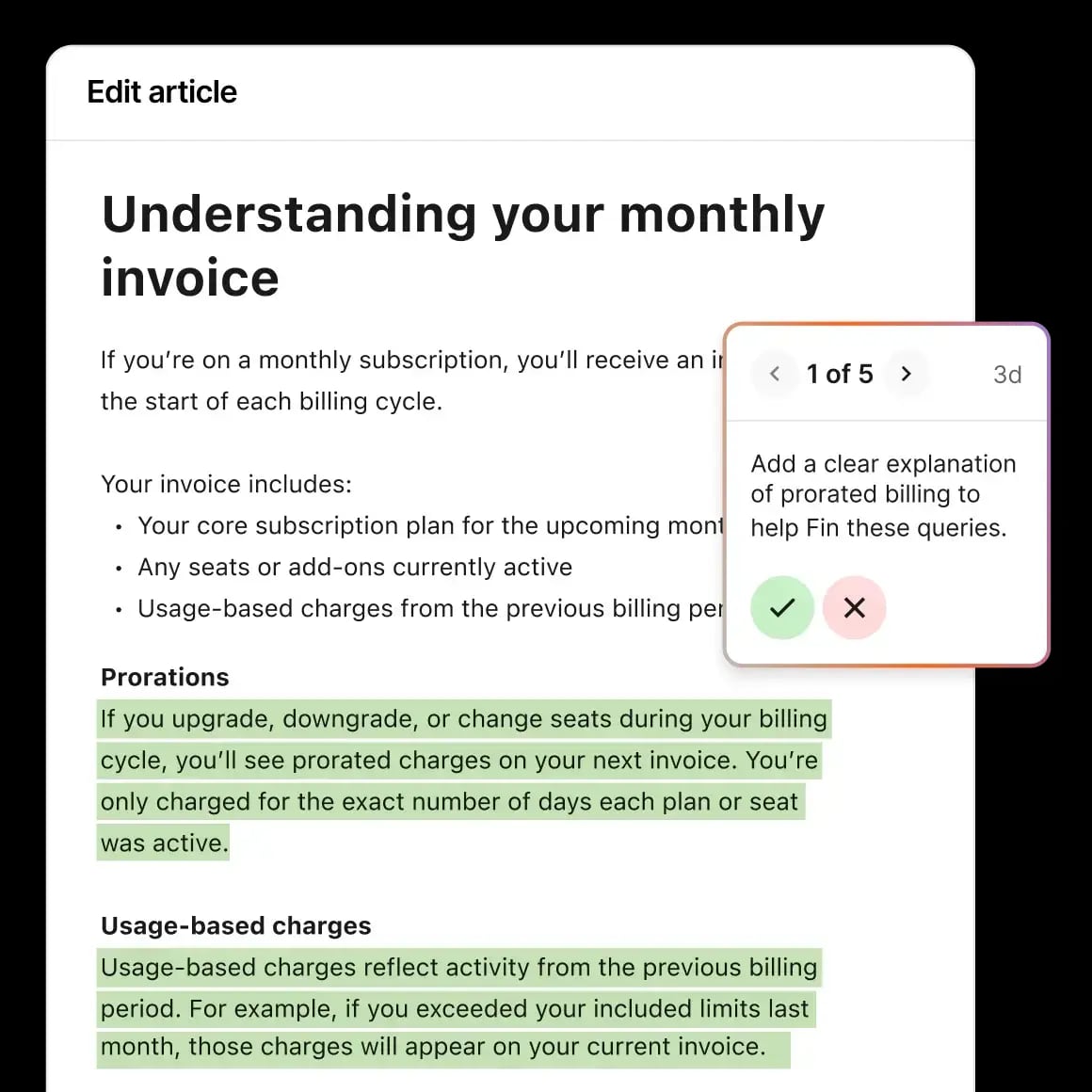
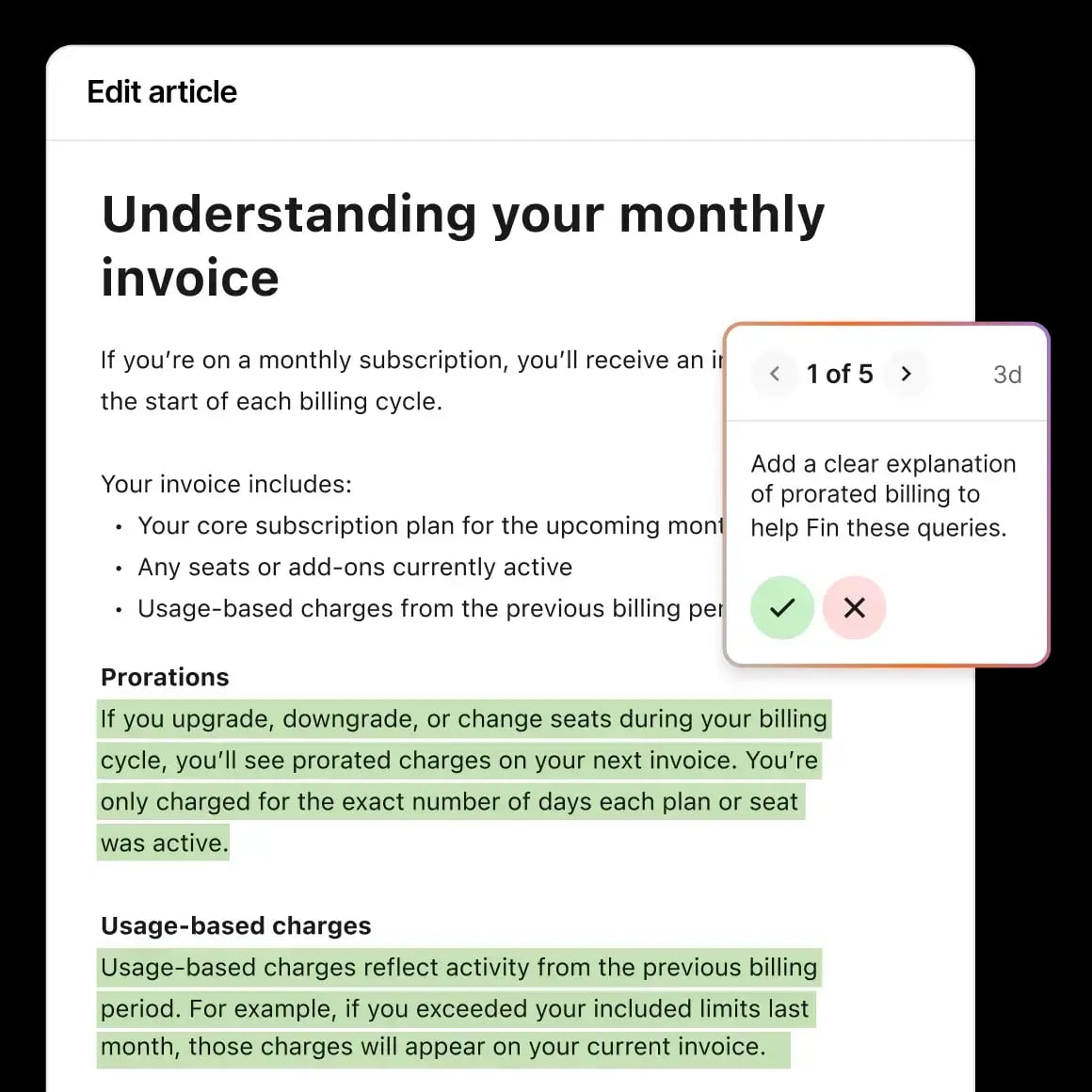
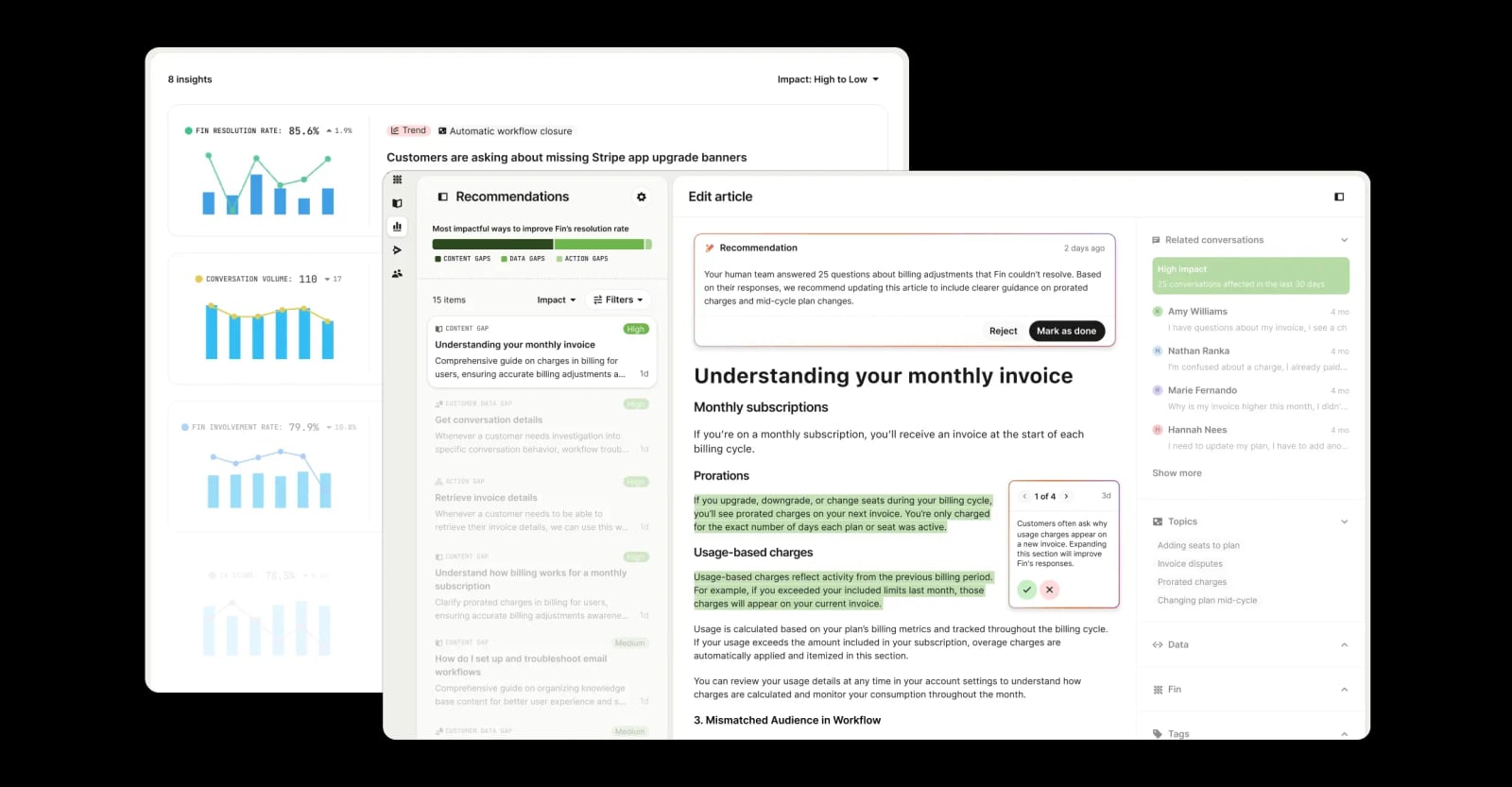
Intercom takes a different but complementary approach. As an AI-first customer service platform, Intercom centers on its natively integrated AI Agent, Fin, which resolves customer questions automatically within a shared inbox. Intercom also includes a Copilot assistant for human agents, AI Insights for analytics, and outbound messaging capabilities. Both platforms aim to reduce manual workload, but Intercom's AI Agent is embedded directly into the helpdesk rather than configured primarily through separate Guides.
If you're comparing platforms, the decision often comes down to workflow philosophy. Gladly emphasizes relationship continuity and guide-based AI configuration. Intercom emphasizes AI resolution at the point of contact, with workflow automation built into the core helpdesk. Teams evaluating both should map their highest-volume customer scenarios and test how each platform handles them.
For a deeper look at how Intercom compares with other support tools, see Intercom vs Olark: Which Support Platform Wins in 2026? and Intercom vs Pylon vs Gorgias: Which Support Platform Wins?.
Getting Started Checklist
Product UI.
If you're onboarding Gladly for the first time, follow this sequence:
- Review the Guides interface — understand Agents and Behavioral Tiles before making changes.
- Configure the Basics tile — set the AI's identity and company context.
- Define tone in How to Speak to Customers — include phrases to use and avoid.
- Set escalation rules in When to Get More Help — decide what triggers a human handoff.
- Prepare the Questions and Recommendations Guide — connect Public Answers and website sources.
- Test responses — simulate real customer questions and refine.
- Go live and monitor — use Journeys and the Guides Performance page to track results.
Related reading
- How to Use Intercom with Beam AI: Setup & Workflows - Learn how to connect Intercom and Beam AI for agentic automation. Step-by-step setup, practical workflows, and examples for support teams.
- Crisp Review 2026: AI Support Platform Tested - Evidence-based Crisp review covering AI agent automation, omnichannel inbox, pricing signals, setup, limitations, and who should choose Crisp in 2026.
Sources and further reading
- New to Gladly (AI)? Start Here - Everything you need to learn and be successful in Gladly.
- Gladly Product Demo - YouTube - Enjoy the videos and music you love, upload original content, and share it all with friends, family, and the world on YouTube.
- How to Use Gladly: A Comprehensive Guide - Learn how to use Gladly with this comprehensive guide. Explore its features, best practices, and how it integrates with Guru to solve modern workplace challenges.
Frequently Asked Questions
What is the fastest way to go live with Gladly?
Configure the Questions and Recommendations Guide first. It uses your existing Public Answers and website content to handle general inquiries without requiring custom Guides or integrations.
How do I control Gladly's tone and voice?
Use the How to Speak to Customers Behavioral Tile. You can specify phrases to use or avoid, response length, active voice preferences, and channel-specific variations for voice, chat, and email.
When should Gladly escalate to a human agent?
Escalation is controlled by the When to Get More Help tile. Common triggers include repeated requests for a human, legal concerns, and sensitive or complex situations. You can also customize the handoff message.
Can Gladly use my website as a knowledge source?
Yes. You can select website URLs and optionally include or exclude specific paths to control which pages Gladly references when generating responses.
How do I test Gladly before going live?
Use the built-in Tester to simulate customer conversations. Type questions, review Gladly's responses, adjust your Guides, and test again until the behavior matches your expectations.
How does Gladly compare to Intercom?
Gladly focuses on people-centric conversation threads and Guide-based AI configuration. Intercom is an AI-first helpdesk with a natively integrated AI Agent, Fin, plus Copilot for agents and AI Insights for analytics. The right choice depends on whether you prioritize relationship continuity or embedded AI resolution within the inbox. For a practical comparison, see Intercom vs Olark: Which Support Platform Wins in 2026?.
Conclusion
Learning how to use Gladly comes down to mastering three layers: Agents and Behavioral Tiles for identity and tone, Guides for task-specific workflows, and knowledge sources for accurate answers. Start with the Questions and Recommendations Guide, test iteratively, and use performance data to refine continuously.
Whether you choose Gladly's people-centric model or an AI-first platform like Intercom, the goal is the same: faster, more personal customer experiences without overloading your team. The platform that fits best is the one that matches how your support team actually works day to day.
For more on building efficient support workflows, explore Workflow Automation: A Practical Guide to Smarter Processes.