How to Use Intercom with Beam AI: Agentic Automation Guide
How to Use Intercom with Beam AI: Agentic Automation Guide
Intercom handles the conversation. Beam AI handles the work behind it. When you connect the two, your support team stops being the glue between systems — and your customers stop waiting while someone copies data from one tool to another.
This guide explains how Intercom's natively integrated Fin AI Agent and Beam AI's agentic automation platform complement each other, how to set up the connection, and which workflows deliver the fastest payoff.
Why combine Intercom with Beam AI?
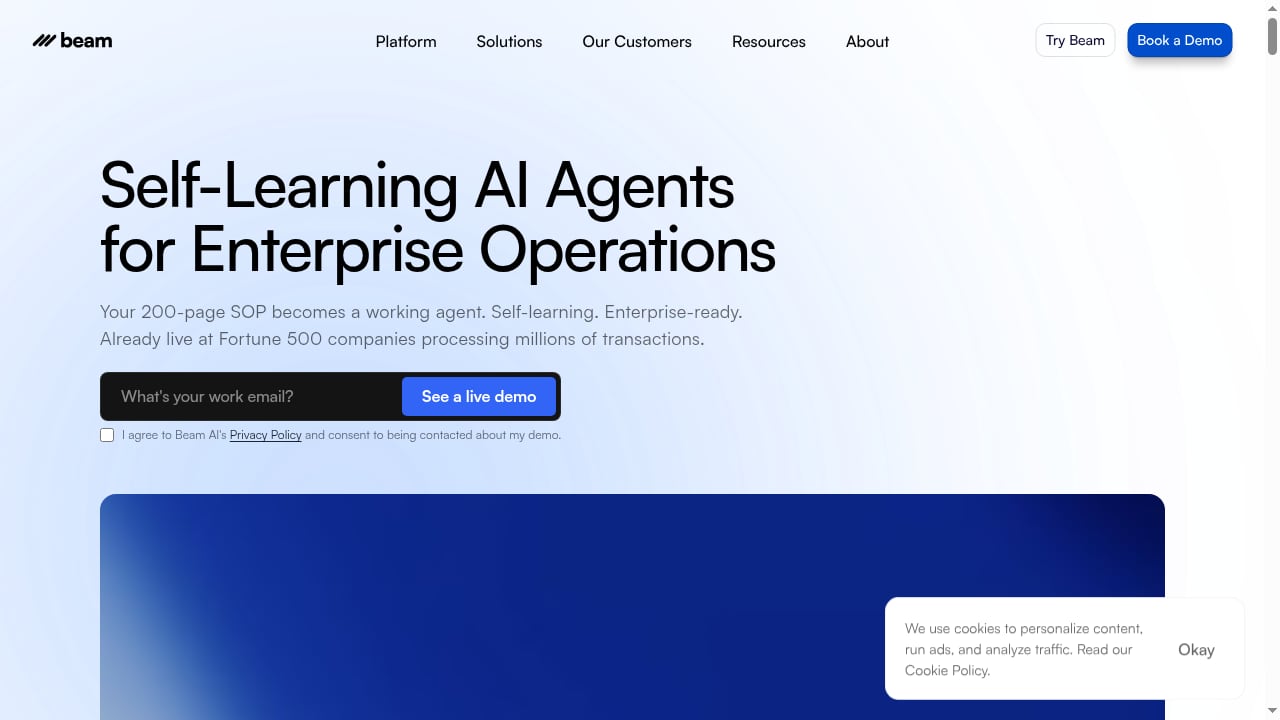
First viewport screenshot of Leading Platform for Agentic Automation & AI Agents | Beam AI.
Intercom is an AI-first customer service platform: a helpdesk, an omnichannel inbox, and Fin, an AI Agent built into the same system. Fin resolves a large share of routine conversations — Intercom reports average resolution rates around 76% across more than 12,000 customers — and escalates the rest to humans with full context.
Beam AI is an agentic automation platform. Instead of answering questions, its AI Agents execute multi-step processes across the tools your business already runs — CRMs, ERPs, billing systems, logistics, internal databases — with connectors you configure and human review paths for exceptions.
The gap each fills is different:
- Intercom answers and routes. It knows what the customer asked, who they are, and what happened in past conversations.
- Beam AI acts. It can refund an order, update a subscription, provision an account, or reconcile records across systems.
Put together, a customer conversation becomes a trigger for real work — not a ticket that a human has to translate into five manual steps.
How the two platforms fit together
First viewport screenshot of Industry Solutions for Implementing AI Agents | Beam AI.
Think of the stack in three layers:
- Conversation layer (Intercom). Fin handles first-line questions. The helpdesk inbox, ticketing, and Copilot support human reps on complex cases.
- Orchestration layer (Beam AI). Beam agents receive a structured request — customer ID, issue type, desired outcome — and run the process across connected systems.
- Systems of record. Your CRM, billing platform, data warehouse, or fulfillment tool. Beam writes back the result; Intercom surfaces it to the customer.
The handoff is the important part. Intercom stays the single source of truth for the customer relationship, while Beam AI becomes the execution engine for anything that requires touching another system.
Setup: connecting Intercom and Beam AI
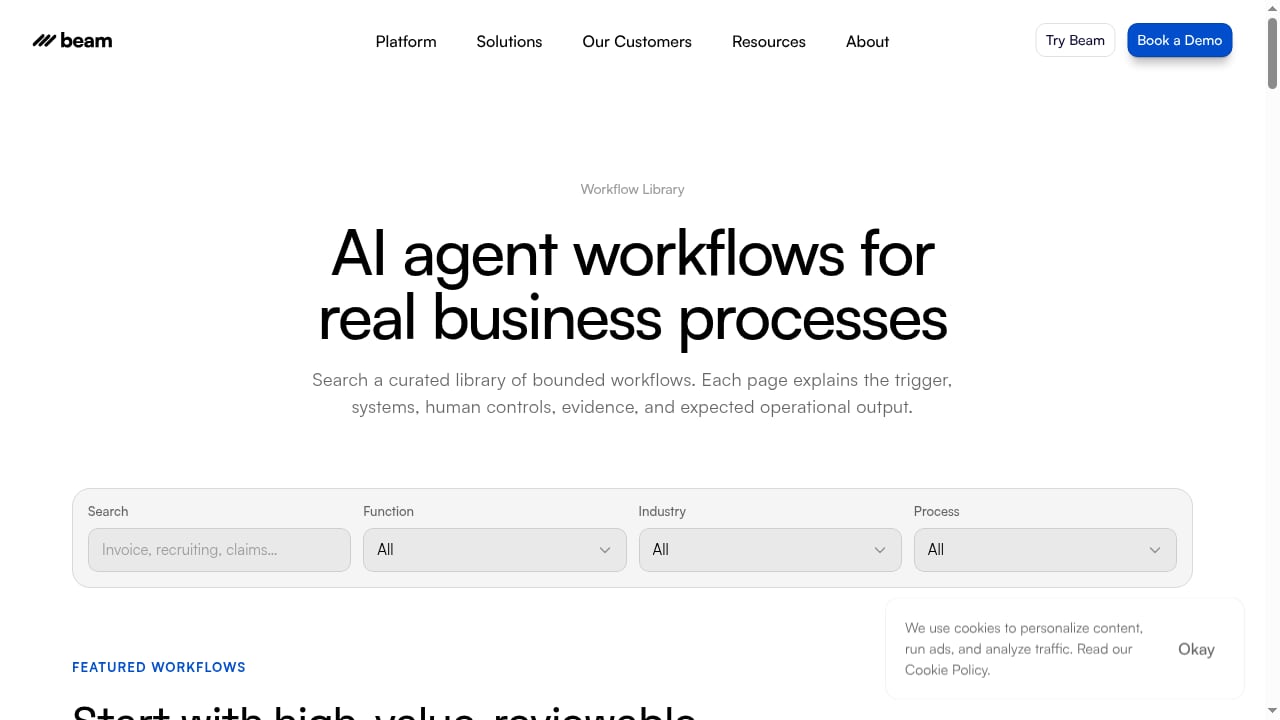
First viewport screenshot of AI Agent Workflow Use Cases | Beam AI.
Exact screens and field names change as both products ship updates, so treat this as a sequence rather than a click-by-click script.
Step 1: Define the outcome, not the tool
Before opening either admin panel, write down the process in one sentence: "When a customer reports a failed payment, verify the charge in the billing system, retry it once, and confirm the result in the conversation." Beam agents work best when the goal and the exception path are explicit.
Step 2: Prepare Intercom
- Confirm which teams and inboxes will trigger automation.
- Decide which attributes Beam needs — customer ID, plan tier, order number, region.
- Review what Fin already resolves so you do not automate a step the AI Agent already handles.
- Generate API credentials with the minimum scopes required for the workflow.
Step 3: Build the Beam agent
In Beam, assemble the workflow from connectors to your downstream systems. Keep three things visible at every step: the next action, the owner, and the connector permissions. Add a human review path for exceptions — refunds above a threshold, accounts flagged for fraud, or any case where a required field is missing.
Step 4: Wire the trigger
Use Intercom's APIs and webhooks to pass structured events to Beam — a new conversation tag, a custom attribute change, or a ticket update. Beam returns a status the helpdesk can display, so the customer sees progress instead of silence.
Step 5: Test with real conversations
Run historical tickets through the workflow before going live. Watch for two failure modes: agents acting on stale data, and exceptions that never reach a human. Both are configuration problems, not model problems.
Step 6: Monitor and tighten
Track resolution rate, automation success rate, and exception volume weekly. Intercom's reporting shows how conversations perform; Beam shows how the underlying process performs. Read them together.
Practical workflow examples
Subscription changes and billing disputes
A customer asks to downgrade. Fin confirms the request and collects the account identifier. Beam verifies the current plan, checks for an active contract, applies the change in the billing system, and returns a confirmation. If the contract blocks the change, Beam routes it to the account owner instead of failing silently.
Order issues in ecommerce
A delivery is late. Intercom captures the order number. Beam queries the fulfillment system, checks the carrier status, and either issues a replacement or opens a case with the logistics provider. The customer gets one clear answer in the same thread.
Lead qualification and routing
A prospect asks about enterprise pricing. Fin qualifies on company size and use case. Beam enriches the record, checks for an existing opportunity in the CRM, and assigns the right owner. This is the same pattern behind Envoy's qualified pipeline playbook with Intercom, where live chat feeds a structured qualification process rather than a generic contact form.
Internal escalations
When Fin cannot resolve a case, Beam can gather the diagnostic data a human needs — recent errors, account history, entitlement status — and attach it to the ticket before the rep opens it. Reps start with answers instead of questions.
Where the combination solves real problems
First viewport screenshot of Our Case Studies: AI Agents & Agentic Automation | Beam AI.
- Manual swivel-chair work. Reps stop switching between the helpdesk and three other tools to complete one request.
- Inconsistent execution. Beam agents follow the same steps every time, which matters for compliance-sensitive processes.
- Slow resolution on multi-system issues. The bottleneck is usually not the answer but the action.
- Poor visibility. Because Intercom stays the conversation record and Beam logs the process, you can trace what happened end to end.
Decision guidance: when is this the right stack?
| Situation | Intercom + Beam AI |
|---|---|
| High volume of questions answerable from a knowledge base | Intercom alone may be enough |
| Requests that require changes in other systems | Strong fit — this is where Beam adds value |
| Regulated processes needing audit trails | Strong fit, provided review paths are configured |
| Very small team, single system of record | Probably over-engineered for now |
If your main question is which helpdesk to standardize on, comparisons like Intercom vs HelpDesk vs Dixa are a better starting point. If your question is how to get work done across systems without hiring more ops staff, the Intercom and Beam AI combination is the more relevant conversation.
Best practices
- Keep Intercom as the customer-facing layer. Customers should never see the orchestration.
- Start with one workflow. Prove it, measure it, then expand.
- Design exceptions first. The happy path is easy; the edge cases decide whether automation is trusted.
- Limit connector permissions. Give each agent only the access its workflow requires.
- Review Fin and Beam performance together. A drop in Fin resolution may be a downstream process failure, not a knowledge gap.
Related reading
- Intercom vs Next-Gen Slack Helpdesk vs Help Scout (2026) - Compare Intercom, the Next-Gen Helpdesk in Slack, and Help Scout on AI resolution, channels, pricing, and Slack workflows to pick the right support platform.
- Intercom vs CM.com: AI Helpdesk or Conversational Suite? - Intercom vs CM.com compared: Fin AI Agent and helpdesk depth versus CM.com's messaging, payments, and HALO AI. Features, pricing signals, and who fits.
- Helpshift Review 2026: AI Player Engagement for Game Studios - Evidence-based Helpshift review: Care AI, QuickSearch Bot, Guard AI, pricing signals, setup, limitations, and who it fits in 2026.
Sources and further reading
- Intercom AI Agent – How AI Agents Work with Intercom & Best Use Cases - Discover how AI agents work with Intercom, their key benefits, and best use cases. Learn how AI-powered automation enhances Intercom workflows.
- Intercom | A complete system for human and AI customer service - Intercom is the only helpdesk with a natively integrated AI Agent, Fin, meaning every customer conversation improves the next one, enabling perfect experiences that were never possible before.
- Integrations for AI Agents | Beam AI - Explore the numerous AI Agent integrations on offer with Beam. Automate processes as you plug in existing taskflows from Slack, Zendesk, Salesforce, Shopify, and others.
FAQ
Does Intercom have a native AI agent?
Yes. Fin is natively integrated into the Intercom helpdesk, sharing the same inbox, customer record, and knowledge base as your human team. That is different from bolting a third-party bot onto a traditional helpdesk.
What does Beam AI add that Fin does not?
Fin resolves conversations. Beam AI executes processes across other systems. If a request ends with "and then update the CRM," that second half is Beam's job.
Do I need developers to connect them?
You need someone comfortable with APIs, webhooks, and connector configuration. Beam is designed to build and deploy agents quickly, but the integration design — triggers, permissions, exception handling — still requires technical ownership.
Will this replace support agents?
It changes what they do. Routine, multi-step requests get handled automatically; humans focus on judgment calls, escalations, and relationship-heavy conversations.
How do I measure success?
Track three numbers: the share of conversations resolved without human involvement, the success rate of automated processes, and the volume of exceptions. Improvements in all three indicate the stack is working.
Conclusion
Intercom gives you a complete system for human and AI customer service. Beam AI gives that system hands. The integration is not about replacing your helpdesk with automation — it is about making sure that when a customer asks for something, the answer and the action happen in the same conversation.
Start with one process that currently costs your team the most manual effort. Connect it, measure it, and let the results decide what comes next.