How to Use Intercom with Conversational AI and APIs for SMS, Email, Voice

How to Use Intercom with Conversational AI and APIs for SMS, Email, Voice
Intercom brings AI-first customer service together in one helpdesk, with Fin as a natively integrated AI Agent. Twilio provides the APIs for SMS, RCS, voice, and email that many businesses already use to reach customers. Connecting the two lets Fin resolve questions and take actions across every channel, while your team keeps full context in a single inbox.
This article explains how the two platforms work together, how to set them up, and what practical problems the combination solves.
Why combine Intercom with conversational AI and communication APIs?
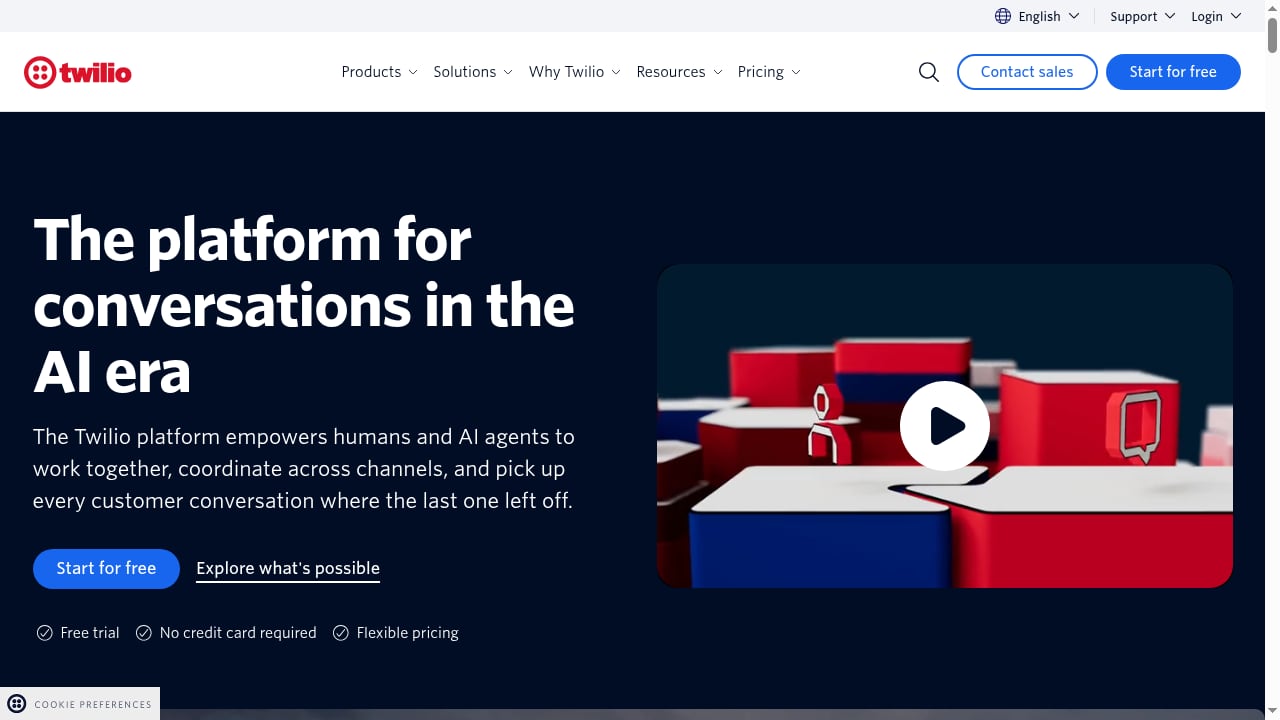
First viewport screenshot of Conversational AI and APIs for SMS, Email, Voice.
Most support teams face the same problem: conversations arrive on many channels, but the tools that handle them are disconnected. SMS sits in one system, email in another, voice in a third. Agents switch tabs, customers repeat themselves, and AI agents only see a fraction of the history.
Intercom solves the helpdesk side. It unifies email, phone, SMS, WhatsApp, and chat in one workspace, and Fin can resolve common questions automatically using your help content. Twilio solves the channel side. Its APIs for SMS, RCS, voice, and email, plus conversational AI and identity verification, let you build and control the communication layer.
Together, the combination addresses three gaps:
- Channel coverage. Fin can work with messaging data from Twilio channels, so AI support is not limited to the web Messenger.
- Context. Past SMS and voice interactions can be exposed to Fin through a data connector, producing more accurate, personalized answers.
- Action. Data connectors support read and write operations, so Fin can do more than answer questions, such as processing refunds or updating accounts in connected systems.
If you are still deciding on the core AI helpdesk, our comparison of Intercom, Zendesk, and ClickDesk AI agents covers how native Fin automation differs from other approaches.
How Intercom and Twilio fit together
First viewport screenshot of Twilio Product Changelog and Announcements.
Intercom and Twilio play different roles in the same stack.
| Layer | Intercom | Twilio |
|---|---|---|
| Primary role | AI-first helpdesk with Fin AI Agent | Cloud communications and customer engagement APIs |
| Channels | Email, phone, SMS, WhatsApp, chat, social | SMS, RCS, voice, email APIs |
| AI | Fin resolves conversations and hands off to agents | Conversational AI for smarter engagement |
| Data flow | Helpdesk inbox, tickets, reporting, knowledge base | Messaging history, voice interactions, channel data |
| Trust | Human and AI customer service in one system | Identity verification for trust |
In practice, Intercom is where conversations are resolved and measured. Twilio is where the communication infrastructure lives. The bridge between them is an API data connector that exposes Twilio messaging data to Fin.
Prerequisites before you start

Conversational AI and APIs for SMS, Email, Voice product interface.
Before connecting anything, confirm the following:
- An Intercom workspace with the Helpdesk inbox, tickets, and reporting set up.
- Fin AI Agent enabled and trained on your support content.
- A Twilio account with the SMS, voice, or email services you plan to use.
- Authentication ready: the connector requires JWT or email OTP user authentication to go live in production.
- A production workspace for testing. Data connectors can only be fully tested in production, not in test workspaces.
A strong knowledge base matters more than any integration. Fin performs best when your public and internal articles are clean and current. If you are new to Fin, start with how to use Intercom with Fin for setup, knowledge sources, Procedures, and handoff.
Step-by-step setup

Conversational AI and APIs for SMS, Email, Voice product interface.
Step 1: Connect your channels in Intercom
Start by making sure customers can reach you. Install the Messenger for both visitors and logged-in users, then enable the channels you support.
- Email. Verify your domain, allow forwarding from your support address to Intercom, and configure the sender address so replies come from the same address customers wrote to.
- Phone and SMS. Connect these channels so your team can respond from one place.
- Other channels. Add WhatsApp, Instagram, or Facebook if your customers use them.
This step matters because it collects the data used for personalization, gives Fin conversations to resolve, and enables outbound messaging.
Step 2: Build the knowledge base Fin will use
Create public help articles or import your existing knowledge base, then decide which content Fin can access. Add internal articles from tools like Confluence, Guru, or Notion if you want Copilot to assist teammates in the inbox.
Good content early is what allows Fin to resolve a large share of inbound conversations. Without it, no connector will produce useful answers.
Step 3: Create the Twilio data connector
In Intercom, go to Fin AI Agent → Train → Tasks → Manage Data connectors and create a custom connector for Twilio, or start from an AI recommendation.
Then:
- Set up the API call to your Twilio system.
- Configure request parameters and authentication, using token-based or OAuth methods.
- Map the response fields Fin should use, such as SMS history, voice interactions, and channel data.
This is the step that lets Fin reference past customer interactions across Twilio channels and use that data in conversations, Workflows, and Procedures.
Step 4: Configure simple automations for first contact
Simple automations shape what happens when a user or lead starts a conversation. Useful options include:
- A short delay before task bots trigger during office hours.
- A form that collects context upfront, such as an urgency attribute, so urgent requests can be triaged faster.
- A typical reply time message that sets expectations.
- Conversation ratings after a conversation closes.
For leads, you can require an email for new conversations, route existing customers to support, collect contact details, and qualify leads with follow-up rules. For example, if a lead says their industry is ecommerce, you can assign a sales rep to follow up.
One behavior to remember: if a customer-facing workflow is still active when a conversation closes, the rating request may not send, because the conversation is not fully resolved from the system's perspective.
Step 5: Test with a specific audience
Before going live, preview Fin and interact with it in the Messenger. Then use audience rules to test internally with teammates or with a small group of customers. Because connectors can only be fully tested in production, plan a controlled rollout rather than relying on a test workspace.
Step 6: Connect the rest of your stack
Once the essentials work, bring in your other apps and custom data. Determine what data you need to personalize the experience, then create and organize it inside Intercom. This is also the point to set up outbound messages, email templates, and subscription management if you plan proactive outreach.
Practical examples
Example 1: SMS history improves Fin's answers
A customer texts about a delayed order. Fin uses the Twilio connector to read their SMS history and channel data, sees the original order confirmation, and gives a specific answer instead of a generic one. If the request needs a human, Fin hands off in the same workspace with the full conversation attached.
Example 2: Fin takes action, not just answers
Because data connectors support write operations, Fin can process a refund, update an account, or modify a subscription in a connected system. The customer gets a resolution in the channel they used, and your team sees the action in the helpdesk.
Example 3: Voice and messaging in one thread
A customer calls, then follows up by email. With voice interactions and channel data exposed to Fin, the follow-up is handled with awareness of the earlier call, so the customer does not repeat the problem.
Example 4: Lead qualification over SMS
A website visitor starts a chat. A simple automation asks whether they are an existing customer, collects contact details, and qualifies them. If they opt to be notified by SMS and leave a phone number, the bot sends an SMS with a link to the mobile web Messenger.
Decision guidance: when this combination fits
This setup suits teams that already run communications on Twilio APIs and want AI resolution on top, or teams that need SMS, voice, and email in one helpdesk with an AI agent that can act on data.
It may be less suitable if you only need web chat, or if you cannot meet the authentication requirement for production connectors. Cost is another factor: Fin resolution pricing and seat-based plans affect total spend, which we break down in Intercom pricing for AI-first helpdesk costs.
For a broader view of how AI contact center platforms compare, see our NiCE CXone review.
Common problems this combination solves
- Fragmented channels. Instead of separate tools for SMS, email, and voice, conversations land in one inbox.
- AI that lacks context. Twilio messaging and voice data give Fin the history it needs for accurate answers.
- Repetitive questions. A solid knowledge base plus Fin resolves common queries before they reach an agent.
- Manual follow-up. Automations collect context, route leads, and set reply expectations without human effort.
- Trust and verification. Twilio's identity verification adds a layer of trust for sensitive interactions.
Related reading
- Intercom vs OTRS: AI Helpdesk or ITSM Suite Compared - Intercom vs OTRS compared for customer service, ITSM, ISMS, and SOAR needs. See where Intercom's native Fin AI Agent wins and where OTRS fits better.
FAQ
Does Intercom natively include SMS, voice, and email?
Intercom supports omnichannel communication including email, phone, SMS, and WhatsApp, so your team can handle conversations in one place. Twilio adds API-level control over SMS, RCS, voice, and email, and exposes that channel data to Fin through a connector.
What does the Twilio data connector actually do?
It exposes Twilio messaging data to Fin, including SMS history, voice interactions, and channel data. Fin can then reference past interactions, use channel data for context-aware responses, and use that data in conversations, Workflows, and Procedures.
Can Fin take actions in other systems?
Yes. Data connectors support both read and write operations. Fin can fetch data to personalize answers and execute actions such as processing refunds, updating accounts, or modifying subscriptions in connected systems.
Why can't I test the connector in a test workspace?
Data connectors require JWT or email OTP user authentication to go live, and they can only be fully tested in production. Plan a controlled production rollout with audience rules instead.
Why didn't a conversation rating send after closing?
If a customer-facing workflow was active when the conversation closed, the rating may not send. The workflow stays active in case the customer returns, so the conversation is not fully resolved from the system's perspective. Ratings send reliably on conversations closed without an active workflow.
How do leads get notified of a reply by SMS?
When leads choose SMS notification and leave a phone number, the bot sends them an SMS about your reply. Tapping the link opens the mobile web Messenger where they can read the message.
Conclusion
Intercom and Twilio solve different halves of the same problem. Intercom provides the AI-first helpdesk where Fin resolves conversations and hands off to humans. Twilio provides the APIs for SMS, voice, and email that carry those conversations, plus the data that makes AI answers accurate.
The setup follows a clear order: connect channels, build the knowledge base, create the Twilio data connector, configure simple automations, test with a specific audience, then expand to the rest of your stack. Get those steps right and you gain AI support that works across every channel your customers actually use.
For official setup details, see Getting started with Intercom, Simple automations explained, and the Intercom + Twilio integration page.