IT Service Desk Automation: A Practical 2026 Guide
IT Service Desk Automation: A Practical 2026 Guide
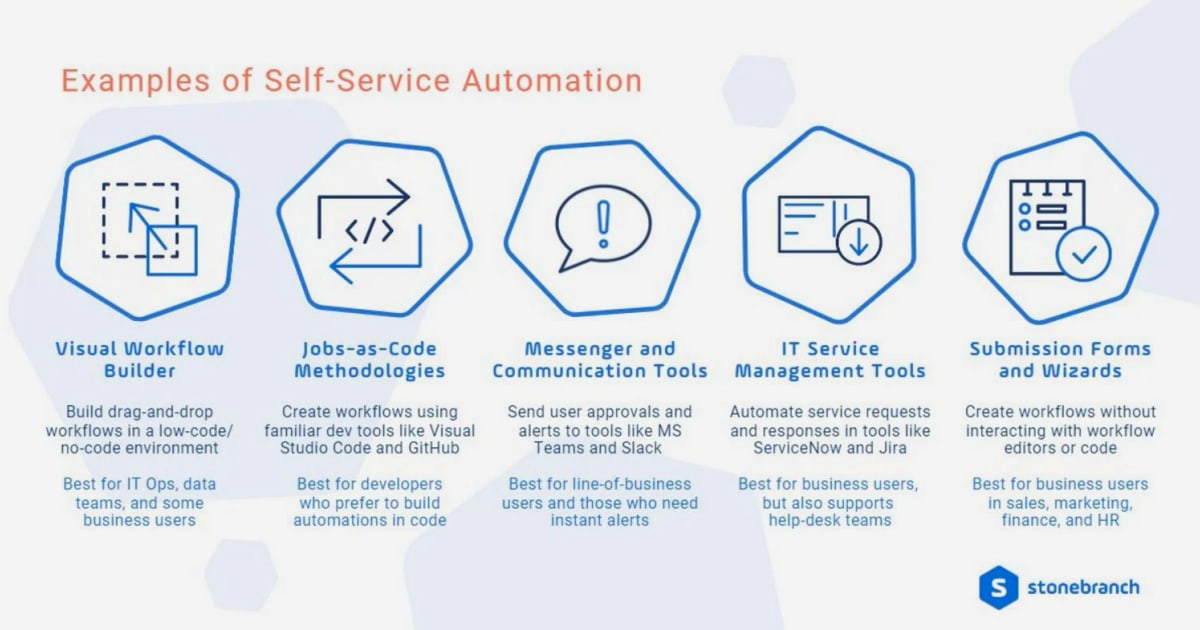
IT service desk automation is no longer just about auto-closing tickets. It now spans rule-based workflows, self-service knowledge, AI triage, and AI agents that resolve requests end to end. This guide explains what to automate, what to leave to humans, and how modern platforms like Intercom bring these pieces together.
What IT service desk automation actually means
First viewport screenshot of www.intercom.com.
IT service desk automation uses rules, triggers, workflows, and increasingly AI to handle recurring support tasks without an agent touching every step. That includes ticket creation, categorization, routing, status updates, SLA alerts, canned responses, and self-service resolution.
There are two broad types:
- Rule-based automation follows predefined logic: if a ticket matches a condition, the system takes a set action.
- AI-assisted automation uses pattern recognition and historical data to categorize, prioritize, recommend, or resolve requests where static rules are hard to maintain.
Most mature service desks use both. Rules handle predictable, high-volume work. AI handles variation, natural-language requests, and resolution at scale.
Why automation matters for IT support teams
IT teams face a familiar pattern: password resets, software access approvals, VPN questions, and ticket status checks consume hours every week. These tasks are simple but repetitive, and they crowd out the complex technical work that actually needs human judgment.
Automation helps in several concrete ways:
- Faster response times because routine requests are acknowledged and routed immediately.
- Lower agent churn because agents spend less time on monotony and more time on meaningful problem-solving.
- Scalability because ticket volume can grow without a proportional increase in headcount.
- Consistency because every request follows the same path, reducing missed steps and human error.
- Better employee experience through 24/7 self-service and AI-assisted answers.
What to automate first (and what not to)

First viewport screenshot of www.intercom.com.
Not every task is a good automation candidate. The strongest candidates share three traits:
- High volume — the task happens often enough to justify the setup effort.
- Low judgment — the process follows a defined path without case-by-case interpretation.
- Predictable outcomes — the expected result is consistent and can be expressed as rules or workflow logic.
Tasks that depend on context, approvals, exceptions, or sensitive communication often still need a human. A common mistake is automating a process that is already inconsistent. If teams route requests differently or handle the same issue in different ways, automation will simply scale those inconsistencies.
8 practical IT service desk automation ideas
First viewport screenshot of www.intercom.com.
1. Automate ticket routing and assignment
Manual triage is a bottleneck before any real work begins. Automation can assign incoming tickets based on category, keywords, request type, or workload. Round-robin distribution spreads tickets evenly across available agents, while workload-based routing sends tickets to the agent with the fewest open requests. Escalation rules can reassign tickets that sit unassigned past a threshold.
2. Monitor SLAs with proactive alerts
SLA breaches often happen because no one is watching the clock on every open ticket. Time-based triggers can notify the assigned agent at 50% of elapsed time, alert the team lead at 80%, and escalate priority at 90%. This turns SLA management from reactive to proactive.
3. Use canned responses with dynamic variables
Agents write the same messages repeatedly: ticket received, more information needed, issue resolved. Canned responses with variables that populate from ticket data save time and keep messaging consistent across the team.
4. Schedule automated reports
Ticket volume, resolution time, SLA compliance, and first contact resolution rate matter — but generating reports manually is inconsistent. Scheduled reports delivered to the right stakeholders on a regular cadence keep the team accountable and make trends visible.
5. Capture requests from every channel
Employees submit requests through email, chat, a portal, or messaging tools. Without automation, someone has to monitor each channel and create tickets manually. Omnichannel capture converts incoming messages into structured tickets with context preserved, so agents work from a single queue.
6. Deflect tickets with self-service and knowledge
A significant share of tickets are requests users could resolve themselves — password resets, VPN setup, software installation guides — if the answer were easy to find. Surfacing relevant knowledge base articles at the moment a user starts creating a ticket reduces volume before it reaches the queue.
7. Automate onboarding and offboarding
Onboarding involves account creation, permission setup, and equipment allocation. Offboarding requires timely access revocation and data security. Automating these flows improves consistency, reduces security risk, and gives new hires a smoother first day.
8. Trigger surveys at key touchpoints
Post-resolution surveys collect feedback without adding work to the service desk team. Automated triggers ensure feedback is collected consistently and can be tracked over time.
Where AI changes the equation
First viewport screenshot of www.intercom.com.
Rule-based automation handles predictable work well, but it struggles with natural-language requests, variation, and resolution at scale. AI changes that in two ways.
First, AI triage and categorization can read a request, understand intent, and route it correctly even when the wording varies. Second, AI agents can resolve common requests directly — answering questions, walking users through steps, and escalating to humans when needed.
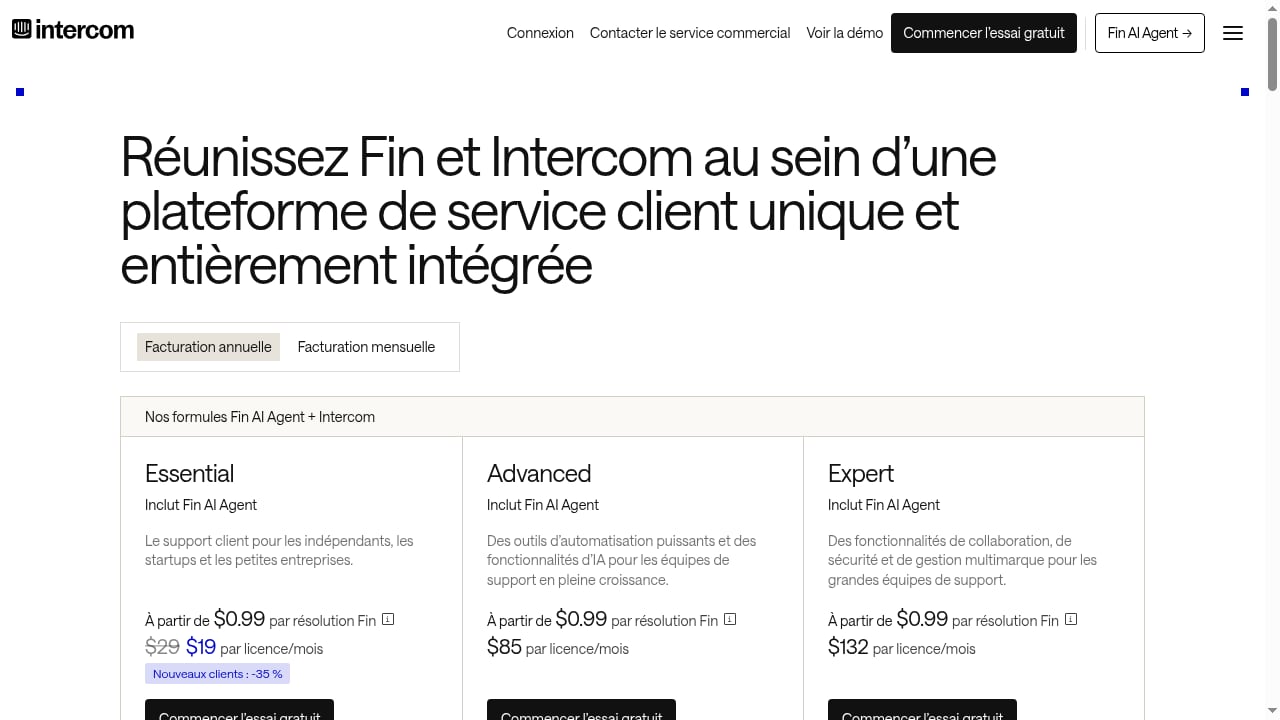
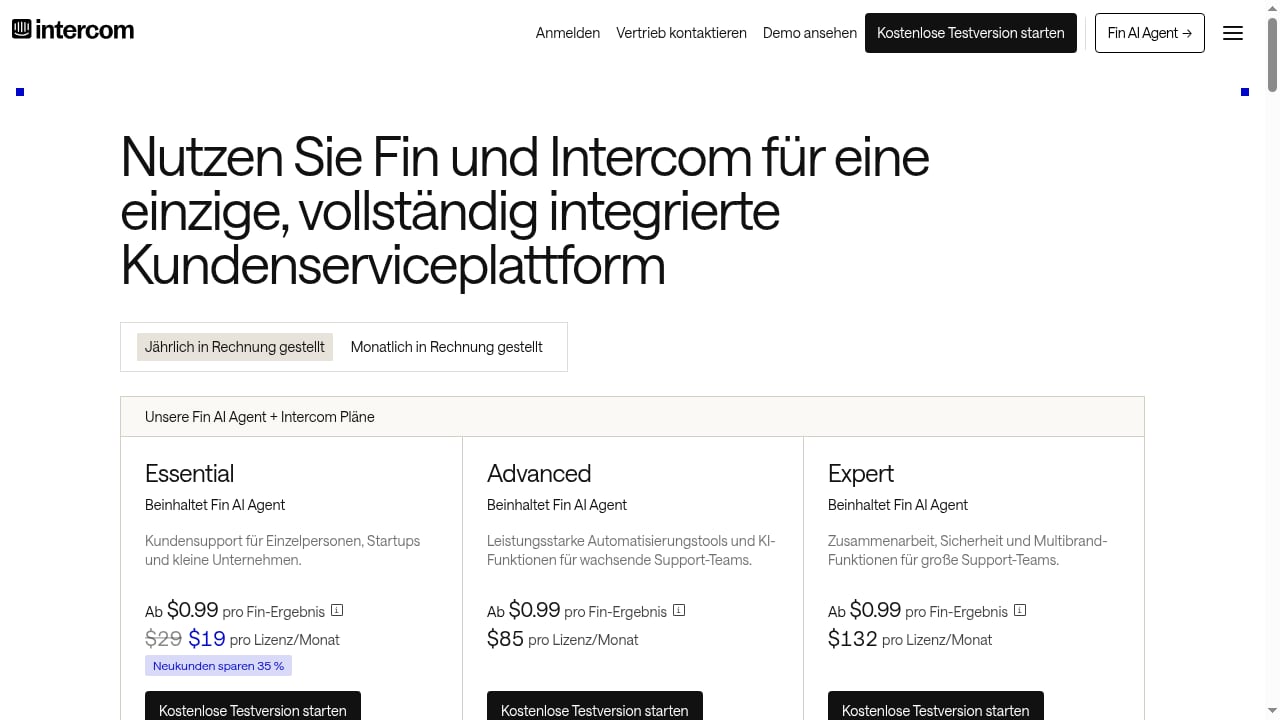
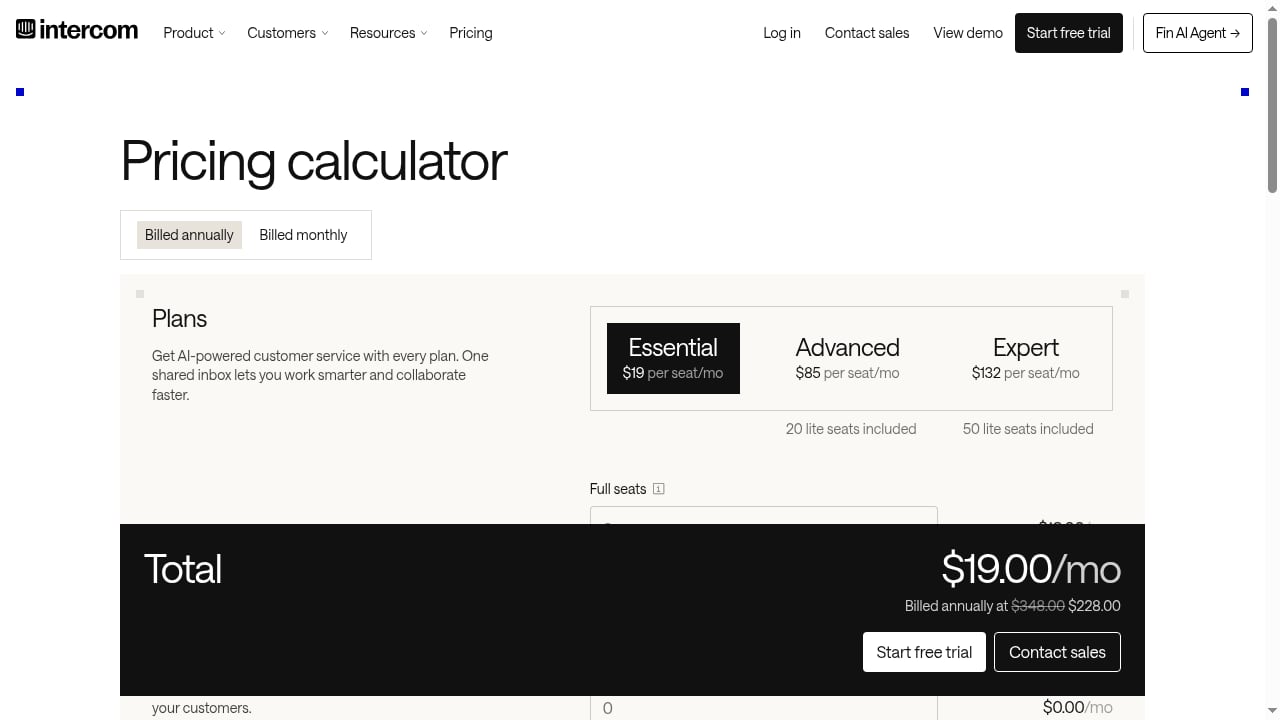
Intercom's Fin AI Agent is an example of this second layer. It handles customer and employee conversations across channels and is priced per resolution ($0.99 per resolution), while helpdesk plans are priced per seat per month. Intercom combines a fully featured AI-powered helpdesk with Fin, so human agents and AI work in one system rather than two disconnected tools. Capabilities like an omnichannel inbox, AI-powered ticketing, Copilot for agents, workflow automation, multiple team inboxes, round-robin assignment, and public or private multilingual help centers map directly to the automation ideas above.
For teams evaluating how AI agents fit alongside traditional helpdesk automation, our comparison of Intercom vs Zendesk AI Agents vs Hiver breaks down AI resolution, helpdesk depth, pricing, and fit. If you are earlier in the selection process, the top 10 AI customer service agent platforms for 2026 ranks options on resolution quality, channels, integrations, and enterprise fit.
Rule-based vs. AI-assisted automation: when to use each
| Dimension | Rule-based automation | AI-assisted automation |
|---|---|---|
| Best for | Predictable, high-volume tasks | Variable, natural-language requests |
| Setup effort | Lower; requires defined logic | Higher; requires data and tuning |
| Handling exceptions | Limited; rules must be updated | Better; learns from patterns |
| Consistency | High for defined paths | Improves over time |
| Human oversight | Periodic review | Ongoing monitoring and escalation design |
A practical approach is to start with rule-based automation for routing, SLA alerts, and canned responses, then layer in AI for triage and resolution once the underlying processes are consistent.
How to implement automation without breaking support
- Map your current processes. Document how requests flow today, including exceptions.
- Standardize before automating. If teams handle the same request differently, fix that first.
- Start with high-volume, low-judgment tasks. Routing, status updates, and canned responses are good starting points.
- Measure before and after. Track resolution time, first contact resolution, SLA compliance, and ticket volume.
- Design escalation paths. Every automation needs a clear route to a human when it fails or when the request is sensitive.
- Review and iterate. Automation is not set-and-forget; rules and AI models need periodic review.
For teams connecting support workflows to the rest of the organization, our guide on how to use Intercom with Slack shows how to route alerts, collaborate on tickets, and let AI handle support. If your service desk also coordinates live meetings, connecting Intercom with Zoom covers setup and practical workflows.
Common mistakes to avoid
- Automating inconsistent processes. Automation amplifies existing problems.
- Over-automating sensitive requests. Some conversations need a human touch.
- Ignoring the knowledge base. Self-service only works if content is accurate and findable.
- Skipping measurement. Without baseline metrics, you cannot tell whether automation helped.
- Expecting one tool to do everything. Purpose-built tools often outperform a single all-in-one approach.
Related reading
- Top 10 Live Chat & Chatbot Software for 2026 - We rank the top 10 live chat and chatbot software products for 2026 on AI resolution, human handoff, pricing transparency, and setup effort.
- Intercom vs Kore.ai: AI Support Platform Comparison 2026 - Compare Intercom and Kore.ai for AI customer service: Fin AI Agent vs enterprise agentic AI, helpdesk depth, pricing, setup effort, and best-fit use cases.
FAQ
What is IT service desk automation?
IT service desk automation uses technology — rules, workflows, and AI — to handle repetitive support tasks like ticket creation, routing, status updates, and resolution, reducing manual workload and improving response times.
Which tasks should be automated first?
Start with high-volume, low-judgment, predictable tasks: ticket routing, SLA alerts, canned responses, and self-service knowledge. These deliver visible time savings with relatively low setup effort.
What is the difference between rule-based and AI-assisted automation?
Rule-based automation follows predefined logic and is best for predictable processes. AI-assisted automation uses pattern recognition and historical data to handle variation, natural-language requests, and resolution at scale.
Can AI fully replace human agents on an IT service desk?
No. AI is best at handling routine, high-volume requests and escalating complex or sensitive issues to humans. The strongest setups combine AI resolution with clear human handoff paths.
How do I measure whether service desk automation is working?
Track resolution time, first contact resolution rate, SLA compliance, ticket volume, and agent workload before and after implementation. Consistent measurement shows whether automation is reducing effort or just shifting it.
Conclusion
IT service desk automation works best when it starts with clean processes, targets high-volume low-judgment tasks, and layers AI on top of solid rules. Platforms like Intercom combine helpdesk automation with an AI agent, giving teams a way to resolve routine requests automatically while keeping humans in control of complex work. The goal is not to remove people from support — it is to give them more time for the work that actually needs them.
Sources: