OTRS Review 2026: Fit, Limits, Pricing & Setup
OTRS Review 2026: Fit, Limits, Pricing & Setup
OTRS is one of the longest-standing open-source service management platforms, and it still appears on shortlists for IT teams that want deep ticket control without a per-agent cloud bill. But the product has changed ownership, branding, and packaging over the years, and reviews now split sharply between teams that value its stability and teams that find it dated. This OTRS review pulls together verified user feedback, product documentation, and hands-on trade-offs so you can decide whether it belongs in your 2026 stack.
What OTRS actually is
First viewport screenshot of Solutions.
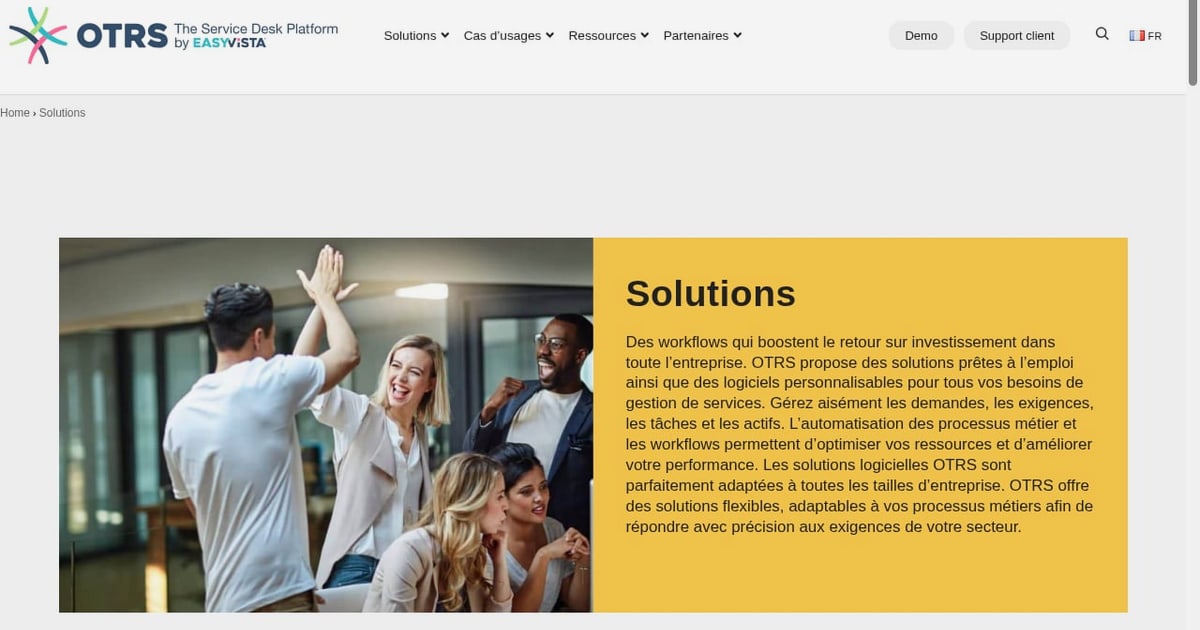
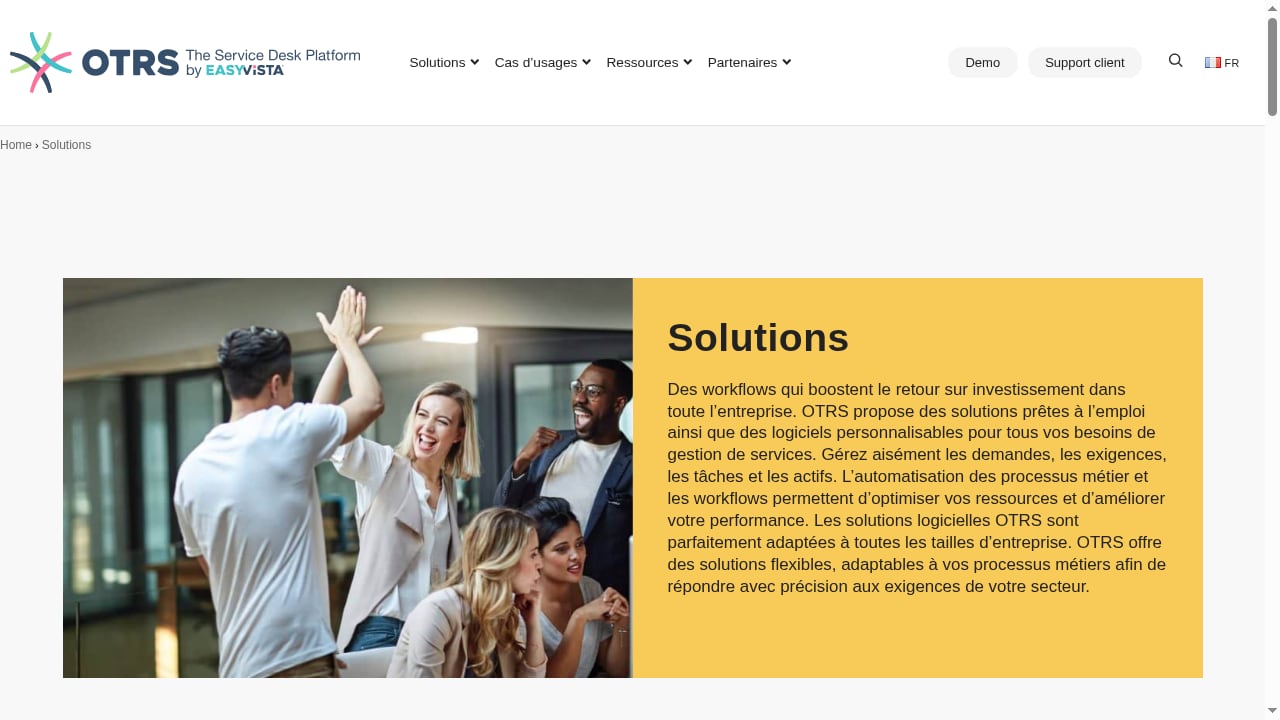
OTRS is a service management platform built around ticket workflows. Its core covers incident and request management, change management, a service catalog, a knowledge base, SLA and escalation handling, and reporting. Around that core, the vendor packages solutions for IT service management (ITSM), customer service, HR service delivery, and cyber defense under the STORM line.
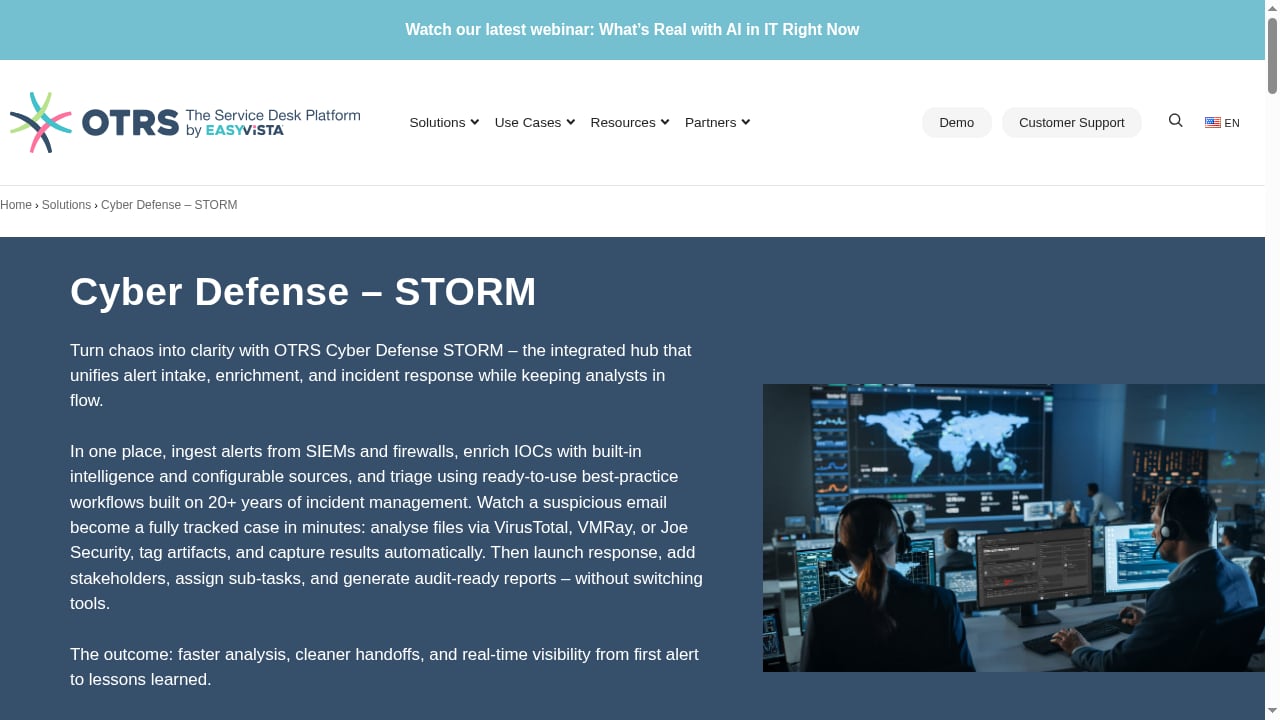
The product is designed to run across multiple service domains from one system, so an IT team, an HR shared-service desk, and a security operations queue can share processes and reporting without standing up separate tools. It integrates with systems such as SAP and Salesforce, and the security edition connects to threat intelligence tools including VirusTotal, VMRay, and Joe Security.
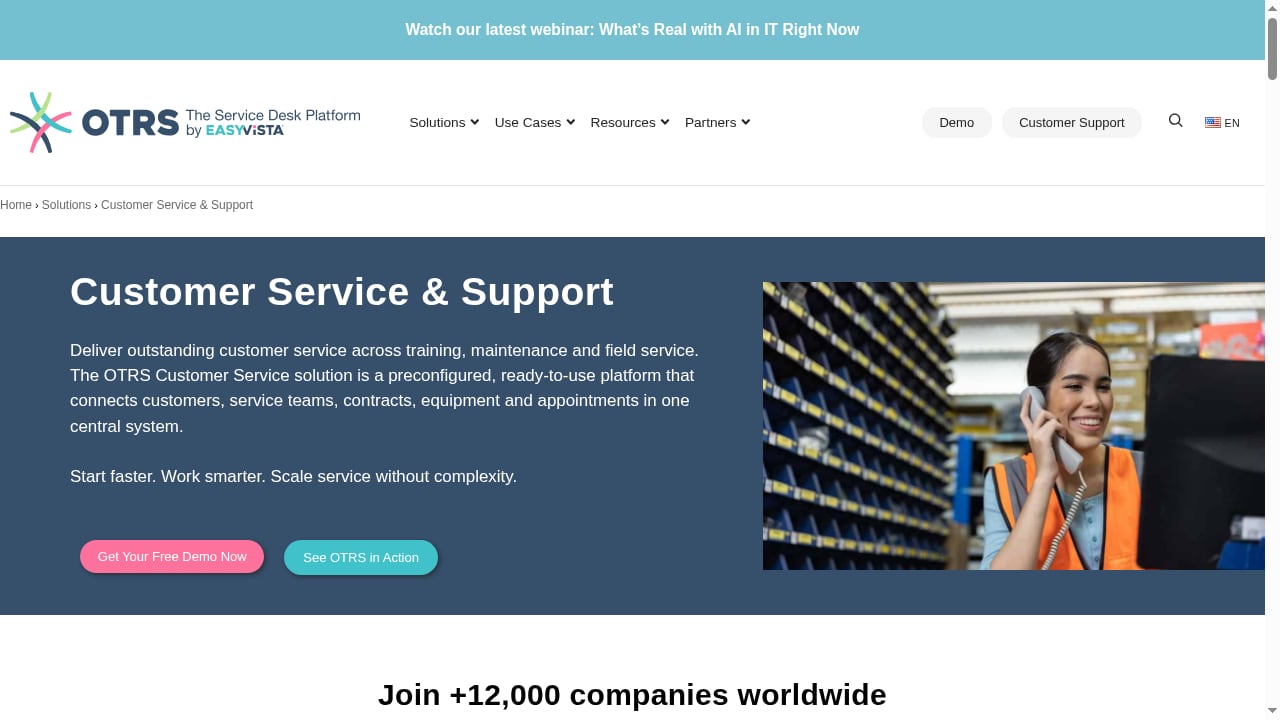
The vendor claims more than 12,000 companies use it worldwide and positions the platform around fast time-to-value, with ITSM deployments measured in days rather than months. Treat that as a vendor claim rather than a guarantee; real timelines depend heavily on how much you customize.
Who OTRS fits best
First viewport screenshot of STORM – The IT Security Management System | OTRS.
OTRS tends to work best for organizations with specific traits:
- IT and shared-service teams with complex routing rules. If your tickets need multi-level queues, granular permissions, and escalation logic that generic help desks cannot express, OTRS is built for that depth.
- Teams that want on-premises or self-hosted control. Data residency, internal security policy, or legacy infrastructure often push buyers toward OTRS rather than cloud-only rivals.
- Organizations running several service domains. One platform for IT, HR, and security queues reduces tool sprawl and gives leadership a single reporting view.
- Budget-conscious midsize and enterprise teams. Avoiding per-agent SaaS pricing is a recurring theme in user reviews, especially for large agent pools.
- Security operations teams. The STORM cyber defense edition is a genuine differentiator for teams that want ticket workflows and threat analysis in one place.
Where OTRS falls short
First viewport screenshot of Customer Service & Support.
User reviews are candid about the weaknesses. On Gartner Peer Insights, reviewers praise stability and administration flexibility but also describe the tool as basic and hard to integrate with other systems, with one banking reviewer calling it outdated and limited in scalability. On Capterra, feedback is warmer on day-to-day ticket handling, with users calling it a solid daily email ticket system and a good fit for small to midsize businesses, while noting the interface is basic.
Recurring limitations include:
- Interface age. The UI is functional rather than modern, and agents coming from newer tools often need a ramp-up period.
- Customization cost. Flexibility is real, but it usually means configuration work, admin time, or paid services. Out-of-the-box simplicity is not the selling point.
- Integration friction. Native connectors exist, but reviewers report that connecting OTRS to a broader toolchain takes effort compared with API-first SaaS platforms.
- Two product lines to untangle. The open-source community edition and the commercial editions differ in support, features, and long-term roadmap. Buyers need to confirm exactly which edition they are evaluating.
Pricing signals
OTRS does not publish a simple public price list, which is itself a signal: expect a quote-based commercial process for the supported editions. Three practical points matter when budgeting:
- Licensing model. Commercial OTRS editions are typically licensed rather than priced per agent per month, which can favor large agent populations.
- Hidden costs. Implementation, custom development, integrations, and training are the line items that most often surprise buyers. Budget for them explicitly.
- Open-source trade-off. A community edition lowers license cost but shifts responsibility for support, upgrades, and security patching onto your team.
If predictable monthly pricing and zero-maintenance deployment are your priorities, a cloud help desk will usually be cheaper in total cost of ownership despite higher sticker prices. See how modern platforms package AI and support in this Intercom vs Dixa vs Deskpro comparison.
Setup and deployment effort
OTRS is not a plug-and-play tool. A realistic deployment looks like this:
- Planning: map your queues, SLAs, escalation paths, and permission model before touching configuration.
- Installation: self-hosted deployments require server provisioning, database setup, and email/notification configuration.
- Configuration: build ticket states, dynamic fields, templates, and automations. This is where most of the effort lives.
- Integration: connect email, web forms, and any CRM, ERP, or security tooling you rely on.
- Training and rollout: agents need time to learn the interface, and admins need documentation for ongoing changes.
Vendor messaging about deploying ITSM in days is achievable for a narrow, standard setup. Teams with complex processes should plan for weeks, not days, and should decide early whether to configure in-house or bring in a partner.
OTRS vs modern help desks
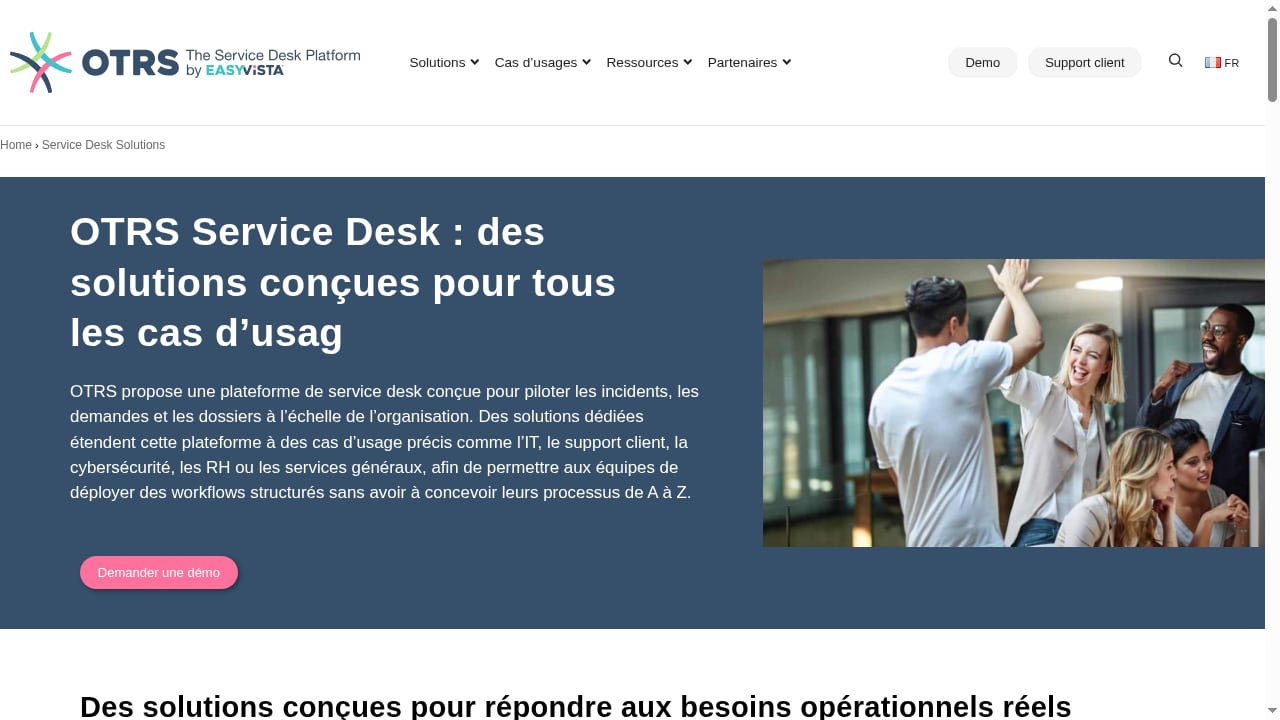
First viewport screenshot of Service Desk Solutions.
The honest comparison is not "better or worse" but "different trade-off." OTRS wins on control, depth, and licensing economics at scale. Modern cloud help desks win on speed, interface quality, AI features, and integration ecosystems.
| Decision factor | OTRS | Modern cloud help desks |
|---|---|---|
| Deployment | Self-hosted or managed | Cloud-first |
| Customization depth | Very high | Moderate |
| Time to first value | Weeks | Days |
| Interface | Functional, dated | Modern, agent-friendly |
| AI features | Emerging | Core to roadmap |
| Pricing model | Quote-based licensing | Per-agent subscription |
| Best for | Complex, controlled environments | Fast-moving support teams |
If your team's bottleneck is AI-assisted resolution and agent experience rather than workflow depth, compare options such as DevRev or Kustomer before committing to a heavier platform.
Decision criteria: should you choose OTRS?
Run through these questions before you shortlist it:
- Do you need workflow complexity that simpler tools cannot express?
- Is self-hosting or data residency a hard requirement?
- Do you have admin capacity or budget for configuration and maintenance?
- Are you managing multiple service domains from one platform?
- Is avoiding per-agent pricing a meaningful financial factor at your scale?
- Can your agents tolerate a less modern interface in exchange for control?
Four or more "yes" answers make OTRS a serious candidate. Mostly "no" answers point toward a cloud platform with stronger AI and integration defaults.
Related reading
- Drift vs Grip: What's the Difference and Which Is Better? - Drift vs grip explained: how each driving style works, which is faster, how they overlap, and how to choose the right one for your goals.
- Insurance Customer Service: Best Channels & AI Guide 2026 - Compare insurance customer service channels, response times, and AI tools. Learn how to reach insurers fast and how AI is reshaping policyholder support.
Sources and further reading
- OTRS Reviews 2026: Details, Pricing, & Features - G2 - OTRS can single handedly manage all the tickets from your customers worldwide without any performance issue. It has various features that can be used for ...
FAQ
Is OTRS free? There is an open-source community edition, but supported commercial editions are licensed and quote-based. Community edition users handle their own support and upgrades.
Is OTRS good for small businesses? Capterra reviewers describe it as a good fit for small to midsize businesses, particularly for email-based ticket handling. Very small teams may find lighter cloud tools faster to adopt.
What do users dislike most about OTRS? Verified reviews most often cite the dated interface, integration difficulty, and scalability limits in complex environments.
Does OTRS include AI features? The vendor advertises AI-powered automation such as ticket classification and AI-assisted summaries. Capability varies by edition, so confirm specifics during evaluation.
How long does OTRS take to implement? A standard ITSM setup can go live in days, but complex, customized deployments typically take weeks including integration and training.
Conclusion
OTRS remains a credible choice in 2026 for organizations that prioritize workflow depth, deployment control, and licensing economics over interface polish and AI-first features. It is stable, highly configurable, and well suited to IT, HR, and security service domains running from one system. It is also heavier to set up, harder to integrate, and less modern than most cloud competitors. Decide based on your constraints: if control and customization are non-negotiable, OTRS deserves a pilot; if speed and agent experience lead your requirements, evaluate cloud alternatives first.