WotNot Review 2026: No-Code AI Agent Platform Tested
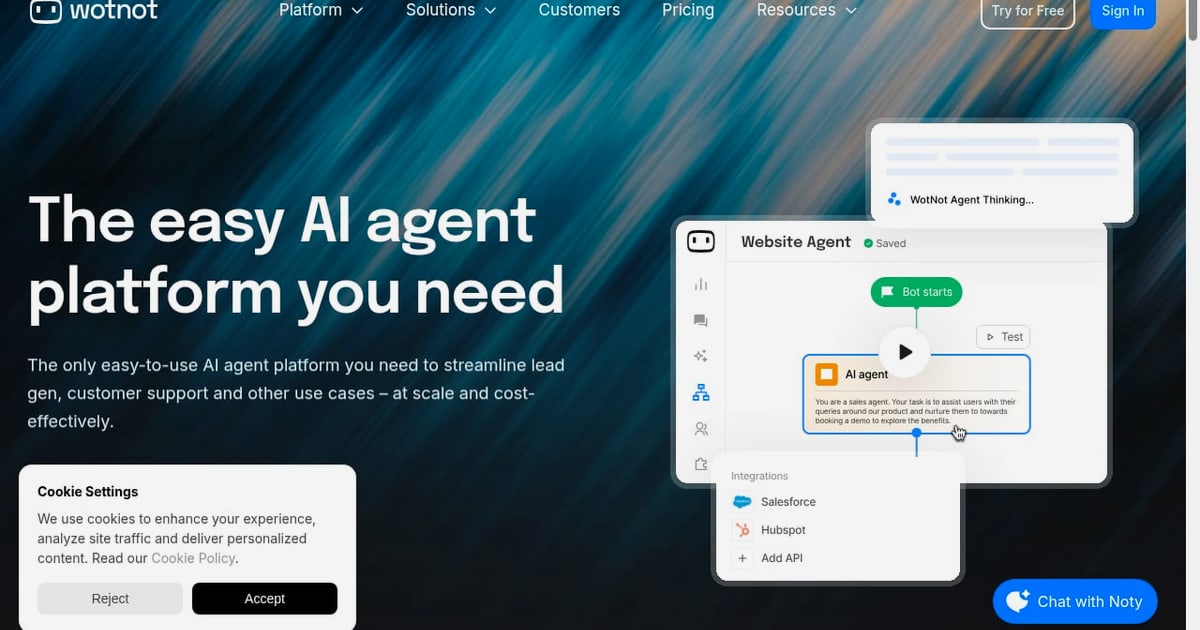
WotNot Review 2026: The Easy AI Agent Platform You Need?
WotNot promises no-code AI agents that automate customer support, qualify leads, and streamline workflows. But does a visual builder, multi-LLM engine, and flat monthly pricing actually hold up in production? This review breaks down what WotNot does well, where it falls short, and which teams get the most value from it.
What WotNot Is and Who It's For
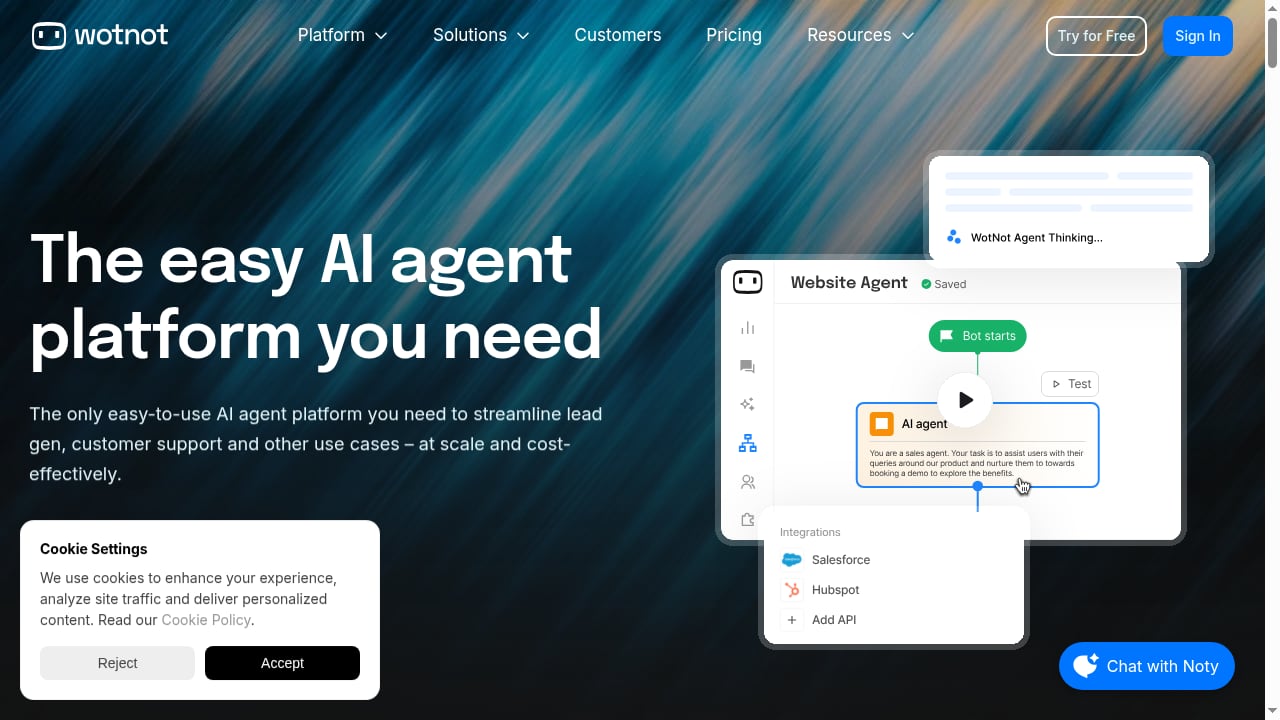
First viewport screenshot of WotNot | The Easy AI Agent Platform You Need.
WotNot is a no-code platform for building AI agents that run across web chat, WhatsApp, Facebook Messenger, Instagram, SMS, and voice. You train the agent on your own content, choose which large language model powers it, and define actions like booking meetings, qualifying leads, pushing data to a CRM, or resolving support tickets.
The platform targets small and mid-market teams that want one agent across multiple channels without hiring developers or paying per-resolution fees. If you're a solo founder, a lean support team, or an agency managing bots for clients, WotNot's drag-and-drop canvas and flat pricing are designed for you.
It's less suited to enterprises with complex compliance requirements or teams that need deep native integrations with a specific helpdesk. WotNot connects to Salesforce, HubSpot, Zoho, Zendesk, Freshdesk, Slack, and Zapier, but it isn't a replacement for a full ticketing system.
Key Features That Matter
No-Code Bot Builder
The visual canvas lets you map conversation flows, set conditions, and publish to multiple channels from one build. You don't need to write code, though technical users can extend logic through API calls and webhooks.
AI Studio with Multi-LLM Support
WotNot's AI Studio lets you choose between OpenAI, Anthropic, Gemini, or Mistral models. You can train the agent on your knowledge base using retrieval-augmented generation (RAG) and switch providers without rebuilding the agent. That flexibility matters if you want to optimize for cost, speed, or accuracy as models evolve.
Live Chat with Context Handoff
When the AI escalates to a human, the agent passes the full conversation history, customer intent, and collected data. The human doesn't have to ask the customer to repeat themselves. This handoff runs through WotNot's live chat tool, which sits on the Premium tier and above.
Outbound Bots, Voicebot, and Analytics
Beyond inbound support, WotNot supports outbound campaigns, a voicebot for phone interactions, and analytics to track resolution rates and drop-off points. These features are useful for lead qualification and proactive outreach, not just reactive support.
Integrations
WotNot connects with Salesforce, HubSpot, Zoho, Zendesk, Freshdesk, Slack, and Zapier. If your stack includes one of these, you can push data, create tickets, or trigger workflows without custom development.
Pricing Signals: What You'll Actually Pay
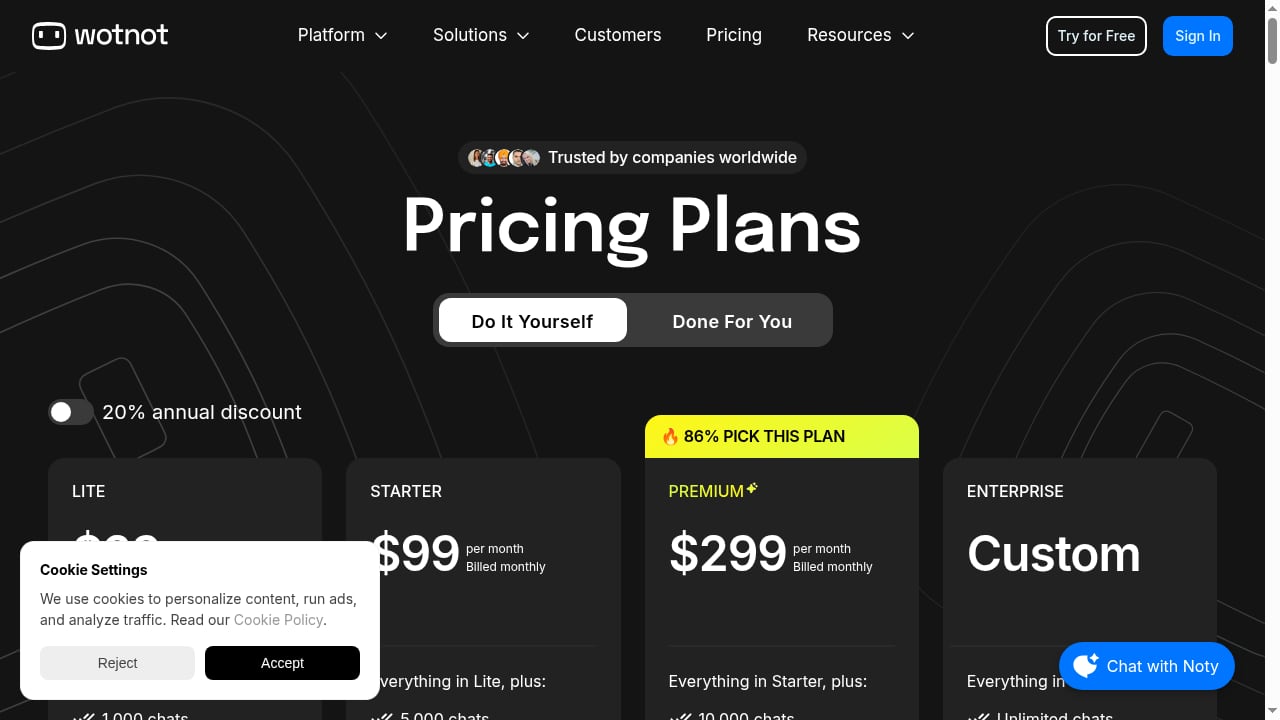
First viewport screenshot of Pricing | WotNot.
WotNot uses a flat monthly fee with a chat and AI-credit allowance. There's no per-resolution surcharge, which is a significant differentiator in a market where many competitors bill per outcome.
Based on the vendor's published rates (as of late 2026):
- Lite: $29/month — 1,000 chats, 1,000 AI credits, no-code builder
- Starter: $99/month — 5,000 chats, AI Studio, all LLMs, integrations
- Premium: $299/month — 10,000 chats, Live Chat, custom widget
- Enterprise: Custom — unlimited chats, SSO, professional services
- Do-it-Yourself: From $12,000/year — 20,000 AI credits and chats, dedicated account manager
A 14-day free trial is available, and annual billing offers a 20% discount. The key signal: if your volume is predictable, flat pricing protects you from surprise bills. If your volume spikes unpredictably, you may hit credit limits and need to upgrade.
For teams comparing outcome-based pricing, our Intercom vs Genesys Cloud CX comparison breaks down how per-resolution models differ from flat fees.
Setup: What to Expect
First viewport screenshot of Chatbot Use Cases with WotNot.
WotNot is designed for speed. A basic FAQ agent can be live in a day. A more complex agent with CRM actions and multi-channel deployment might take a week or two, depending on how much content you need to ingest and how many workflows you want to automate.
The setup process typically involves:
- Connect your knowledge base — Upload documents, help articles, or product data. WotNot uses RAG to retrieve relevant answers.
- Choose your LLM — Select from OpenAI, Anthropic, Gemini, or Mistral in AI Studio.
- Design the conversation flow — Use the visual canvas to map intents, fallbacks, and escalation rules.
- Define actions — Set what the agent can do: book a meeting, qualify a lead, push data to a CRM, resolve a ticket.
- Connect channels — Publish to web, WhatsApp, Messenger, Instagram, SMS, or voice.
- Test and refine — Run test conversations, review analytics, and adjust prompts or flows.
WotNot also offers a done-for-you build service if you'd rather hand off setup. That's useful for teams without a dedicated automation specialist.
If you're evaluating how AI agents fit into a broader support stack, our Top 10 AI Customer Service Automation Products 2026 ranks platforms on resolution depth, actions, and governance.
Strengths and Limitations
Strengths
- Flat, predictable pricing — No per-resolution surcharge, which makes budgeting easier than outcome-based models.
- Real model choice — Multi-LLM support means you're not locked into one provider.
- Context-preserving handoff — Escalations don't restart the conversation.
- Broad channel coverage — WhatsApp, Messenger, Instagram, SMS, and voice without an enterprise contract.
- No-code builder — Accessible to non-technical teams.
Limitations
- Live Chat is gated — It's only on Premium and above, so entry plans lack human handoff.
- Not a full helpdesk — WotNot integrates with ticketing systems but doesn't replace them.
- Credit limits — High-volume teams may outgrow their plan quickly.
- Less enterprise governance — SSO and professional services are Enterprise-only, and compliance features aren't as deep as enterprise-first platforms.
- Learning curve for complex flows — Simple bots are easy; multi-step workflows with API calls require more planning.
For a deeper look at how AI-first support teams handle login security and permissions, see our guide to customer support login for AI-first teams.
WotNot vs Alternatives: Decision Criteria
First viewport screenshot of Customers | WotNot.
WotNot isn't the only no-code AI agent platform. Here's how to decide:
- Choose WotNot if: You want flat pricing, multi-LLM flexibility, and broad channel coverage without enterprise contracts. You're an SMB or mid-market team that values predictability over per-resolution billing.
- Choose a per-resolution platform if: Your volume is low and steady, and you prefer paying only when the AI resolves an issue. Be aware that "resolution" definitions vary — some platforms count assumed resolutions when a customer stops replying.
- Choose a developer-first tool if: You need code-level control over agent logic, custom integrations, or backend-heavy workflows. Tools like n8n or OpenAI's Agent Builder offer more flexibility but require engineering effort.
- Choose an enterprise platform if: You need SOC 2, HIPAA, SSO, and deep governance from day one. WotNot's Enterprise tier covers some of this, but enterprise-first vendors may go deeper.
If you're comparing no-code builders specifically, WotNot's visual canvas is more accessible than n8n's workflow automation, but less flexible for complex, event-driven agents. It's closer to Voiceflow in conversation design, but WotNot adds outbound, voice, and CRM actions that Voiceflow doesn't emphasize.
For a ranked view of agentic platforms in ecommerce, our Top 10 Agentic Customer Service Platforms for Ecommerce 2026 scores options on order-aware actions, autonomy, and governance.
Real-World Use Cases
- Customer support automation: Deflect FAQs, resolve order status questions, and escalate complex issues with full context.
- Lead qualification: Ask qualifying questions, score leads, and push data to your CRM.
- Appointment booking: Let customers schedule meetings directly through chat.
- WhatsApp support: Run support on WhatsApp, a channel where many SMBs see high engagement. A fintech firm, Tamkeen, reported saving $113K by running WhatsApp support on WotNot.
- Outbound campaigns: Proactively reach out to leads or customers with personalized messages.
Related reading
- How to Use Intercom with Zapier: Automate Support Workflows - Learn how to connect Intercom with Zapier, build automated workflows, and sync support data across 9,000+ apps to cut manual work and speed up resolution.
- Intercom vs Talkdesk vs Helpshift: Which Fits Your Team? - Compare Intercom, Talkdesk, and Helpshift on AI resolution, channels, pricing models, and fit for support, contact center, and gaming teams.
Sources and further reading
- null - Discover how AI agents work, why deployments fail, and how to build an AI agent for customer service that actually delivers results.
- WotNot Reviews 2026: Details, Pricing, & Features - G2 - Bot Builder combined with AI Agents and real-time API calling. The automation feature is great as well to capture insights. Live chat integration makes it easy ...
- null - Explore the best AI agent builders to create chatbots and virtual assistants with ease — no coding required for any of them.
FAQ
Is WotNot really no-code?
Yes. The visual canvas and AI Studio are designed for non-technical users. You can build, train, and deploy agents without writing code. However, complex workflows with API calls or custom logic may require technical help.
How does WotNot's pricing compare to per-resolution models?
WotNot charges a flat monthly fee with a chat and AI-credit allowance. Per-resolution models charge each time the AI resolves an issue, which can be cheaper at low volume but harder to forecast. WotNot's flat pricing is more predictable for teams with steady or growing volume.
Can WotNot hand off to a human agent?
Yes, but Live Chat is only available on the Premium tier and above. When it escalates, the human agent receives the full conversation history and customer data.
Which LLMs does WotNot support?
WotNot's AI Studio supports OpenAI, Anthropic, Gemini, and Mistral. You can switch models without rebuilding your agent.
Does WotNot work on WhatsApp?
Yes. WhatsApp is one of WotNot's supported channels, along with web chat, Facebook Messenger, Instagram, SMS, and voice.
What's the main limitation of WotNot?
The biggest limitation is that Live Chat and advanced governance features are gated behind higher tiers. Entry plans are best for simple bots; teams needing human handoff or enterprise compliance will need Premium or Enterprise.
Conclusion
WotNot is a strong fit for SMB and mid-market teams that want a no-code AI agent platform with flat pricing, multi-LLM flexibility, and broad channel coverage. Its visual builder and AI Studio make it accessible, while context-preserving handoff and CRM integrations make it practical for real support and lead qualification workflows.
The trade-offs are clear: Live Chat is gated, credit limits apply, and it's not a full helpdesk. But if predictable pricing and model choice matter more to you than per-resolution billing or enterprise-grade governance, WotNot is worth a serious look.
Start with the 14-day free trial, build a simple FAQ agent, and test it on your highest-volume channel. If it resolves without constant escalation, scale from there.