24/7 Customer Service Automation: How It Works in 2026

24/7 Customer Service Automation: How It Works in 2026
Customers do not file their questions into business hours. They order at midnight, get locked out of an account on a Sunday, and check shipping status on a holiday. 24/7 customer service automation is how support teams answer those moments without staffing three shifts — and without turning every request into a ticket that waits until Monday.
This article explains what actually runs around the clock, where automation should stop and a person should start, and how to measure whether your setup is working.
What 24/7 customer service automation really means
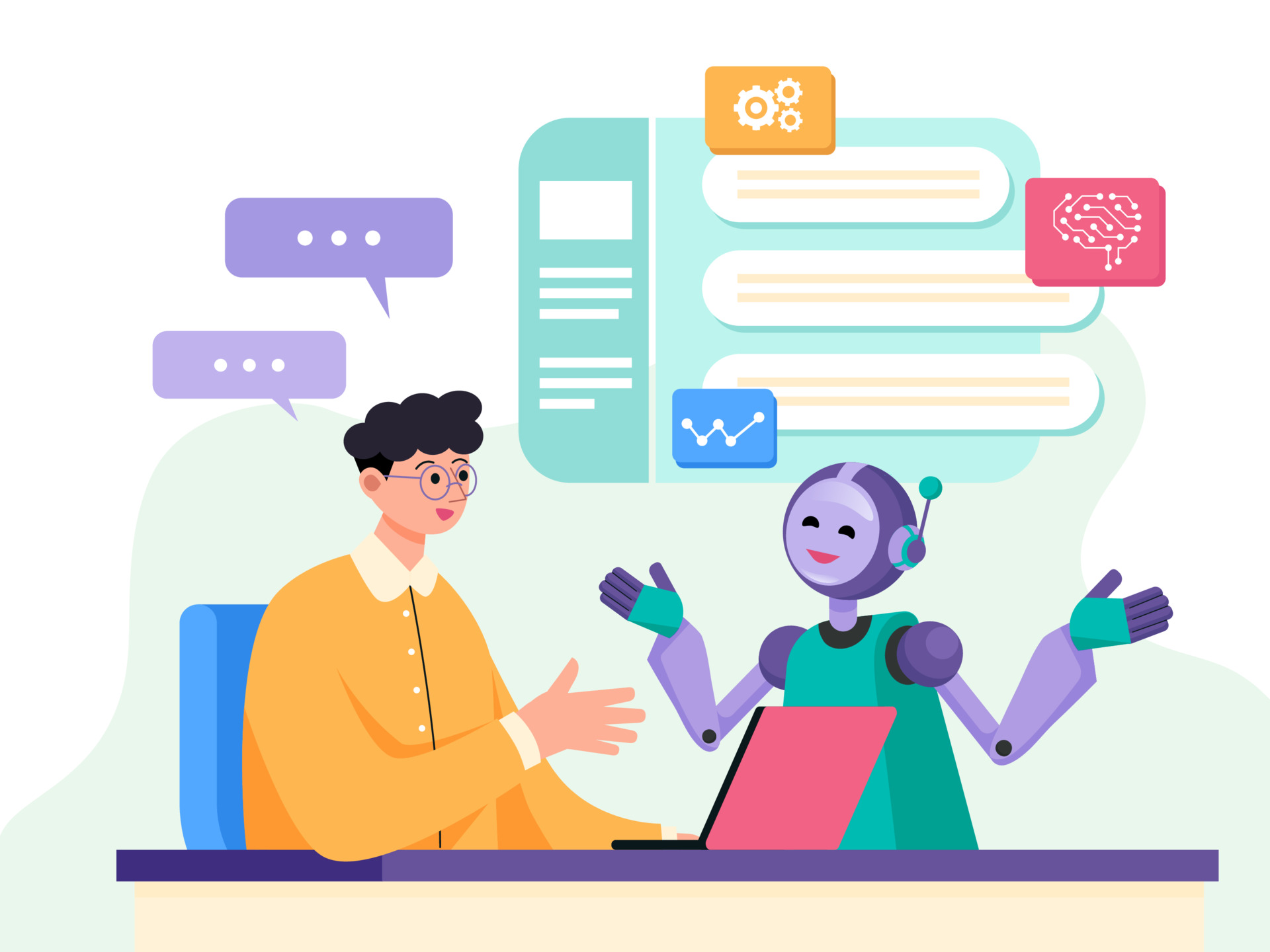
24/7 Customer Service Automation: How It Works in 2026 - What 24/7 customer service automation really means.
Customer service automation is the use of technology to handle support tasks with limited or no human involvement. That definition is broad, and it is easy to read as "replace the team." The more useful framing is narrower: automation absorbs the repetitive, high-volume, low-ambiguity work so that people are available for everything else.
In practice, a 24/7 setup is not one tool. It is a stack of layers that each cover a different slice of the day:
- An AI agent or virtual assistant that understands a question in natural language and answers it from your own content.
- A self-service layer — help center articles, FAQs, order tracking, account pages — for customers who would rather solve it themselves.
- Automated triage that categorizes, prioritizes, and routes anything the automation cannot close.
- A human queue that is reachable at any hour, even if it is a smaller on-call rotation rather than a full shift.
- Proactive messaging that reaches customers before they write in, such as delay notices or outage updates.
Miss any layer and the system leaks. An AI agent with no escalation path creates frustration. A 24/7 human queue with no automation creates burnout.
Why "always available" became a baseline expectation

24/7 Customer Service Automation: How It Works in 2026 - Why "always available" became a baseline expectation.
Speed is no longer a differentiator; it is table stakes. Customers expect a response in minutes, and many expect to resolve routine issues without contacting anyone at all. IBM's overview of customer service automation makes the point plainly: automation is what lets a business deliver support around the clock without human intervention, unless an issue is escalated beyond what the automated solution can handle.
The operational case is just as strong:
- Volume does not respect shifts. Ticket spikes cluster around launches, outages, and seasonal peaks — often outside local working hours.
- Headcount scales linearly; automation does not. Adding agents to cover nights and weekends is expensive and hard to sustain.
- Repetition burns people. The same twenty questions, answered hundreds of times, is exactly the work that drives experienced agents to leave.
The core building blocks of an around-the-clock setup

24/7 Customer Service Automation: How It Works in 2026 - The core building blocks of an around-the-clock setup.
An AI agent grounded in your own content
The modern version of a support bot is not a decision tree with buttons. It reads the question, retrieves the relevant answer from your help center, policies, and internal documents, and replies in plain language. Quality depends almost entirely on the content it is grounded in — thin or outdated articles produce thin or outdated answers.
Intercom's Fin AI Agent follows this model: it is built into the helpdesk rather than bolted on, so it resolves conversations directly in the same inbox your team works from. That native placement matters more than it sounds. When the AI and the human queue share one system, escalation carries the full conversation history instead of forcing the customer to repeat themselves.
Self-service that is genuinely findable
A help center only reduces contact volume if customers can reach the right article in one or two steps. That means search that understands intent, articles written around real customer phrasing, and a clear path from "I read this" to "I still need help."
Automated triage, routing, and prioritization
Not every request needs the same urgency. Automation can tag and route by topic, customer tier, language, or sentiment, so a billing dispute from an enterprise account does not sit behind a password reset. Routing rules also cut wait time by sending each conversation to the agent best equipped to handle it.
A human handoff that is always open
This is the layer most often skipped. There should be a visible, working way to reach a person at 2 a.m. — even if that person is on call rather than at a desk. The handoff should pass context: what the customer asked, what the AI already tried, and what remains unresolved.
Proactive and follow-up messaging
Automation is not only reactive. Shipping delays, maintenance windows, and unresolved cases all benefit from a message that arrives before the customer has to ask. Follow-ups after a resolution close the loop and reduce repeat contacts.
What to automate first (and what to leave alone)
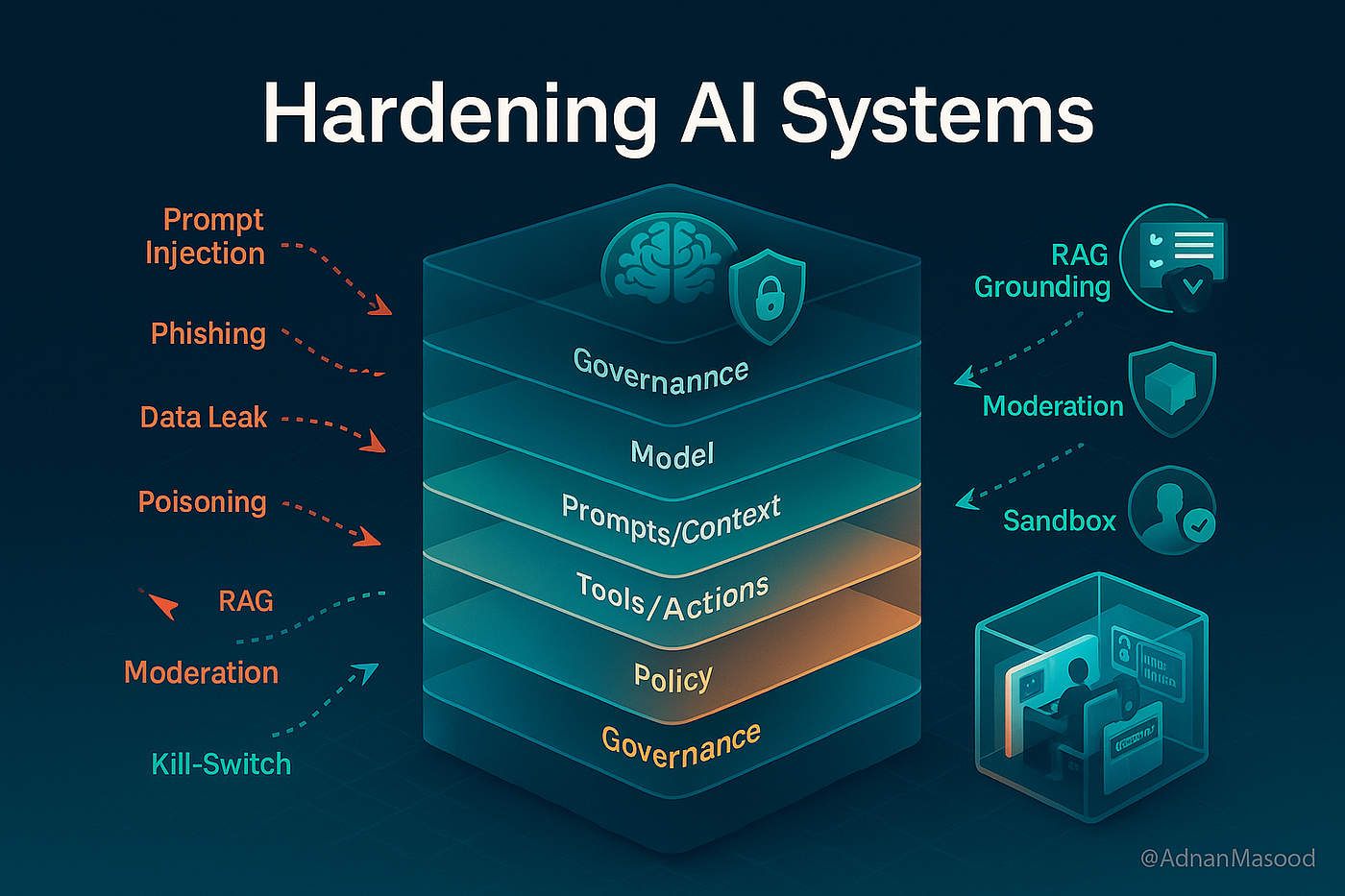
24/7 Customer Service Automation: How It Works in 2026 - What to automate first (and what to leave alone).
A practical sequencing rule: automate the questions with high volume and low ambiguity first.
| Good first candidates | Keep human-led |
|---|---|
| Order and delivery status | Complaints about a failed promise |
| Password and login resets | Billing disputes and refund exceptions |
| Business hours, locations, policies | Cancellations and retention conversations |
| Plan and feature comparisons | Anything involving legal or safety risk |
| How-to and troubleshooting steps | High-value accounts in a fragile moment |
A useful test before automating anything: if a new hire could answer this correctly using only your documentation, an AI agent can probably handle it too. If it requires judgment, negotiation, or an apology, keep it human.
Designing the human handoff so automation does not backfire
The most common failure mode in 24/7 automation is not a wrong answer — it is a customer who cannot escape the bot. IBM's analysis flags exactly this risk: automation should never be a replacement for a customer who wants a real conversation, and redirecting an upset customer into a bot can make the situation worse.
Three design rules prevent that:
- Make the exit obvious. A persistent "talk to a person" option, not one buried three menus deep.
- Trigger escalation automatically. Sentiment drops, repeated rephrasing, and second-time contacts on the same issue should all route to a human without the customer asking.
- Hand over context, not just the ticket. The agent should see the full transcript and what the AI already attempted.
If your team is growing and contact volume is climbing faster than headcount, the playbook in how to scale customer service without losing quality covers routing, self-service, and metrics in more depth.
Measuring whether your 24/7 automation is actually working
Availability is easy to claim and hard to prove. Track these instead:
- Automated resolution rate — the share of conversations closed with no human involvement. This is the single clearest signal of AI agent quality.
- First response time, split by hour. Compare business hours against nights and weekends. If the gap is wide, your automation is not really covering the off-hours.
- Escalation rate and reason. A rising escalation rate on one topic usually means a content gap, not a model problem.
- Containment by topic. Which questions close cleanly, and which bounce back within 24 hours?
- CSAT split by resolution path. Compare customers served by AI against those served by people. If AI-served customers score materially lower, the handoff rules need work.
- Cost per contact. The number that justifies the whole program — and the one most likely to be overstated by vendors.
Review these monthly. Automation drifts as products, policies, and customer language change.
Choosing a platform for 24/7 coverage
The market splits into three rough categories, and the right pick depends on how much of the stack you want in one place.
- Point solutions handle one layer well — a phone answering service, a standalone chatbot, or a ticketing tool. They are fast to deploy and easy to outgrow.
- AI-first helpdesks combine the inbox, the AI agent, the help center, and analytics in one system. Intercom sits here, with Fin resolving conversations natively inside the helpdesk and Copilot assisting agents on the cases that reach them. This is the simplest path to genuine 24/7 coverage because escalation does not cross a system boundary.
- Enterprise suites bundle support with broader CRM and process automation. Powerful, but heavier to configure and often slower to change.
For teams weighing specific options, side-by-side comparisons are more useful than feature lists: see how Intercom, Olark, and Dixa compare on AI agents, channels, and pricing, or how Intercom and Wonderchat differ for support and sales use cases.
One more consideration: if your customers reach out on social channels, those need coverage too. The workflows in this social media customer service automation playbook apply the same routing and escalation logic to public conversations.
Common pitfalls to avoid
- Launching without content hygiene. An AI agent trained on stale articles will confidently give stale answers.
- Measuring containment only. High containment with low satisfaction means you have automated people into silence, not solved their problems.
- No overnight human path. "24/7" that means "AI only after 6 p.m." should be stated honestly, internally and externally.
- Set-and-forget. Automation needs a monthly review loop, or quality decays quietly.
- Ignoring multilingual needs. If you serve global customers, language coverage is part of availability. Modern AI agents can handle multiple languages and switch mid-conversation, which removes a common reason teams delay 24/7 expansion.
Related reading
- Intercom vs Dashly: AI Customer Service Compared (2026) - Intercom vs Dashly compared for 2026: AI agents, channels, pricing, and fit. See which platform suits your support and inbound revenue goals.
- Automation Anywhere Review 2026: Agentic Automation Tested - Evidence-based Automation Anywhere review covering agentic process automation, ideal users, use cases, strengths, limitations, pricing signals, and setup in 2026.
Sources and further reading
- AI Receptionist: 24/7 Intelligent Virtual Answering Service - Transform your business with RingCentral's AI Receptionist: 24/7 call handling, intelligent routing, and natural conversations without a phone tree.
- AI-Powered Customer Service Automation | 24/7 Support AI - Automate customer service with Gensigma’s AI agents to resolve tickets instantly, reduce support backlog, cut costs, and deliver seamless 24/7 support.
FAQ
Does 24/7 customer service automation mean replacing human agents?
No. It means removing the repetitive work that fills most of an agent's day so people can focus on complex, high-stakes, or emotionally sensitive cases. Every automated system should still have a working path to a human.
How much of our ticket volume can realistically be automated?
It depends on your mix. Teams with large volumes of status, how-to, and policy questions typically automate the majority of those contacts. Teams handling mostly disputes or bespoke requests will automate far less. Measure your own topic distribution before setting a target.
What is the fastest way to start?
Pick your ten most frequent questions, confirm your help center answers them accurately, and point an AI agent at that content with escalation enabled. Expand from there based on what escalates.
Can automation handle phone support around the clock?
Yes. AI receptionists and voice agents can answer calls, understand intent in natural language, resolve routine questions, and route or capture details for follow-up — including after hours and during peak demand, when callers would otherwise hit a busy signal or voicemail.
How do we keep quality from slipping over time?
Review automated resolution rate, escalation reasons, and CSAT by resolution path every month. Treat recurring escalations as content bugs and fix the source article.
Conclusion
24/7 customer service automation is not a single purchase — it is a layered system: an AI agent grounded in good content, self-service that customers can actually find, automated triage, proactive messaging, and a human handoff that never closes. Get the layers right and availability stops being a staffing problem. Get them wrong and you have simply built a faster way to frustrate people.
Start with your highest-volume, lowest-ambiguity questions. Set your escalation rules before launch, not after. Then measure resolution rate and satisfaction together, because either one alone will mislead you.