Automated Query Resolution: How AI Handles Customer Questions

Automated Query Resolution: How AI Handles Customer Questions
Customers expect fast answers. Support teams want to stop repeating themselves. Automated query resolution is the bridge between those two goals: it uses AI and workflow rules to understand a customer's question, find the right answer, and resolve it without a human agent when the case is straightforward. This article explains how the process works, where it breaks down, and how to build a reliable system using an AI-first platform like Intercom.
What Is Automated Query Resolution?
Automated query resolution is the end-to-end handling of a customer question by software rather than a person. The system receives the query, identifies what the customer needs, retrieves the answer from a knowledge base or connected business tool, and sends a response. If the query is too complex or ambiguous, it escalates to a human agent with context attached.
It is different from simple keyword-based chatbots. Modern query resolution uses large language models to interpret intent, handle multi-part questions, and personalize answers. It also differs from basic ticket deflection, which only routes customers to help articles. True resolution means the customer's problem is actually solved, not just redirected.
Why Automated Query Resolution Matters Now
First viewport screenshot of www.intercom.com.
Query volumes keep rising while support teams stay lean. Manual handling of routine questions is slow, inconsistent, and expensive. Automation addresses three pressure points:
- Speed: Customers get answers in seconds, not hours.
- Consistency: Every customer receives the same accurate answer for the same question.
- Capacity: Agents spend their time on complex, high-value cases instead of password resets and order-status checks.
Research from ZBrain's dynamic query resolution agent describes the same shift: LLM-powered agents interpret emails, consult knowledge bases and business tools, and generate context-aware replies, while unresolved queries are flagged for human intervention. The pattern is consistent across industries.
How Automated Query Resolution Works: A Step-by-Step Workflow
A reliable automated query resolution system follows a repeatable sequence. The exact tools vary, but the logic is stable.
Step 1: Receive and Classify the Query
The system captures the query from any channel: chat, email, messaging apps, or phone. It then classifies the request. Is this a billing question, a technical issue, a return request, or spam? Classification determines which knowledge sources and workflows apply.
Step 2: Retrieve the Right Information
For general questions, the system searches the help center and internal documentation. For account-specific questions, it pulls data from connected tools such as order management, CRM, or billing systems. The quality of this step depends on how well the knowledge base is structured and how clean the integrations are.
Step 3: Compose and Verify the Response
Using the retrieved information, the system drafts an answer. Before sending, it checks completeness: did it address every part of a multi-question message? If information is missing, the query is marked for escalation rather than answered with a guess.
Step 4: Deliver or Escalate
If the answer is complete and confident, it goes to the customer. If not, the query routes to a human agent with the conversation history, retrieved context, and a suggested reply. This handoff is where many automation projects fail, so it deserves careful design.
Step 5: Learn From Every Interaction
Feedback loops matter. When agents correct an AI response or customers mark an answer as unhelpful, that signal should improve the knowledge base and the AI's future behavior. Without this loop, automation quality stagnates.
Where Automated Query Resolution Breaks Down
First viewport screenshot of www.intercom.com.
Automation is not magic. Common failure modes include:
- Thin or outdated knowledge bases. If the source content is wrong, the AI will confidently repeat it.
- Poor integration coverage. Questions about order status or account balances cannot be answered without live data access.
- No clear escalation path. Customers get stuck in loops when the AI cannot recognize its own limits.
- Over-automation. Some queries, especially complaints or sensitive account issues, need a human from the start.
A useful benchmark from the financial operations world: Taskize's automated query resolution reports eliminating up to 80% of daily trade status queries and cutting response times from around nine hours to nine seconds. That kind of result depends on narrow, well-defined query types and clean data connections, not on automation alone.
How Intercom Approaches Automated Query Resolution
First viewport screenshot of www.intercom.com.
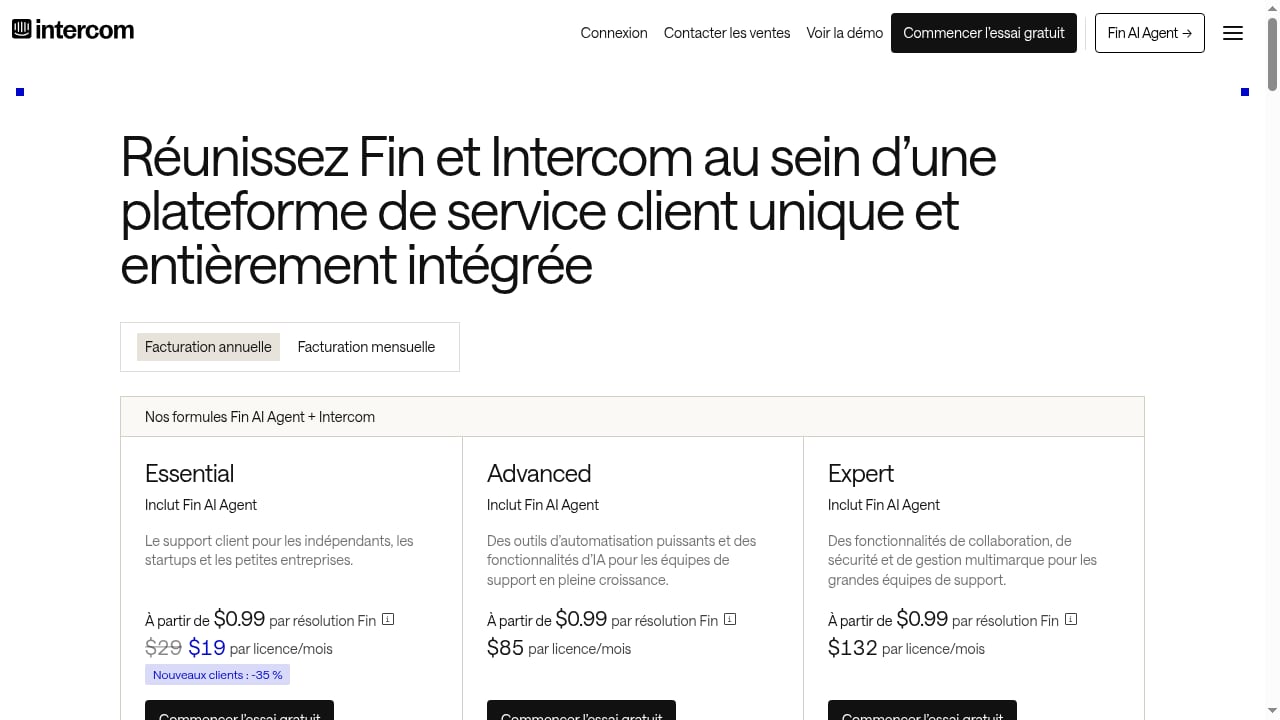
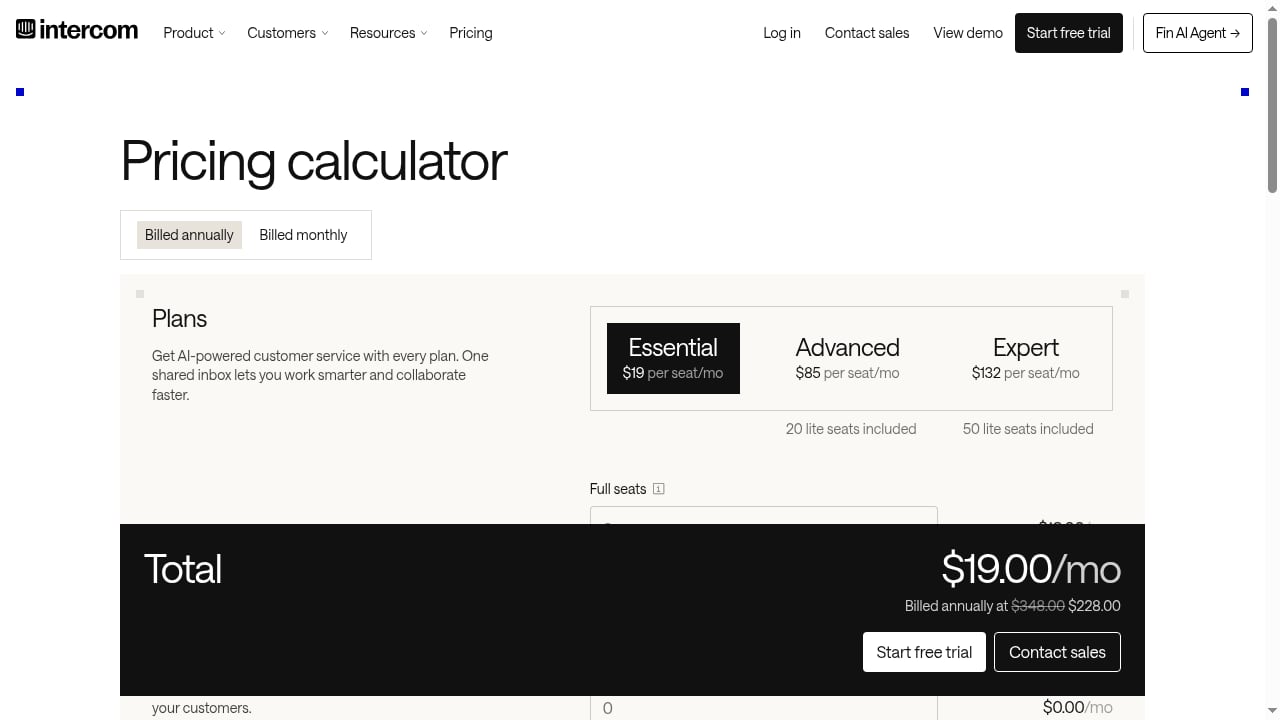
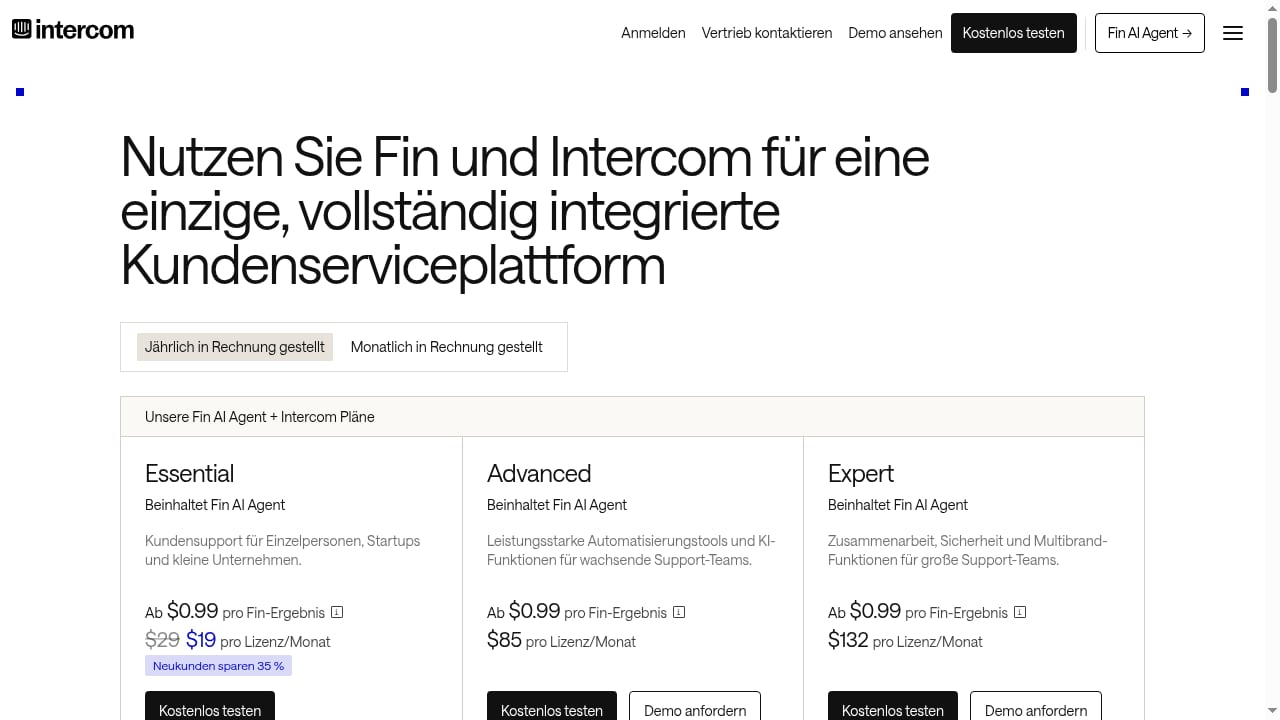
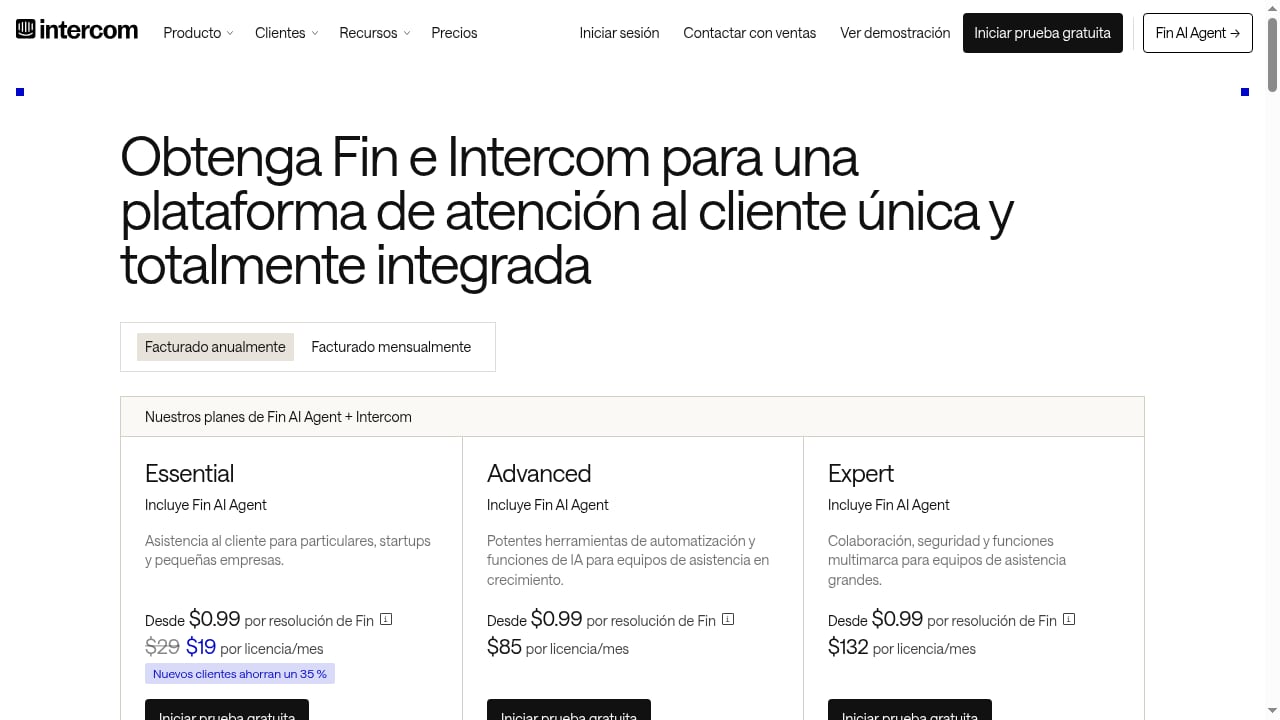
Intercom is an AI-first customer service platform that combines a full helpdesk with Fin, a natively integrated AI Agent. Fin handles support across channels and is priced per outcome at $0.99, which aligns cost with actual resolutions rather than seats or message volume. The platform is designed as a complete system for human and AI customer service, so the same conversation can move between Fin and a human agent without losing context.
Key capabilities that support query resolution include:
- Omnichannel inbox: Queries from chat, email, and messaging arrive in one place.
- Fin AI Agent: Resolves common questions using your help center and connected systems.
- Copilot: Assists human agents with suggested replies and context when a query escalates.
- Workflow automation: Routes, tags, and assigns queries based on rules.
- Reporting: Shows resolution rates, deflection, and response times so you can see what is working.
Customer stories illustrate the scale. Kalshi, a prediction market, reports 80,000+ monthly Fin resolutions and an 80% automation rate. That is the kind of outcome that comes from pairing a capable AI agent with a well-maintained knowledge base and clear escalation rules.
If you are comparing platforms, our top 10 AI agent platforms for customer support products breaks down autonomous resolution, voice, governance, and pricing fit. For a narrower comparison, see Intercom vs Capacity vs Hesk.
Designing a Query Resolution Workflow That Works
First viewport screenshot of www.intercom.com.
Whether you use Intercom or another platform, the design principles are similar.
Start With Your Top Query Types
Pull a month of support tickets and group them by topic. Most teams find that a small number of categories, such as password resets, order status, billing questions, and how-to requests, make up the majority of volume. Automate those first.
Build the Knowledge Base Before the AI
An AI agent can only resolve what it can find. Write clear help center articles for each top query type. Include exact steps, screenshots where useful, and answers to follow-up questions. Intercom's public and private multilingual help centers can serve as the source of truth.
Connect the Systems That Hold the Answers
For account-specific queries, the AI needs access to live data. Connect your order management, billing, or CRM systems so the agent can retrieve status information rather than telling customers to check elsewhere.
Define Escalation Rules
Decide which queries must always go to a human: complaints, refunds above a threshold, legal or compliance topics, and anything the AI cannot answer with confidence. In Intercom, workflow automation and round-robin assignment can route these cases to the right team.
Measure Resolution, Not Just Deflection
Deflection counts how many customers avoided a ticket. Resolution counts how many actually got their problem solved. Track both, along with customer satisfaction and repeat contact rates. A high deflection rate with low satisfaction is a warning sign, not a win.
Automated Query Resolution vs. Traditional Ticket Deflection
| Dimension | Traditional deflection | Automated query resolution |
|---|---|---|
| Primary mechanism | Help articles and FAQ links | AI agent that answers directly |
| Handling of multi-part questions | Limited | Can address each part |
| Account-specific data | Usually unavailable | Retrieved from connected tools |
| Escalation | Customer must find a contact form | Automatic handoff with context |
| Measurement | Article views, ticket avoidance | Resolution rate, satisfaction, repeat contacts |
Traditional deflection still has a place, especially for complex topics where customers prefer to read. But it should be one layer in a broader resolution strategy, not the whole strategy.
When to Keep Humans in the Loop
Automation should not aim to remove humans from support. It should aim to put humans where they add the most value. Keep human agents in the loop for:
- Emotional or sensitive conversations
- High-value accounts and enterprise customers
- Queries that require judgment or negotiation
- Anything the AI flags as low-confidence
Intercom's Copilot is built for this hybrid model. When a query escalates, the agent sees suggested replies and relevant context, which shortens handling time and improves consistency.
Related reading
- Top 10 Conversational AI Customer Experience Platforms 2026 - Compare the top 10 conversational AI customer experience platforms for 2026 on autonomous resolution, voice, governance, integrations, and pricing fit.
- How to Use Intercom with Atlassian: Setup, Workflows & Tips - Connect Intercom with Atlassian to sync tickets to Jira, surface context in the Inbox, and close the loop between support and engineering. Step-by-step guide.
- Intercom vs Olark: AI Agent vs Live Chat for Marketing Funnels - Compare Intercom's AI-first customer service platform with Olark's live chat and chatbot. See which fits your support and marketing funnel needs.
Sources and further reading
- How the Query Resolution Process Works in Clinical Research - Explore the query resolution process in clinical research, from identifying discrepancies to closing queries, ensuring audit readiness, and trial success.
Frequently Asked Questions
What is automated query resolution?
Automated query resolution is the use of AI and workflow automation to handle customer questions from start to finish without a human agent when the query is straightforward. It includes understanding the query, retrieving the answer, and responding, with escalation to a person when needed.
How is it different from a chatbot?
Traditional chatbots follow scripted flows and struggle with unexpected wording. Modern automated query resolution uses large language models to interpret intent and can pull answers from knowledge bases and connected business systems, making it more flexible and accurate.
What percentage of queries can be automated?
It depends on your query mix and knowledge base quality. Narrow, well-documented query types can see very high automation rates. Broad, complex support operations typically automate a smaller share. Intercom customer Kalshi reports an 80% automation rate, but results vary by industry and setup.
Do I need a large support team to implement it?
No. Many small teams start with a help center and an AI agent, then add integrations and workflows as volume grows. The key requirements are clean documentation and a clear escalation plan.
How do I measure success?
Track resolution rate, customer satisfaction, repeat contact rate, and average response time. Compare automated versus human-handled conversations to see where the AI performs well and where it needs improvement.
Conclusion
Automated query resolution is not about replacing support teams. It is about giving customers fast, accurate answers while freeing agents to handle the work that genuinely needs a human. The formula is consistent: understand your top query types, build a strong knowledge base, connect the systems that hold the answers, define clear escalation rules, and measure resolution rather than deflection. Platforms like Intercom bring these pieces together with Fin, Copilot, and workflow automation, but the underlying discipline is what makes automation work. Start with your highest-volume, best-documented queries, and expand from there.