Deskpro Review 2026: AI Help Desk Tested & Rated
Deskpro Review 2026: AI Help Desk Tested & Rated
Deskpro is an AI-powered help desk platform that centralizes support across channels, automates workflows, and offers a rare self-hosted deployment option. This review examines its ideal users, real-world use cases, strengths, limitations, pricing signals, and setup experience so you can decide if it fits your team.
Who Deskpro Is For
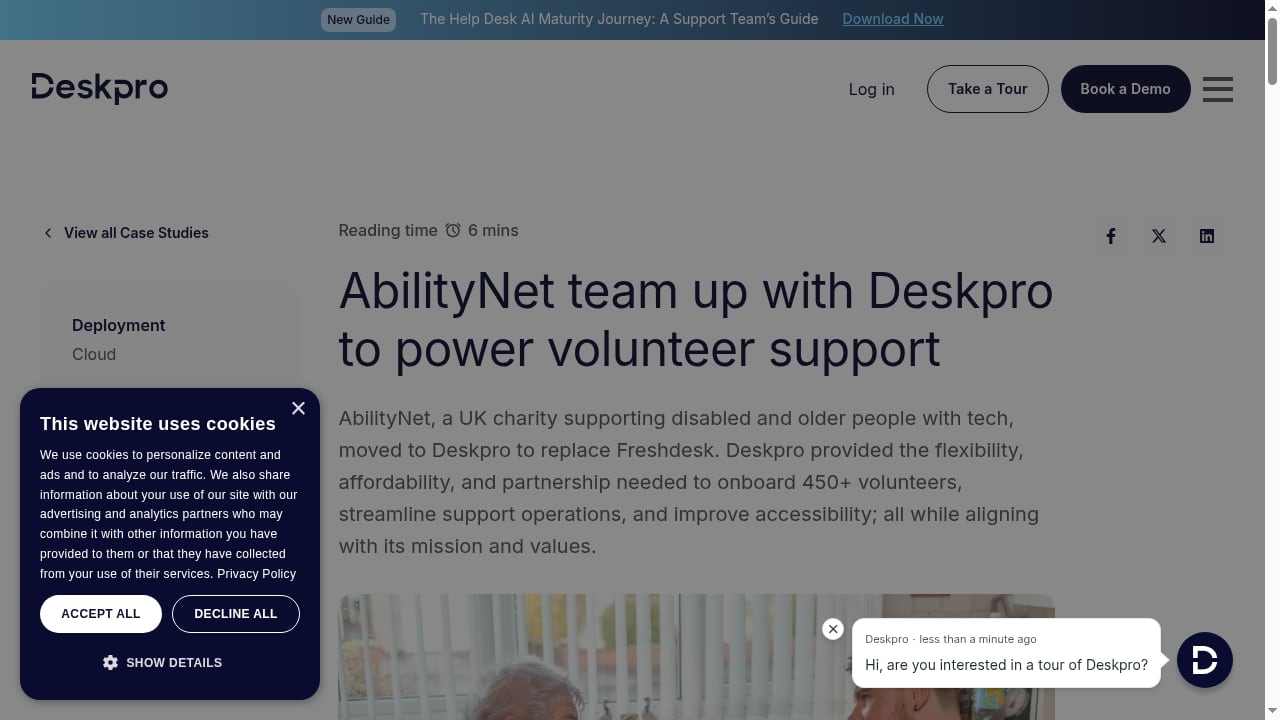
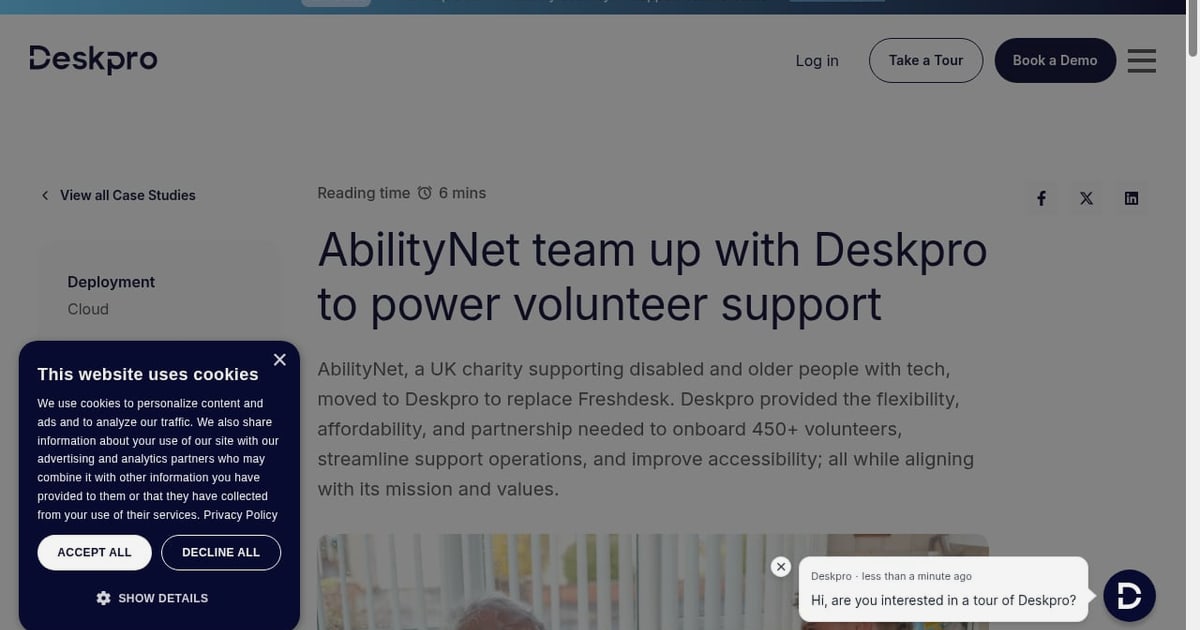
First viewport screenshot of AbilityNet team up with Deskpro to power volunteer support.
Deskpro targets support teams that need efficient, omnichannel ticket management and collaboration. Based on its positioning and customer stories, it fits:
- Enterprises requiring granular control, multi-brand support, and compliance-ready security.
- Non-profits onboarding large volunteer teams and managing high ticket volumes with limited budgets.
- Regulated industries (finance, healthcare, government) that need self-hosted deployment for data sovereignty.
- Multi-brand organizations that want to serve different audiences from a single system.
- Internal IT and HR help desks that need shared inboxes, routing, and a knowledge base.
If your team is small and prioritizes a simple, modern interface above all else, Deskpro may feel heavier than needed. But if you value flexibility, security, and deep customization, it is worth a close look.
Key Features and Capabilities
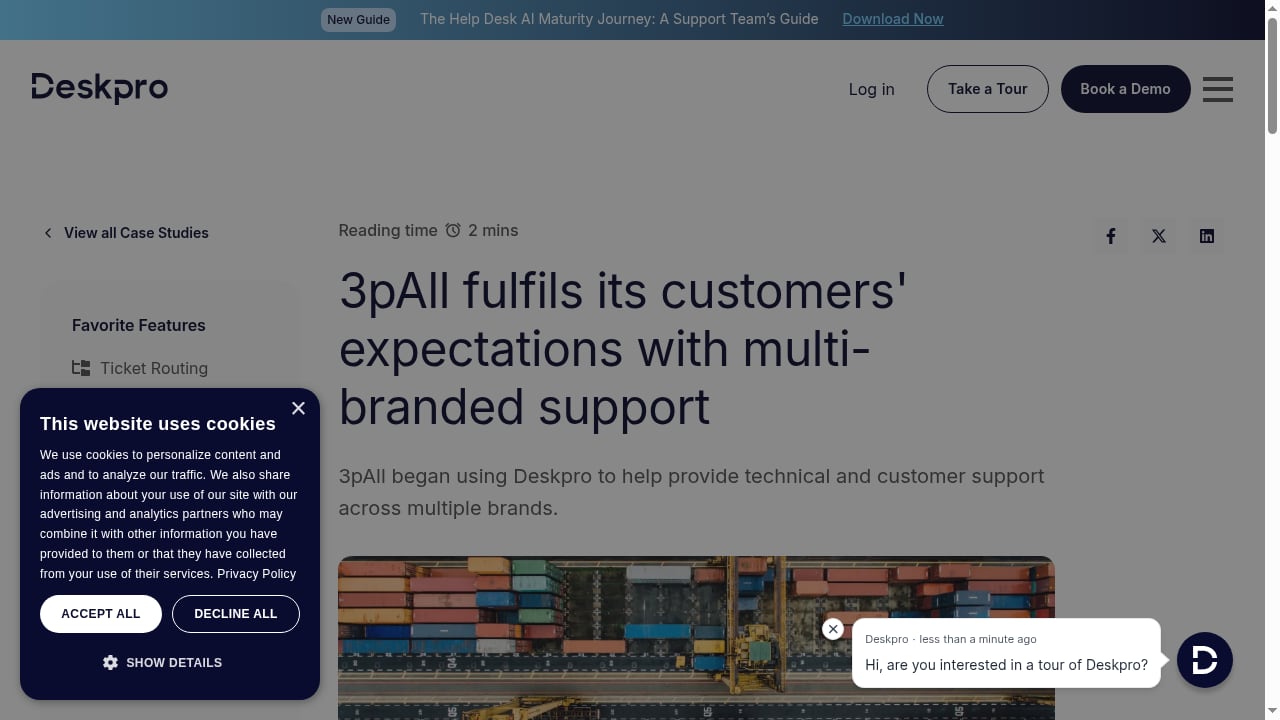
First viewport screenshot of 3pAll fulfils its customers' expectations with multi-branded support.
Omnichannel Ticket Management
Deskpro consolidates email, live chat, web forms, social media, and messaging into a single agent workspace. Users frequently highlight how quickly emails turn into tickets—often almost instantly. This centralization helps agents avoid channel-switching and maintain context. For a deeper look at maintaining context across channels, see our playbook on maintaining context across channels.
AI-Powered Automation
Deskpro uses AI to automate ticket routing, prioritization, and responses. Automated processes such as ticket prioritisation and custom email notifications are commonly praised in reviews. The AI can suggest replies, categorize tickets, and surface relevant knowledge base articles, reducing manual effort.
Multi-Brand Customization
You can create separate branded portals, email templates, and knowledge bases for each brand or department. This is a major advantage for organizations managing multiple products or subsidiaries.
Knowledge Base and Self-Service
A built-in knowledge base lets you publish help articles and enable self-service. AI can suggest articles to customers as they type, potentially deflecting tickets before they are created.
Shared Inbox and Collaboration
Teams can collaborate on tickets with internal notes, @mentions, and collision detection. This is essential for support teams that need to loop in subject matter experts without leaving the ticket.
Deployment Flexibility: Cloud or Self-Hosted
Deskpro offers both cloud and self-hosted options. Self-hosting is a differentiator for organizations with strict data residency or security requirements. It allows full control over data and infrastructure, though it requires internal IT resources to maintain.
Real-World Use Cases
- E-commerce: Managing order inquiries, returns, and shipping issues across email and chat. AI can automate WISMO (Where Is My Order) responses.
- Technology: Supporting developers and end-users with a knowledge base and ticketing. Multi-brand support for different product lines.
- Logistics: Coordinating high-volume, time-sensitive tickets with automated routing and prioritization.
- Non-profit: Onboarding and managing large volunteer teams with shared inboxes and simple workflows.
Strengths According to Users
Across review platforms like G2, Trustpilot, and Software Advice, common praises include:
- Microsoft 365 integration: "It links in with Microsoft 365 and 'just works'."
- Ease of use: "Very intuitive and easy to get to grips with."
- Responsiveness: "Creating tickets from emails almost instantly."
- Automation: "Automated processes, such as ticket prioritisation and sending out custom email..."
These signals suggest Deskpro delivers a reliable, efficient experience for teams that invest time in configuration.
Limitations and Considerations
- Learning curve: While intuitive, the depth of customization can overwhelm new admins. Expect a ramp-up period.
- Self-hosted maintenance: Self-hosting shifts responsibility for updates, security patches, and uptime to your team.
- Interface modernity: Some users may find the UI less sleek than newer AI-native tools. However, functionality is robust.
- Pricing opacity: Deskpro does not publish detailed pricing on its website; you must contact sales for a quote. This can slow decision-making.
- AI maturity: While AI features are present, they may not be as advanced as those in dedicated AI-first platforms. Evaluate against your automation goals.
Pricing Signals
Deskpro's pricing page emphasizes plans for every team, with enterprise-grade security and compliance by default. However, specific dollar amounts are not publicly listed. Based on third-party sources and market positioning:
- Cloud plans: Likely tiered by agent count and features, with enterprise pricing for advanced security and multi-brand.
- Self-hosted: Typically a higher upfront cost or annual license, plus infrastructure costs.
- Non-profit discounts: May be available; worth asking.
For comparison, competitors like Freshdesk and Intercom publish starting prices. If budget certainty is critical, request a quote early. For a broader comparison, see our Intercom vs Ultimate AI vs Freshdesk analysis.
Setup and Onboarding
Deskpro offers guided onboarding and a demo environment. Setup involves:
- Choosing deployment: Cloud or self-hosted.
- Configuring channels: Connect email, chat, social, etc.
- Setting up brands: If multi-brand, configure portals and templates.
- Building workflows: Create routing rules, automation, and SLAs.
- Training agents: Use the intuitive interface to get teams productive quickly.
Users report that the system is easy to pick up, but full configuration takes time. For teams migrating from legacy tools, data import and workflow mapping are key steps.
Deskpro vs Alternatives

3pAll fulfils its customers' expectations with multi-branded support.
| Platform | Best For | Deployment | AI Strength | Pricing Transparency |
|---|---|---|---|---|
| Deskpro | Enterprises, non-profits, regulated industries | Cloud, self-hosted | Moderate | Low (quote-based) |
| Freshdesk | SMBs to enterprises | Cloud only | Moderate | High |
| Intercom | AI-first customer service | Cloud only | High | Medium |
| OTRS | ITSM-focused teams | Cloud, self-hosted | Low | Medium |
If you need self-hosting and multi-brand, Deskpro is a strong contender. If you prioritize cutting-edge AI and modern UX, consider Intercom or a dedicated AI platform. For an ITSM comparison, see Intercom vs OTRS.
Decision Criteria: Is Deskpro Right for You?

Cairn makes customer service complimentary.
Ask these questions:
- Do you require self-hosted deployment for compliance or data sovereignty?
- Do you manage multiple brands or departments from one system?
- Is your team large enough to justify a configurable, enterprise-grade platform?
- Are you willing to trade some AI sophistication for deployment flexibility and customization?
- Can you handle a quote-based pricing process?
If you answered yes to most, Deskpro is likely a good fit. If you need a quick, low-configuration tool with transparent pricing, look elsewhere.
Related reading
- Front Review 2026: AI Customer Service Platform Tested - Evidence-based Front review for 2026: shared inboxes, AI Autopilot and Copilot, pricing signals, setup, limitations, and who should buy it.
Sources and further reading
- Deskpro Reviews 2026: Details, Pricing, & Features - G2 - It links in with Microsoft 365 and "just works". Users find it easy to pick up and use. It is very responsive, creating tickets from emails almost instantly - ...
- Read Customer Service Reviews of deskpro.com - Trustpilot - ... people have already reviewed Deskpro. Read about their experiences and share your own ... Write a review. We use technology to protect platform integrity ...
- Deskpro Software Reviews, Demo & Pricing - 2026 - Pros: The software is very intuitive and easy to get to grips with. The automated processes, such as ticket prioritisation and sending out custom email ...
FAQ
Is Deskpro suitable for small businesses?
It can be, but its strengths shine for teams with complex needs. Small teams may find simpler tools more cost-effective.
Does Deskpro offer a free trial?
Deskpro typically offers a demo and trial upon request. Check their website for current offers.
Can Deskpro be self-hosted?
Yes, Deskpro offers a self-hosted deployment option, which is rare among modern help desks.
How does Deskpro handle AI?
It uses AI for ticket routing, prioritization, suggested replies, and knowledge base suggestions. It is not as AI-native as some newer platforms, but it covers core automation.
What integrations does Deskpro support?
It integrates with Microsoft 365, Slack, Jira, and many others via API and pre-built connectors.
Conclusion
Deskpro is a mature, flexible help desk platform that excels for organizations needing omnichannel ticketing, multi-brand support, and self-hosted deployment. Its AI capabilities are solid but not cutting-edge, and pricing requires a sales conversation. If you value control, security, and customization over a sleek AI-first experience, Deskpro deserves a spot on your shortlist. For teams prioritizing AI resolution and modern UX, explore alternatives like Intercom or Freshdesk. Whichever you choose, align the platform with your support volume, compliance needs, and team workflow.