Front Review 2026: AI Customer Service Platform Tested
Front Review 2026: An Evidence-Based Look at the AI Customer Service Platform
Front is an AI-powered customer service platform that combines shared inboxes, omnichannel routing, automation, and analytics into one workspace. It is used by more than 9,300 businesses and is positioned as a replacement for inbox chaos. This review examines what Front does well, where it falls short, what it costs, and how to decide whether it fits your team.
What Front Is and Who It Serves
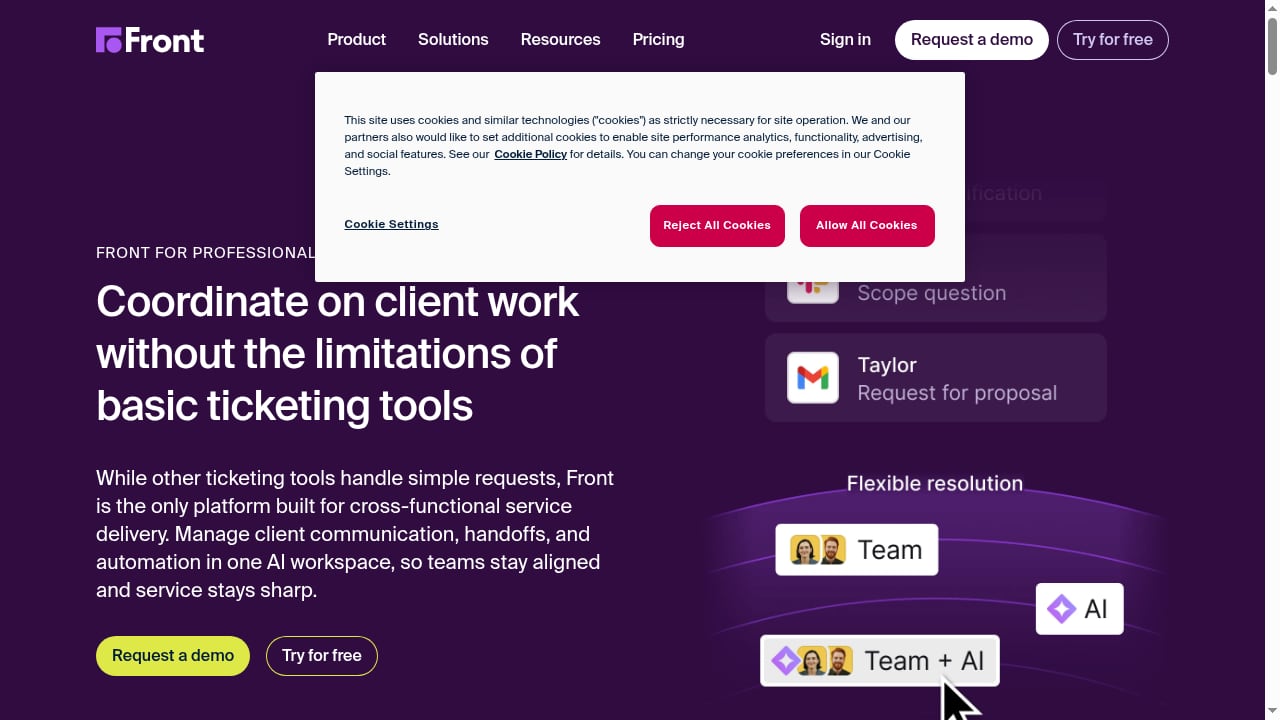
First viewport screenshot of Customer Operations Platform for Professional Services | Front.
Front is built around a collaborative shared inbox. Instead of forwarding emails and pasting screenshots into chat, teams assign conversations, comment internally, and coordinate replies in one place. On top of that foundation, Front adds AI capabilities:
- Autopilot for advanced automation and rule-based workflows
- Copilot for AI assistance on complex replies
- Smart QA for quality assurance across conversations
- Smart CSAT for customer satisfaction insights
The platform also includes omnichannel support, ticketing, live chat, a knowledge base, and integrations with common business systems.
Front is most often adopted by customer-first teams in tech, financial services, logistics, manufacturing, professional services, and travel. These are environments where conversations arrive from multiple channels and where coordination between sales, support, and operations matters.
Ideal Users and Use Cases
Front tends to fit teams that have outgrown a plain shared inbox but do not want a heavy enterprise contact-center suite. Typical use cases include:
- Customer service teams handling email, chat, and messaging in one queue
- Email management at scale, where multiple people need visibility into the same thread
- Collaborative shared inboxes for support, sales, and operations
- Personalized client communication in industries with high-touch accounts
If your team spends hours each day triaging a shared Gmail or Outlook inbox, Front's core value proposition is easy to understand. If you already run a mature contact-center platform with deep workforce management, the fit is less obvious.
Strengths
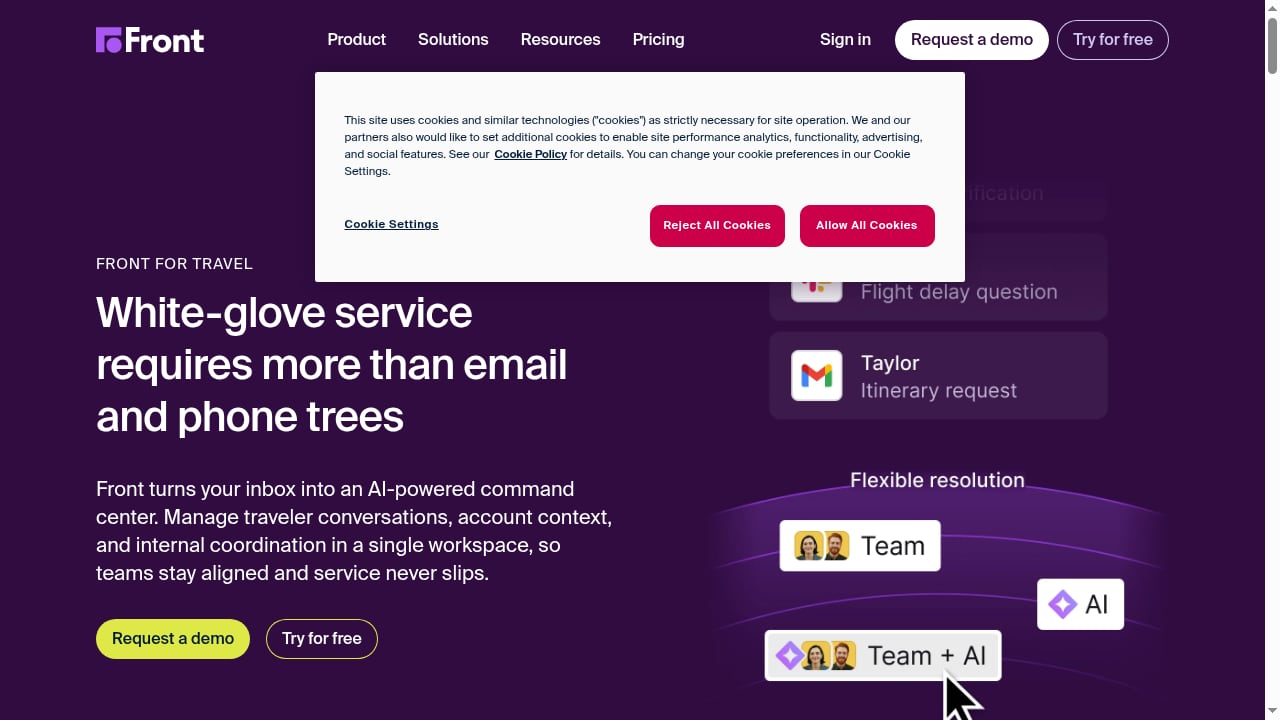
First viewport screenshot of Travel Customer Service Platform That Scales with Demand | Front.
Collaboration is the foundation, not an add-on
Front's shared inbox model is its strongest differentiator. Internal comments, @mentions, and conversation assignment are native to the workflow rather than bolted on. G2 reviewers frequently cite improved team coordination and faster response times as the main benefits.
AI features are tied to real workflows
Autopilot, Copilot, Smart QA, and Smart CSAT are attached to conversations rather than presented as a separate AI product. That makes them easier to evaluate against actual support metrics.
Omnichannel coverage
Email, live chat, and messaging channels are managed in one place, which reduces the tool-switching that slows down small and mid-sized teams.
Broad industry fit
Front's customer base spans tech, financial services, logistics, manufacturing, professional services, and travel. That breadth suggests the platform handles a wide range of conversation types, not just SaaS support tickets.
Limitations and Trade-offs
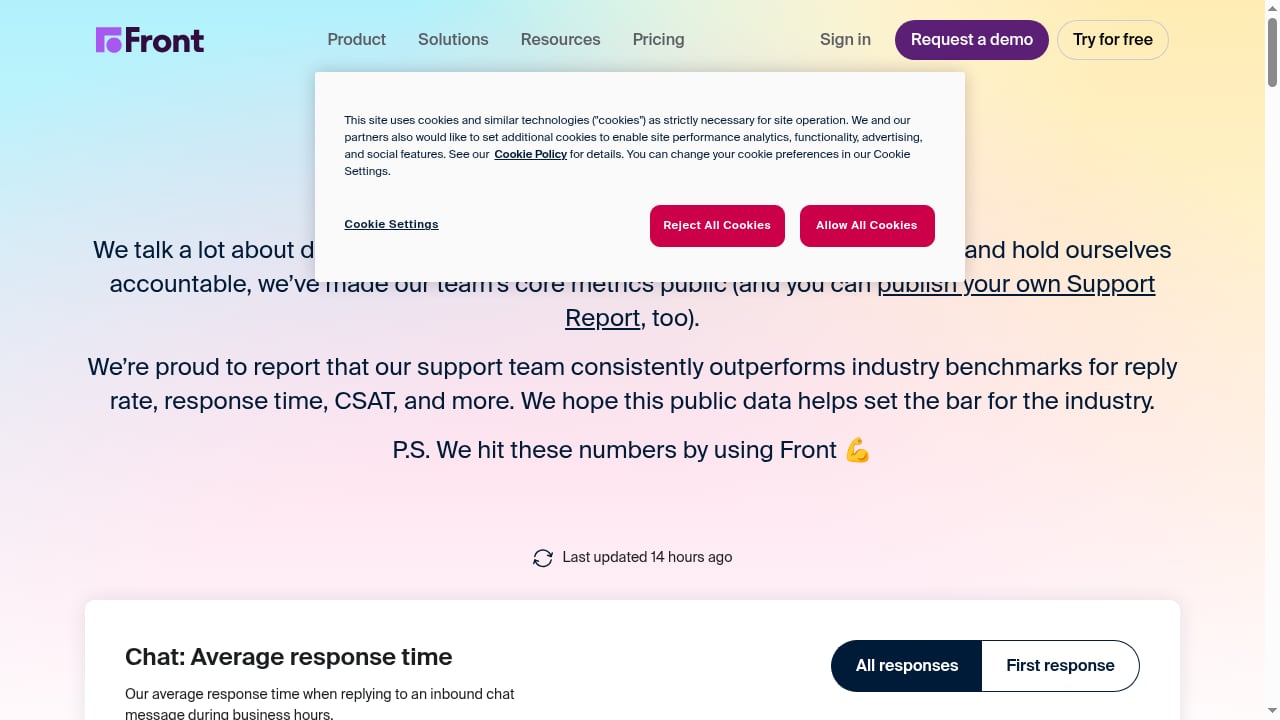
First viewport screenshot of Customer Support Metrics | KPIs for Service and Support.
Pricing escalates with scale
Front's pricing is per-seat and tiered. Public reviews include complaints from larger accounts about annual spend, and at least one reviewer noted that a company spending around $40,000 per year did not receive phone support. Budget for growth, not just for the initial seat count.
Support channels may not match expectations
Phone support is not guaranteed at every tier. Teams that depend on live phone escalation should confirm what is included in their plan before signing.
It is not a full contact-center suite
Front is a customer service platform, not a workforce management or telephony-first contact center. Teams with complex routing, forecasting, and quality-monitoring requirements may need additional tools.
Review evidence is mixed
Trustpilot and G2 reviews show a range of experiences. Positive reviews emphasize collaboration and response times; critical reviews focus on pricing and support access. Treat vendor-published reviews as one input, not the whole picture.
Pricing Signals
Front does not publish a single flat price that fits every team. Pricing signals from public reviews suggest:
- Costs scale with seats and plan tier
- Larger deployments can reach tens of thousands of dollars per year
- Phone support is not universally included
For a concrete comparison point, see how Front-style pricing stacks up against alternatives in our Intercom vs Pylon vs Chatwoot comparison. If your team is evaluating lighter-weight options, the Intercom vs HelpCrunch breakdown covers similar decision criteria.
Setup and Onboarding
Front is generally described as easy to use once configured, but setup still requires planning:
- Connect channels. Link email, live chat, and messaging accounts so conversations land in the right inboxes.
- Define inbox structure. Decide which teams own which queues before inviting users.
- Configure rules and automation. Set up routing, assignment, and Autopilot rules early to avoid manual triage later.
- Enable AI features deliberately. Turn on Copilot and Smart QA where they support real workflows, not everywhere at once.
- Train the team. Front offers an academy and community resources that can shorten ramp-up time.
Teams that skip inbox design often end up recreating the same chaos they were trying to escape.
Front vs Alternatives: Decision Criteria
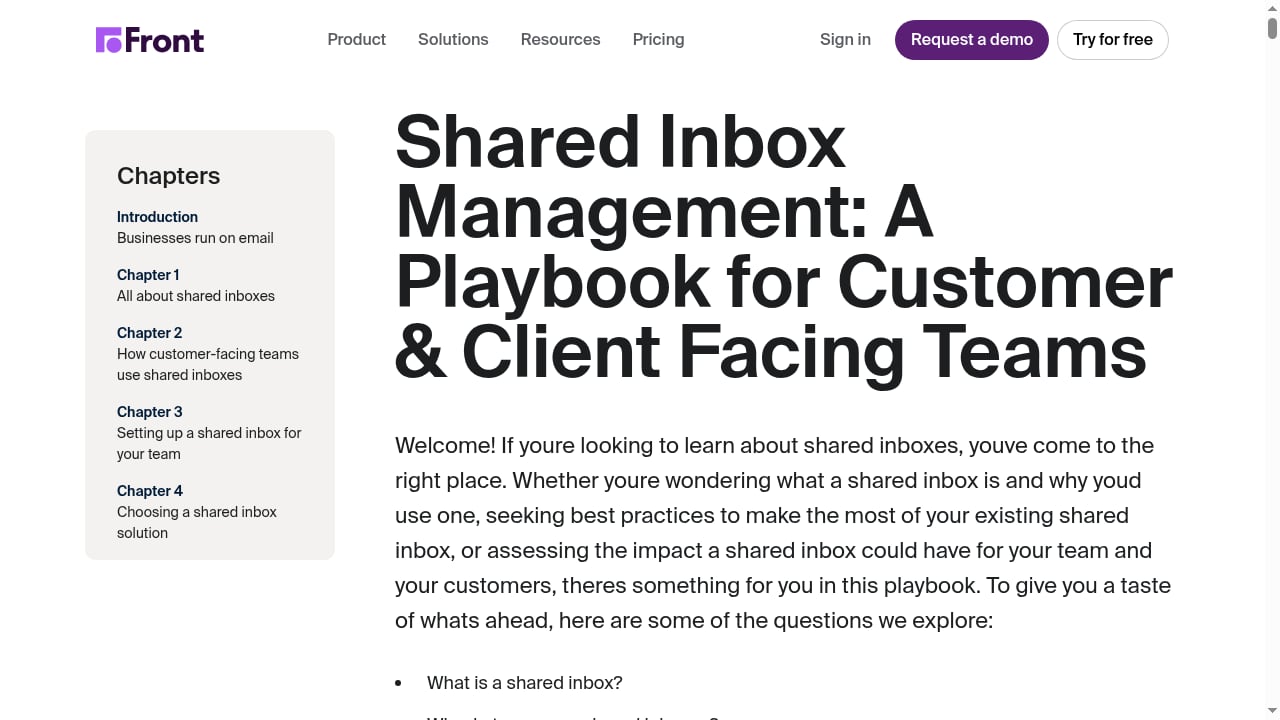
First viewport screenshot of How to Manage a Shared Inbox Playbook.
| Criterion | Front | Typical alternative |
|---|---|---|
| Shared inbox collaboration | Native and mature | Varies by platform |
| AI automation | Autopilot, Copilot, Smart QA | Often add-on or newer |
| Omnichannel | Included | Usually included |
| Pricing at scale | Can be high per seat | Varies widely |
| Phone support | Not guaranteed at all tiers | Check plan details |
If collaboration is your primary pain point, Front is a strong candidate. If cost predictability or deep contact-center functionality matters more, compare options before committing. For teams weighing automation-heavy platforms, our Automation Anywhere review covers a different approach to agentic automation, and 24/7 customer service automation explains how to keep human handoff intact.
Related reading
- ClearFeed Download Guide: Setup, Pricing, and AI Support Fit - ClearFeed download options explained: Slack app, Microsoft Teams package, and web portal setup, plus pricing, AI agent limits, and when to choose Intercom.
- Yuma AI Review 2026: Ecommerce Support Automation Tested - Evidence-based Yuma AI review: how its ecommerce AI agents resolve WISMO, returns, and refunds, plus real pricing, setup, limits, and who should buy.
FAQ
Is Front good for small teams?
Yes, if the team collaborates on shared conversations. Small teams benefit most when multiple people need visibility into the same inbox.
Does Front include phone support?
Not necessarily. Public reviews indicate phone support is not available at every tier, so confirm plan details before purchase.
How much does Front cost?
Pricing is per-seat and tiered. Larger accounts have reported annual spend in the tens of thousands of dollars, so model costs at your expected seat count.
What are Front's main AI features?
Autopilot for automation, Copilot for AI assistance, Smart QA for quality assurance, and Smart CSAT for satisfaction insights.
Who should not choose Front?
Teams that need a telephony-first contact center, strict per-seat cost caps, or guaranteed phone support at every tier should evaluate alternatives carefully.
Conclusion
Front is a credible AI customer service platform with a strong collaboration core and a growing AI layer. It fits customer-first teams that live in shared inboxes and want automation without abandoning human coordination. It fits less well for teams that need low, predictable per-seat pricing or full contact-center functionality. Review your seat count, support requirements, and inbox design before committing, and use public reviews from Trustpilot and G2 alongside vendor materials.