How to Use Intercom with Beam AI: Setup & Workflows
How to Use Intercom with Beam AI
Intercom gives support teams a shared inbox, an AI-first helpdesk, and the Fin AI Agent for resolving customer questions instantly. Beam AI adds a different layer: agentic automation that moves work between Intercom and the systems around it—your CRM, billing tool, order database, or internal ops stack—without a human clicking between tabs.
Used together, the two tools handle the full customer service loop. Intercom owns the conversation and the customer experience. Beam AI owns the repetitive operational work behind that conversation: looking up records, updating fields, triggering downstream actions, and routing exceptions to the right person when something needs judgment.
This guide covers how the integration works, what you can build with it, setup steps, practical examples, and where the combination delivers the most value.
What the Intercom and Beam AI Integration Does
First viewport screenshot of Zoho Billing: AI Agent Integration.
Beam AI treats Intercom as a controlled action point inside agentic workflows. A Beam agent can read Intercom objects such as conversations, contacts, teams, tags, and articles, apply an approved rule, create or update the next record, and record the outcome. If data is missing or an action falls outside the connector's permissions, the agent pauses and routes the case for human review instead of guessing.
The official Beam AI Intercom integration page describes the pattern clearly: a workflow starts with an event such as "a conversation or customer event needs a response." The agent checks the relevant Intercom records, applies the workflow rule, performs the permitted update, and logs the result. Exceptions go to a responsible owner with an auditable handoff.
How Beam Agents Use Intercom
A typical Beam agent flow looks like this:
- Trigger – A conversation opens, a tag changes, a customer event fires, or a status update arrives.
- Read – The agent pulls the relevant conversation, contact, team, tag, or article data from Intercom.
- Decide – It applies the workflow rule you defined in Beam's visual flow builder.
- Act – It creates or updates the next record in Intercom or a connected system.
- Escalate – If required data is missing or permissions block the action, it routes the case to a human with full context.
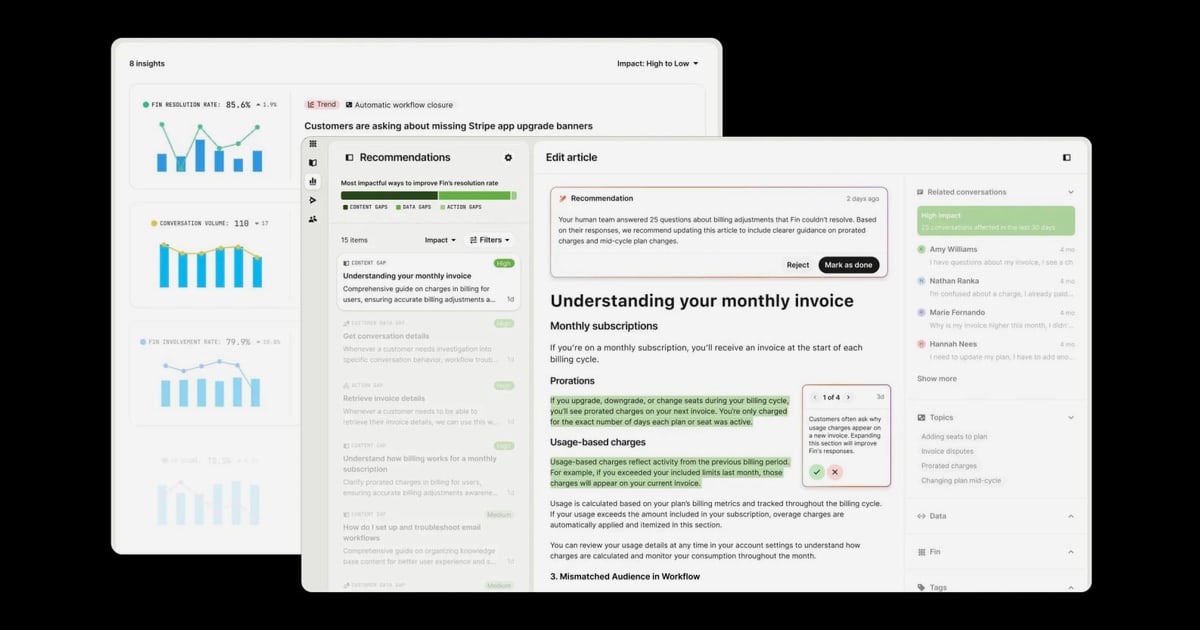
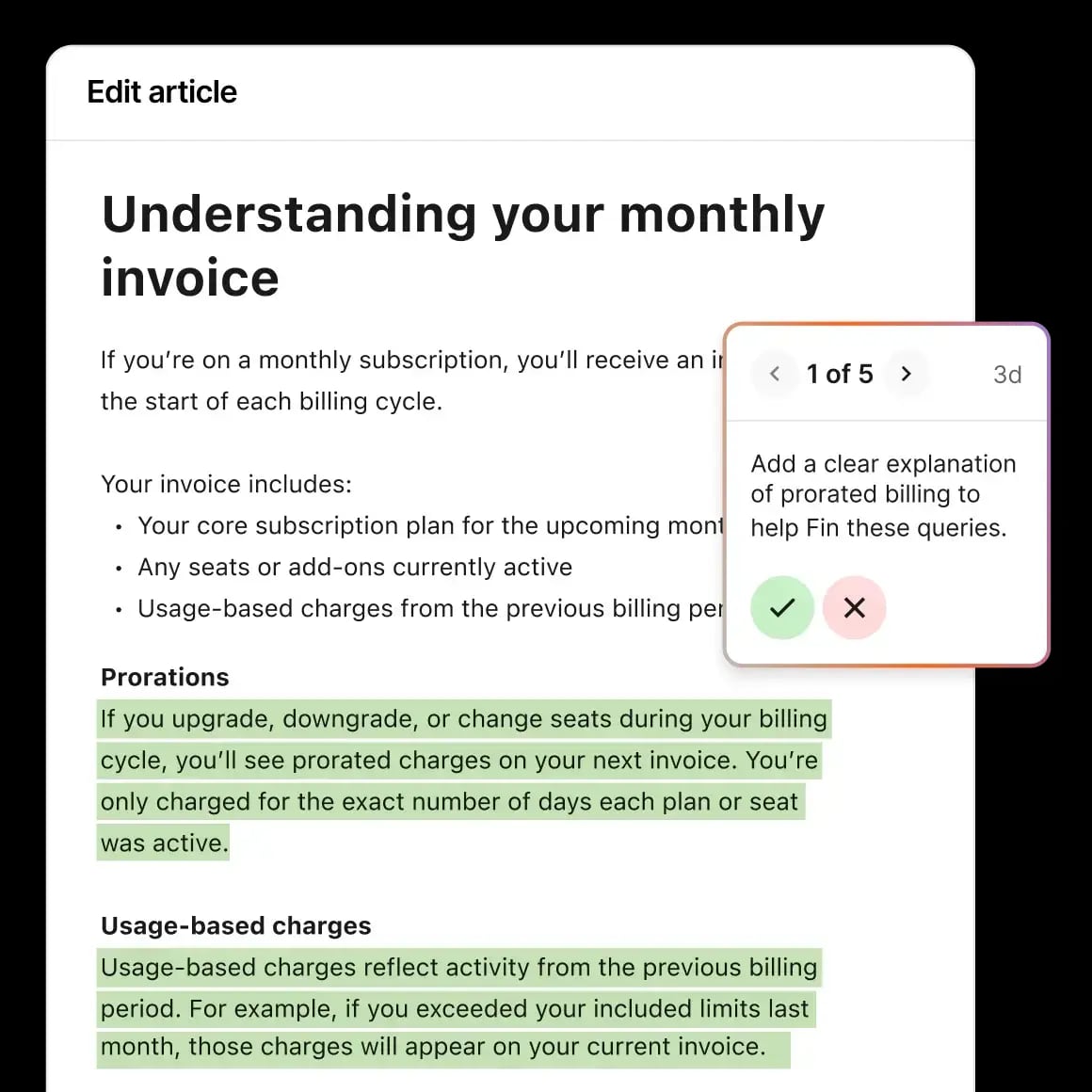
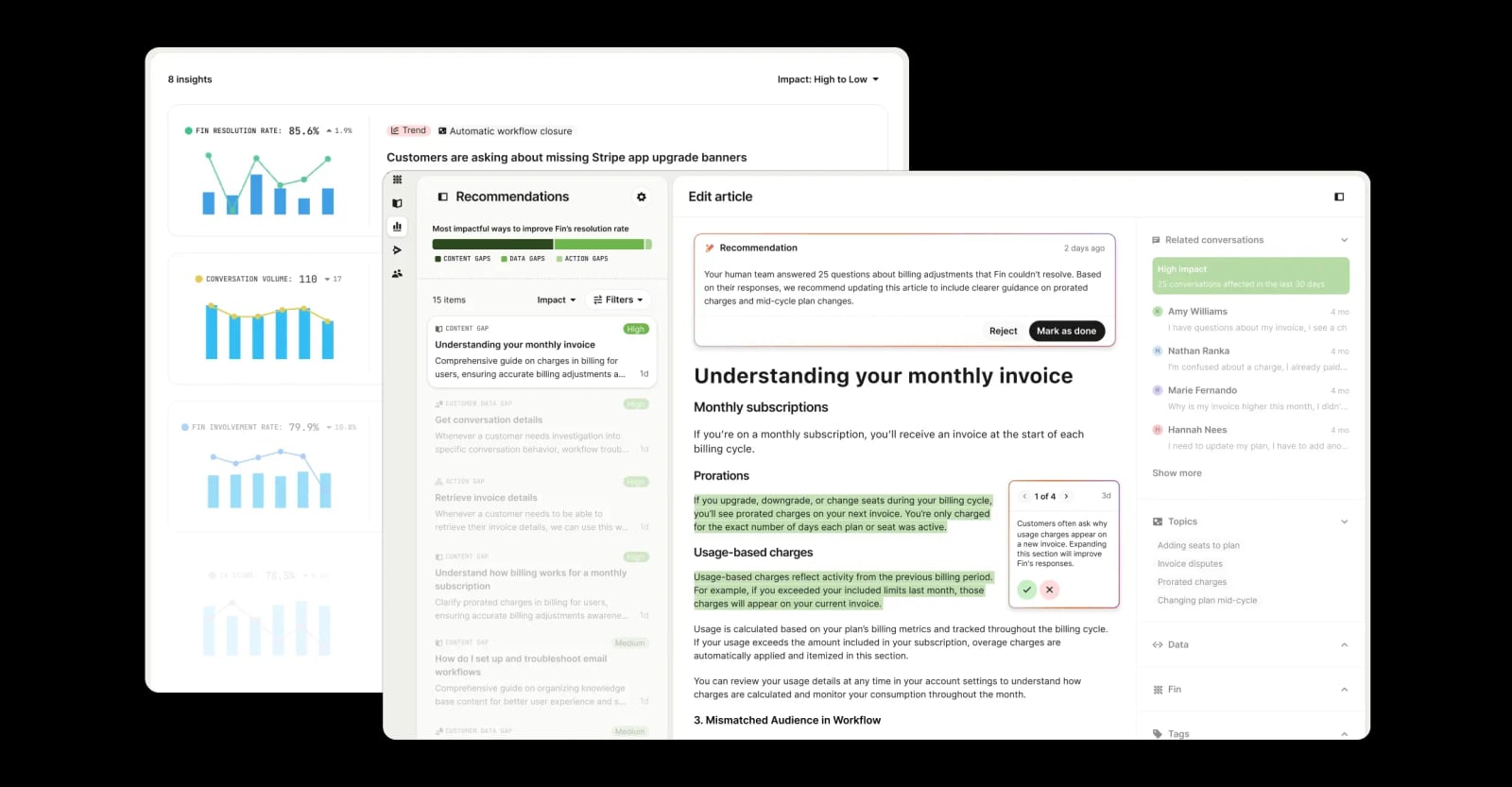
This is different from Intercom's built-in Fin AI Agent. Fin answers customer questions inside the chat. Beam agents orchestrate work across systems. The two can coexist: Fin handles the conversational layer, while Beam handles the operational layer behind it.
Why Combine Intercom and Beam AI
Product image.
Intercom alone is strong at conversation management and AI-powered answers. Beam AI alone is strong at cross-system process automation. The combination solves problems that neither solves well on its own.
Problems the Combination Solves
- Manual handoffs between tools – Support agents often copy data from Intercom into a CRM, billing system, or order database. Beam agents do that automatically.
- Inconsistent follow-up – When a conversation status changes, downstream actions like sending a notification or updating a record can be standardized instead of left to memory.
- Missing audit trails – Beam records every agent action and exception, so you can see what changed, when, and why.
- High-volume repetitive work – Tasks like tagging conversations, updating contact fields, or routing tickets to teams happen hundreds of times a day. Beam handles them at scale.
- Exception overload – Instead of agents manually reviewing every case, Beam processes the routine ones and only escalates genuine exceptions.
Where Each Tool Fits
| Layer | Tool | Role |
|---|---|---|
| Conversation and customer experience | Intercom | Shared inbox, Fin AI Agent, Help Center, multi-channel support |
| Operational automation behind the conversation | Beam AI | Agentic workflows, cross-system updates, exception routing, audit trails |
This division matters. If you try to force Intercom to automate complex cross-system processes, you hit the limits of its native workflow tools. If you try to use Beam AI as a customer-facing chat interface, you lose Intercom's polished support experience. The value comes from using each tool for what it does best.
Setup: How to Connect Intercom to Beam AI
Beam AI's integration model is connector-based. You configure the Intercom connector inside your Beam workspace, confirm authentication scopes, and then use it as an action point in agentic workflows.
Step 1: Confirm Access and Permissions
Before building anything, verify:
- You have an active Intercom workspace with admin or appropriate API access.
- Your Beam AI workspace supports the Intercom connector.
- You know which Intercom objects you need: conversations, contacts, teams, tags, or articles.
- You understand the authentication scopes required for your planned actions.
Beam's documentation recommends checking the capability evidence in the migration record before defining a workflow. This prevents building a flow that fails in production because a permission is missing.
Step 2: Configure the Intercom Connector in Beam
- Open your Beam AI workspace and navigate to the integrations section.
- Find the Intercom connector under the IT & Software or customer support category.
- Authenticate with your Intercom account and grant the requested scopes.
- Confirm which objects and actions are available for your configuration.
- Test the connection with a simple read action, such as retrieving a test conversation.
Step 3: Design Your First Workflow
Use Beam's visual flow builder to define the agentic workflow:
- Set the trigger – Choose the event that starts the workflow, such as a new conversation, a tag change, or a status update.
- Add the Intercom read step – Pull the conversation, contact, team, tag, or article data the agent needs.
- Define the rule – Specify what the agent should check and what action it should take when the rule matches.
- Add the Intercom write step – Create or update the relevant record.
- Configure exception handling – Tell the agent to pause and route the case when data is incomplete or permissions block the action.
- Test with real data – Run the workflow against a small set of live conversations before moving it into production.
Step 4: Move to Production with Guardrails
Beam emphasizes keeping exception handling explicit. The agent should never guess. If required data is missing or the requested action falls outside the connector's permissions, the workflow should route the case for review. This keeps human oversight where it matters while letting the agent handle the routine volume.
Practical Workflow Examples
Here are three realistic workflows that combine Intercom and Beam AI.
Example 1: Auto-Tag and Route High-Priority Conversations
Trigger: A new conversation opens in Intercom.
Workflow:
- Beam reads the conversation content and contact record.
- The agent applies a rule: if the message contains keywords like "refund," "cancel," or "billing error," tag it as
billing-priorityand assign it to the billing team. - If the contact is a high-value account, the agent adds a
viptag and notifies the account owner. - If the rule cannot be applied confidently, the agent routes the conversation to the support queue for manual review.
Result: Priority conversations reach the right team in seconds instead of waiting for manual triage.
Example 2: Sync Contact Updates from Intercom to Your CRM
Trigger: A contact field changes in Intercom, such as a plan upgrade or a new company association.
Workflow:
- Beam reads the updated contact record from Intercom.
- The agent maps the Intercom fields to the corresponding CRM fields.
- It updates the CRM record and logs the change.
- If the CRM record does not exist or the mapping is incomplete, the agent routes the case to a data owner for review.
Result: Customer data stays consistent across systems without manual copy-paste or CSV imports.
Example 3: Post-Resolution Follow-Up Automation
Trigger: A conversation status changes to "resolved" in Intercom.
Workflow:
- Beam reads the conversation, contact, and resolution details.
- The agent schedules a follow-up message or satisfaction survey through Intercom.
- It updates the customer record with the resolution outcome.
- It logs the full handoff in the audit trail for compliance or reporting.
Result: Every resolved conversation gets consistent follow-up, and the audit trail shows exactly what happened.
Intercom Fin vs. Beam AI: When to Use Which
Product UI.
A common question is whether you need Beam AI if you already have Intercom's Fin AI Agent. The short answer: they do different jobs.
- Fin AI Agent answers customer questions inside Intercom. It resolves conversations by pulling from your Help Center, knowledge base, and conversation history. It is customer-facing and conversational.
- Beam AI agents automate operational work across systems. They read and update records, trigger downstream actions, and route exceptions. They are process-facing and orchestration-focused.
Use Fin when the goal is faster answers for customers. Use Beam when the goal is faster operations for your team. Many teams use both: Fin resolves the simple questions, and Beam handles the work that happens after the conversation—updating records, notifying teams, syncing systems, and escalating exceptions.
If you are evaluating Intercom against other support platforms, see Intercom vs Olark or Intercom vs Pylon vs Gorgias for platform-level comparisons. For a broader look at automating processes across teams, the workflow automation guide covers the fundamentals.
Operational Value and Measurable Outcomes
The combination of Intercom and Beam AI delivers value in three areas:
- Fewer manual handoffs – Agents stop copying data between Intercom and surrounding systems. Beam agents handle the movement automatically.
- Clearer audit trails – Every agent action, update, and exception is recorded. Compliance teams can see exactly what changed and why.
- More consistent movement – From a triggering event to the next owner or system, the workflow follows the same rule every time.
Beam AI's published case studies show the pattern across industries: 70% faster candidate screening in HR, 5,750+ automated guest interactions monthly in hospitality, and 72% more revenue recovery in debt collection. The same agentic automation principles apply to Intercom workflows in customer support and success.
Before You Build: Key Considerations
Product image.
- Start small – Pick one high-volume, rule-based workflow before expanding. A conversation tagging or routing flow is a good first project.
- Map your objects – Know which Intercom objects you need: conversations, contacts, teams, tags, or articles. Confirm the connector supports them.
- Define exceptions explicitly – The agent should pause and route when data is incomplete or permissions block an action. Never let it guess.
- Test with live data – Run the workflow against a small set of real conversations before full production.
- Involve the support team – The people who handle exceptions every day know where the automation should stop and human judgment should start.
Related reading
- Intercom vs Olark: Which Support Platform Wins in 2026? - Compare Intercom and Olark on AI agents, live chat, pricing, channels, and scalability. See which customer support platform fits your team in 2026.
- Crisp Review 2026: AI Support Platform Tested - Evidence-based Crisp review covering AI agent automation, omnichannel inbox, pricing signals, setup, limitations, and who should choose Crisp in 2026.
- Workflow Automation: A Practical Guide to Smarter Processes - Learn what workflow automation is, how it works, real examples across teams, and how to choose the right tools without over-automating.
Sources and further reading
- Integrations for AI Agents | Beam AI - Explore the numerous AI Agent integrations on offer with Beam. Automate processes as you plug in existing taskflows from Slack, Zendesk, Salesforce, Shopify, and others.
- AI Agents in Business | Beam AI - Explore how AI agents shape business in 2026. Discover opportunities, risks, and smarter automation strategies. ➤ Learn more now!
Frequently Asked Questions
Does Beam AI replace Intercom's Fin AI Agent?
No. Fin answers customer questions inside Intercom conversations. Beam AI automates operational work across systems. They complement each other: Fin handles the conversational layer, Beam handles the process layer.
What Intercom objects can Beam AI access?
Beam agents can read and work with conversations, contacts, teams, tags, and articles in Intercom, depending on your connector configuration and permissions.
How long does it take to set up the integration?
Beam AI positions its platform for quick deployment, with some implementations going live in as little as 10 days. The Intercom connector setup itself is typically a matter of authentication and workflow configuration, but production readiness depends on the complexity of your workflows.
What happens when the Beam agent cannot complete an action?
The agent routes the case for human review instead of guessing. This is a core design principle: exception handling should be explicit, and the agent should pause when data is incomplete or permissions block the action.
Can I use Beam AI with Intercom if I am on a small team?
Yes. The combination is useful for teams of any size that handle repetitive operational work alongside customer conversations. Start with one workflow, measure the time saved, and expand from there.
Is the integration secure and compliant?
Beam AI emphasizes enterprise readiness with full audit trails and compliance features. Intercom provides enterprise-grade security on the support side. Confirm authentication scopes and data handling policies for your specific use case before moving into production.
Conclusion
Intercom and Beam AI solve different halves of the customer service problem. Intercom owns the conversation: the shared inbox, Fin AI Agent, Help Center, and multi-channel experience. Beam AI owns the operational automation: reading records, applying rules, updating systems, and routing exceptions with a full audit trail.
Together, they create a support operation where routine work moves automatically and humans focus on the cases that genuinely need judgment. Start with a single high-volume workflow—conversation tagging, contact syncing, or post-resolution follow-up—and expand as you see the time savings compound.
For more on connecting Intercom to other tools, see how to use Intercom with Twilio for omnichannel phone and messaging workflows.