How to Use Intercom with Fin: Setup, Workflows & Examples
How to Use Intercom with Fin
Intercom is an AI-first customer service platform that pairs a helpdesk with Fin, its natively integrated AI Agent. Because Fin lives inside the same workspace as your inbox, knowledge base, and reporting, you do not need to bolt an AI tool onto a separate helpdesk or sync data between systems. You train Fin on your content, decide where it should appear, and let it resolve conversations while your team handles the exceptions.
This guide walks through the practical workflow: what each product does, how to set them up together, worked examples, and the problems the combination solves.
What Intercom and Fin each do

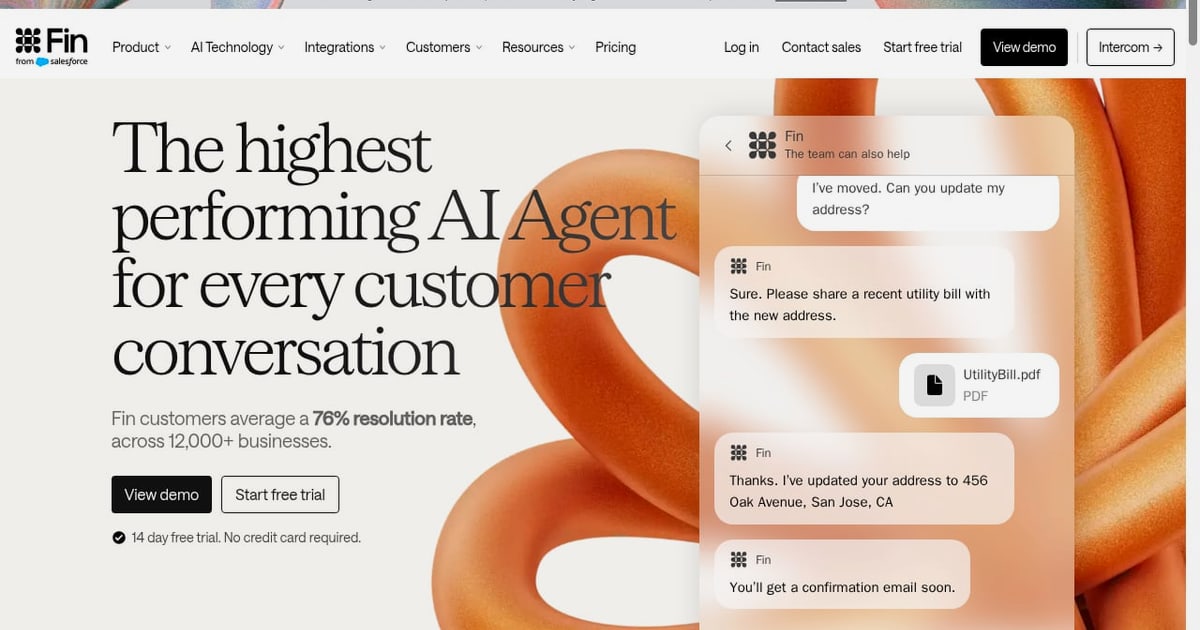
Fin product interface.
Intercom provides the operational layer: the inbox, Messenger, ticketing, workflows, reporting, and the content library your team maintains. Fin is the AI Agent that reads that content and your customer data to answer questions and complete tasks across chat, email, phone, Slack, Discord, and social channels.
Fin is not a separate chatbot you configure elsewhere. It is built into Intercom, which means the same conversation can start with Fin, escalate to a human teammate, and return to Fin later without losing context. Intercom describes itself as the only helpdesk with a natively integrated AI Agent, and that integration is what makes the setup below relatively short.
If you are new to the platform itself, start with the broader walkthrough in How to Use Intercom: Setup, Fin AI Agent & Best Practices, then return here for the Fin-specific configuration.
The core workflow: train, deploy, measure, improve

Fin product interface.
Working with Intercom and Fin follows a repeatable loop.
- Train. Point Fin at your knowledge sources and write Guidance and Procedures for the tasks it should handle.
- Test. Run simulations and batch tests against real customer questions before going live.
- Deploy. Choose the channels, audiences, and hours when Fin should respond, and define when it hands off.
- Measure. Track resolution rate, involvement rate, and CX Score in the Performance dashboard.
- Improve. Review Suggestions and the Optimize dashboard, then update content and Procedures.
Fin's performance improves with use. According to Intercom's documentation, average resolution rates climb roughly 1% per month, and Fin handles about 2 million resolutions per week across more than 12,000 brands.
Setup steps for Intercom with Fin
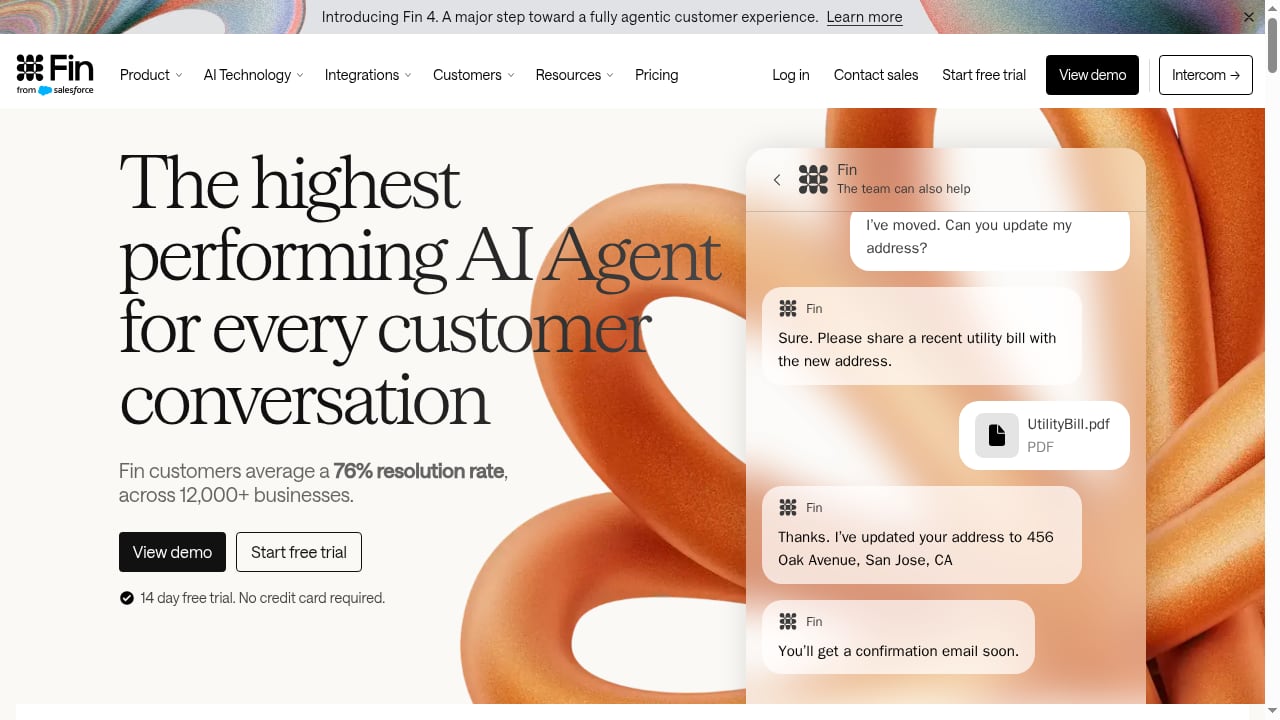
First viewport screenshot of Fin. The highest performing Customer Agent.
1. Build your knowledge foundation
Fin answers from the content it can access. In Intercom's Content library you can connect Help Center articles, internal support content, PDFs, and webpages. Multi-source generative answers let Fin combine the most relevant information from several sources rather than relying on a single article.
Practical tip: audit for gaps before you connect anything. If your top ten support topics have no article, Fin cannot resolve them, and you will see that immediately in testing.
2. Configure tone, audiences, and Guidance
Fin supports tone-of-voice settings such as professional, friendly, or humorous, plus answer-length controls. Audiences let you target content by plan, location, or brand so Fin only surfaces relevant answers to the right customers.
Guidance is where you coach Fin on policy. For example, you can instruct it to always mention the 30-day return window and never promise same-day shipping. This is the fastest way to fix recurring answer-quality issues without rewriting articles.
3. Add Procedures for complex requests
Procedures handle multi-step tasks like damaged order claims or account troubleshooting from start to finish. You write them in natural language, as if training a teammate, and combine that with deterministic controls, code, and data connectors where you need strict rules or secure system access.
Procedures are designed for sequential workflows, so they are the right tool when the order of steps matters. For simpler branching logic, Workflows and Fin Tasks may be enough.
4. Connect external systems with data connectors
Data connectors let Fin pull personalized answers from systems such as Stripe, Shopify, and Statuspage, and perform actions on a customer's behalf. Salesforce data connectors are also available. This is what turns Fin from an FAQ responder into an agent that can check an order status or a subscription state mid-conversation.
5. Test with simulations and batch testing
Before launch, run Simulations across real-world scenarios and edge cases. Batch testing lets you import conversations from your inbox or other sources and evaluate Fin's accuracy against them. Answer rating captures feedback in a report so you can prioritize fixes.
6. Deploy across channels
Fin can be deployed over chat in the Messenger, WhatsApp, SMS, and social; over email with phishing and spam filtering; over phone with Fin Voice; and in Slack and Discord. Audience targeting controls where and when Fin appears by region, channel, and audience.
7. Define human handoff rules
Configure how and when Fin triages or escalates. Fin automatically hands off in high-risk situations, including self-harm content, harmful content involving minors, jailbreak attempts, and high-risk medical, legal, or financial advice. Set usage limits and notifications so Fin stops delivering AI answers once a defined resolution threshold is reached.
8. Measure and optimize
The Performance dashboard combines resolution rate, involvement rate, and CX Score. CX Score measures conversation quality with roughly five times the coverage of CSAT. Topics Explorer groups conversations into topics automatically, and the Optimize dashboard generates suggestions you can review and approve in seconds.
Worked examples
Example 1: Fixing a recurring wrong answer
Suppose Fin keeps telling customers that international shipping takes five days when it actually takes ten. You can open the conversation transcript, inspect which sources shaped the answer, and update the relevant article or add a Guidance instruction. Fin Operator can also take this on directly: describe the problem, review the proposed fix, and approve it.
Example 2: Reducing escalations on a billing topic
If billing questions escalate to humans too often, analyze conversation data to find the pattern. The fix might be a new Procedure that walks Fin through refund eligibility, or updated content that clarifies proration. After the change, rerun simulations to confirm the behavior.
Example 3: Multi-brand support
A company with two brands can use multi-brand help centers and audience targeting so Fin answers with the correct product name, pricing, and policy for each brand, without maintaining duplicate agent configurations.
Example 4: Proactive outreach
Outbound Fin can trigger conversations from behavioral signals in FullStory or Pendo, such as a rage click or abandoned checkout, so Fin reaches the customer before they open a ticket.
Problems this combination solves
- Fragmented tooling. Because Fin is native to Intercom, you avoid maintaining a separate AI vendor, syncing knowledge bases, and reconciling two reporting systems.
- Rising support volume. Automation handles repetitive questions while humans focus on complex or high-value conversations. Published customer stories include AgriWebb reducing support costs by 80% and AI21 Labs automating 82% of support.
- Multilingual coverage. Fin can detect and resolve issues in more than 45 languages and can use your existing content even when it has not been localized.
- Quality blind spots. CX Score and answer inspection give visibility into every conversation, not just the ones customers rate.
- Unreliable automation. Procedures, simulations, and deterministic controls keep Fin within policy on complex tasks.
When Intercom with Fin is the right fit
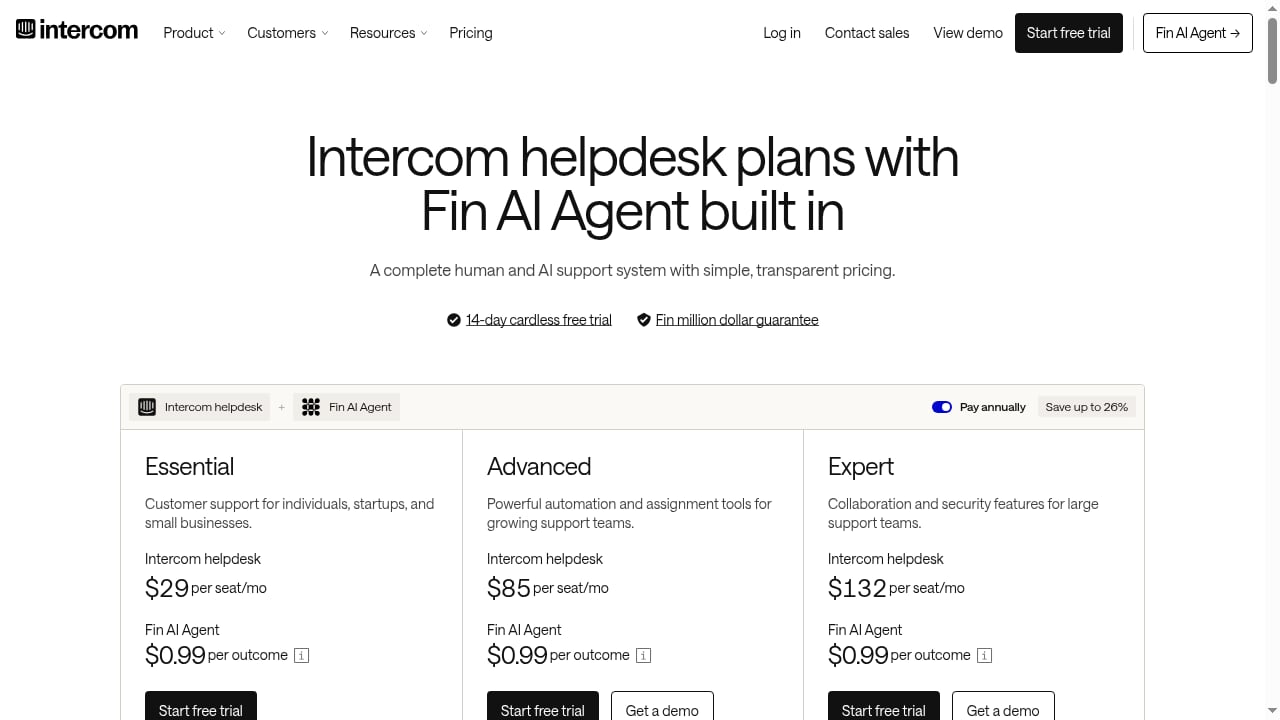
First viewport screenshot of Intercom Pricing | Plans for every team size.
Intercom with Fin suits teams that want one system for human and AI support, especially those handling high volumes across multiple channels or languages. It is a strong fit for software, retail and eCommerce, gaming, financial services, and large enterprises.
If you are evaluating alternatives, comparisons such as Intercom vs Ada vs Talkdesk: Enterprise CX AI Comparison and Intercom vs Gladly: AI Helpdesk or Agentic Commerce? break down where each platform fits. Teams with a heavy B2B support motion may also benefit from the practices covered in B2B Support in 2026: Strategy, AI Agents & Best Practices.
Related reading
- Enjo Review 2026: AI Support Agent That Resolves End to End - Evidence-based Enjo review: end-to-end AI resolution, AI Actions, pricing signals, setup, limitations, and who should buy it in 2026.
FAQ
Is Fin included with Intercom?
Fin is natively integrated into Intercom rather than sold as a separate standalone platform. Intercom offers a 14-day free trial with no credit card required, and a pricing calculator to estimate costs based on team size and expected outcomes.
How long does setup take?
The technical steps, such as connecting channels and data connectors, are quick. The longer work is content quality and Procedure writing, which determine how well Fin performs.
Can Fin hand off to a human agent?
Yes. You configure handoff rules, and Fin automatically escalates in high-risk situations. Conversations retain full context when they move between Fin and teammates.
Does Fin work outside Intercom?
Fin integrates with major helpdesks including Salesforce, Freshdesk, HubSpot, and Zendesk. However, the native integration with Intercom provides the tightest coupling between AI Agent, helpdesk, and reporting.
How do I know if Fin is improving?
Track resolution rate, involvement rate, and CX Score in the Performance dashboard, and review the Optimize dashboard's suggestions regularly. Intercom's documentation notes that Fin's average resolution rates increase about 1% per month with continued use.
Conclusion
Using Intercom with Fin is less about installing a tool and more about running a loop: train Fin on good content, test it against real questions, deploy it where customers are, measure quality, and improve continuously. The native integration removes the usual friction of connecting an AI agent to a helpdesk, and features like Procedures, simulations, and CX Score give you the control to automate confidently. Start with your highest-volume topics, prove resolution quality, then expand.
For official details, see Intercom's documentation on Fin AI Agent, Fin Procedures, and Fin Operator.