How to Use Intercom with GoTo Connect: Setup and Workflows
How to Use Intercom with GoTo Connect: Setup and Workflows
Intercom and GoTo Connect solve two halves of the same customer conversation problem. Intercom handles the digital side: chat, email, help center content, and the Fin AI Agent that resolves questions before a human ever gets involved. GoTo Connect handles the voice and telephony side: business phone numbers, call queues, auto attendants, ring groups, and the softphone your team already uses.
Used together, they give support teams a single view of the customer across chat and phone, and they let you route calls based on what the AI already knows. This article explains how the two platforms fit together, how to set up the connection, and which workflows are worth building first.
Why pair Intercom with GoTo Connect
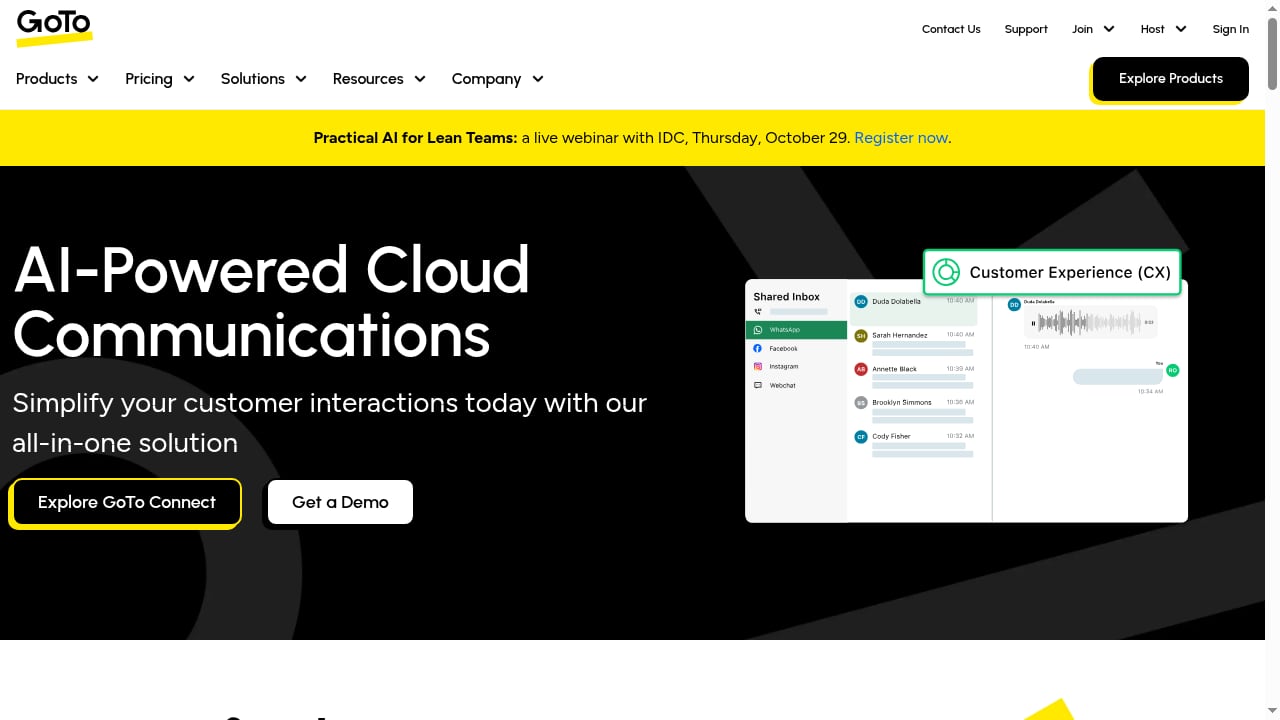
First viewport screenshot of GoTo: Business Communication & IT Support Software.
Most support organizations run into the same three problems:
- Channel silos. A customer chats with Fin, then calls in, and the phone agent has no idea what was already discussed.
- Blind routing. Calls arrive at a general queue even when the customer's issue is already known and could be routed to the right specialist.
- Manual context gathering. Agents spend the first two minutes of every call asking for an order number or account email that the helpdesk already has.
Intercom is an AI-first customer service platform that combines a helpdesk with a natively integrated AI Agent called Fin. GoTo Connect is an AI-powered unified communications and customer experience platform that merges a business phone system with video meetings, team messaging, and contact center capabilities. Pairing them means the intelligence lives in Intercom while the call itself runs over GoTo Connect's telephony infrastructure.
How the two platforms actually connect
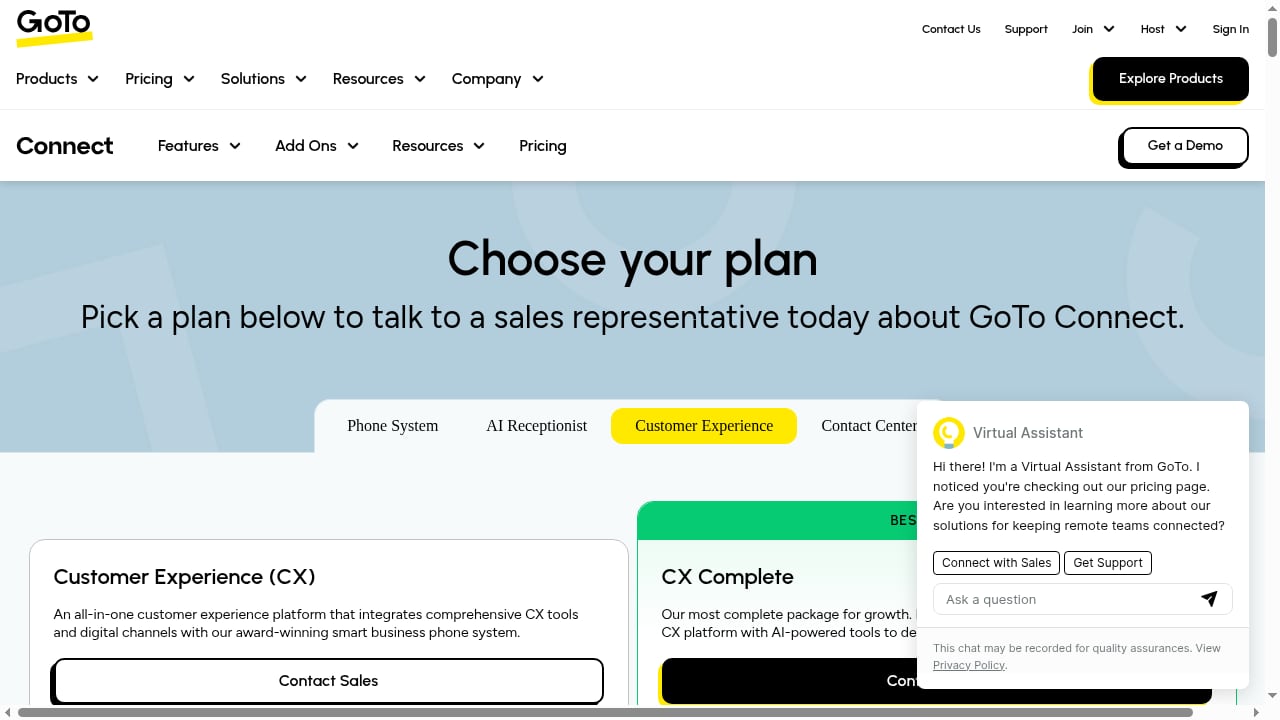
First viewport screenshot of GoTo Connect Plans & Pricing | All-in-One Voice & Video Software - GoTo.
There are three realistic ways to bring Intercom and GoTo Connect together, and most teams end up using more than one.
1. Native and marketplace integrations
Check the Intercom App Store and the GoTo Connect integrations directory first. Native connectors handle the common cases: syncing contact records, logging call activity into the helpdesk, and triggering a conversation when a call ends. This is the lowest-maintenance option and should be your starting point.
2. Middleware automation
When no native connector covers your exact scenario, middleware such as Zapier or a direct API connection bridges the gap. You can push GoTo Connect call events into Intercom, create or update contacts, and open a conversation automatically. For a deeper walkthrough of this pattern, see How to Use Intercom with Zapier: Automate Support Workflows.
3. Embedded voice inside Intercom
Intercom supports phone and voice channels, so you can route calls into Intercom's own voice infrastructure and treat the phone as just another channel in the inbox. GoTo Connect then handles the parts it does best: the number itself, the auto attendant, and internal paging.
Step-by-step setup
First viewport screenshot of Planes y precios de GoTo Connect | Software de voz y vídeo integral - GoTo.
Step 1: Decide which system owns the phone number
This is the decision that shapes everything else. If GoTo Connect owns the number, calls flow through its auto attendant and queues first, then hand off. If Intercom owns the number, the helpdesk sees the call from the first ring. Choose based on where your reporting needs to live.
Step 2: Map your teams and queues
List every queue in GoTo Connect and every team in Intercom. They rarely match one-to-one, so create a mapping table before you touch any settings. A GoTo Connect ring group for "Billing" should map to a specific Intercom team, not to a catch-all inbox.
Step 3: Sync contact records
Both platforms keep their own contact database. Decide which one is the source of truth — usually Intercom, because it holds conversation history — and sync in that direction. Phone numbers, email addresses, and external customer IDs are the minimum fields you need for reliable matching.
Step 4: Configure the handoff rules
Define what happens when a call needs to move between systems:
- Which Intercom conversation attributes trigger a phone escalation
- Which GoTo Connect queue receives that escalation
- What context travels with it (customer name, issue summary, Fin's resolution attempt)
Step 5: Test with real scenarios
Run three test calls: a new customer with no history, an existing customer with an open Intercom conversation, and a call that arrives outside business hours. Each should land somewhere sensible.
Step 6: Set up internal paging for your support floor
GoTo Connect's intercom feature is genuinely useful for support teams. Dialing a star code followed by an extension activates the receiving phone's speakerphone, which is a fast way to reach a colleague who is away from their desk. Ring groups are compatible with this feature, so you can page an entire queue at once. Note that ring group members receive audio but do not send it back, which prevents feedback loops. GoTo's own documentation on intercom and ring group paging covers the edge cases, including what happens when someone is on another call or has Do Not Disturb enabled.
Practical workflows that pay off
Workflow 1: AI-first triage, phone as fallback
Fin handles the first contact in chat. If the customer asks for a human or the conversation stalls, Intercom escalates and the customer receives a callback through GoTo Connect. The agent opens the call with full context already on screen.
Result: shorter calls, fewer repeats, and a measurable drop in handle time.
Workflow 2: Call-triggered conversation creation
Every inbound GoTo Connect call creates an Intercom conversation automatically, tagged with the queue it came through. Even if the call is resolved on the phone, you now have a record that feeds your reporting and your AI insights.
Workflow 3: VIP routing based on helpdesk data
If an Intercom contact is tagged as a high-value account or has an open escalation, the middleware can route the call to a priority GoTo Connect queue instead of the general line. This is the kind of routing that call-center-only tools cannot do, because they do not know what happened in chat.
Workflow 4: Multilingual support without extra headcount
Fin can handle conversations in multiple languages. When a call does need a human, the routing rules can send it to a queue staffed by an agent who speaks that language, using GoTo Connect's queue configuration.
Where each platform should stay
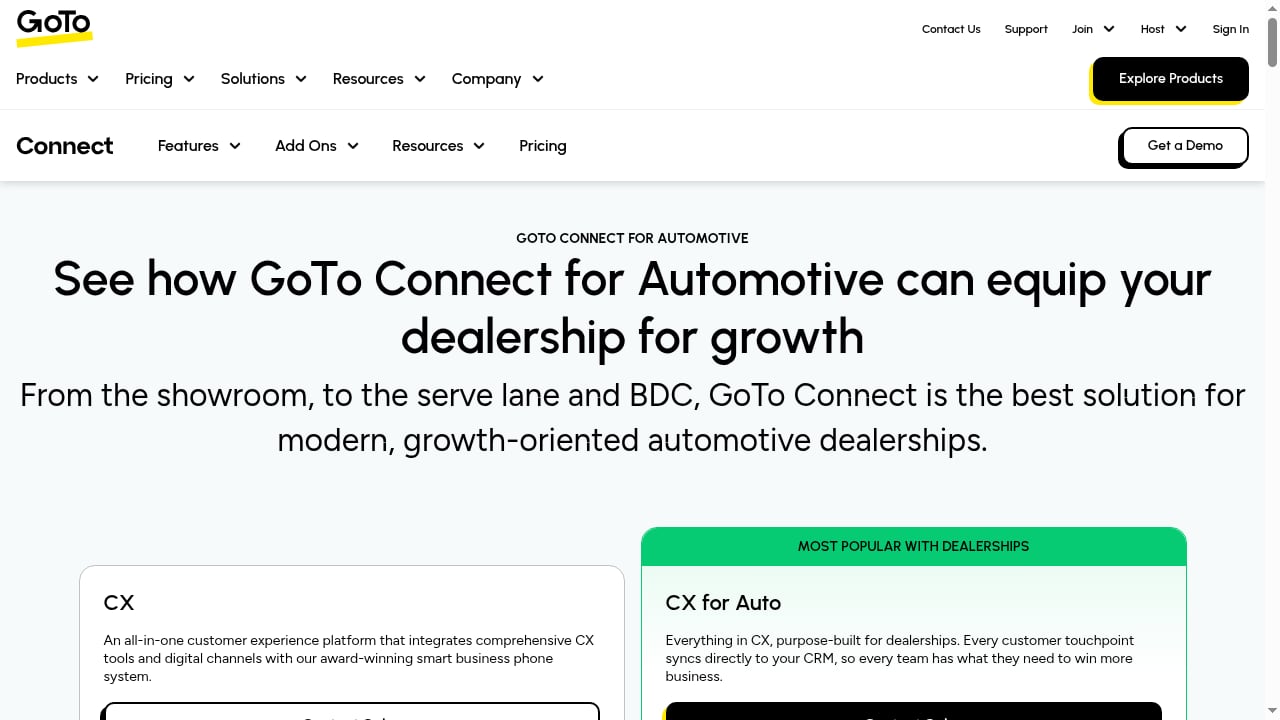
First viewport screenshot of GoTo Connect for Automotive | Dealership CX Software.
| Capability | Best owner |
|---|---|
| AI chat resolution and deflection | Intercom (Fin) |
| Help center and self-service content | Intercom |
| Conversation history and reporting | Intercom |
| Business phone numbers and porting | GoTo Connect |
| Auto attendant and call queues | GoTo Connect |
| Internal paging and desk-to-desk intercom | GoTo Connect |
| Video meetings and team messaging | GoTo Connect |
If you are still evaluating the helpdesk side, comparisons like Intercom vs Talkdesk vs Helpshift and Intercom vs Genesys Cloud CX are useful for understanding how AI resolution and voice depth differ between platforms.
Common problems this combination solves
- "The agent didn't know I already chatted." Contact syncing plus automatic conversation creation means the phone agent sees the chat history.
- "We can't tell how many customers try chat before calling." Call-triggered conversations give you that funnel data.
- "Our phone tree sends everyone to the same place." Routing rules driven by Intercom attributes make the phone tree smarter.
- "We pay for two systems that don't talk." Middleware or native connectors turn two subscriptions into one workflow.
Limitations to plan for
Neither platform is a perfect mirror of the other. Contact matching fails when phone numbers are formatted differently or when a customer calls from a number that is not on file. Real-time call events through middleware can lag by seconds, which matters for time-sensitive routing. And if you rely on GoTo Connect's AI Receptionist alongside Fin, be clear about which AI handles which channel so customers do not get two different automated experiences.
Related reading
- Intercom vs Sierra: AI Customer Service Comparison 2026 - Compare Intercom and Sierra for AI customer service: pricing, deployment, integrations, and fit. See why Intercom's native AI Agent wins for most teams.
- WotNot Review 2026: No-Code AI Agent Platform Tested - Evidence-based WotNot review: no-code AI agents, multi-LLM AI Studio, flat pricing, WhatsApp support, setup steps, limitations, and who should buy.
- Customer Support Login: Secure Access for AI-First Support Teams - Learn how customer support login works for AI-first platforms like Intercom, including SSO, MFA, and permission models that keep support data secure.
Sources and further reading
- Intercom Using a GoTo Star Code - Intercom is a feature that allows you to page an individual phone, or even an entire ring group, by automatically activating their speaker phone. This is con...
- 3 Things You Didn't Know Your Jive System Could Do - Jive's unlimited feature base is growing fast, and our customers have access to it all. What Jive features are you missing out on?
FAQ
Does Intercom integrate natively with GoTo Connect?
Native coverage varies, so check both the Intercom App Store and the GoTo Connect integrations directory before assuming you need middleware. Where a native connector exists, use it — it is less brittle than a custom build.
Can Fin AI Agent answer phone calls?
Fin is built for digital channels. The practical pattern is to let Fin resolve in chat and messaging, then escalate to a human on a GoTo Connect call when needed, carrying the conversation context across.
What is the GoTo Connect intercom feature, and is it the same as Intercom the platform?
No. They share a name but are unrelated. GoTo Connect's intercom is a paging feature that activates a phone's speakerphone when you dial a star code plus an extension. Intercom is the AI-first customer service platform. This naming collision causes real confusion during setup, so be explicit with your team about which one you mean.
How long does setup take?
A basic contact sync and call logging setup can be done in an afternoon. Routing rules driven by helpdesk attributes, multilingual queues, and reporting take longer — plan a week or two including testing.
Do I need middleware if I only want call logging?
Usually not. Call logging is one of the most commonly supported native integration patterns. Middleware becomes necessary when you want conditional routing or bidirectional data flow.
Conclusion
Intercom and GoTo Connect are complementary rather than competing. Intercom supplies the AI resolution layer, the unified inbox, and the customer history. GoTo Connect supplies the phone numbers, queues, auto attendant, and internal paging that keep a support floor running. The integration work is mostly about deciding who owns the number, mapping teams to queues, and syncing contacts so context survives the handoff.
Start with contact sync and call logging, prove the value with one routing rule, then expand. If you are comparing helpdesk options before committing, Intercom vs Gorgias vs Tidio covers how AI agent depth and pricing models differ across the category.