Intercom vs Front: Which AI Support Platform Wins in 2026?
Intercom vs Front: Which AI Support Platform Wins in 2026?
Intercom and Front both promise to modernize customer service, but they start from very different places. Intercom is an AI-first customer service platform built around its Fin AI Agent, which resolves conversations autonomously. Front is an AI-powered customer service platform that grew out of a collaborative shared inbox and still leans heavily on email-centric workflows.
That difference shapes everything: how fast you deploy, how AI actually resolves tickets, how pricing scales, and which team profile gets the most value. This comparison breaks down the evidence so you can decide which platform fits your support operation.
The core architectural difference
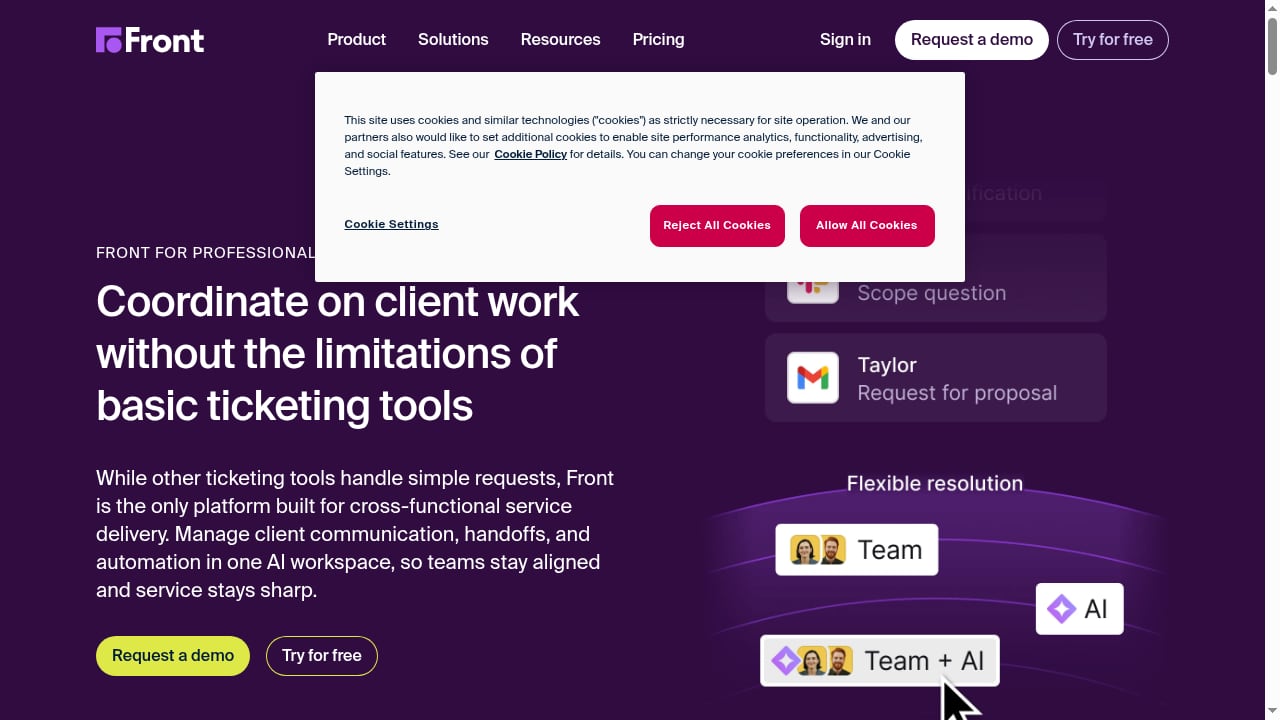
First viewport screenshot of Customer Operations Platform for Professional Services | Front.
Intercom: AI-first, resolution-driven
Intercom was rebuilt around Fin, its natively integrated AI Agent. Fin is designed to close support conversations without a human, using your help center, help articles, and historical conversations to answer questions in your brand's tone. Intercom claims Fin can resolve up to half of common inquiries on its own, and real-world case studies land between 42% and 50% (Linktree 42%, Robin 50, as of June 2026).
Fin can run inside Intercom or as a standalone AI agent on top of another helpdesk. The platform also includes Copilot for agent assistance, AI Insights for analytics, and outbound messaging for proactive support.
Front: email-first, collaboration-driven
Front is a shared inbox and customer communication platform built around email. It centralizes team and customer conversations in one workspace and adds collaboration features like shared drafts and internal comments. Front's AI platform includes Autopilot for automation, Copilot for complex assistance, Smart QA for quality assurance, and Smart CSAT for satisfaction insights.
Front is strongest for teams managing personal and shared email addresses together. It is weakest for growing support operations: pricing escalates sharply at scale, full omnichannel requires add-on fees for WhatsApp and X, and ITSM features like asset management and SLA automation are absent entirely.
Feature-by-feature comparison
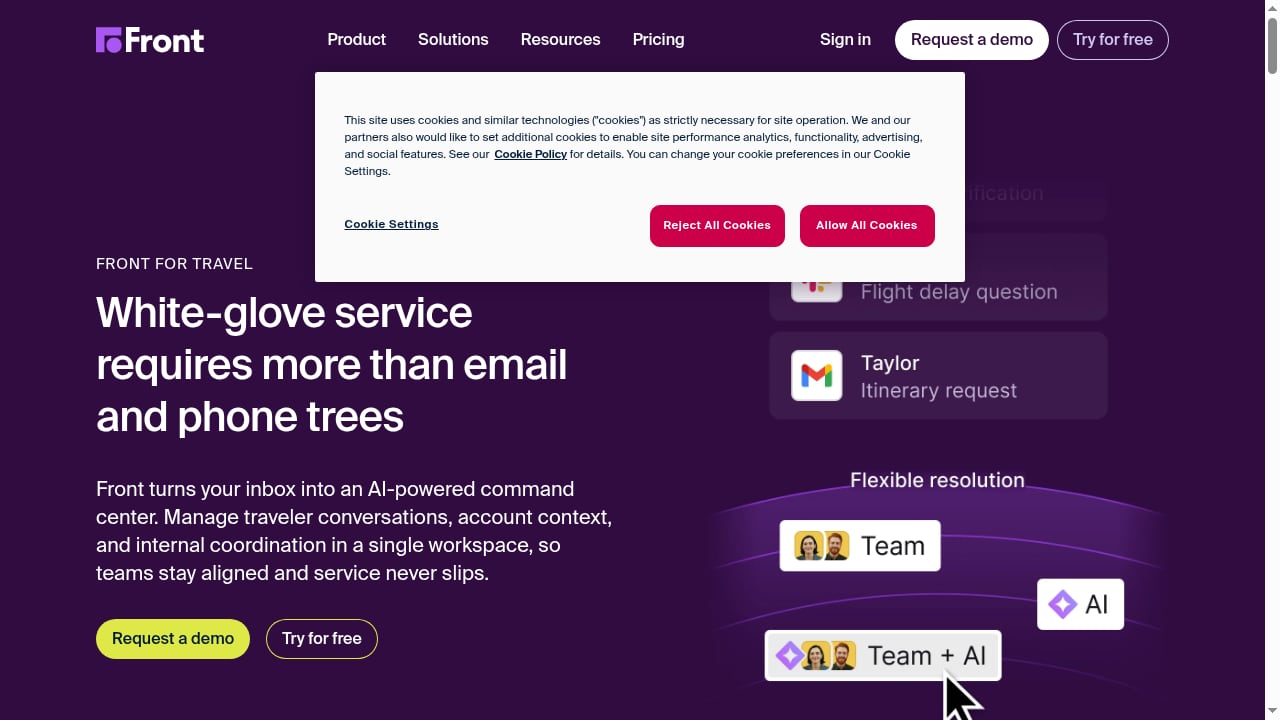
First viewport screenshot of Travel Customer Service Platform That Scales with Demand | Front.
Live chat and messaging
Intercom gives you a highly customizable chat widget with Fin AI support, deep automation, and the ability to embed help articles or videos directly in chat. Reviewers consistently note that Intercom's live chat offers a richer, more customizable experience compared to Front's more basic chat.
Front offers live chat and basic chatbots on Growth and Scale plans. It's simple and integrated into your inbox, but customization is limited. Front's chat is essentially a light add-on — good for teams who mainly want email-like support and just basic chat channels. It is by no means a full help desk ticketing system.
Automation and AI
Both platforms offer automation, but Front is underpowered compared to Intercom. Front includes straightforward Rules and automated workflows (auto-assignment, templated replies, integration triggers). The automation is rule-based (filters, tags, macros) instead of being AI-driven. Front's strongest side is eliminating manual email handling, but it does not have an AI chatbot as powerful as Intercom's.
Intercom is built around AI automation. The Fin AI agent can handle complex tasks like processing refunds or order checks and be trained to respond in your brand's tone. It uses your help center, help articles, and historical conversations to resolve entire conversations autonomously, with guardrails a support manager can set for which topics it handles and when it escalates. If you want AI-assisted replies and smart bots, Intercom leads this area.
Help center and self-service
Front provides a built-in help center for FAQs and articles, letting customers self-serve. It has standard features (searchable docs, article management) but lacks advanced AI or versioning capabilities.
Intercom has a robust knowledge base with extra smarts. You can version articles, use AI-assisted drafting, and have contextual related-article suggestions. Its help center is generally regarded as more advanced (AI drafting, analytics) while Front's is more basic. Intercom also ties the help center closely to its Messenger, pushing relevant articles to users.
Proactive outreach and product tours
Front is primarily inbound-focused. It unifies email, chat, and social into your inbox, but it doesn't have a native feature for sending out proactive marketing or onboarding customer communication.
Intercom is a support system built for two-way messaging. Besides support chat, it can send targeted outbound messages (email or in-app) and announcements. This makes Intercom strong for product announcements and in-app guides, whereas Front sticks to reactive support processes.
Front doesn't offer built-in product tours or guided onboarding features, even in higher pricing tiers. You'd need a separate tool for user onboarding flows. Intercom includes Product Tours as part of its Proactive Support Plus add-on, letting you build interactive, in-app tutorials and announcements. Note: the Tours feature costs extra — it's included in the $99/mo add-on for up to 500 message sends.
Integrations
Front integrates with roughly 100+ apps and channels. Popular ones include Slack, Salesforce, GitHub, Zendesk, Twitter, Instagram, and more. It even has built-in Front Chat (a live chat widget) and connects natively to email, SMS/WhatsApp, and social inboxes.
Intercom supports 450+ integrations. These cover CRM (Salesforce, HubSpot), support (Zendesk), analytics, developer tools, and hundreds of others. Intercom also has an open API and apps store, so most tools can be connected (via Zapier or direct) to enrich profiles or trigger actions based on customer data.
Both platforms cover the basics (CRMs, helpdesk tools, Slack/Teams, email marketing, etc.). Front focuses on shared-inbox integrations, while Intercom's ecosystem is broad, spanning marketing, billing, developer, and support apps.
Pricing: seat-based vs outcome-based
Front pricing
Front's pricing comes with tiered plans per user (seat) billed annually. As of 2025, the Starter plan is $25 per seat/mo (up to 10 seats), Growth is $65 (no seat minimum requirement), and Scale is $105 (with a minimum of two seats). Enterprise (Premier) pricing is custom. All plans include email, analytics, basic automation, and collaboration; higher tiers add things like advanced rules and SSO.
Intercom pricing
Intercom has more complex pricing, now split into a per-seat plan plus outcome-based AI usage on top. It has three seat tiers (Essential/Advanced/Expert): Essential starts at $29/seat/mo (annually) and Expert runs $132/seat/mo.
The bigger change is how AI is billed. Fin is now priced per outcome, not per seat and not simply per resolution. You pay $0.99 per outcome, where an outcome is a resolution, a procedure handoff, or a disqualification (a lead qualification costs $9.99). You're charged at most once per conversation, with a minimum of 50 outcomes.
Both tools can quickly become very pricey and complex, especially for rapidly scaling SaaS.
Ease of use and setup
Front's interface is very intuitive, especially for teams switching from email. Reviewers note that it feels "exactly like a regular email inbox," so there's little learning curve for seamless communication through email. Setup tends to be straightforward — you just add your mailboxes and channels, and your team can jump in.
Intercom offers a rich set of features, which can mean a steeper learning curve. Some users note there are "so many options that it takes time to figure everything out," which is especially true when it comes to Fin. You'll need to configure your Messenger widget, define bots/workflows, and set up segments/promotion campaigns. However, Intercom provides extensive documentation, tutorials, and in-app guides (it even has its own Academy).
In short, Front is better for simplicity for email teams; Intercom needs more initial setup to unlock its full power.
Where Intercom pulls ahead
- AI resolution that actually closes conversations. Fin resolves 42–50% of inquiries autonomously in documented case studies, and it can run standalone on top of another helpdesk.
- Richer live chat and self-service. Customizable chat widget, embedded help articles, AI-assisted knowledge base, and contextual article suggestions.
- Proactive outreach and product tours. Outbound messaging, in-app announcements, and interactive tutorials — Front doesn't offer these natively.
- Broader integration ecosystem. 450+ integrations vs Front's ~100+.
- Outcome-based AI pricing. You pay for results (resolutions, handoffs, disqualifications) rather than seats alone, which can align cost with value.
Where Front pulls ahead
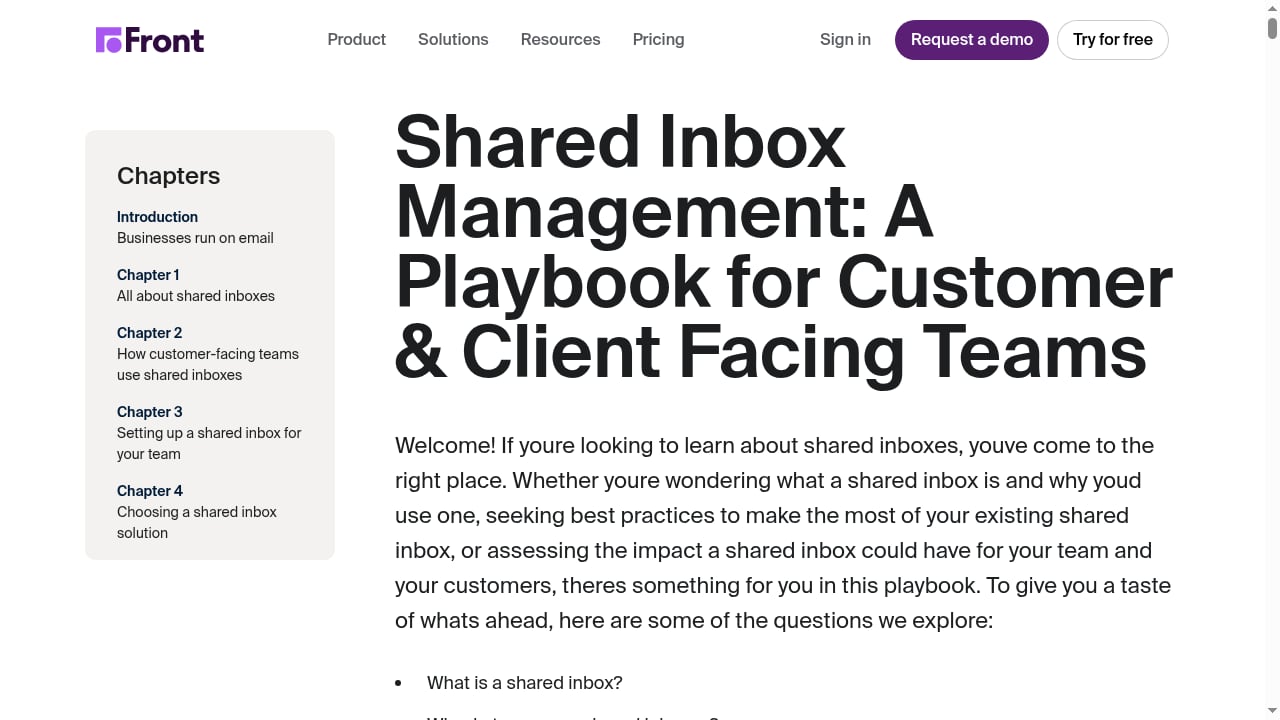
First viewport screenshot of How to Manage a Shared Inbox Playbook.
- Email-first simplicity. Teams switching from Gmail or Outlook feel at home immediately; setup is fast.
- Strong collaboration features. Shared inboxes, shared drafts, and internal comments are well-executed.
- Easier deployment for email-centric teams. No complex AI configuration required to get started.
- Competitive seat pricing at small scale. Starter at $25/seat/mo is accessible for small teams.
Where Front falls short
- Limited advanced automation. Rule-based workflows rather than AI-driven resolution.
- No incoming phone call support. A drawback for businesses that need voice.
- Performance issues. Some users report occasional slowness.
- Pricing escalates sharply at scale. Full omnichannel requires add-on fees for WhatsApp and X.
- No ITSM features. Asset management and SLA automation are absent entirely.
- No native product tours or proactive outbound messaging. You'd need separate tools.
Which should you choose?
First viewport screenshot of Customer Support Metrics | KPIs for Service and Support.
Choose Intercom if:
- You want AI to resolve a significant share of conversations without human intervention.
- You need omnichannel support across live chat, email, in-app messaging, and phone.
- You want proactive outreach, product tours, and a robust help center in one platform.
- You're willing to invest setup time to unlock AI-first capabilities.
Choose Front if:
- Your team lives in email and wants a shared inbox that feels familiar.
- You need fast deployment with minimal AI configuration.
- Your support volume is manageable and you don't need autonomous AI resolution.
- You're comfortable adding third-party tools for product tours, proactive messaging, and advanced analytics.
For a deeper look at how Intercom stacks up against other AI support platforms, see our Intercom vs Ultimate AI comparison and our Intercom vs Genesys Cloud CX analysis. If you're evaluating open-source alternatives, our Chatwoot review covers self-hosting and Captain AI.
Related reading
- Marketing Automation Specialist: Role, Skills & Salary 2026 - What a marketing automation specialist does, the tools and skills employers want, salary benchmarks, and how the role is evolving with AI in 2026.
Sources and further reading
- Front vs. Intercom - That's Front ... Tired of switching between Intercom, Slack, and Gmail to resolve customer issues? Front is built for speed and exceptional service. ... Front gives ...
- Front vs Intercom (Fin): Which is the Better Tool for Support Teams? - Front vs Intercom in 2026: Front is an email-first team inbox, while Intercom is now Fin and built around AI. We compare features, pricing, pros, and cons so you can pick the right support tool.
- Front vs Intercom vs Zendesk - Which One Is Right for You? - Front vs Intercom vs Zendesk - Check out the detailed comparison. We highlight key differences in features, pros, and cons so you can make the easy choice. Find the right tool for your business.
FAQ
Is Intercom better than Front?
It depends on your priorities. Intercom leads on AI resolution (Fin resolves 42–50% of inquiries in case studies), live chat customization, proactive outreach, and integrations (450+ vs ~100+). Front leads on email-first simplicity, fast setup, and collaboration features. If AI-driven resolution matters most, Intercom is the stronger choice.
Does Front have an AI agent like Fin?
Front offers Autopilot for automation and Copilot for complex AI assistance, but its automation is largely rule-based (filters, tags, macros) rather than AI-driven resolution. Front does not have an AI chatbot as powerful as Intercom's Fin.
How does Intercom pricing compare to Front?
Front uses seat-based pricing: $25/seat/mo (Starter), $65 (Growth), $105 (Scale). Intercom uses seat-based pricing plus outcome-based AI usage: $29–$132/seat/mo plus $0.99 per Fin outcome (resolution, handoff, or disqualification). Both can become expensive at scale.
Can Fin run on top of another helpdesk?
Yes. Fin can run as a standalone AI agent on top of another helpdesk, not just inside Intercom. This makes it possible to add AI resolution without migrating your entire support stack.
Does Front support phone calls?
No. Front does not support incoming phone calls, which can be a drawback for businesses that need voice support. Intercom supports phone as part of its omnichannel offering.
Which platform is easier to set up?
Front is easier to set up, especially for email-centric teams. Intercom requires more configuration (Messenger widget, bots/workflows, segments) but provides extensive documentation and an Academy to help.
Conclusion
Intercom and Front solve different problems. Front is a well-executed shared inbox that adds AI on top; Intercom is an AI-first customer service platform where Fin is the centerpiece. If your goal is to automate resolution, support multiple channels, and run proactive outreach from one platform, Intercom's AI-first architecture is the better fit. If your team lives in email and wants a familiar, fast-to-deploy inbox with collaboration features, Front may be enough.
The deciding question: do you want AI to resolve conversations, or do you want a better inbox? Intercom is built for the former. Front is built for the latter.
For more comparisons, see our Intercom vs DevRev vs Ultimate AI breakdown and our Decagon review.