Tidio Review 2026: AI Customer Service That Turns Chats Into Revenue

Tidio Review 2026: AI Customer Service That Turns Chats Into Revenue
Most support tools measure success in tickets closed. Tidio measures it in conversations that earn. The pitch behind Tidio's Lyro AI agent is that it resolves routine questions instantly and converts the rest into sales, leads, and bookings you can trace back to a specific chat. That is a meaningfully different promise from a traditional helpdesk, and it changes who the product is actually for.
This review examines Tidio as an AI customer service platform rather than a simple live chat widget. It draws on Tidio's own review hub, a detailed 2026 breakdown from Featurebase, and verified user feedback on Capterra. The goal is to separate what Tidio genuinely does well from the trade-offs that only surface after you commit.
What Tidio actually is
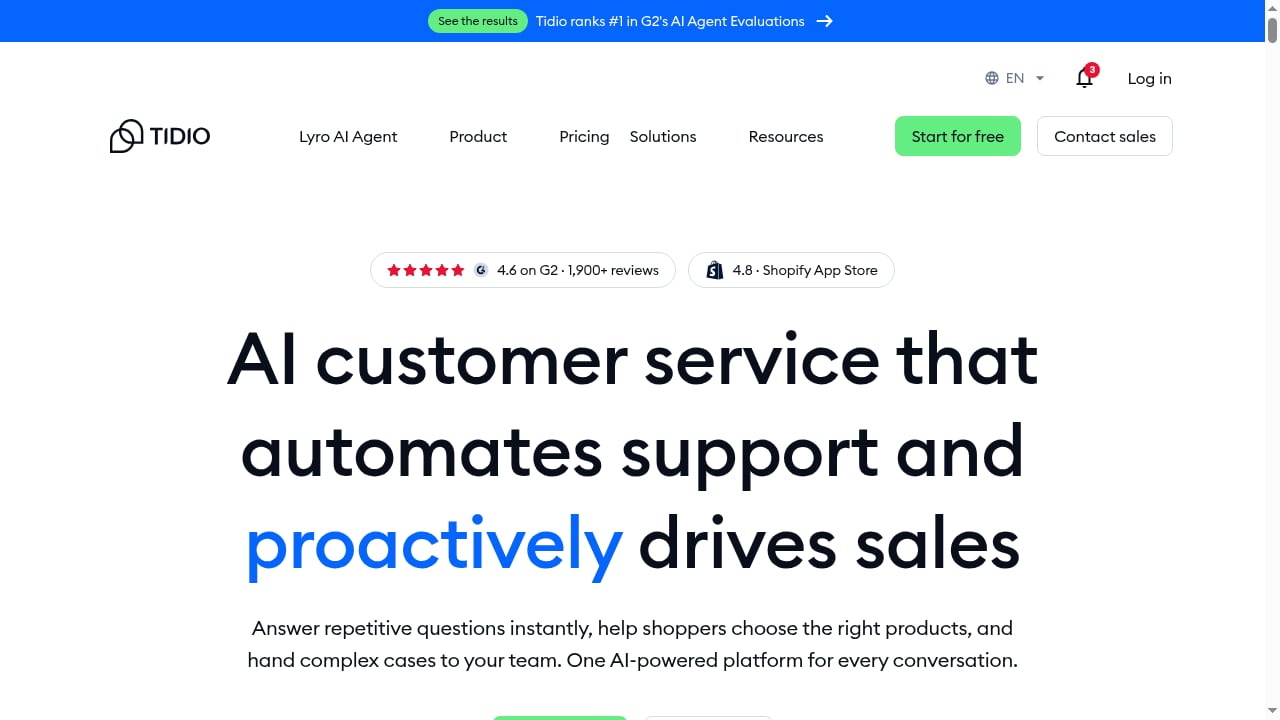
First viewport screenshot of AI Customer Service That Turns Chats Into Revenue | Tidio.
Tidio is an all-in-one customer service platform that combines live chat, a shared inbox, rule-based chatbot flows, and the Lyro AI agent. It began as a lightweight live chat widget and has expanded into a broader customer experience tool aimed primarily at small and medium businesses.
The core loop is straightforward. Visitors chat from your website, email, Facebook Messenger, Instagram, or WhatsApp. Lyro answers natural-language questions using content it has learned from your site and help materials. Anything it cannot handle gets routed to a human agent in the same inbox. Along the way, the platform tracks visitor behavior so you can trigger proactive messages, recover abandoned carts, and attribute outcomes to conversations.
That combination — automation, unified channels, and behavioral triggers — is what justifies the "turns chats into revenue" framing rather than a pure cost-reduction story.
Lyro AI agent: resolution first, then revenue
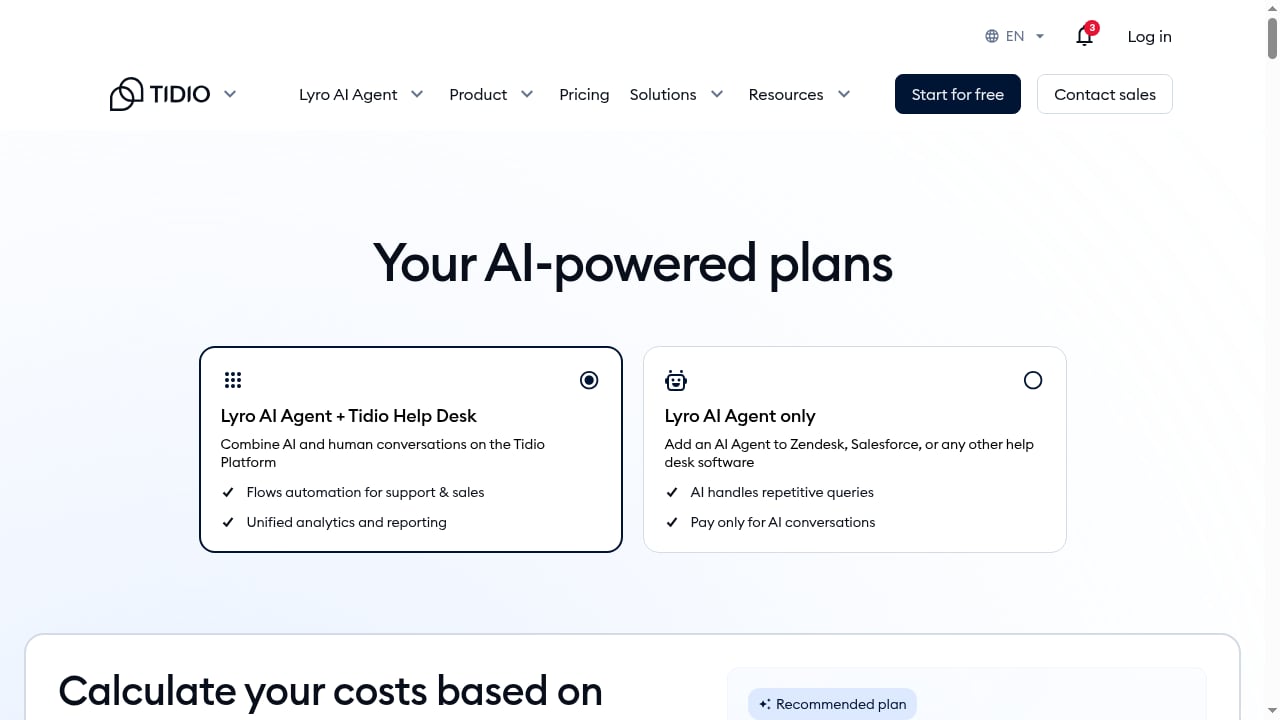
First viewport screenshot of Tidio Pricing—Find the Best Plan for Your Business Needs.
Lyro is Tidio's conversational AI. You train it on your website content, FAQs, and knowledge base, and it answers questions in natural language without you scripting every response. Tidio cites a resolution rate of roughly 67%, with the ability to solve up to 70% of common customer problems automatically.
Two design choices matter more than the headline number:
- Site crawling for knowledge. Lyro can read your existing pages to build its knowledge base, so you do not have to pre-write every question and answer. Multiple Capterra and G2 reviewers single this out as the reason setup felt less painful than expected.
- Human handoff. When Lyro cannot answer, it escalates to a live agent instead of looping the visitor. Reviewers repeatedly mention this as the feature that removed their skepticism about AI chat.
The revenue angle comes from what happens around those resolutions. Because Tidio tracks which pages visitors view and where they hesitate, you can trigger a chat at the moment of doubt — a pricing page, a checkout step, a product comparison — and let Lyro or a flow handle the objection. That is a sales motion, not just a support motion.
Chatbot flows and visitor tracking
First viewport screenshot of Let’s Talk About Growing Your Online Business | Tidio.
Tidio separates its automation into two layers, and understanding the difference prevents a lot of confusion.
Lyro AI agent handles open-ended, natural-language questions. Chatbot flows are visual, rule-based automations you build in a drag-and-drop editor with conditional logic and branching. Tidio ships around 40 templates across sales, lead generation, and support, so a beginner can publish a working flow in minutes.
Visitor tracking is where ecommerce teams get the most value. You can see who is on the site, which pages they are viewing, and how they arrived. From there you can greet returning customers, nudge someone who abandoned a cart, or proactively offer help on a checkout page. For Shopify and WordPress stores, this behavior-driven layer is often the real reason Tidio pays for itself.
If you are comparing this style of proactive, revenue-oriented chat against broader conversational platforms, our ranked breakdown of the top conversational marketing and sales platforms puts Tidio's approach in context.
Multichannel inbox and integrations

AI Customer Service That Turns Chats Into Revenue | Tidio product interface.
Tidio centralizes website chat, email, Facebook Messenger, Instagram, and WhatsApp into one shared inbox. Agents see full conversation history and customer profiles in the same window, and chats can be auto-assigned to available team members. The inbox design is consistently praised as clean and modern for its price bracket.
The integration library is the weak point. The native Shopify integration is deep and well-regarded, but the overall range is limited to a handful of CRMs, email tools, and analytics platforms. Beyond that, you are typically routing through Zapier. Notable gaps include native Google Sheets, Telegram, and a ChatGPT integration.
For teams that need deeper helpdesk routing, ticketing, and AI agent comparisons across vendors, our Intercom vs Zendesk vs Front comparison is a useful counterpoint to Tidio's SMB-first design.
Pricing signals: cheap entry, metered reality
Tidio's pricing is the area most likely to surprise buyers. The headline numbers look inexpensive, but three separate meters drive the real bill.
| Plan | Monthly price | What you get |
|---|---|---|
| Free | $0 | 50 conversations, 50 one-off Lyro conversations, 100 Flows visitors, live chat, helpdesk, all channels |
| Starter | $29 | 100 conversations, basic analytics, live visitors list, operating hours |
| Growth | $59 | From 250 conversations, advanced analytics, permissions, auto chat assignment, macros |
| Plus | From $749 | Custom conversation limits, departments, custom branding, dedicated success manager, OpenAPI |
| Premium | Custom | Highest limits, guaranteed 50% Lyro resolution rate, pay-per-resolution billing, SSO, managed service |
The catch is that billable conversations, Lyro AI conversations, and Flows visitors are metered separately. Every plan includes 50 one-off Lyro conversations; beyond that you pay roughly $0.50 per AI conversation or buy add-on packs. Flows visitors are capped at 100 on Free and Starter, so scaling automation requires a Flows package on top of your base plan. Removing the "Powered by Tidio" badge is also a paid add-on, around $20 per month.
A small store running Lyro and flows at real volume can easily pay well above the $29 entry price. Paid plans include a 7-day free trial with no card required, which is enough time to test whether Lyro's resolution rate holds up on your actual content.
Setup: fast, with one caveat
Setup is genuinely quick. There are no-code installs for Shopify, WordPress, and Wix, and most teams can be live in under an hour. The typical path is: install the widget, connect your channels, let Lyro crawl your site, review the questions it could not answer, and add those to the knowledge base.
That last step is the caveat. Lyro's accuracy depends on the quality and coverage of the content it learns from. Teams that treat the knowledge base as a one-time setup task tend to see resolution rates drift; teams that review Lyro's unanswered questions weekly get steadily better results. Budget for ongoing curation, not just installation.
Strengths and limitations
Strengths
- Fast, no-code setup that most teams finish in under an hour
- A genuinely usable free plan, not a crippled demo
- Lyro handles natural-language questions well once trained, with reliable human handoff
- Visual flow builder with 40+ templates makes automation approachable
- Strong ecommerce fit, especially Shopify, with behavior-based triggers
Limitations
- Pricing is hard to predict because three meters run in parallel
- Integration library is thin beyond a few native connections
- Ticketing and routing are light compared with support-heavy platforms
- Flow analytics are limited, making it hard to see where visitors drop off
- Branding removal costs extra on top of the subscription
Who Tidio is best for
Tidio fits small and mid-sized businesses, particularly ecommerce stores, that want to automate simple conversations and capture more leads without a steep learning curve. It is strongest when your support volume is dominated by repeatable questions — shipping, returns, product details, pricing — and when you want those conversations to feed sales rather than just reduce workload.
It is a weaker fit for support-heavy teams that need advanced routing, deep ticketing, voice or video support, or a broad native integration library. Those teams will hit Tidio's ceiling and should look at platforms built for larger support organizations, such as the options covered in our Intercom review of Fin AI Agent and helpdesk capabilities.
Decision criteria
Before committing, run Tidio against four questions:
- What share of your questions are repeatable? If most inbound is routine, Lyro's economics work. If most is complex and account-specific, they do not.
- Can you predict your monthly AI and flow volume? If not, model the add-on costs before choosing a plan tier.
- Do you live in Shopify or WordPress? The native integrations are a real advantage there. If your stack is elsewhere, check the Zapier path first.
- Do you need deep ticketing? If yes, Tidio is a starting point, not a destination.
Related reading
- Top 10 Customer Support Software Products 2026 - Ranked 2026 review of the top 10 customer support software products, scored on ticketing, AI agents, channels, pricing, and fit for support teams.
- Intercom vs Zendesk AI Agents for Customer Service - Compare Intercom's native Fin AI Agent with Zendesk's AI agents for customer service. See pricing, resolution rates, integrations, and which fits your team.
Sources and further reading
- Tidio (Customer Support Tools) Reviews 2025 - Discover why Tidio reviews are 4.8+ across top platforms like Shopify, G2, GetApp, and Capterra. Try Tidio to automate customer support and cut costs.
- Tidio Review 2026: Features, Pricing, Pros & Cons - An honest Tidio review for 2026: features, pricing, and the trade-offs nobody mentions before you sign up.
- Tidio Reviews 2026. Verified Reviews, Pros & Cons | Capterra - Is Tidio the right AI Agents for Customer Support solution for you? Explore 590 verified user reviews from people in industries like yours to make a confident choice.
FAQ
Does Tidio's Lyro AI agent really resolve most questions? Tidio cites a resolution rate of roughly 67%, with up to 70% of common problems solved automatically. Real results depend heavily on how well your knowledge base covers the questions customers actually ask.
Is Tidio free plan usable for a real business? Yes, within limits. It includes live chat, a helpdesk, all channels, 50 conversations, 50 one-off Lyro conversations, and 100 Flows visitors. It works for very small operations but caps out quickly.
Why does Tidio's bill end up higher than the listed price? Because billable conversations, Lyro AI conversations, and Flows visitors are metered separately. AI-heavy and automation-heavy setups pay for add-ons on top of the base plan.
How long does Tidio take to set up? Most teams can be live in under an hour using no-code installs for Shopify, WordPress, or Wix. Ongoing knowledge base curation takes longer and should be treated as a recurring task.
Who should not use Tidio? Support-heavy teams needing advanced routing, deep ticketing, voice or video support, or extensive native integrations will likely outgrow it.
Conclusion
Tidio's differentiator is not that it automates support — plenty of tools do that. It is that the automation is wired into visitor behavior and sales triggers, so a resolved question can become an attributed sale, lead, or booking. For SMBs and ecommerce stores with repeatable support volume, that combination is genuinely useful, and the fast setup plus usable free plan lower the risk of trying it.
The trade-offs are real: metered pricing that is hard to forecast, a thin integration library, and light ticketing depth. Go in with a clear view of your question mix and your expected AI volume, test Lyro against your own content during the trial, and Tidio will either prove its resolution rate quickly or show you it is the wrong fit.