Top 10 Help Desk & Ticketing Software 2026
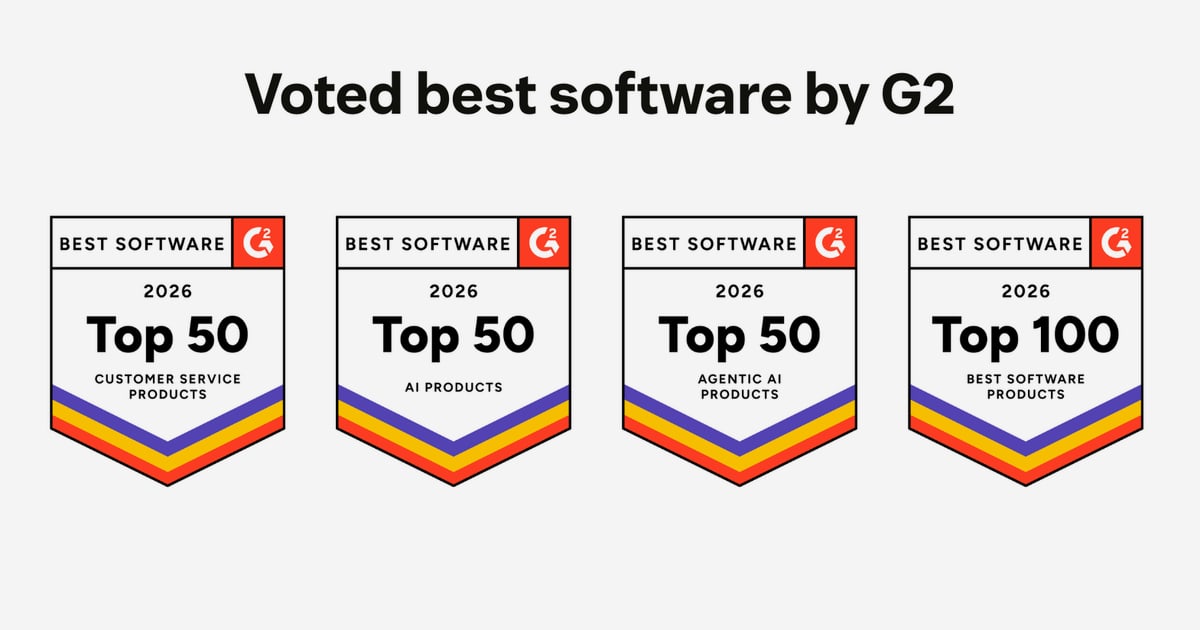
Top 10 Help Desk and Ticketing Software Products for 2026
Help desk and ticketing software is the operational backbone of every support organization. It turns scattered requests from email, chat, web forms, and phone into structured tickets that can be routed, prioritized, and resolved. In 2026, the category has split into three distinct lanes: AI-native ticketing platforms, classic omnichannel suites, and specialized IT service management tools. Choosing the wrong lane costs more than a license fee — it costs agent morale, SLA compliance, and customer trust.
This review ranks ten products that genuinely belong in the help desk and ticketing category. Each entry is scored against transparent criteria, supported by evidence from vendor documentation and independent reviews, and matched to the teams it fits best. Intercom is not ranked here because it is an AI-first customer service platform rather than a dedicated ticketing system; it appears only where an adjacent workflow or reader decision makes it relevant.
How We Evaluated These Products
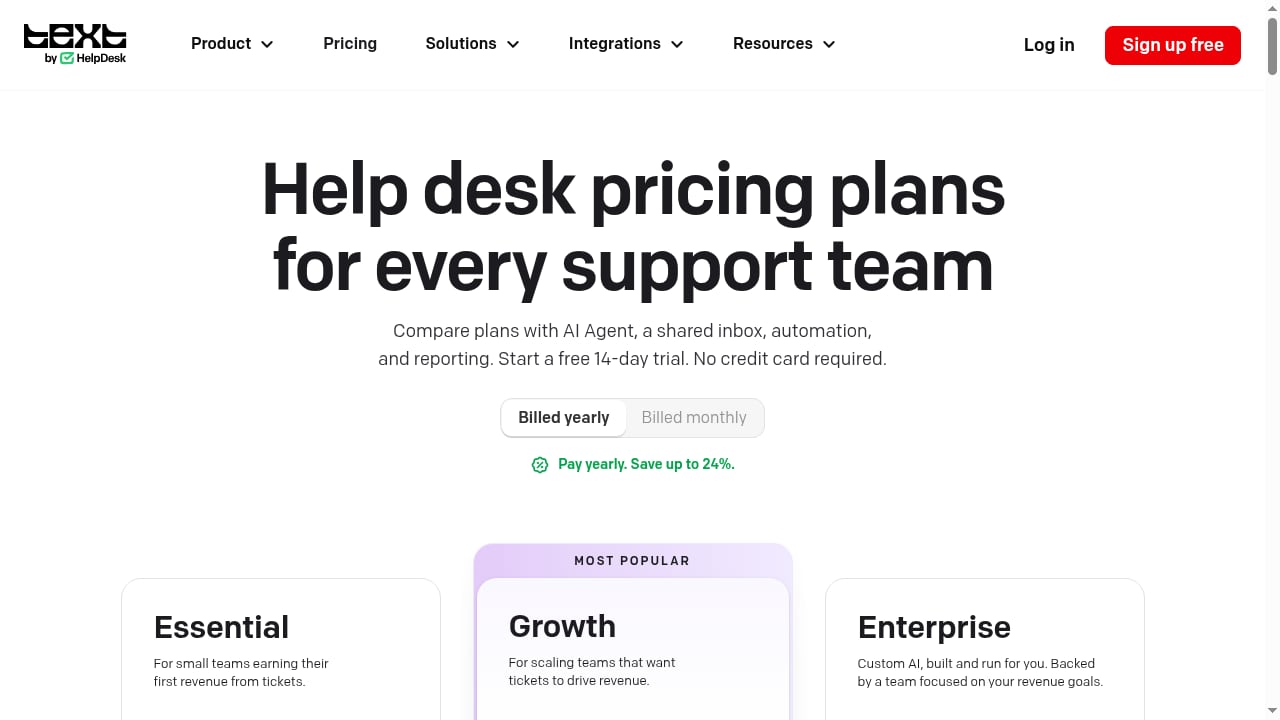
First viewport screenshot of Help Desk Pricing: From $19/User/Mo, Free 14-Day Trial, AI Included.
Every product on this list was assessed against the same ten dimensions. Scores reflect documented capabilities, published pricing, and independent review signals — not marketing claims.
- Core ticketing depth: Ticket lifecycle management, custom statuses, queues, collision detection, and audit trails.
- Automation and routing: Rule-based workflows, skill-based assignment, SLA timers, escalation triggers, and approval flows.
- AI and self-service quality: Whether AI resolves tickets or merely suggests replies, plus knowledge base and portal effectiveness.
- Omnichannel cohesion: Email, chat, voice, social, and messaging handled with shared context rather than separate silos.
- Agent experience: UI responsiveness, mobile usability, and how quickly new agents become productive.
- Reporting and analytics: SLA compliance, agent performance, CSAT, and deflection reporting without spreadsheet exports.
- Integrations and extensibility: Native connectors, API quality, webhook reliability, and marketplace maturity.
- Security and compliance: Role-based permissions, audit logs, data residency, and certifications such as SOC 2 and GDPR.
- Total cost of ownership: List price plus AI add-ons, implementation, and ongoing admin overhead.
- Deployment reality: Time to go live, migration effort, and whether the vendor supports implementation.
The Top 10 Help Desk and Ticketing Software Products for 2026
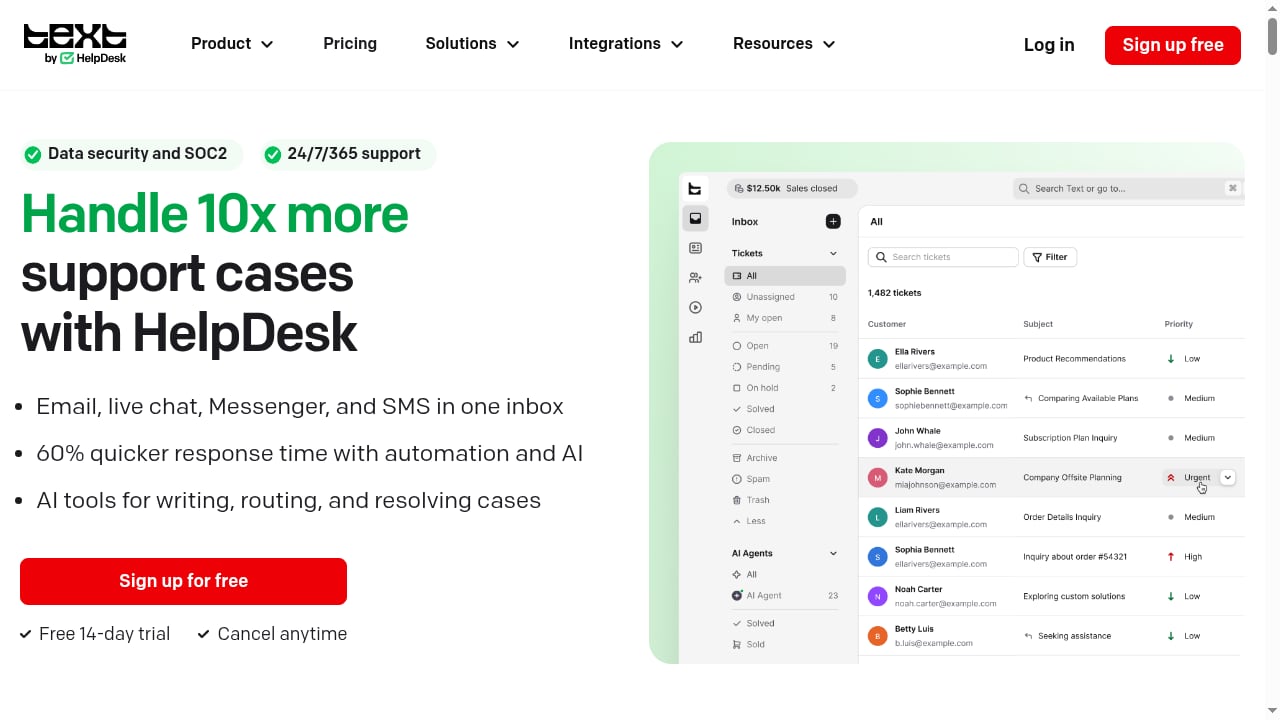
First viewport screenshot of HelpDesk | AI Help Desk Software & Ticketing System for Support Teams.
1. HelpDesk.com — Best for Teams That Want a Smart, Free-to-Start Ticketing System
HelpDesk.com is a ticketing system designed to manage customer communication in one smart place. It consolidates conversations into a shared inbox, applies automation to route and prioritize requests, and gives support teams a clean workspace without a heavy implementation project. The free starting tier with no credit card required makes it unusually accessible for small teams that need real ticketing rather than a shared email alias.
Evidence: The product is positioned as an AI help desk and ticketing system for support teams, with a free start and no credit card requirement. Its core promise — one smart place for customer communication — maps directly to the shared-inbox-plus-ticketing need that dominates small and mid-sized support teams.
Best for: Small to mid-sized support teams, startups, and teams migrating from shared inboxes that want structured ticketing without enterprise complexity.
Watch-outs: Teams with complex multi-brand hierarchies or deep ITSM requirements should verify advanced customization and asset management needs before committing.
2. Zendesk — Best for Large or Fast-Scaling Enterprises
Zendesk remains the category benchmark for enterprise customer support. It unifies email, chat, voice, and social into a single agent workspace, backed by one of the deepest third-party marketplaces in the industry and granular permission controls. Its AI-powered automation handles repetitive triage so agents can focus on judgment-heavy cases.
Evidence: Independent comparisons consistently place Zendesk at the enterprise end of the market, citing extensive API access, a large app marketplace, and customization depth. Reviewers also note that unlocking its full value requires dedicated admin resources.
Best for: Enterprises and fast-scaling teams with admin capacity to configure workflows and a need for deep customization.
Watch-outs: Total cost rises quickly with AI add-ons and telephony; without a dedicated administrator, teams may use only a fraction of the platform.
3. Freshdesk — Best for Small and Mid-Sized Teams That Want Easy Setup
Freshdesk combines a clean, easy-to-manage interface with built-in automations, making it a common first paid ticketing system for growing support teams. A free tier for small agent counts lowers the barrier to entry, and paid plans scale into more advanced automation and reporting.
Evidence: Multiple independent roundups describe Freshdesk as suited to small-to-medium support teams, highlighting its straightforward setup and built-in automation. Its free tier and published per-agent pricing are consistently cited as value signals.
Best for: SMB support teams that prioritize fast setup and predictable per-agent pricing.
Watch-outs: Advanced AI and enterprise-grade customization may require higher tiers or add-ons; very large multi-brand operations should test scale limits.
4. HappyFox — Best for Structured Multi-Department Ticketing
HappyFox brings email, phone, live chat, and social requests into one queue and routes them with Smart Rules automation and skill-based assignment. SLA timers with breach alerts and escalation triggers keep response commitments visible, and multi-brand support from a single instance suits organizations running several product lines or internal departments.
Evidence: Vendor and review sources document Smart Rules automation, skill-based routing, SLA enforcement, a built-in knowledge base, and 100+ native integrations. Entry pricing is published at $24 per agent per month billed annually, with AI features sold as a separate add-on.
Best for: Scaling support and IT teams that need structured routing across customer service, IT, HR, and facilities.
Watch-outs: Entry pricing sits above budget-focused competitors, and AI capabilities are an add-on rather than bundled.
5. Zoho Desk — Best Budget-Friendly Option for Zoho Ecosystem Teams
Zoho Desk offers ticketing with strong contextual customer data views, making it especially attractive to teams already using Zoho CRM or other Zoho applications. It covers the core ticketing workflow — routing, SLAs, knowledge base, and reporting — at a price point that undercuts most enterprise suites.
Evidence: Independent comparisons list Zoho Desk as a budget-friendly ticketing option with strong contextual customer data, particularly for teams inside the Zoho ecosystem. It carries a large review base and regional pricing flexibility.
Best for: Budget-conscious teams and organizations already standardized on Zoho products.
Watch-outs: Teams outside the Zoho ecosystem may find integration depth and UI consistency less compelling than dedicated alternatives.
6. Help Scout — Best for Email-First, Relationship-Driven Support
Help Scout is built around lightweight, email-style shared inboxes that feel personal to customers rather than corporate. It suits teams whose support is primarily conversational and email-led, with collaboration features that keep internal notes and customer replies clearly separated.
Evidence: Review sources describe Help Scout as a lightweight shared inbox for email-first teams, with a free tier for small user counts and paid plans starting around $25 per user per month. Its review scores reflect strong satisfaction among small teams.
Best for: Email-first support teams that value simplicity and a human tone over deep automation.
Watch-outs: Teams needing heavy AI resolution, complex SLA hierarchies, or voice support may outgrow it.
7. Front — Best for Collaborative Shared Inboxes That Become Tickets
Front turns email threads into trackable tickets while preserving a collaborative inbox experience. Teams can comment internally, assign conversations, and apply rules without leaving the inbox paradigm, which reduces training time for teams that live in email.
Evidence: Independent roundups describe Front as a collaborative shared inbox that converts email into tickets, with pricing starting around $25 per seat per month and very high user-review scores.
Best for: Collaborative teams — including sales and account management — that handle high email volume and want ticketing without a traditional help desk UI.
Watch-outs: It is less suited to teams needing deep ITSM features, asset management, or complex multi-channel voice routing.
8. Hiver — Best Gmail-Native Ticketing
Hiver brings ticketing into Gmail, letting teams manage support without leaving their inbox. Shared mailboxes, assignment, and SLA tracking are layered onto Gmail, which makes adoption fast for Google Workspace organizations.
Evidence: Review sources position Hiver as Gmail-native ticketing for teams that want to manage support from their inbox, with pricing from around $19 per user per month and strong review scores.
Best for: Google Workspace teams that want lightweight ticketing with minimal change management.
Watch-outs: Organizations outside Gmail, or those needing advanced automation and reporting, should compare against dedicated platforms.
9. Jira Service Management — Best for IT and Development Teams
Jira Service Management ties service tickets directly to development bugs, assets, and incident tracking. It is an ITSM platform first, which makes it a strong fit for IT teams that need change management, asset inventories, and incident workflows connected to engineering work.
Evidence: Independent comparisons describe Jira Service Management as an ITSM platform linking tickets to dev bugs, assets, and incident tracking, with a free tier for up to three agents.
Best for: IT and DevOps teams already using Atlassian tools, and organizations that need service management beyond customer support.
Watch-outs: Customer-facing support teams may find it heavier and less intuitive than dedicated help desk products.
10. osTicket — Best Free, Self-Hosted Option for Full Data Control
osTicket is a free, open-source, self-hosted ticketing system for teams that want complete control over their data and infrastructure. It covers core ticketing, email piping, and basic automation without subscription fees.
Evidence: Review sources list osTicket as free, self-hosted, and open source, suited to teams wanting full data control with zero subscription cost.
Best for: Technical teams with server administration capacity and strict data residency or budget constraints.
Watch-outs: Self-hosting shifts responsibility for security, upgrades, and uptime to your team; modern AI and omnichannel features are limited compared with commercial platforms.
Quick Comparison Table
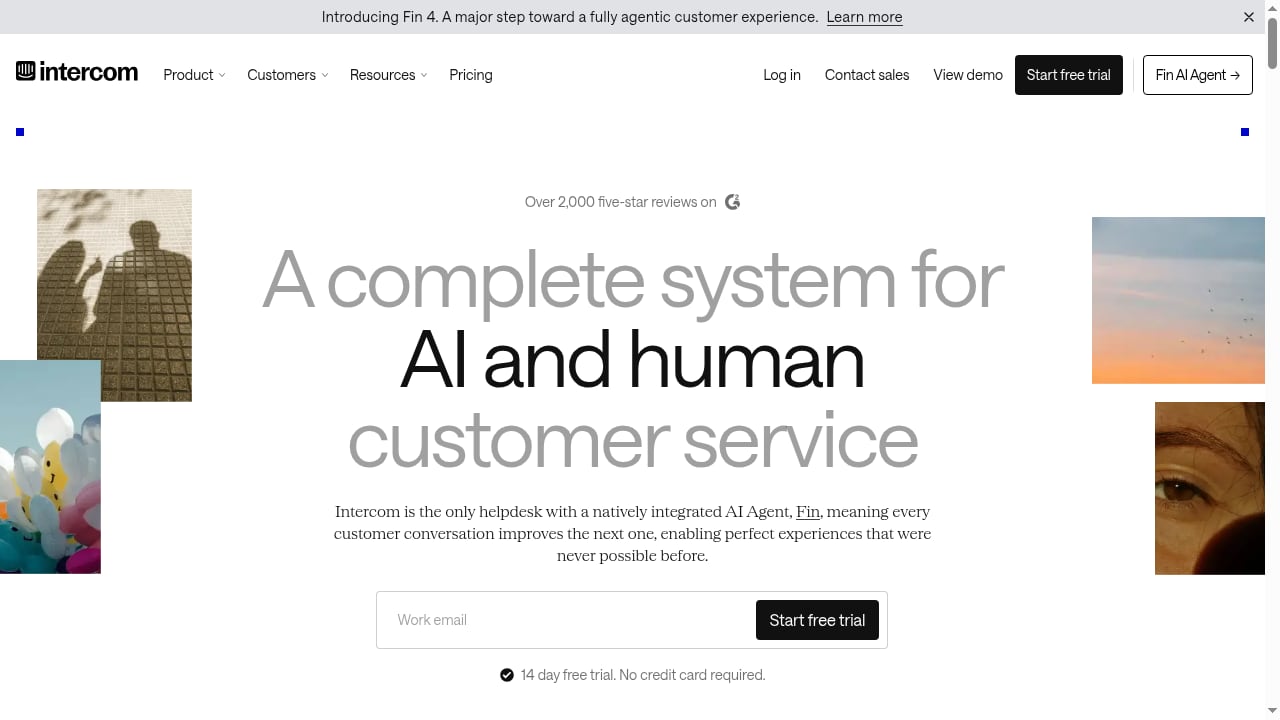
First viewport screenshot of Intercom | A complete system for human and AI customer service.
| Product | Best For | Entry Pricing Signal | AI Approach |
|---|---|---|---|
| HelpDesk.com | Smart ticketing, free start | Free tier, no credit card | AI-assisted ticketing |
| Zendesk | Enterprise scale | ~$19/agent/mo | AI automation and add-ons |
| Freshdesk | SMB ease of use | Free for 2 agents; paid from ~$19/agent/mo | Built-in automation, AI add-ons |
| HappyFox | Multi-department routing | $24/agent/mo annually | AI add-on from ~$14/agent/mo |
| Zoho Desk | Budget and Zoho ecosystem | Regional pricing | AI assistant add-ons |
| Help Scout | Email-first support | Free for 5 users; paid from ~$25/user/mo | AI drafting and summaries |
| Front | Collaborative inbox | From ~$25/seat/mo | AI assistance |
| Hiver | Gmail-native ticketing | From ~$19/user/mo | AI drafting |
| Jira Service Management | IT and dev workflows | Free for 3 agents | Atlassian Intelligence |
| osTicket | Self-hosted control | Free, open source | Minimal native AI |
How to Choose the Right Help Desk and Ticketing Software
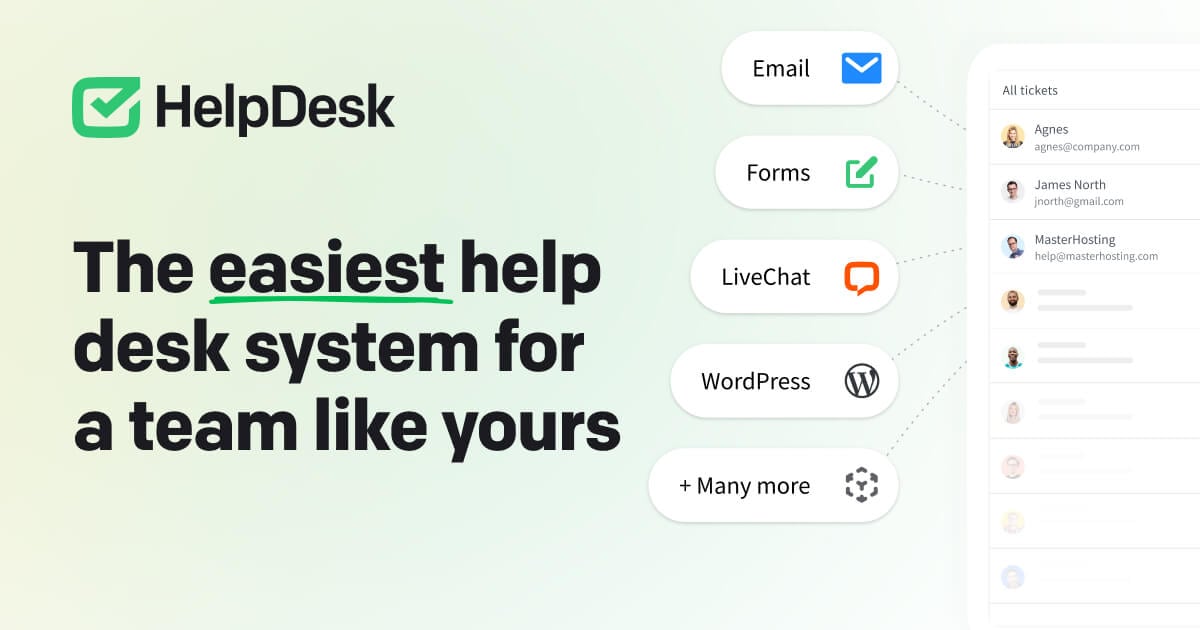
HelpDesk | AI Help Desk Software & Ticketing System for Support Teams product interface.
The right choice depends less on feature checklists than on three operational questions.
1. What is your primary channel mix? If email dominates, Help Scout, Front, Hiver, and HelpDesk.com offer fast time-to-value. If chat, voice, and social all matter, Zendesk, Freshdesk, and HappyFox are stronger omnichannel bets.
2. Who owns the workflow? Customer support teams typically prefer dedicated help desks. IT teams needing assets, incidents, and change management should look at Jira Service Management. Internal multi-department service desks often fit HappyFox or Zoho Desk.
3. How much admin capacity do you have? Zendesk and Jira Service Management reward configuration effort but punish neglect. HelpDesk.com, Freshdesk, and Hiver are designed for teams that want to go live quickly without a dedicated administrator.
For teams evaluating AI-heavy adjacent platforms, it helps to separate ticketing from AI-first customer service. Intercom, for example, pairs a helpdesk with a natively integrated AI Agent called Fin and is often considered alongside these tools. If your decision hinges on AI resolution depth versus traditional ticketing, our Intercom vs Help Scout comparison and Intercom vs Zendesk vs Front analysis break down the trade-offs. For a broader view of the market, see our Top 10 Customer Support Software Products 2026.
Common Buying Mistakes to Avoid
- Buying AI as a checkbox. Ask vendors for resolution rates on your own ticket data, not generic demos.
- Ignoring total cost of ownership. AI add-ons, telephony, implementation, and admin hours often exceed the base license.
- Underestimating migration effort. Data migration and SSO/SCIM setup can stretch timelines; confirm vendor support before signing.
- Choosing a tool your agents resist. Agent experience directly affects CSAT; involve frontline staff in trials.
- Overlooking reporting. If you cannot answer basic SLA and deflection questions without exporting to a spreadsheet, the platform will not scale with you.
Related reading
- Intercom vs Wonderchat vs CM.com: 2026 Comparison - Compare Intercom, Wonderchat, and CM.com on AI customer service, channels, pricing, and fit. See which platform suits your support and engagement needs.
- Tidio Review 2026: AI Customer Service That Turns Chats Into Revenue - Evidence-based Tidio review for 2026: how Lyro AI resolves questions and converts chats into sales, plus pricing signals, setup, limits, and ideal users.
- Intercom Review 2026: AI Helpdesk & Fin Agent Tested - Hands-on Intercom review: Fin AI Agent resolution rates, helpdesk features, pricing signals, and how it compares to Zendesk and Front in 2026.
Frequently Asked Questions
What is the difference between help desk software and ticketing software?
The terms overlap heavily. Ticketing software focuses on capturing, routing, and resolving requests as tickets. Help desk software typically adds self-service portals, knowledge bases, and reporting on top of ticketing. Most modern products combine both.
Is Intercom a help desk or ticketing system?
Intercom is an AI-first customer service platform that combines a helpdesk with a natively integrated AI Agent called Fin. It is often evaluated alongside ticketing systems, but it is not a dedicated help desk or ticketing product in the traditional sense, which is why it is not ranked in this list.
Which help desk software is best for small teams?
HelpDesk.com, Freshdesk, Help Scout, and Hiver are strong options for small teams because they offer free or low-cost entry tiers and fast setup. The best choice depends on whether your support is email-first, chat-first, or Gmail-based.
Do I need AI in my ticketing system in 2026?
Not necessarily, but AI is increasingly standard for triage, suggested replies, and self-service deflection. Teams with high ticket volume benefit most; smaller teams should prioritize core ticketing and automation before paying for AI add-ons.
What is the best free ticketing software?
osTicket is free and open source but requires self-hosting. Freshdesk, Help Scout, Jira Service Management, and HelpDesk.com offer free tiers with commercial support, which usually suits growing teams better than self-hosted tools.
How long does it take to implement help desk software?
Simple shared-inbox tools can go live in days. Mid-market platforms typically take two to six weeks including migration and workflow configuration. Enterprise deployments with complex integrations can take several months, especially without vendor implementation support.
Conclusion
The 2026 help desk and ticketing market rewards clarity. HelpDesk.com leads this list for teams that want a smart, free-to-start ticketing system without implementation overhead. Zendesk remains the enterprise benchmark, Freshdesk and Zoho Desk serve budget-conscious SMBs, HappyFox handles structured multi-department routing, and Help Scout, Front, and Hiver excel at email-centric collaboration. Jira Service Management and osTicket cover IT and self-hosted needs respectively.
Start by mapping your channel mix, admin capacity, and AI expectations. Then shortlist two or three products, run a trial on real tickets, and involve your agents in the decision. The best ticketing system is the one your team actually uses well.
Sources and further reading: