UseResponse Review 2026: Customer Service Software Verdict
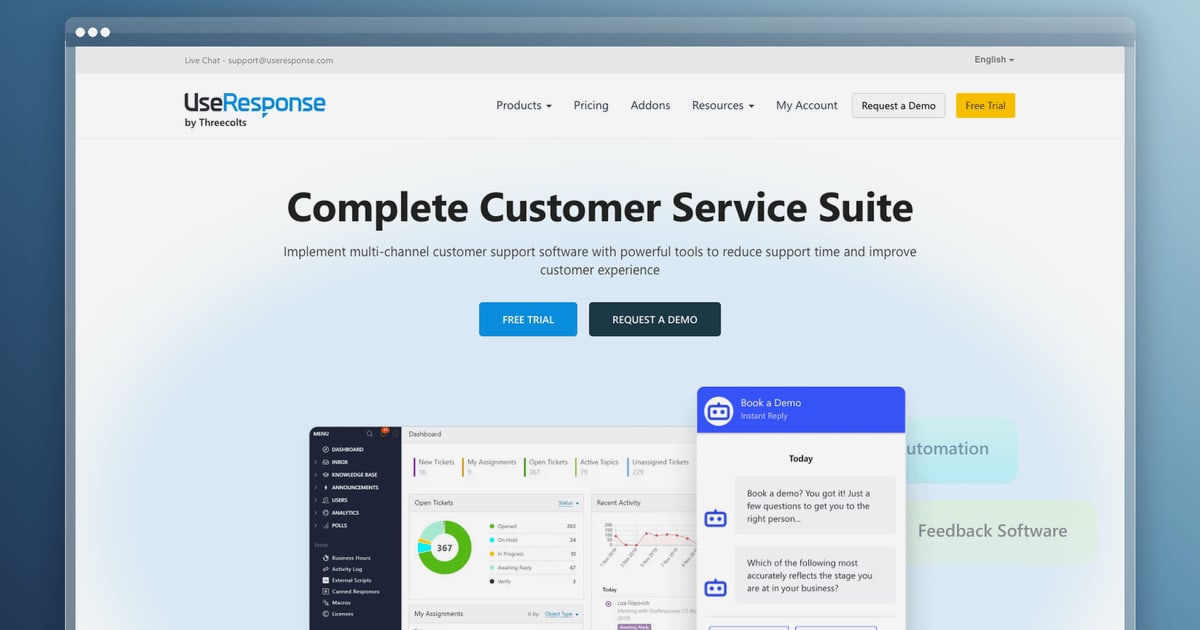
UseResponse Review: An All-in-One Customer Service Suite With Feedback at Its Core
Most help desk tools treat customer feedback as an afterthought. UseResponse takes the opposite approach: it wraps ticketing, a knowledge base, live chat, and a public feedback portal into one suite, and it is available both in the cloud and on your own servers. That combination is rare, but it also means the product is not a perfect fit for every team. This review breaks down what UseResponse actually does well, where it falls short, what the pricing signals suggest, and how to decide whether it belongs in your stack.
What UseResponse Is and Who It Is Built For
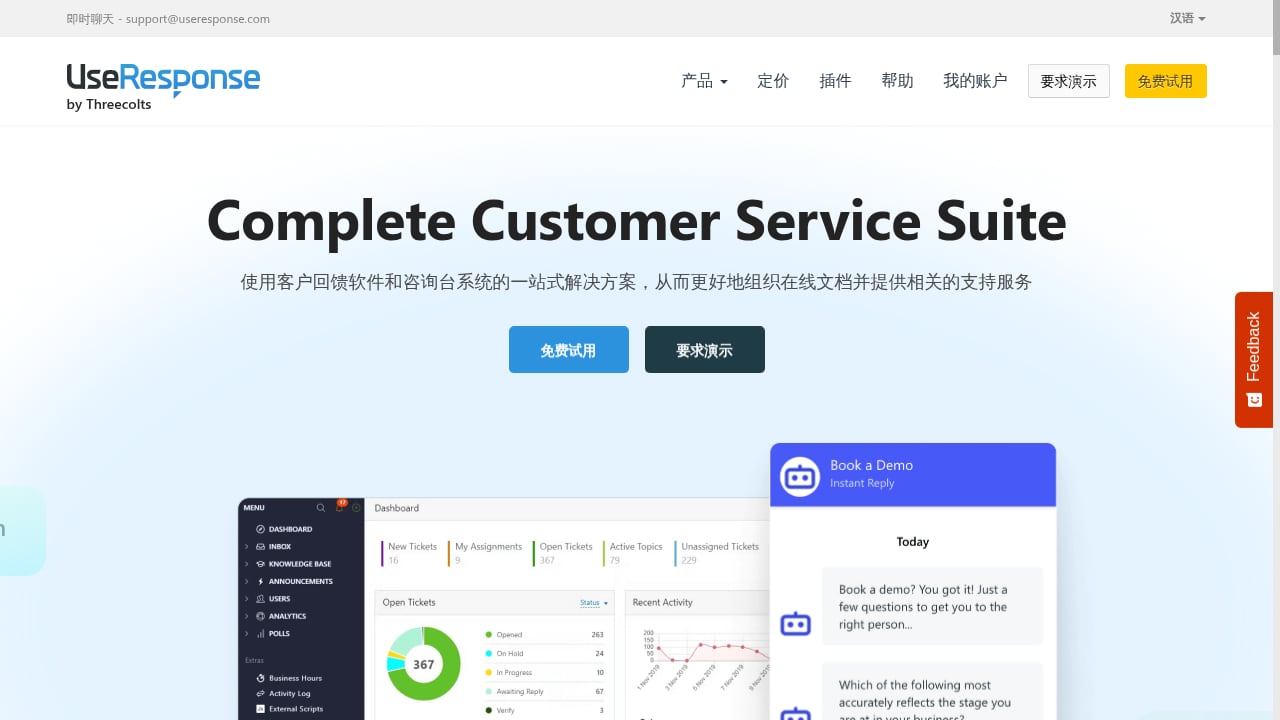
First viewport screenshot of useresponse.com.
UseResponse is a customer support and feedback platform that has been on the market since 2012. Its core idea is to organize support around a help center, then connect every channel — tickets, chat, community feedback, and feature requests — back to that center. The vendor positions it as an all-in-one suite for medium-sized and enterprise organizations, with both SaaS and on-premises deployment options.
That positioning matters. Many tools in this category are cloud-only and priced per agent with add-ons for every extra module. UseResponse instead bundles help desk, knowledge base, live chat, and feedback management, and markets transparent pricing without hidden add-on fees.
Ideal user profiles
- B2B SaaS companies that want a public roadmap and voting portal alongside their support inbox.
- Regulated or security-sensitive organizations that need an on-premises deployment option for data residency or compliance reasons.
- Mid-market and enterprise support teams that have outgrown a simple shared inbox but do not want to stitch together four separate vendors.
- Product-led teams that treat feature requests as a first-class input to the roadmap rather than a side channel.
Less ideal fits
- Very small teams that only need a shared inbox and live chat; the breadth of the suite may be more than they can configure and maintain.
- Teams that depend heavily on a deep native AI agent for autonomous resolution; UseResponse offers AI-assisted support, but buyers should verify current AI capabilities against their resolution goals.
- Organizations that need a large, pre-built marketplace of hundreds of integrations rather than API-based connections.
Core Modules: What You Actually Get
First viewport screenshot of www.useresponse.com.
Help desk and ticketing
The ticketing module is the operational heart of the product. It supports customizable statuses, tasks, private notes, internal comments, reports, and Kanban-style boards. Automation rules and notification logic are designed to reduce manual triage, and the reporting layer gives supervisors visibility into agent workload and customer experience trends.
A practical example: a support lead can build a rule that routes billing tickets to a specialized queue, sets a priority based on the customer's plan, and notifies a manager when a ticket breaches its first-response target. That is standard help desk functionality, but having it in the same system as the feedback portal means product complaints and support tickets can inform each other.
Knowledge base and self-service
The knowledge base is meant to be the anchor of the support experience. You can organize FAQs and documentation around your products, embed a knowledge base widget on any page of your website, or surface articles inside a chatbot. For teams trying to deflect repetitive questions, this is the module to evaluate first — self-service quality usually determines whether the rest of the suite pays off.
Live chat
Live chat rounds out the real-time channel, letting agents move from a chat into a ticket without leaving the platform. The value here is continuity: a conversation does not disappear when the chat window closes.
Feedback portal, forums, and roadmap
The feedback side is where UseResponse differentiates itself. You get a customer feedback portal that can host multiple boards for different products or languages, support anonymous submissions, and use SSO for secure access. Interactive forums encourage discussion, a voting system helps prioritize feature requests, and a product roadmap view connects customer input to development plans. App ratings and review analysis add another input stream for mobile-focused businesses.
If feedback-driven roadmapping is central to how your company operates, this module alone can justify a closer look. If you already run a dedicated product feedback tool, you will want to check for overlap and duplication.
Strengths
- Genuine all-in-one coverage. Help desk, knowledge base, live chat, and feedback management share one data model, which reduces the integration tax of running separate tools.
- On-premises option. This is a meaningful differentiator for organizations with strict data residency or procurement requirements.
- Deep customization. Workflows, branding, and portal structure are configurable well beyond surface-level theming.
- Transparent, bundled pricing. The vendor emphasizes no hidden add-on costs, which simplifies budgeting compared with per-module pricing models.
- Feedback-to-roadmap loop. Voting, forums, and roadmap views turn customer input into a visible product process.
- API access. UseResponse offers API access, which matters for teams that need to connect CRMs, analytics, or internal systems.
Limitations and Trade-offs
First viewport screenshot of useresponse.com.
- Breadth requires configuration. An all-in-one suite means more settings, more workflows, and more decisions during rollout. Teams without an administrator will feel the weight.
- Integration depth varies. API access helps, but buyers who need dozens of native connectors should map their must-have integrations before committing.
- AI is not the headline. The platform includes AI for automated support, but teams evaluating AI-first resolution should benchmark it against dedicated AI customer service solutions rather than assume parity.
- Review volume is thin. Public review counts are modest, so independent evidence of long-term performance at scale is limited. Ask for references in your industry and size band.
- On-premises means you own the operations. Updates, backups, and uptime become your responsibility, which changes the total cost of ownership.
Pricing Signals
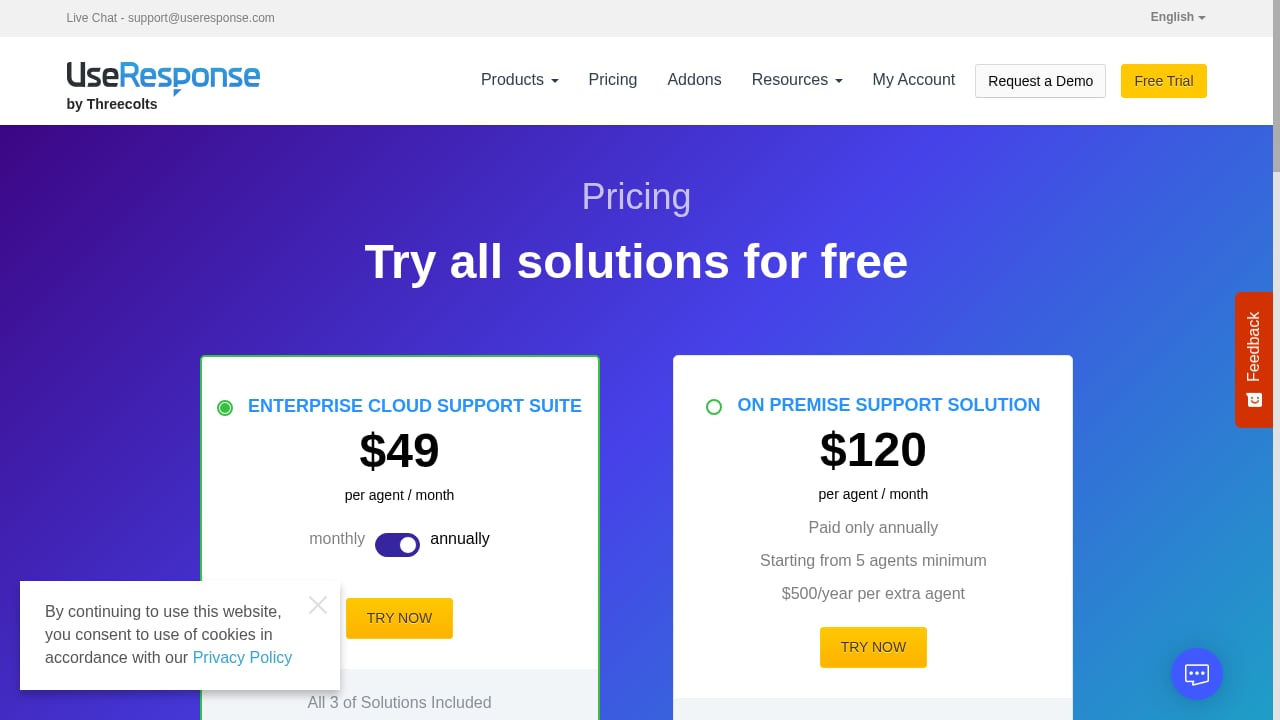
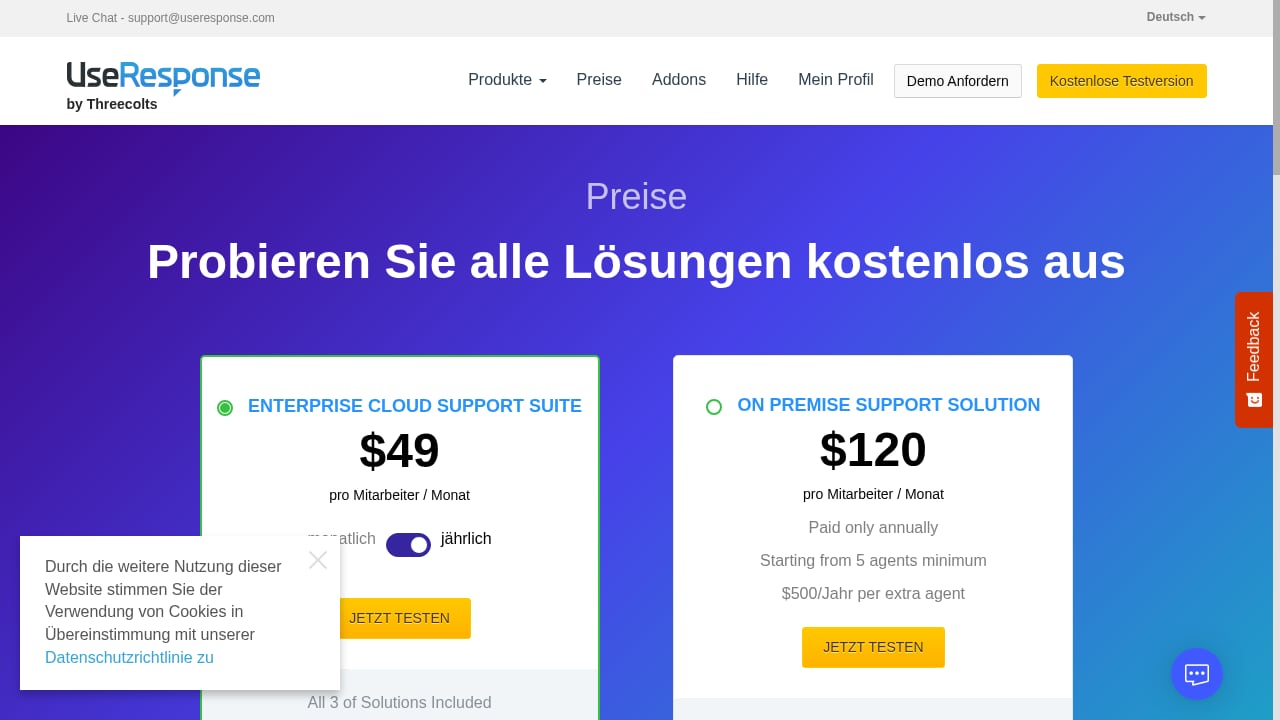
UseResponse does not publish a simple public price list for every tier, so treat any figure as a starting point for a quote conversation. Third-party listings have cited a starting price of around $149 per month for two agents, including enterprise-level features, free setup assistance, and training, with a free trial available. The vendor's own messaging stresses bundled features and no hidden add-on charges.
When you request a quote, ask specifically about:
- Agent seat pricing and whether volume discounts apply
- Which modules are included versus gated by tier
- On-premises licensing versus SaaS subscription costs
- Implementation, migration, and training fees
- Support SLAs and any 24/7 coverage charges
For broader pricing context across the category, see our comparison of AI help desk and ticketing software.
Setup and Onboarding
A typical rollout follows four phases:
- Help center first. Build the knowledge base structure and migrate your most-requested articles before opening ticket channels. Self-service deflection is easier to measure when the content exists on day one.
- Ticket workflows second. Configure statuses, queues, automation rules, and SLAs around how your team actually works, not around the default template.
- Channels third. Connect email, chat, and the feedback portal once the core workflows are stable, so early ticket volume does not overwhelm an unconfigured system.
- Feedback portal last. Launch the public portal with a clear moderation policy and a roadmap cadence you can sustain. An empty roadmap damages trust more than no roadmap.
The vendor advertises free setup assistance and training, which is worth using for the initial configuration. Plan for a few weeks of parallel running before you retire your old system.
How UseResponse Compares
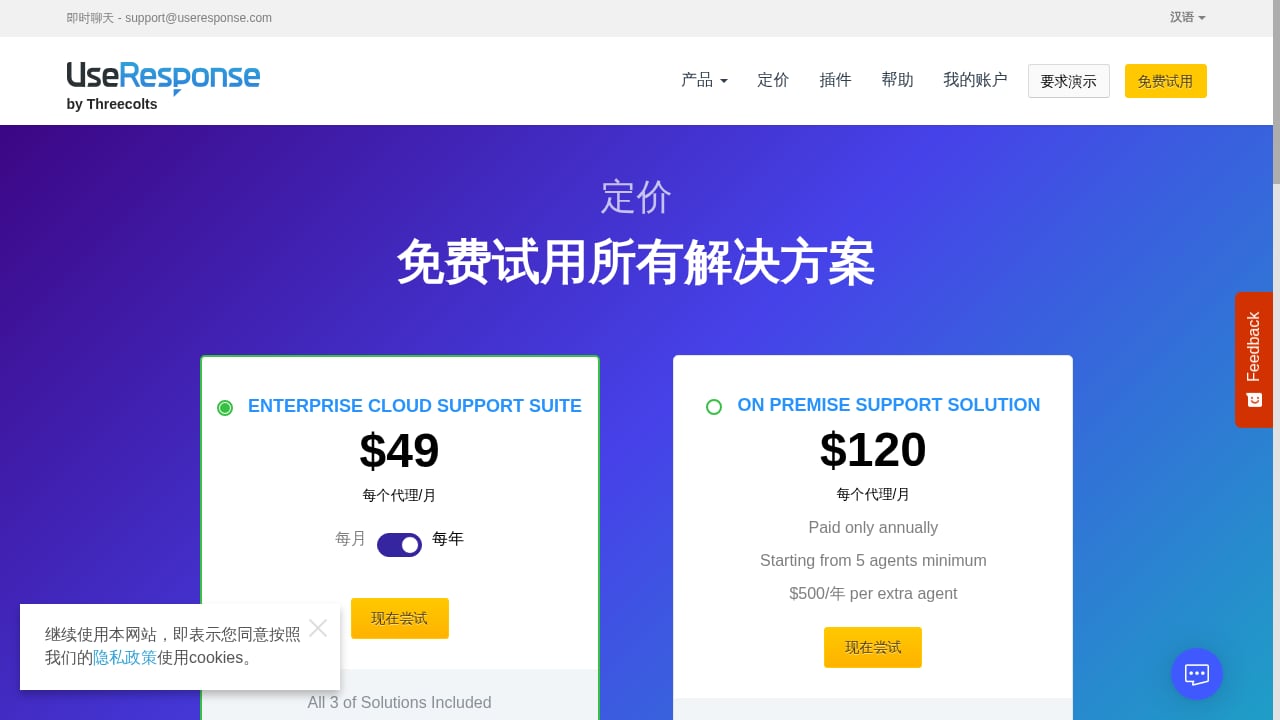
First viewport screenshot of useresponse.com.
| Criterion | UseResponse | Typical cloud-only help desk |
|---|---|---|
| Deployment | SaaS and on-premises | SaaS only |
| Feedback portal and roadmap | Built in | Often a separate product |
| Pricing model | Bundled, quote-based | Per-seat with add-ons |
| AI resolution depth | AI-assisted support | Varies widely; some AI-first |
| Integration marketplace | API plus selected integrations | Often large marketplaces |
If AI-driven resolution and agent assistance are your top priority, compare UseResponse against AI-first platforms in our practical buyer's guide to AI customer service solutions. If you are weighing a lighter, chat-centric option, our HelpCrunch review covers a different point on the spectrum.
Decision Criteria: Should You Choose UseResponse?
Score your team against these questions:
- Do you need on-premises or hybrid deployment? If yes, UseResponse belongs on your shortlist almost by default.
- Is customer feedback a strategic input? If your roadmap depends on votes, forums, and feature requests, the bundled portal is a strong argument.
- How many tools are you replacing? The value case strengthens when you consolidate help desk, knowledge base, chat, and feedback into one contract.
- Do you have an administrator? Customization is a strength only if someone owns it.
- What are your AI requirements? Define target resolution rates and test them during the trial.
- What integrations are non-negotiable? Verify each one before signing.
Related reading
- How to Use Intercom with Zoom: AI + Human Support - Learn how to connect Intercom's AI-first helpdesk with Zoom to unify customer conversations, automate resolutions, and escalate to live video support.
- Intercom vs RingCentral vs BlackBeltHelp: 2026 Comparison - Compare Intercom, RingCentral, and BlackBeltHelp on AI customer service, voice, higher-ed helpdesk fit, integrations, and pricing to pick the right platform.
Frequently Asked Questions
Is UseResponse available on-premises?
Yes. UseResponse offers both SaaS and on-premises deployment, which is one of its main differentiators for regulated and security-sensitive organizations.
How much does UseResponse cost?
Pricing is quote-based. Third-party listings have cited a starting point of about $149 per month for two agents with enterprise features included, but you should confirm current tiers, seat pricing, and module inclusion directly with the vendor.
Does UseResponse include a knowledge base?
Yes. The knowledge base is a core module and can be embedded as a widget on your website or surfaced inside a chatbot.
Can UseResponse handle feature requests and roadmaps?
Yes. The feedback portal supports boards, voting, forums, and roadmap views designed to connect customer input to product planning.
Is UseResponse good for small teams?
It can work for small teams, but the suite is built for mid-market and enterprise use. Very small teams may find a simpler help desk more cost-effective.
Does UseResponse offer a free trial?
Yes, a free trial is available according to third-party listings, which is the right time to test workflows, AI behavior, and integrations with your real data.
Conclusion
UseResponse is a credible choice for organizations that want support, self-service, chat, and customer feedback in one platform — especially when on-premises deployment or transparent bundled pricing is a hard requirement. Its weaknesses are the familiar flip side of its strengths: breadth demands configuration, and AI-first buyers should benchmark carefully. Start with a trial, build the knowledge base first, and validate your must-have integrations before you commit.
Sources: UseResponse customer feedback software overview, UseResponse product profile and pricing signals, customer feedback tools comparison.