Deskpro Review 2026: The Human Help Desk for Smarter Ticketing
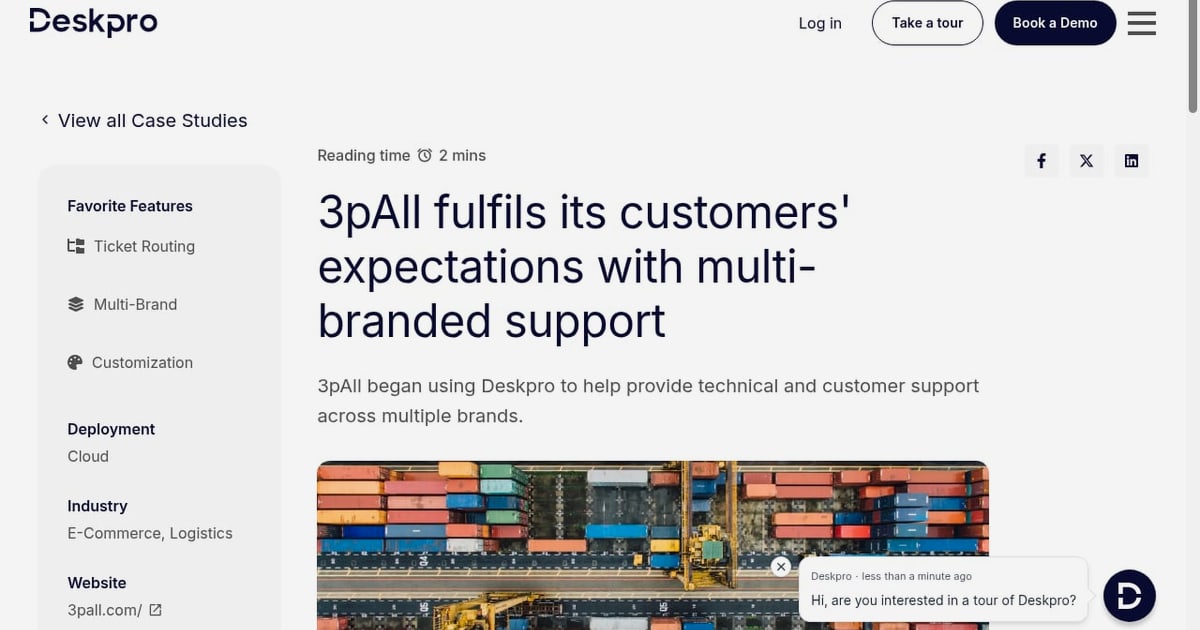
Deskpro Review 2026: The Human Help Desk for Smarter Ticketing
Most help desk reviews rank tools by feature checklists. That misses the real question: does the platform make your support team faster without stripping away the human judgment customers still expect? Deskpro positions itself as "the human help desk for smarter ticketing" — an omnichannel platform for ticket management, support collaboration, and AI-assisted resolution that you can run in Deskpro's cloud or on your own infrastructure. This review breaks down what that actually means in practice, who it fits, where it falls short, and how to decide between Deskpro and better-known rivals like Zendesk, Freshdesk, and Intercom.
What Deskpro is and who it is built for
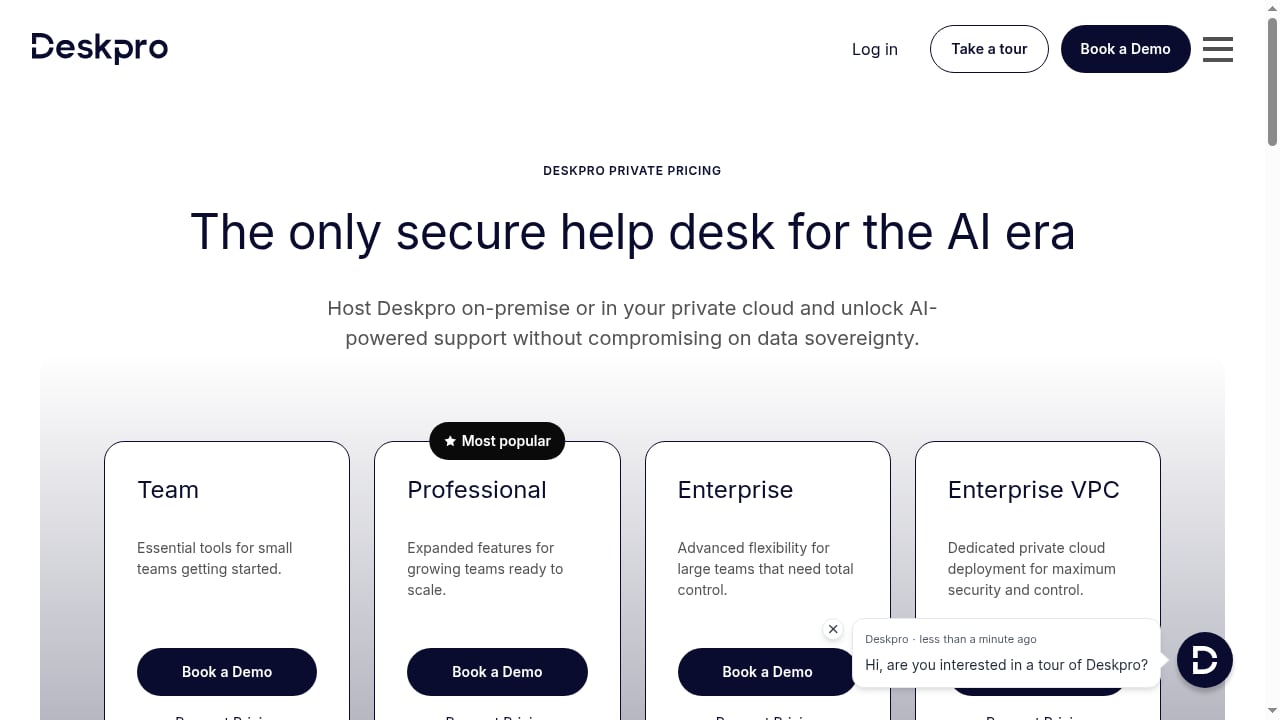
First viewport screenshot of Deskpro Private Pricing | Secure, Self-Hosted Help Desk Plans.
Deskpro is a help desk and ticketing platform that centralizes customer and internal support requests across email, live chat, voice, self-service, and messaging channels into one agent workspace. Its distinguishing trait is deployment flexibility: unlike most SaaS-only competitors, Deskpro can be deployed in any cloud or self-hosted on your own servers.
That combination — omnichannel ticketing plus self-hosting plus AI assistance — shapes its ideal buyer profile:
- Regulated and security-conscious organizations (finance, healthcare, government, legal) that need tickets and customer data to stay inside their own infrastructure or a specific cloud region.
- IT and internal service teams that treat the help desk as shared infrastructure rather than a marketing-owned tool.
- Mid-market support teams (roughly 10–200 agents) that have outgrown a shared inbox but don't want enterprise pricing or a multi-quarter implementation.
- Organizations with data residency requirements in regions where US-only SaaS hosting is a compliance blocker.
If your team is five agents answering ecommerce order questions, a lighter conversational tool will likely serve you better. Deskpro's value shows up when ticket volume, compliance, and channel sprawl all grow at once.
Core capabilities that matter for smarter ticketing
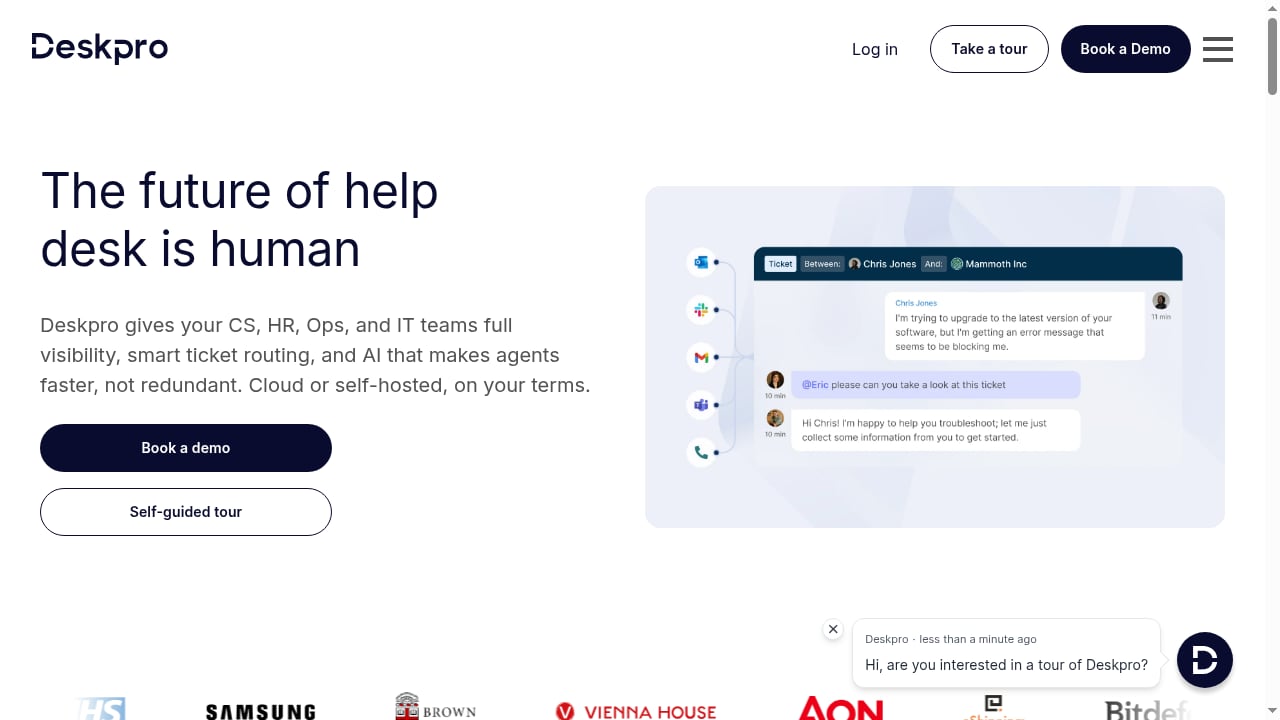
First viewport screenshot of The Human Help Desk for Smarter Ticketing | Deskpro.
Omnichannel ticket management
Every inbound conversation — email, chat, phone, social, web forms, and API-created tickets — becomes a trackable ticket with an owner, status, priority, and SLA clock. This is the baseline for any serious help desk, but the execution details matter: merged conversations, linked tickets, custom fields per department, and granular queue routing are what keep a growing team from drowning in duplicate requests.
AI assistance layered onto human workflows
Deskpro's AI features are positioned as agent multipliers rather than replacements: suggested replies, ticket summarization, tone adjustment, and automated triage that classifies and routes incoming requests. This is the "human help desk" thesis in practice — AI handles the repetitive drafting and sorting so agents spend their time on judgment calls. Teams evaluating AI-first platforms where the bot resolves customers directly should compare this model against tools like Intercom's AI agent approach, which charges per AI resolution rather than per seat.
Self-service and knowledge base
A help center with searchable articles, categories, and a widget that can be embedded in your product or website. The knowledge base feeds both customer self-service and AI suggestions, so article quality directly affects deflection rates. If documentation maintenance is your bottleneck, it's worth understanding how AI-native help centers handle content freshness before committing.
Collaboration and reporting
Internal notes, ticket assignments, agent collision detection, team-level dashboards, and SLA reporting. For support leaders, the reporting layer answers the questions that justify the tool: which channels drive volume, where response times slip, and which agents or queues are overloaded. If you want a sense of how modern platforms surface these shifts automatically, see how trend reporting works in support platforms.
Deployment: cloud, self-hosted, or hybrid
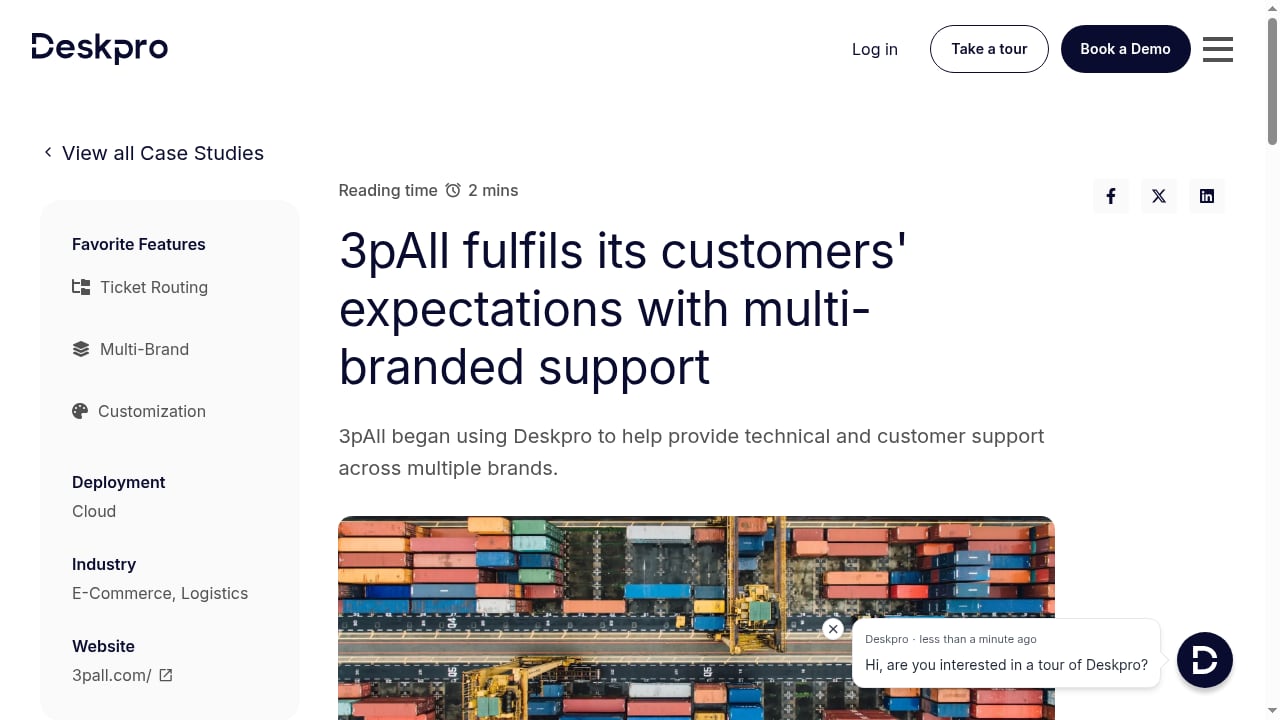
First viewport screenshot of 3pAll fulfils its customers' expectations with multi-branded support.
This is Deskpro's strongest differentiator and the reason many buyers shortlist it at all.
| Deployment model | Best for | Trade-off |
|---|---|---|
| Deskpro Cloud | Teams wanting fast setup and zero maintenance | Vendor-managed infrastructure and update cadence |
| Self-hosted (on-premise or your own cloud) | Regulated industries, strict data residency, air-gapped environments | You own patching, scaling, backups, and upgrades |
| Hybrid / private cloud | Organizations needing control without full on-premise operations | More planning during implementation |
Most 2026 help desk software is SaaS-only. A broad comparison of help desk platforms shows how few credible options remain for teams that genuinely cannot send customer data to a vendor's multi-tenant environment. Deskpro's ability to run on your own servers — including inside your existing cloud account — is a genuine gap-filler rather than a marketing checkbox.
Setup and time to value
Deskpro is not a five-minute tool. Realistic implementation phases look like this:
- Channel connection (day 1–3): Connect email, chat widget, and any voice or messaging channels. Configure the help center domain.
- Structure and routing (week 1–2): Define departments, ticket fields, priorities, SLAs, and routing rules. This is where most of the configuration effort lives.
- Knowledge base seeding (week 2–4): Migrate or write the first 20–50 articles that cover your highest-volume questions. AI suggestions are only as good as this content.
- Agent onboarding and workflow tuning (week 3–6): Train agents on macros, notes, and escalation paths; refine routing based on real ticket flow.
- Self-hosted add-on (if applicable): Provision infrastructure, plan upgrade windows, and assign ownership for patching and backups.
Cloud deployments typically reach basic production use in days, with full workflow maturity in four to six weeks. Self-hosted deployments add infrastructure lead time and ongoing operational ownership — budget for that honestly.
Pricing signals
Deskpro does not publish a simple public price list the way Freshdesk or Zoho Desk do; pricing is quote-based and scales with agent count, deployment model, and feature tier. Based on how comparable platforms price in 2026, expect the following signals when you request a quote:
- Per-agent monthly pricing for cloud deployments, with volume discounts at higher seat counts.
- Self-hosted licensing priced separately, often with an annual license plus support and update entitlement.
- AI features may be bundled or tiered depending on the plan — confirm explicitly whether AI suggestions and automation are included or metered.
- Implementation and migration services as optional add-ons, more relevant for self-hosted and large deployments.
For reference points, mainstream competitors cluster between roughly $15 and $55 per agent per month for core ticketing, with AI resolution often billed separately (for example, per-resolution AI pricing models used by conversational platforms). Deskpro's quote will likely land in the mid-market band; the self-hosted option is where its cost structure diverges most from SaaS rivals, because you trade subscription simplicity for infrastructure control.
Strengths and limitations
Strengths
- Genuine deployment flexibility: cloud, self-hosted, or your own cloud account.
- Mature omnichannel ticketing with SLA, routing, and reporting depth suited to mid-market and IT teams.
- AI features designed to assist agents rather than replace the human conversation.
- Strong fit for regulated industries where data residency is non-negotiable.
Limitations
- Quote-based pricing makes budgeting and comparison harder than transparent per-seat tools.
- Interface and configuration depth mean a steeper learning curve than lightweight shared-inbox tools.
- Self-hosting shifts patching, scaling, and security responsibility onto your team.
- AI capabilities are agent-assist oriented; teams wanting autonomous customer-facing resolution may find conversational-first platforms more aggressive on that front.
- Smaller integration marketplace than Zendesk or Salesforce ecosystems.
How to decide: Deskpro vs the alternatives
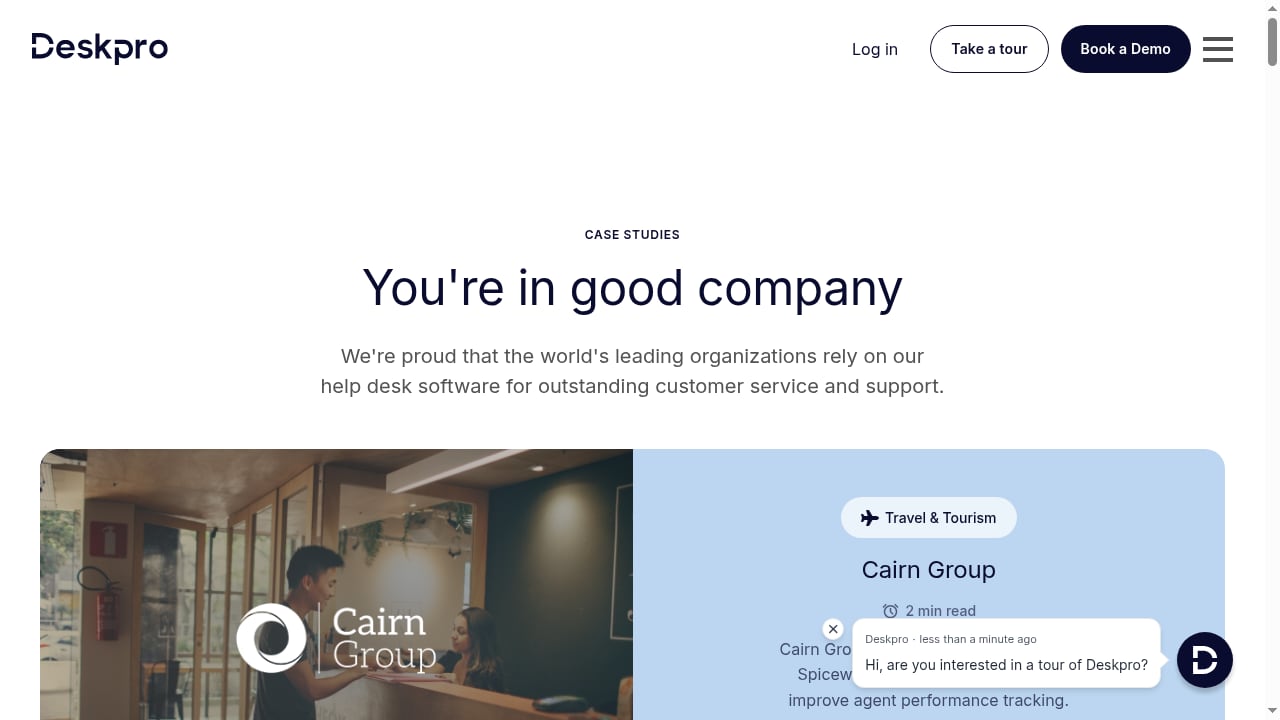
First viewport screenshot of Customer Stories | Deskpro.
Use this decision framework before booking demos:
- Choose Deskpro if: you need self-hosted or region-controlled deployment, you run a mixed customer and internal IT help desk, you want AI as an agent aid, and you can absorb a few weeks of configuration.
- Choose a SaaS-first ticketing tool (Freshdesk, Zoho Desk) if: budget transparency and fast setup outweigh deployment control, and your data residency requirements are minimal.
- Choose Zendesk or ServiceNow if: you need a massive integration marketplace, multi-brand enterprise governance, and you're prepared for enterprise pricing and implementation timelines.
- Choose a conversational AI platform (Intercom, Gorgias) if: your primary channel is chat or messaging and you want AI resolving customers directly at scale — but verify how AI resolution pricing behaves at your volume.
- Choose a lightweight shared inbox if: you have fewer than five agents and simple email-based workflows.
A practical test: list your three hardest constraints — compliance, channel mix, and AI ambition — and score each vendor against them. Deskpro tends to win on constraint one and hold its own on two and three.
Related reading
- How to Use Intercom with GoTo Connect: Setup and Workflows - Learn how Intercom and GoTo Connect work together: setup steps, routing workflows, practical examples, and the support problems the combination solves.
Sources and further reading
- The Human Help Desk for Smarter Ticketing | Deskpro - The omnichannel platform for efficient support, ticket management, and support collaboration. Deploy in any cloud or self-host.
- 20+ Best Help Desk Software in 2026: Ranked, Reviewed & Compared | HelpDesk.com - Compare the best help desk software of 2026 by features, AI, SLA, pricing, and G2/Capterra ratings. Find the right ticketing tool for small business, IT, or enterprise.
- 7 Best Zoho Desk Alternatives (2026) - Zoho Desk is cheap but clunky. Here are 7 alternatives with better UX, smarter AI, and help center features that actually reduce support tickets.
FAQ
Is Deskpro cloud or on-premise? Both. Deskpro can be deployed in its own cloud, in your cloud account, or self-hosted on your infrastructure, which is unusual among 2026 help desk platforms.
Does Deskpro have AI features? Yes. Its AI capabilities focus on agent assistance — suggested replies, summarization, and automated triage — rather than fully autonomous customer-facing resolution.
How much does Deskpro cost? Pricing is quote-based and depends on agent count, deployment model, and feature tier. Expect mid-market per-agent pricing for cloud and separate licensing for self-hosted deployments.
Is Deskpro good for small businesses? It can work for small teams, but its strengths — deep configuration, self-hosting, SLA reporting — pay off most for teams of roughly 10 agents and up, or any organization with compliance constraints.
How long does Deskpro take to set up? Cloud deployments can be productive within days and fully configured in four to six weeks. Self-hosted deployments add infrastructure provisioning and ongoing maintenance responsibilities.
Can Deskpro replace Zendesk? For teams whose deciding factor is deployment control, data residency, or self-hosting, yes — that's Deskpro's core advantage. Teams that depend heavily on Zendesk's integration marketplace may find the migration harder to justify.
Conclusion
Deskpro's pitch — a human help desk with smarter ticketing — holds up when you read it as a positioning statement about priorities rather than a feature list. It bets that support teams want AI to remove drudgery, not to remove people, and that some organizations need to own their support infrastructure outright. If your shortlist is driven by compliance, deployment flexibility, and mid-market ticketing depth, Deskpro deserves a demo and a quote. If your shortlist is driven by transparent pricing and instant setup, compare it against SaaS-first tools before you commit — and if you're still mapping the category, start with a structured comparison of agentic support platforms to see where Deskpro's trade-offs sit relative to the field.