How to Use Intercom with Assembled for AI-Era WFM
How to Use Intercom with Assembled for AI-Era Workforce Management
Customer support teams now plan for two kinds of agents: humans and AI. Intercom handles the conversations—with Fin resolving many of them automatically—while Assembled brings workforce management (WFM) discipline to the humans and AI agents behind those conversations. Connecting the two gives support operations a single view for forecasting, scheduling, and tracking performance across both.
This guide explains how the integration works, how to set it up, and the practical workflows that make it useful. It also covers where the combination fits and where it doesn't.
Why pair Intercom with Assembled?
First viewport screenshot of www.assembled.com.
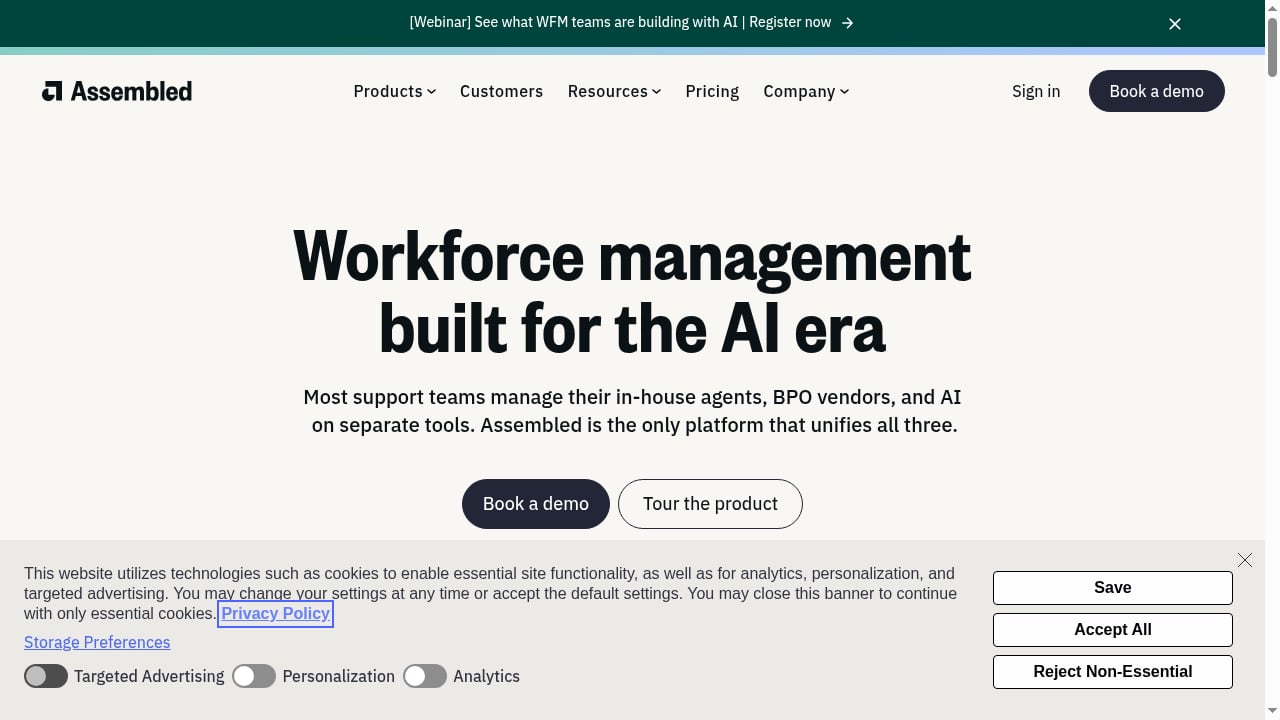
Intercom is an AI-first customer service platform that combines a helpdesk with Fin, an AI Agent priced per outcome. Assembled is a workforce management platform built for the AI era, used to schedule, forecast, and manage human agents, BPO vendors, and AI agents in one place.
The problem the combination solves is planning. When Fin resolves a large share of conversations, the volume that reaches human agents changes constantly. A WFM tool that only looks at historical ticket counts will overstaff or understaff. Assembled's forecasting can account for AI-handled volume, and its scheduling can reflect the blended capacity of in-house agents, outsourced teams, and AI.
In practice, teams use the pairing to:
- Forecast conversation volume by channel, including the share Fin is expected to resolve.
- Build schedules that match the remaining human workload.
- Track adherence and performance for both human and AI agents.
- Give support leaders real-time visibility into staffing and service levels.
Assembled reports that Intercom manages over 90% of its workforce management processes with Assembled, and that customers such as Umbraco and TopStep have improved scheduling speed and adherence after combining the two. Those are vendor-reported results, but they illustrate the type of operational gain the integration targets.
How the integration works
First viewport screenshot of www.assembled.com.
At a high level, Intercom supplies the conversation and performance data; Assembled turns that data into forecasts, schedules, and adherence tracking.
- Data flows from Intercom to Assembled. Conversation volumes, handle times, and agent activity inform Assembled's forecasting models.
- Assembled forecasts demand. Machine-learning models predict staffing needs, factoring in seasonality and the expected share of AI-resolved conversations.
- Schedules are built and published. Assembled generates schedules for human agents and can account for BPO capacity.
- Performance is tracked in real time. Adherence, occupancy, and service levels are monitored against the plan.
- The plan is adjusted. As Fin's resolution rate changes, forecasts and schedules are updated.
This loop is what makes the pairing more than a reporting connection. It closes the gap between what happens in the inbox and how the team is staffed.
Setup steps
First viewport screenshot of Workforce Management for SaaS Support Teams | Assembled.
Exact steps can vary by plan and configuration, so treat this as a practical checklist rather than a rigid script.
1. Confirm access and plan requirements
Workforce Management in Intercom is included in the Pro add-on, according to Intercom's WFM FAQs. On the Assembled side, WFM is sold in tiers (Core, Pro, and Enterprise), with AI Agents and AI Copilot priced separately. Confirm which modules you need before connecting.
2. Connect Intercom as a data source in Assembled
In Assembled, add Intercom as a connected channel or integration. You will typically need admin permissions in Intercom to authorize the connection. Once connected, Assembled can pull conversation and agent data for forecasting and reporting.
3. Map teams, channels, and queues
Decide how Intercom inboxes, teams, and channels map to Assembled teams and workstreams. This mapping determines how forecasts and schedules are organized. Keep it simple at first—one team per major queue is a reasonable start.
4. Configure forecasting inputs
Set the historical window Assembled should use, and indicate how AI-resolved conversations should be treated. If Fin handles a meaningful share of volume, the forecast for human staffing should reflect only the conversations that reach humans.
5. Build and publish schedules
Use Assembled's scheduling tools to create shifts for in-house agents and BPO partners. Publish schedules and connect them to agents' calendars if you use calendar syncing.
6. Set up adherence and performance tracking
Define what adherence means for your team and configure real-time tracking. Include AI agent performance in your reporting so you can see the blended picture.
7. Review and iterate
Run the first few weeks as a calibration period. Compare forecast vs. actual volume, and adjust assumptions about Fin's resolution rate as you learn.
Practical examples
Example 1: Forecasting with Fin in the mix
Suppose your Intercom inbox receives 10,000 conversations a week, and Fin resolves 60% without human involvement. Your human agents effectively handle 4,000 conversations. A forecast that ignores Fin would plan for 10,000 and overstaff. With Assembled, you can model the AI-resolved share and schedule for the 4,000 that remain—then adjust as Fin's rate changes.
Example 2: Blended scheduling across humans and BPO
A team uses in-house agents for complex issues and a BPO partner for routine volume. Assembled can schedule both groups against the same forecast, with coverage heatmaps that show gaps. When Fin's resolution rate rises, the team can reduce BPO hours without losing coverage.
Example 3: Tracking adherence during a product launch
A launch drives a spike in conversations. Assembled's real-time adherence tracking shows whether agents are on schedule and whether service levels hold. If Fin absorbs most of the spike, the team avoids unnecessary overtime.
Example 4: Performance reviews that include AI
Managers review human agent performance alongside AI agent outcomes. This helps identify where Fin performs well and where human handoffs are needed, which informs both coaching and automation strategy.
Where the combination fits—and where it doesn't
First viewport screenshot of www.assembled.com.
| Scenario | Fit | Why |
|---|---|---|
| Mid-size or growing support team with complex scheduling | Strong | Forecasting and scheduling across humans and AI is the core value |
| Team managing BPO vendors | Strong | Vendor management adds visibility across outsourced capacity |
| Small team with simple schedules | Weak | WFM depth may exceed needs; Intercom's built-in reporting may suffice |
| Team that only wants AI resolution | Weak | Assembled's strength is operations, not just automation |
If you are still evaluating the helpdesk itself, see our comparison of Intercom vs HubSpot for a broader platform view. For teams focused on automation outcomes, our guide to automated query resolution explains how Fin handles customer questions.
Common pitfalls and tips
- Don't forecast on raw volume alone. Subtract expected AI resolutions before sizing human staffing.
- Start with a simple team mapping. Overly granular mappings make forecasts noisy.
- Calibrate Fin's resolution rate monthly. It changes as you add content and workflows.
- Include BPO data early. Vendor capacity is often the biggest source of scheduling error.
- Use Intercom's own reporting for conversation-level detail. Assembled is for planning, not for reading individual tickets.
Related reading
- Intercom vs Helply vs HelpDesk: AI Help Desk Comparison - Compare Intercom, Helply, and HelpDesk on AI resolution, ticketing, pricing, and fit. See which AI help desk suits your support team in 2026.
- Intercom vs HubSpot: Which Customer Service Platform Wins? - Compare Intercom and HubSpot for customer service. See where Intercom's AI-first helpdesk excels and where HubSpot's CRM falls short for support teams.
- HubSpot Review 2026: Strengths, Costs & Fit - An evidence-based HubSpot review covering ideal users, use cases, strengths, limitations, pricing signals, setup, and decision criteria for 2026.
FAQ
Do I need Intercom's Pro add-on to use Workforce Management?
Intercom's WFM FAQs state that Workforce Management is included in the Pro add-on. Check your current plan before assuming access.
Can Assembled schedule AI agents as well as humans?
Assembled positions itself as WFM for the AI era, with the ability to manage human agents, BPO vendors, and AI agents in one platform. The exact configuration depends on your plan and setup.
How does Fin's per-outcome pricing interact with WFM?
Fin is priced per outcome at $0.99, while helpdesk seats range from $19 to $132 per seat per month depending on plan. Assembled's WFM is priced per agent per month, with AI modules priced separately. Model the total cost across both platforms before committing.
Is there a free trial?
Intercom offers a 14-day cardless free trial. Assembled's pricing page does not list a free trial, so evaluation typically involves a sales conversation.
What if we only use Intercom and not Assembled?
Intercom includes pre-built reporting that covers many day-to-day needs. Assembled adds forecasting, scheduling, adherence, and vendor management—useful when scheduling complexity grows.
Conclusion
Intercom and Assembled solve different halves of the same problem. Intercom runs the conversations and resolves many of them with Fin; Assembled plans and tracks the people and AI agents behind those conversations. Together they give support operations a way to forecast, schedule, and measure a blended workforce instead of guessing.
Start with a clear mapping of teams and channels, calibrate your AI resolution assumptions, and review the plan monthly. If you are comparing helpdesk options first, our Intercom vs Helply vs HelpDesk comparison can help you decide where Intercom fits.