How to Use Intercom with Braze: Integration Workflow & Use Cases
How to Use Intercom with Braze: Integration Workflow & Use Cases
Intercom excels at real-time, AI-driven customer service, while Braze powers personalized, cross-channel engagement at scale. Used together, they close the loop between support conversations and marketing automation—so every customer interaction informs the next message, and every campaign can trigger timely support. This guide explains how the two platforms complement each other, how to set up the integration, and which workflows deliver the most value.
Why combine Intercom and Braze?
First viewport screenshot of www.braze.com.
Intercom is an AI-first customer service platform built around a shared inbox, ticketing, and Fin, its native AI Agent that resolves conversations automatically. Braze is a customer engagement platform that unifies a customer data platform, BrazeAI optimization, and messaging across email, push, in-app, SMS, and Content Cards.
The two solve different problems:
- Intercom handles inbound support: questions, issues, and conversations across chat, email, and messaging channels.
- Braze handles outbound engagement: onboarding, retention, reactivation, and lifecycle campaigns.
Connecting them removes the wall between support and marketing. Support signals—like a resolved issue, a frustrated conversation, or a product question—become triggers for Braze campaigns. Conversely, Braze segments can inform how Intercom routes or personalizes support.
How the integration works
The most common setup uses a middleware or native connector to sync data between the two platforms. The core mechanics are:
- User identity matching – Both platforms must agree on a stable identifier, typically an external user ID or email. Braze uses
external_id; Intercom usesuser_idor email. Map these consistently. - Attribute syncing – Custom attributes (e.g., plan tier, last purchase date, support status) flow from Braze to Intercom and vice versa. This lets agents see marketing context and lets Braze segment on support history.
- Event forwarding – Key events (conversation resolved, CSAT submitted, tag applied) can be sent to Braze as custom events, triggering campaigns or updating segments.
- Message orchestration – Braze can send in-app messages or emails that link to Intercom conversations, or Intercom can trigger Braze messages based on support outcomes.
Setup steps
Step 1: Choose your connection method
Options include:
- Native integration (if available in your Braze or Intercom plan)
- Middleware platforms like Zapier, Make, or Segment
- Custom API integration using Intercom's REST API and Braze's REST API
For most teams, a middleware tool is the fastest path. For high-volume or complex syncs, a custom integration gives more control.
Step 2: Align user identifiers
Decide on a single primary key. If your product uses Braze's external_id, ensure Intercom users are created with the same value as their user_id. For anonymous users, use Intercom's lead capture and merge when they identify.
Step 3: Map attributes
List the attributes you want visible in each platform. Common examples:
| Attribute | Source | Destination | Purpose |
|---|---|---|---|
plan_tier |
Braze | Intercom | Route VIP users to priority support |
last_purchase_date |
Braze | Intercom | Give agents context |
support_ticket_count |
Intercom | Braze | Suppress campaigns for users with open issues |
csat_score |
Intercom | Braze | Trigger win-back or follow-up campaigns |
Step 4: Configure event forwarding
Set up webhooks or middleware triggers so that key Intercom events create Braze custom events. For example, when a conversation is tagged billing_issue, send an event to Braze that adds the user to a "billing follow-up" segment.
Step 5: Test with a small segment
Before rolling out, test with internal users or a small cohort. Verify that attributes update correctly, events fire, and messages send as expected. Check for duplicate users or mismatched IDs.
Practical workflows
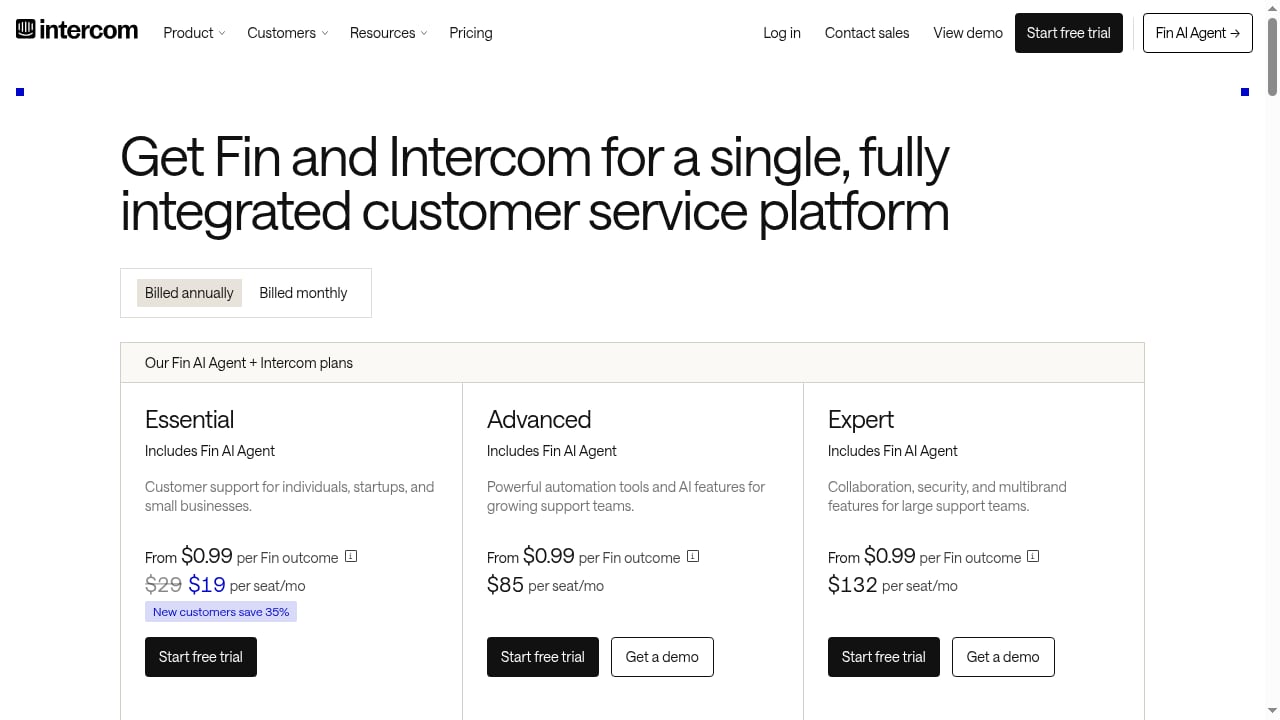
First viewport screenshot of www.intercom.com.
1. Proactive support triggered by Braze campaigns
A Braze email announces a new feature. If a user replies with a question, the reply can be routed to Intercom, where Fin AI Agent handles common questions instantly. If the user needs a human, the agent sees the Braze campaign history and personalizes the response.
2. Support-informed segmentation
When a customer submits a negative CSAT score in Intercom, send that event to Braze. Braze can then trigger a retention campaign, pause promotional messages, or add the user to a high-touch segment.
3. VIP routing based on Braze data
Sync lifetime_value or plan_tier from Braze to Intercom. Use Intercom's routing rules to send high-value users to senior agents or to Fin with a priority flag.
4. Onboarding with unified context
A new user starts a trial. Braze sends onboarding messages; if the user asks a question in Intercom, the agent sees which onboarding steps are complete (synced from Braze) and tailors the answer.
5. Churn prevention loop
Intercom tags a conversation as cancellation_request. That event updates a Braze attribute. Braze triggers a personalized offer or a check-in from a success manager—without the support team manually exporting lists.
Common challenges and how to solve them
First viewport screenshot of www.braze.com.
- Data duplication – Use a single source of truth for user identity. Merge duplicates in Intercom and deduplicate in Braze before syncing.
- Latency – Middleware syncs can lag. For real-time triggers, use webhooks or direct API calls.
- Attribute limits – Both platforms have limits on custom attributes and events. Audit which fields are truly needed.
- Privacy and consent – Ensure consent flags from Braze are respected in Intercom messaging. If you use a consent management platform, sync consent status as an attribute.
When to use Intercom with Braze (and when not to)
First viewport screenshot of www.braze.com.
This combination is a strong fit if:
- You run lifecycle marketing in Braze and support in Intercom.
- You want support signals to inform marketing suppression or targeting.
- You need agents to see campaign context without switching tools.
It may be overkill if:
- Your support volume is low and you don't run cross-channel campaigns.
- You already use a single platform for both support and engagement.
For teams evaluating support platforms, see our comparison of Intercom vs Zendesk AI Agents vs Hiver and our guide to IT service desk automation.
Related reading
- Intercom vs Desk365 vs Kustomer: AI Helpdesk Comparison 2026 - Compare Intercom, Desk365, and Kustomer on AI resolution, CRM depth, pricing, and deployment. Find the best AI-powered helpdesk for your team size.
Sources and further reading
- Intercom integration - Send your survey via Intercom, sync responses to Intercom user and company profiles, start conversations, and create new profiles.
- Delivering surveys via Braze email campaigns - Iterate integrates with Braze by recording survey responses as custom user attributes in Braze allowing you to create powerful new audiences and segments.
- Braze - Integrate OneTrust with Braze, a customer engagement platform helping brands build stronger customer relationships through interactive conversations across channels.
FAQ
Do I need a developer to connect Intercom and Braze?
Not necessarily. Middleware tools like Zapier or Make can handle common syncs without code. Custom API integrations require engineering resources.
Can Fin AI Agent use Braze data?
Fin can use data available in Intercom. If you sync Braze attributes to Intercom user profiles, Fin can reference them in conversations when configured.
How often should data sync?
For most use cases, near real-time (within minutes) is sufficient. For triggers like CSAT or cancellation requests, aim for real-time webhooks.
What identifiers should I use?
Use a stable, unique ID—typically your internal user ID—mapped to Braze's external_id and Intercom's user_id. Avoid email as the primary key if users can change it.
Conclusion
Intercom and Braze serve different but complementary roles: Intercom resolves support conversations with AI and human agents, while Braze orchestrates engagement across channels. Connecting them turns support interactions into actionable engagement signals and gives agents the context they need to personalize service. Start with a clear identity map, sync the attributes that matter, and test with a small segment before scaling. For more on Intercom's AI capabilities, explore our Intercom vs Replicant comparison and our Chatbase review.