How to Use Intercom with HelpDocs: Setup, Workflows & Tips
How to Use Intercom with HelpDocs
Intercom and HelpDocs solve two halves of the same support problem. Intercom gives you an AI-first helpdesk with Fin, an AI Agent that resolves conversations across channels. HelpDocs gives you a documentation-first knowledge base that keeps every answer accurate, searchable, and current. Connected, they let customers help themselves inside the Messenger while giving agents and Fin a reliable source of truth.
This guide explains how the two products fit together, how to set up each integration path, and which workflows deliver the most value for support teams.
Why connect Intercom with HelpDocs?
First viewport screenshot of www.helpdocs.io.
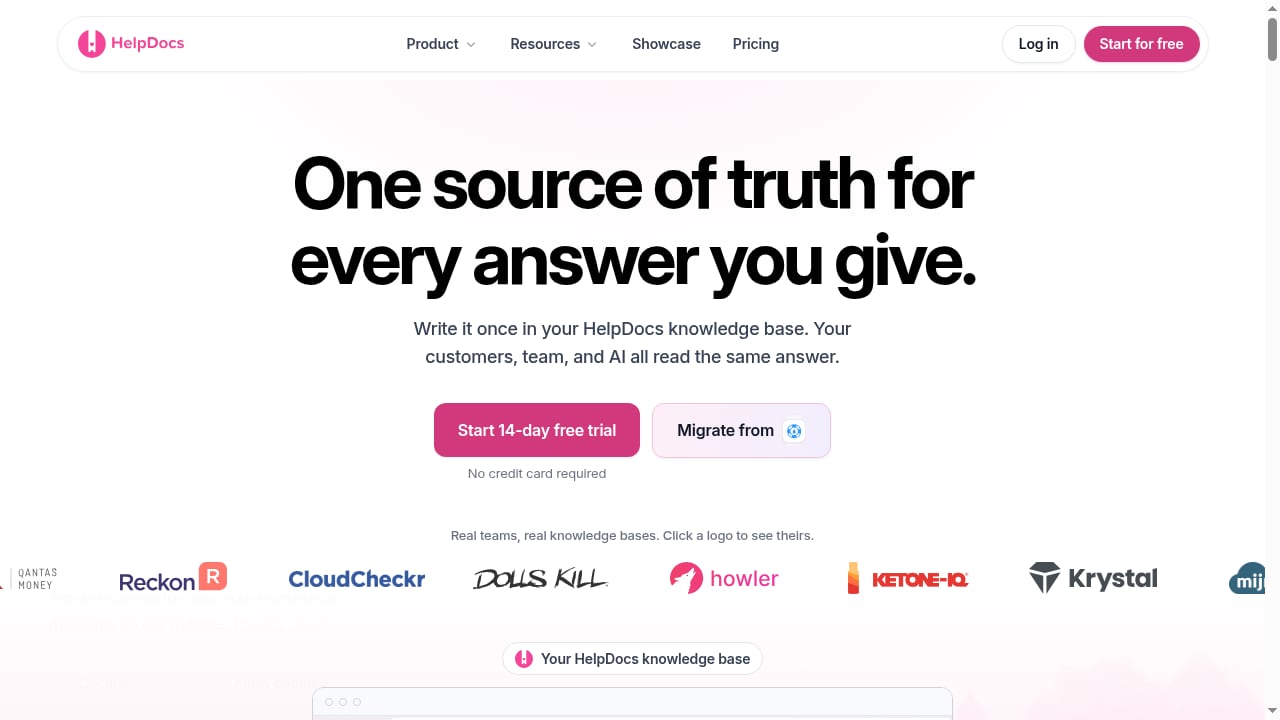
Most support teams lose time in the same places: customers can't find answers, agents copy and paste from outdated docs, and AI agents invent responses because their source content is thin. The Intercom + HelpDocs combination targets all three.
- Self-service inside the Messenger. Customers search your HelpDocs articles without leaving the chat widget, so simple questions resolve before they become tickets.
- Faster agent replies. Agents can insert rich article cards from the Intercom composer instead of rewriting the same explanation.
- Better AI answers. HelpDocs can serve as a content source for Fin AI Agent, so AI responses are grounded in documentation your team maintains.
- One place to maintain truth. Your help center, internal docs, and AI knowledge all draw from the same HelpDocs articles.
How the two products divide the work
| Layer | Intercom | HelpDocs |
|---|---|---|
| Conversation handling | Omnichannel inbox, ticketing, Messenger, phone, email | — |
| AI resolution | Fin AI Agent, Copilot for agents | — |
| Content authoring | Help center articles (basic) | AI-assisted drafting, bulk editing, stale-content flags |
| Content delivery | Messenger, help center, channels | Branded help center, multilingual search, custom CSS/JS |
| Governance | Roles and permissions | Advanced permissioning, audit trails, SSO |
A practical rule: let HelpDocs own the writing, review, and lifecycle of documentation, and let Intercom own the conversation. The integration points move content and context between them.
Setup path 1: Add HelpDocs article search to the Intercom Messenger
First viewport screenshot of www.helpdocs.io.
The HelpDocs Messenger app puts a searchable, multilingual knowledge base widget inside Intercom. Customers type a question in the Messenger and get matching HelpDocs articles before they ever reach a human.
- In HelpDocs, open Settings > Integrations and select the Intercom integration.
- Install the HelpDocs Messenger app for your Intercom workspace.
- Choose which HelpDocs knowledge base and language set should be searchable.
- Publish the app so it appears in the Messenger for the audiences you select.
- Test with a few real customer questions and confirm the top results are the right articles.
This path is the fastest win for ticket deflection. It also gives agents a shareable article card they can drop into a reply from the composer.
Setup path 2: Add the Intercom Messenger to your HelpDocs site
First viewport screenshot of www.helpdocs.io.
If your help center is the front door for customers, the reverse integration keeps chat one click away. Visitors reading a HelpDocs article can open the Intercom Messenger without leaving the page.
- In Intercom, copy the JavaScript snippet for logged-out users. Your app ID is pre-filled.
- In HelpDocs, go to Settings > Integrations > Intercom and click Connect.
- Paste the snippet into the Add Chat Widget box and save.
- If the Messenger doesn't appear, add your HelpDocs subdomain and custom domain to Intercom's trusted domains list.
- Confirm that the Contact button opens an Intercom conversation and that submissions are recorded in HelpDocs analytics.
This setup is especially useful when your docs handle most questions but a small share need a human. The chat stays contextual because the visitor is already on the relevant article.
Setup path 3: Use HelpDocs as a content source for Fin AI Agent
First viewport screenshot of www.intercom.com.
Fin answers questions using content you connect to it. HelpDocs can act as that source, which means the quality of your documentation directly shapes your AI resolution rate.
- In HelpDocs, confirm the knowledge base you want Fin to use is published and current.
- Connect HelpDocs as a content source in your Intercom Fin settings.
- Sync the content and review which articles Fin can access.
- Run a sample of real customer questions through Fin and check the answers against the source articles.
- Fix gaps in HelpDocs rather than patching answers in Intercom. The documentation stays the single source of truth.
Teams that treat documentation as the AI's training data see better results than teams that treat AI as a layer on top of messy content. For a broader comparison of AI resolution approaches, see our breakdown of Intercom vs Zendesk AI Agents.
Practical workflows that work
Deflect before the ticket is created
A customer asks "How do I export my data?" in the Messenger. The HelpDocs widget returns the export article. The customer resolves the question without a ticket. If they still need help, the conversation continues with context already attached.
Give agents a one-click answer
An agent handling a billing question searches HelpDocs from the Intercom composer and inserts the article card. The reply is accurate, consistent, and faster to write. The customer gets a link they can revisit.
Keep AI answers grounded
Fin receives a question about a feature you shipped last month. Because the HelpDocs article was updated at launch, Fin answers correctly. When the feature changes again, you update one article and both the help center and Fin stay current.
Catch stale content before customers do
HelpDocs flags articles that haven't been reviewed recently. Assign owners and review cadence so the content Fin and agents rely on doesn't drift. Stale docs are the most common cause of bad AI answers.
Where the combination fits best
| Situation | Recommended setup |
|---|---|
| High volume of repeat questions | HelpDocs search in Messenger + Fin using HelpDocs as a source |
| Small team, limited writing time | HelpDocs AI drafting + Messenger article cards |
| Regulated or enterprise buyers | HelpDocs permissions and audit trails + Intercom roles |
| Multilingual customer base | HelpDocs multilingual help center + Messenger search |
| Docs-first website | Intercom Messenger embedded in HelpDocs |
If you're evaluating the helpdesk side more broadly, our Intercom vs ProProfs Help Desk vs BlackBeltHelp comparison covers AI, pricing, and fit. For teams planning around seasonal spikes, the event support playbook shows how AI and documentation handle volume surges together.
Common pitfalls and how to avoid them
- Trusted domain errors. If the Messenger doesn't load on your HelpDocs site, check the trusted domains list in Intercom first.
- Duplicate content. Don't maintain the same article in both Intercom's help center and HelpDocs. Pick one source of truth and link to it.
- Untranslated articles. Multilingual search only works if the translations exist. Prioritize the languages your customers actually use.
- No review owner. Assign each HelpDocs collection an owner and a review interval. Automation amplifies whatever content you feed it.
- Skipping the test pass. After any integration change, run real questions through the Messenger and Fin before announcing it.
Related reading
- Salesforce Review 2026: Fit, Pricing & Real Trade-offs - Evidence-based Salesforce review covering ideal users, use cases, strengths, limitations, pricing signals, setup effort, and decision criteria for 2026.
FAQ
Do I need both Intercom and HelpDocs?
Not necessarily. Intercom includes a help center, and HelpDocs can work alongside other helpdesks. The combination makes sense when documentation quality is central to your support strategy and you want AI answers grounded in maintained content.
Does the HelpDocs integration work with Fin AI Agent?
Yes. HelpDocs can serve as a content source for Fin, so AI answers draw on your knowledge base articles. Keep those articles current for the best resolution rates.
Can customers search HelpDocs without leaving Intercom?
The HelpDocs Messenger app adds a searchable knowledge base widget inside the Messenger. Customers get article results in the conversation and can continue to a human if needed.
Why isn't the Intercom Messenger showing on my HelpDocs site?
The most common cause is a missing trusted domain. Add your HelpDocs subdomain and any custom domain to Intercom's trusted domains settings, then reload the page.
How much does each product cost?
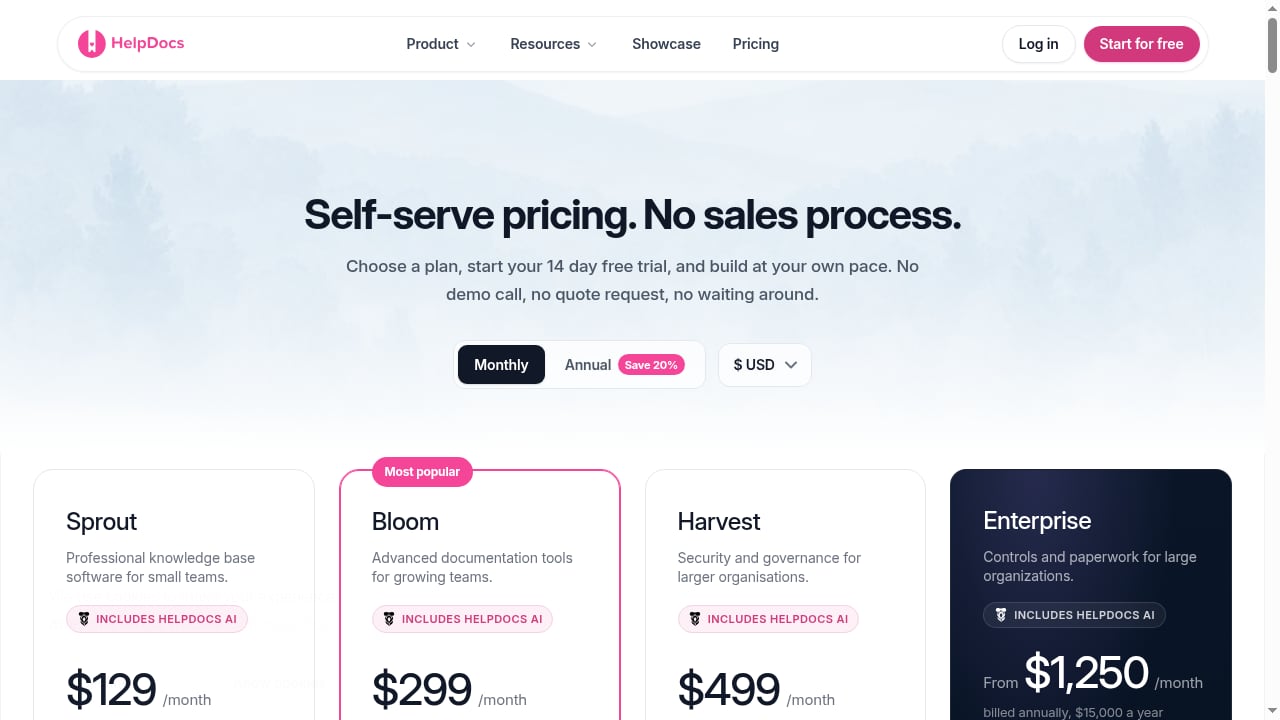
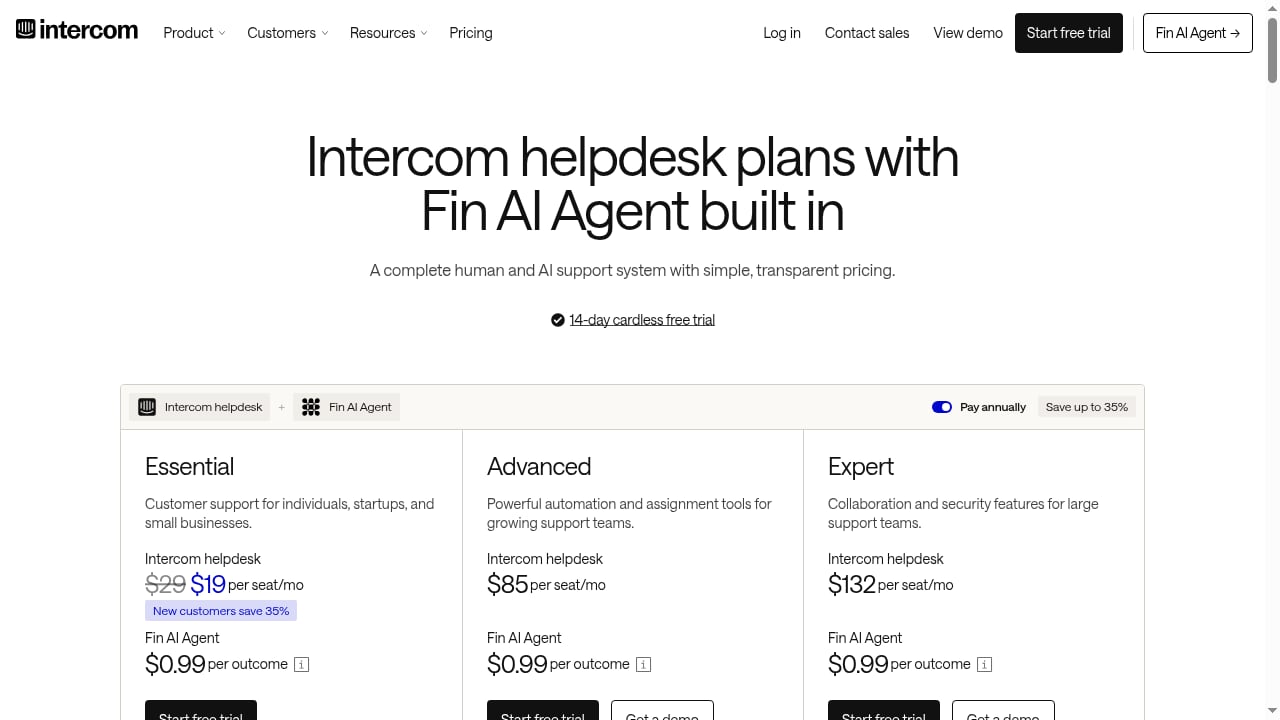
Intercom helpdesk seats range from $19 to $132 per seat per month depending on plan, with Fin priced per outcome at $0.99. HelpDocs starts at $129 per month for the Sprout plan. Both offer a 14-day free trial without a credit card.
Conclusion
Intercom and HelpDocs work best as a pair when you treat documentation as infrastructure, not an afterthought. Start with the Messenger app for quick deflection, add the chat widget to your help center for contextual conversations, and connect HelpDocs to Fin so AI answers stay grounded. Then assign owners and review cadence so the content behind every automated answer stays accurate. For a wider view of how this stack compares with alternatives, see our helpdesk and project management roundup.