How to Use Intercom with Zapier: AI Customer Service Workflow
How to Use Intercom with Zapier: AI Customer Service Workflow
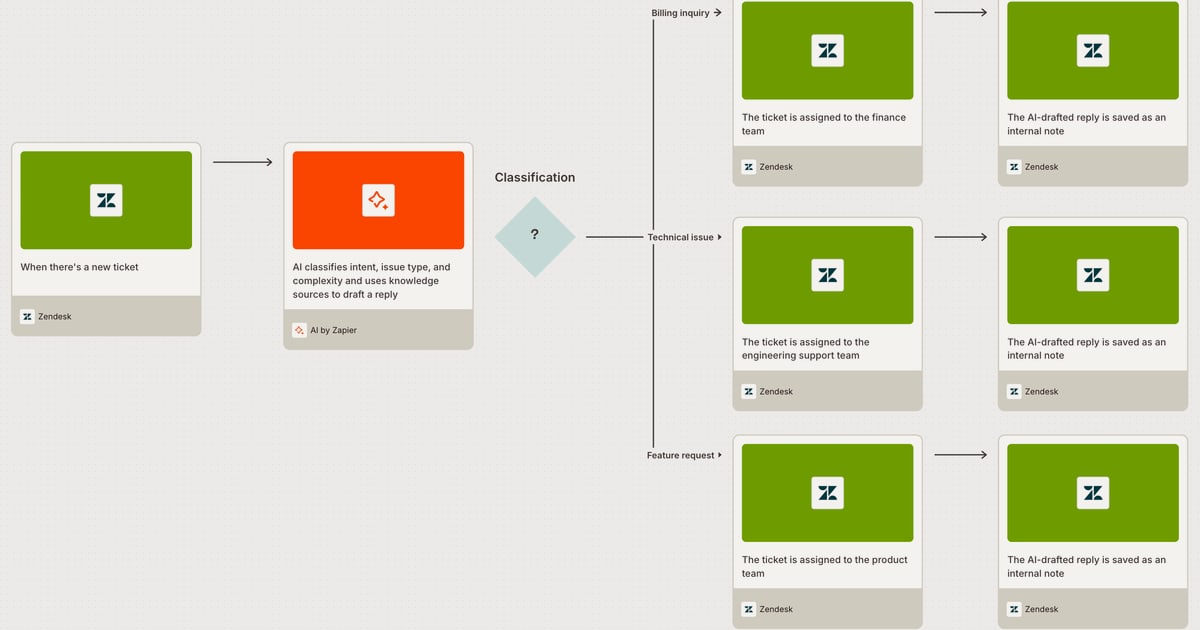
Customer support teams often struggle with disconnected tools: conversations live in Intercom, but order data sits in Shopify, engineering tickets in Jira, and internal alerts in Slack. Zapier bridges these systems, automating the handoffs so your team can focus on complex issues while routine tasks run themselves. This article explains how Intercom and Zapier work together, walks through setup, and shares practical workflows that combine Intercom's natively integrated Fin AI Agent with Zapier's 9,000+ app connections.
Why combine Intercom and Zapier?
First viewport screenshot of zapier.com.
Intercom is an AI-first customer service platform with Fin, an AI Agent built directly into the helpdesk. Every conversation Fin handles improves the next one, enabling consistent, personalized support at scale. Zapier is an AI orchestration platform that connects Intercom to thousands of other apps, automating workflows without code. Together, they let you:
- Automate repetitive tasks like ticket routing, data syncing, and follow-ups.
- Unify customer context by pulling order details, CRM records, or survey responses into Intercom conversations.
- Trigger actions across teams—create a Jira issue from a support ticket, send a Slack alert for high-priority cases, or update a Google Sheet for reporting.
- Scale AI resolution by feeding Fin with fresh data from external systems or escalating unresolved issues to the right human agent.
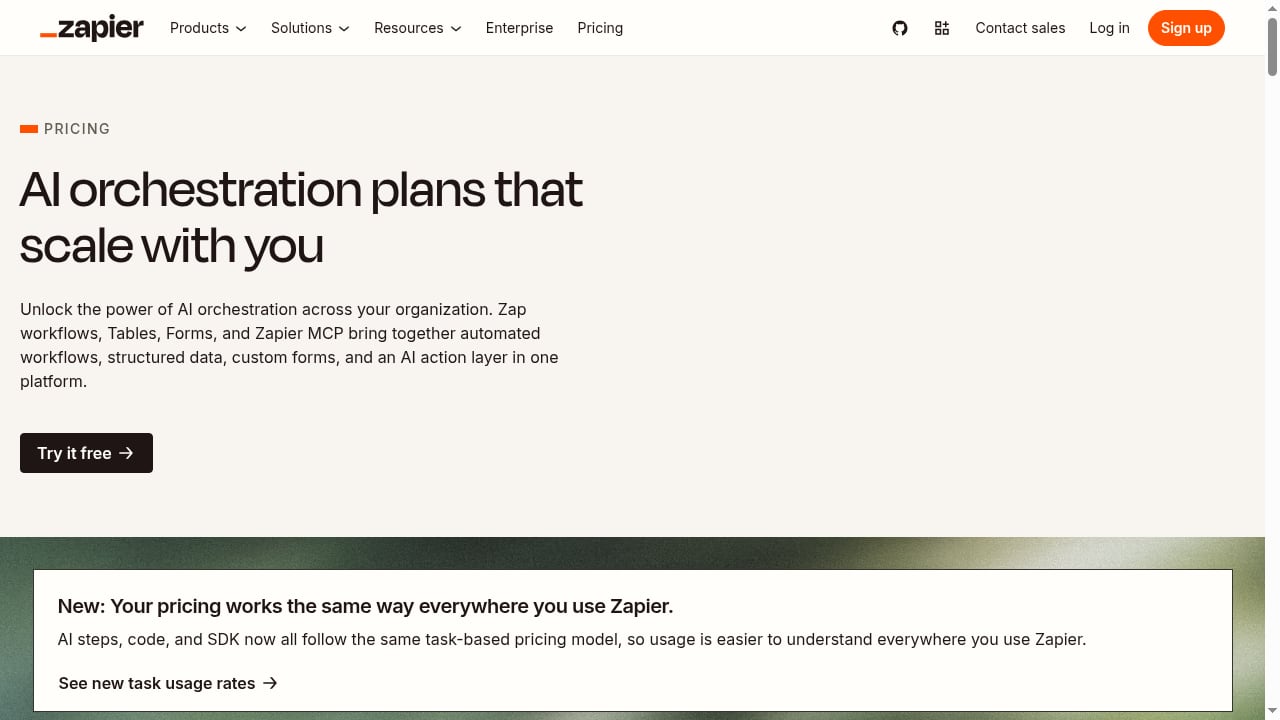
Zapier's task-based pricing scales from 100 to 2 million tasks per month, and AI steps, code, and SDK usage are included under the same model. This makes it cost-effective for teams of any size to automate support workflows.
How Intercom and Zapier work together
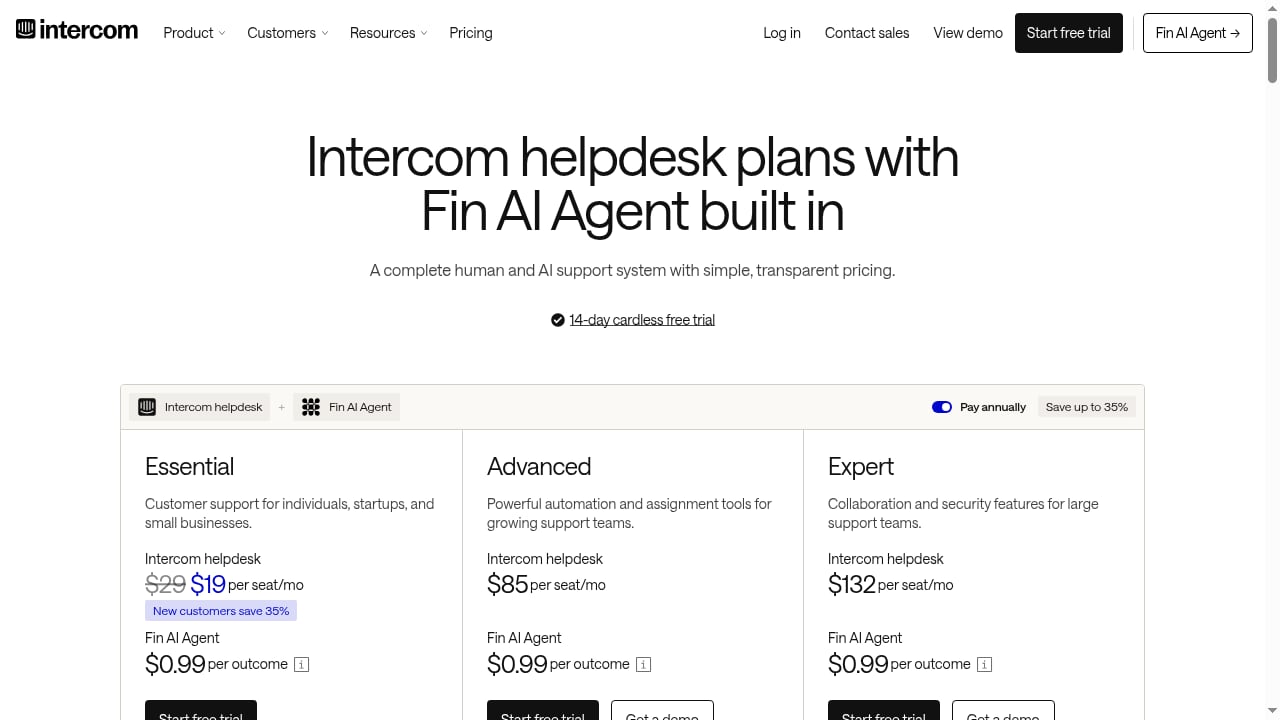
First viewport screenshot of www.intercom.com.
At a high level, Intercom captures and manages customer conversations, while Zapier listens for events in Intercom (like a new ticket or a closed conversation) and triggers actions in other apps—or vice versa. For example, when Fin resolves a conversation, Zapier can log the outcome in a reporting tool; when a customer submits a form in Zapier, it can create a conversation in Intercom.
Zapier's platform includes Zaps (automated workflows), Tables (structured data), Forms (custom forms), and Zapier MCP (an AI action layer). These components let you build sophisticated support automations without writing code.
Key integration points
- Triggers from Intercom: New conversation, new ticket, conversation closed, tag added, etc.
- Actions in Intercom: Create or update a conversation, add a tag, assign to a teammate, send a message.
- Triggers from other apps: New order in Shopify, new issue in Jira, new row in Google Sheets, etc.
- Actions in other apps: Create a Jira issue, send a Slack message, update a CRM record, log data to a spreadsheet.
Step-by-step setup

Zapier product interface.
1. Connect your Intercom account to Zapier
Log in to Zapier, search for Intercom in the app directory, and connect your account. You'll need admin permissions in Intercom to authorize the connection. Zapier uses secure authentication, so no passwords or API keys are stored.
2. Choose a trigger and action
Start with a common workflow: when a new conversation is created in Intercom, create a ticket in your project management tool. Select New Conversation as the trigger and Create Issue in Jira (or your tool) as the action. Map fields like conversation ID, subject, and customer email.
3. Test and turn on your Zap
Zapier will test the workflow with sample data. Once confirmed, turn on the Zap. It will now run automatically whenever the trigger event occurs.
4. Add AI steps for smarter automation
Zapier allows you to add AI steps—such as summarizing a conversation or classifying sentiment—using built-in AI or connections to tools like Claude or ChatGPT. For example, you can use an AI step to draft a response based on the conversation history, then post it as an internal note in Intercom.
5. Monitor and iterate
Use Zapier's task history to monitor runs and troubleshoot errors. As your support volume grows, you can add more Zaps or use Zapier Tables to store and analyze conversation data.
Practical examples
Example 1: Route high-priority tickets to Slack
Trigger: New conversation in Intercom tagged "urgent".
Action: Send a message to a Slack channel with conversation details and a link.
Why it works: Urgent issues get immediate visibility, reducing response time.
Example 2: Sync customer data from Shopify to Intercom
Trigger: New order in Shopify.
Action: Create or update a user in Intercom with order details.
Why it works: Fin and human agents see order context in the conversation, enabling faster, more accurate resolutions.
Example 3: Escalate unresolved Fin conversations to Jira
Trigger: Conversation closed by Fin without resolution (using a tag or attribute).
Action: Create a Jira issue with conversation transcript and customer info.
Why it works: Product or engineering teams get actionable feedback, and support closes the loop.
Example 4: Log CSAT scores to Google Sheets
Trigger: Conversation closed in Intercom.
Action: Add a row to Google Sheets with conversation ID, CSAT score, and tags.
Why it works: Centralized reporting helps you track AI performance and identify trends.
When to use Intercom with Zapier (and when not to)
First viewport screenshot of zapier.com.
Use this combination when you need to:
- Connect Intercom to apps not natively supported.
- Automate cross-functional workflows involving support, sales, and engineering.
- Add AI-driven steps (summarization, classification) without building custom code.
Avoid over-automating if:
- The workflow is already handled by Intercom's native automation (e.g., assignment rules, Fin AI Agent).
- You need real-time, high-volume data sync (consider direct API integration).
- The task requires complex conditional logic that Zaps can't easily handle (though Zapier's paths and filters cover many cases).
For a deeper comparison of AI customer service platforms, see our Intercom vs Helpshift vs Thread analysis.
Related reading
- Intercom vs WotNot: AI Customer Service Platform Comparison - Compare Intercom's natively integrated Fin AI Agent with WotNot's no-code AI agent platform on AI resolution, pricing, channels, and fit for support teams.
- LiveAgent Review 2026: AI Help Desk for Small Teams - Evidence-based LiveAgent review covering ideal users, use cases, strengths, limitations, pricing signals, setup, and decision criteria for 2026.
- Helpshift Review: What It Reveals About AI Support - A Helpshift review shows what buyers value in AI customer service. Learn how Intercom's AI-first platform compares on automation, pricing, and fit.
Frequently asked questions
Do I need coding skills to set up Intercom with Zapier?
No. Zapier provides a no-code interface with pre-built templates. You can also use Zapier's AI steps to add logic without writing code.
Can Fin AI Agent work with Zapier?
Yes. Fin handles conversations natively in Intercom, and Zapier can trigger actions based on Fin's outcomes (e.g., when a conversation is closed or tagged). You can also use Zapier to enrich Fin's knowledge by syncing data from external sources.
How much does it cost?
Zapier offers a free tier and paid plans based on task volume, starting at 100 tasks per month and scaling to 2 million. Intercom pricing is separate and depends on your plan and seat count. Visit Intercom's workflow automation guide for best practices.
What are common use cases for customer support teams?
Ticket routing, data syncing, escalation to engineering, CSAT tracking, and internal notifications. For more ideas, see Zapier's customer support solutions and their guide to AI in customer service.
Is it secure?
Zapier uses OAuth and granular permissions, so you can control which team members can create and manage Zaps. Intercom's API is also secured with authentication.
Conclusion
Combining Intercom's AI-first helpdesk with Zapier's automation platform creates a powerful system for human and AI customer service. Fin resolves routine inquiries, while Zapier ensures that data flows seamlessly between Intercom and your other tools—so your team can focus on high-value interactions. Start with one or two Zaps, measure the impact, and expand as you see results. For a broader look at AI customer service platforms, explore our top 10 AI customer service platforms for ecommerce.