What Is a Service Desk Platform? 2026 Buyer's Guide
What Is a Service Desk Platform? A Practical 2026 Buyer's Guide
The term "service desk platform" gets used in two overlapping but distinct ways. For IT teams, it usually means an ITSM tool for handling employee incidents, asset tracking, and change management. For customer-facing support teams, it increasingly means a unified workspace where agents manage conversations across email, chat, phone, and social channels — often with an AI layer doing much of the heavy lifting.
This guide breaks down what a modern service desk platform actually does, how it differs from a traditional help desk, which features matter most in 2026, and how to evaluate your options without getting lost in vendor marketing.
Service Desk vs. Help Desk: What's the Difference?
What Is a Service Desk Platform? 2026 Buyer's Guide - Service Desk vs. Help Desk: What's the Difference?.
People often use the two terms interchangeably, but they describe different scopes of work.
A help desk is primarily reactive. A user reports a problem, a ticket gets created, and someone resolves it. The focus is on incident resolution and ticket triage. Help desk software typically covers ticket routing, basic automation, and a knowledge base.
A service desk platform is broader. It treats support as a strategic function rather than a queue to clear. In IT contexts, that means adding asset management, change management, problem management, and a configuration management database (CMDB). In customer service contexts, it means unifying multiple channels, embedding AI throughout the workflow, and connecting support data to product and revenue insights.
Think of it this way: a help desk answers "How do we close this ticket?" A service desk asks "How do we deliver a consistently good service experience across every touchpoint?"
Why Teams Are Moving Beyond Basic Ticketing
What Is a Service Desk Platform? 2026 Buyer's Guide - Why Teams Are Moving Beyond Basic Ticketing.
Most support teams don't outgrow their help desk because ticket volume spikes. They outgrow it because support becomes fragmented. Email lives in one system, chat in another, phone in a third. Reporting is exported to spreadsheets. AI features are bolted on as expensive add-ons rather than built into the core workflow.
That fragmentation creates more work, not less. Agents waste time switching between tools, manually classifying tickets, and searching for answers that live in disconnected knowledge bases. Meanwhile, customers expect fast, consistent responses across every channel.
A modern service desk platform addresses this by consolidating channels, automating routine work, and giving agents the context they need to resolve issues on the first contact.
Key Features to Look for in a Service Desk Platform
What Is a Service Desk Platform? 2026 Buyer's Guide - Key Features to Look for in a Service Desk Platform.
1. Unified, Omnichannel Inbox
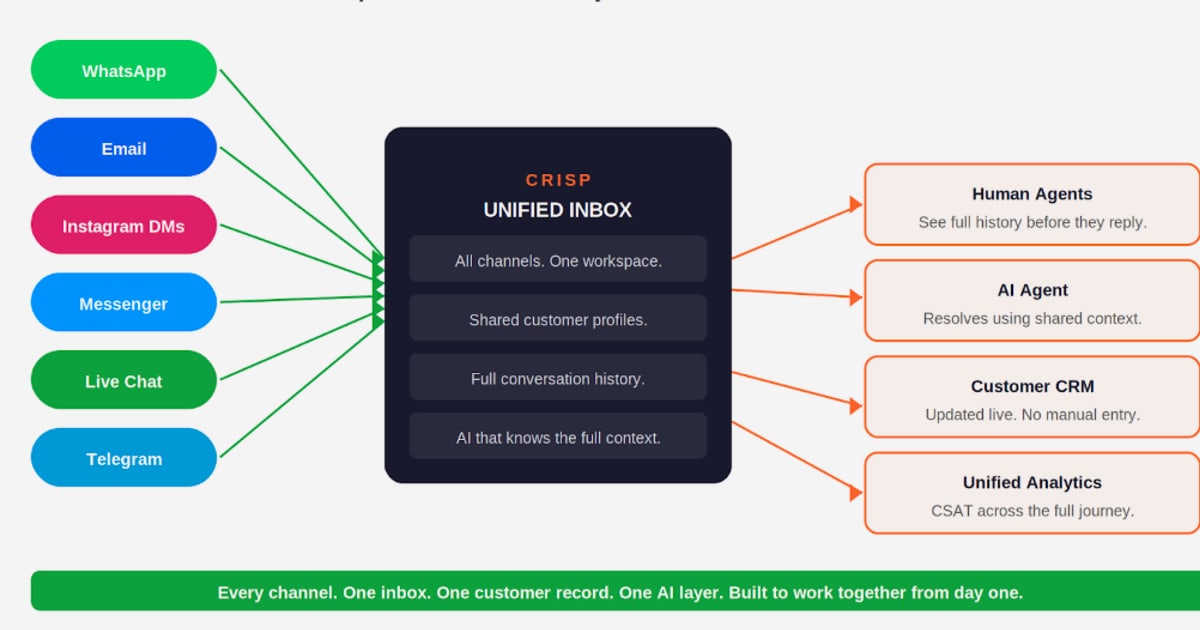
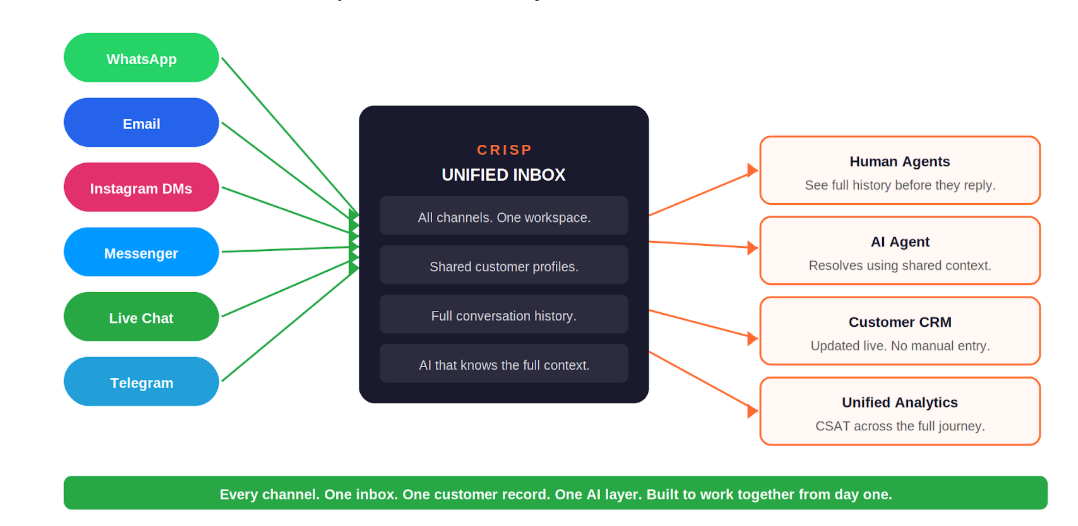
Your platform should bring email, live chat, in-app messaging, phone, and social conversations into a single workspace. Customer context should flow seamlessly between channels, so an agent picking up a phone call can see the full history of a customer's chat and email interactions.
2. AI That Actually Resolves Issues
In 2026, AI is no longer a novelty — it's the core differentiator. The best platforms include an AI agent that can resolve common questions autonomously, not just suggest canned responses. Look for AI that grounds its answers in your knowledge base, escalates gracefully to humans when needed, and reports on its own resolution rate.
For example, Intercom's Fin AI Agent is designed to resolve up to 50% of support volume instantly, using your existing help content as its knowledge source. That's a fundamentally different approach from rule-based chatbots that only handle keyword-matched FAQs.
3. Agent Copilots and Automation
Beyond customer-facing AI, look for tools that make human agents faster. Features like AI-generated ticket summaries, suggested replies grounded in your knowledge base, tone detection, and automatic routing based on skills and language all reduce the cognitive load on your team.
4. Integrated Knowledge Base and Self-Service
A service desk platform should connect its knowledge base directly to agent workflows and the AI layer. When the same content powers self-service, agent suggestions, and AI responses, you avoid the drift that happens when knowledge lives in separate tools.
5. Reporting and Insights
Modern platforms should surface more than ticket volume and average response time. Look for AI-powered insights that identify recurring issues, track customer sentiment, and highlight opportunities to improve your knowledge base or product.
6. Workforce Management and Quality Assurance
For larger teams, built-in workforce management (forecasting, scheduling) and QA tools (scorecards, calibration) eliminate the need to stitch together separate point solutions.
IT Service Desk vs. Customer Service Desk: Choose the Right Tool
What Is a Service Desk Platform? 2026 Buyer's Guide - IT Service Desk vs. Customer Service Desk: Choose the Right Tool.
One of the biggest mistakes buyers make is picking a platform built for the wrong use case.
IT service desk platforms like SolarWinds Service Desk or HaloITSM are built for internal IT teams. They excel at incident management, asset tracking, change management, and CMDB functionality. If your team handles employee hardware requests, software licensing, and infrastructure changes, this is the category you need. SolarWinds Service Desk is a representative example, with pricing starting around $39 per technician per month.
Customer service desk platforms are built for support teams that interact with external customers. They prioritize omnichannel messaging, AI-powered resolution, and integrations with product and CRM tools. Intercom falls into this category, with a shared inbox, Fin AI Agent, and in-app messaging designed for SaaS and product-led businesses.
Some platforms attempt to serve both audiences, but the workflows, integrations, and success metrics are different enough that a focused tool usually wins.
How Intercom Approaches the Service Desk Problem
Intercom positions itself as an AI-first customer service platform rather than a traditional ticketing system. The distinction matters: instead of treating every customer question as a ticket to be routed and closed, Intercom's model is to resolve as much as possible before a human agent gets involved.
The platform combines a shared inbox for live chat, email, in-app messaging, and phone with Fin, a natively integrated AI agent. When Fin can't resolve an issue, it escalates to a human agent with full conversation context. A Copilot assistant helps agents draft responses, summarize threads, and find relevant knowledge base articles.
For teams evaluating a customer-facing service desk platform, Intercom's approach is worth understanding because it represents where the category is heading: AI resolution first, human escalation second, and analytics that measure outcomes rather than just ticket counts.
If you're comparing Intercom against other AI support tools, these resources can help:
- Intercom vs Ada vs Capacity: 2026 AI Support Platform Comparison
- Intercom vs Decagon: Which AI Support Platform Wins in 2026?
- Intercom vs Talkdesk: Which Platform Wins in 2026?
How to Evaluate Service Desk Platforms: A Practical Framework
Step 1: Define Your Primary Use Case
Are you supporting internal employees or external customers? Do you need ITIL processes like change management, or do you need omnichannel customer messaging? Answering this first will eliminate half the market.
Step 2: Map Your Channel Requirements
List every channel your team currently supports and every channel you plan to add in the next 12 months. If phone support is critical, make sure native voice is included — not a bolt-on integration. If you're a SaaS product, in-app messaging may be non-negotiable.
Step 3: Test the AI, Don't Just Read About It
Every vendor claims to have AI. The difference is in how it performs with your actual content. Run a pilot with your real knowledge base and measure resolution rate, escalation rate, and customer satisfaction. A platform that resolves 40% of inquiries with AI will transform your cost structure; one that resolves 10% just adds another layer to manage.
Step 4: Calculate Total Cost of Ownership
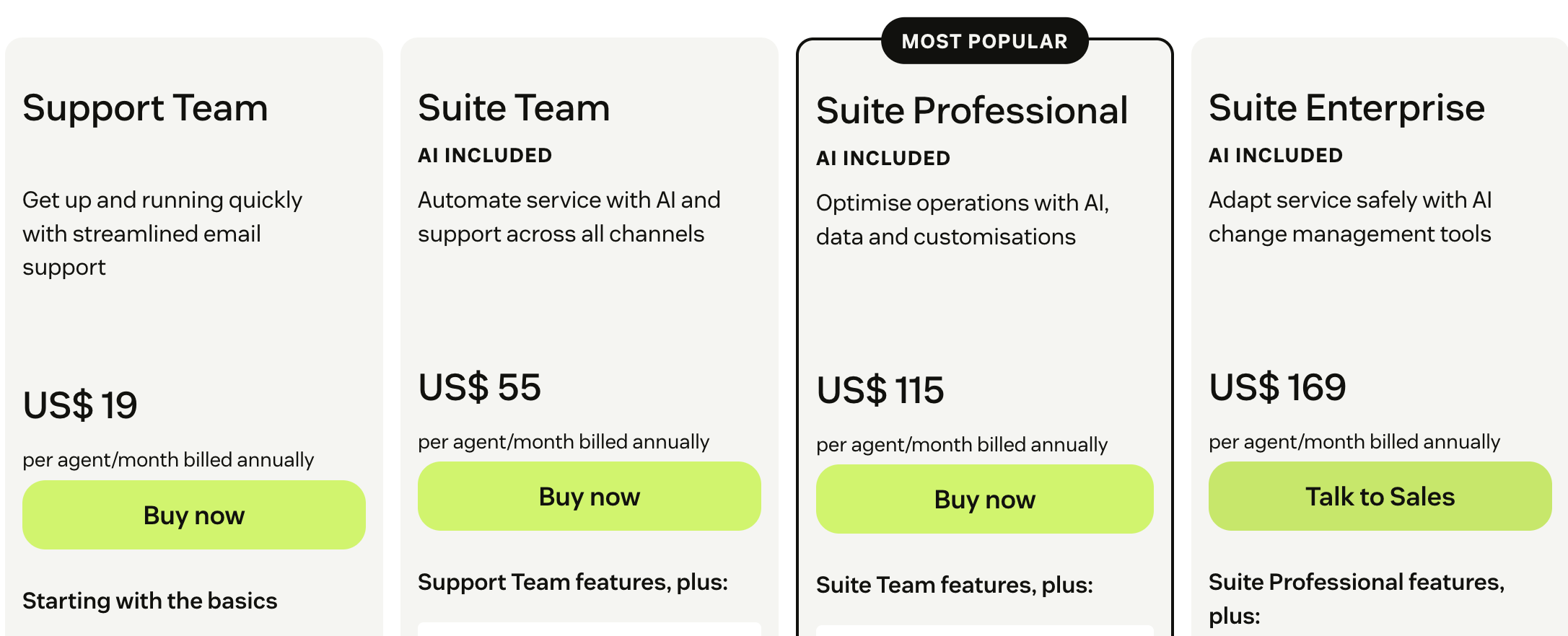
Look beyond the per-seat price. Add up the cost of add-ons for AI, extra channels, workforce management, and reporting. A platform with a lower sticker price can cost more once you enable the features you actually need.
Step 5: Check Integration Depth
Your service desk should connect natively with your CRM, product analytics, and communication tools. Shallow integrations that only sync contact records create more work than they save.
Common Mistakes to Avoid
Buying for today's ticket volume instead of tomorrow's complexity. The platform that works for a five-person team will strain at twenty agents if it lacks automation and routing depth.
Treating AI as an add-on. If AI isn't deeply integrated into the core workflow — routing, drafting, resolution, analytics — you'll end up with a disconnected chatbot that agents ignore.
Ignoring the knowledge base. The quality of your help content determines the quality of your AI resolution and self-service. A service desk platform with a weak knowledge base is like a car with a great engine and no fuel.
Overlooking reporting. If you can't measure AI resolution rate, channel-level performance, and customer sentiment, you can't improve. Demand analytics that go beyond ticket counts.
Related reading
- Drift Review 2026: Conversational Sales Platform Tested - Evidence-based Drift review covering AI chatbots, live chat, pricing signals, setup, limitations, and ideal users. See if Drift fits your revenue team in 2026.
- Forethought Setup: A Practical 2026 Implementation Guide - Learn how to set up Forethought AI step by step: platform selection, conversation design, integrations, training, deployment, and post-launch monitoring.
Sources and further reading
- 28 Best Help Desk Software Options for Your Contact Center in 2026 - We reviewed 28 help desk software platforms for 2026, covering AI features, omnichannel depth, WFM, and pricing. Find the right fit for your team size.
- The Best IT Help Desk Software for 2026 - IT help desk software enables your support team to track and resolve whatever issues your company's employees encounter. We've tested the top solutions to help you choose the right one for your small business.
Frequently Asked Questions
What is a service desk platform?
A service desk platform is software that centralizes support operations — ticket management, multi-channel communication, automation, and reporting — into a single workspace. In IT contexts, it also includes asset management, change management, and other ITSM functions. In customer service contexts, it focuses on omnichannel messaging and AI-powered resolution.
How is a service desk different from a help desk?
A help desk focuses on resolving individual tickets reactively. A service desk takes a broader, service-oriented approach that includes proactive problem management, self-service, asset tracking (in IT), and strategic reporting. The service desk treats support as a continuous service rather than a queue of incidents.
How much does a service desk platform cost?
Pricing varies widely. Customer service platforms like Intercom offer tiered plans starting around $29 per seat per month, while IT service desk tools like SolarWinds Service Desk start around $39 per technician per month. Many platforms charge extra for AI features, phone support, or advanced reporting, so evaluate total cost rather than base price.
Can AI really replace human support agents?
AI won't replace all human agents, but it can resolve a significant portion of routine inquiries. Platforms like Intercom report that Fin resolves up to 50% of support volume instantly. The goal is to free human agents for complex, high-value conversations — not to eliminate the human element entirely.
Do I need an IT service desk or a customer service desk?
If your team supports internal employees with hardware, software, and infrastructure issues, choose an IT service desk platform with ITSM features. If your team supports external customers across chat, email, and messaging, choose a customer service platform with omnichannel and AI capabilities. Some organizations need both, but they should be evaluated separately.
Conclusion
A service desk platform is more than a ticketing system with a fresh coat of paint. It's the operational backbone of your support function — whether you're serving employees or customers. The right platform unifies channels, embeds AI where it actually helps, and gives you the data to improve continuously.
Start by clarifying your use case. Then test AI performance with your own content, map your channel needs, and calculate total cost of ownership. The goal isn't to find the platform with the longest feature list — it's to find the one that helps your team resolve issues faster, with less friction, and at a cost that scales sensibly.
For teams evaluating AI-first customer service platforms, Intercom's free trial is a practical way to see how an integrated AI agent performs with your real support content. And if you're comparing options, the platform comparisons linked above can help you weigh the tradeoffs with clear, evidence-based detail.