Chatwoot Review 2026: Open-Source AI Support Tested
Chatwoot Review 2026: Open-Source AI Support Tested
Chatwoot is an open-source customer support platform that funnels live chat, email, WhatsApp, Instagram, Facebook, and voice into one shared inbox. It ships with an AI layer called Captain and can be self-hosted under the MIT license. This review breaks down what works, what does not, and whether it fits your team.
What Chatwoot actually is
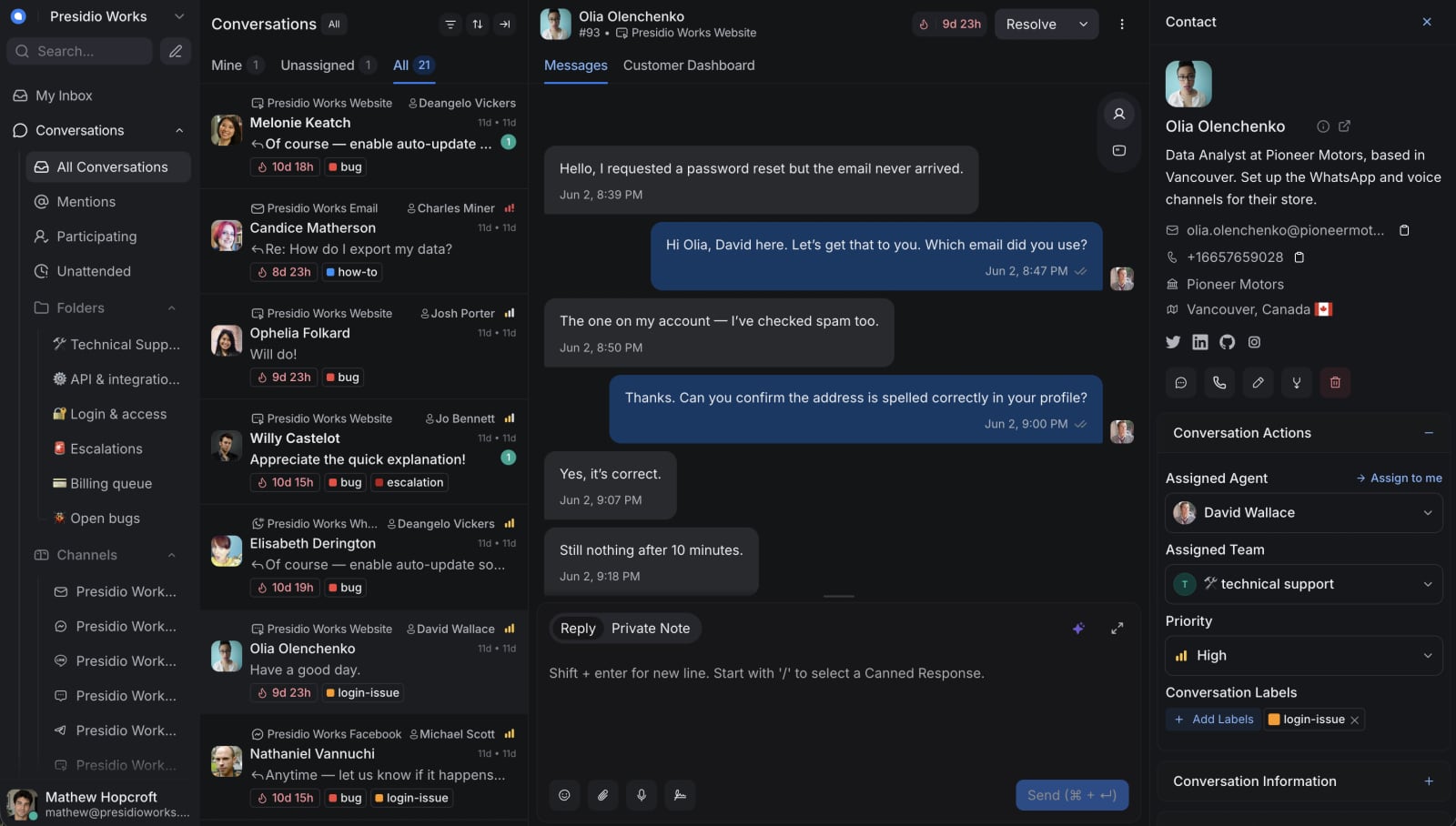
Chatwoot dashboard showing a customer conversation.
Chatwoot positions itself as a privacy-focused alternative to Intercom, Zendesk, and Freshdesk. The core product is a shared inbox: every channel lands in one conversation list, and agents reply from a single dashboard. Around that inbox sit automation rules, canned responses, labels, private notes, SLA policies, role-based access, and SSO/SAML on higher plans.
The AI layer, Captain, does two distinct jobs. As a co-pilot, it drafts replies and translates messages so agents edit instead of starting from a blank box. As a first-line assistant, it answers repetitive questions by learning from your help center, past chats, and FAQs. Reviewers consistently say the co-pilot is the more mature half, while the autonomous assistant handles simple queries well and struggles with nuance.
Who Chatwoot is built for
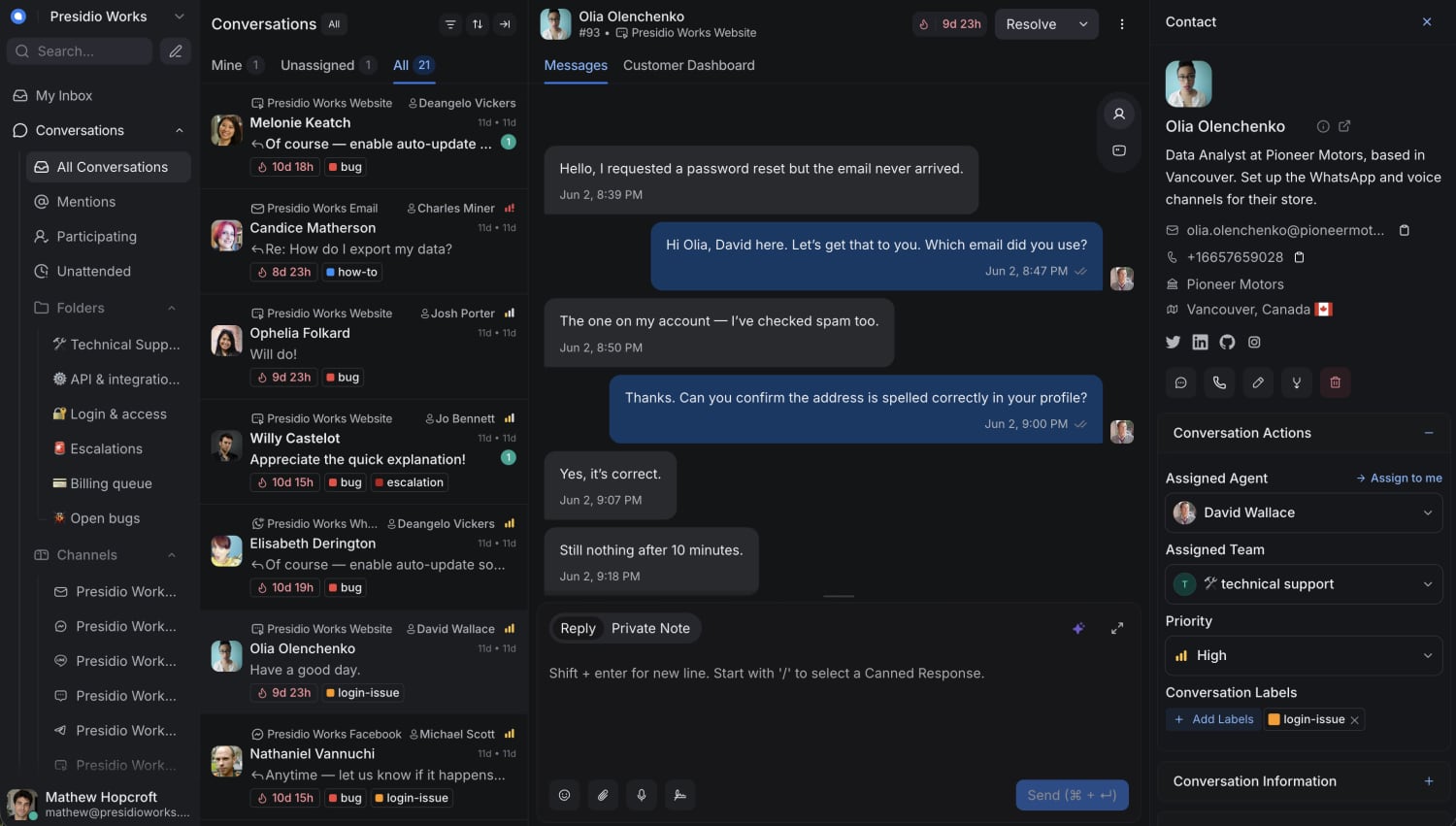
Chatwoot dashboard showing a customer conversation.
Chatwoot fits three broad profiles:
- Small teams that want one inbox without enterprise pricing. The free tier covers up to two agents, and paid cloud plans start low enough that a two-person startup can run real support without a procurement cycle.
- Privacy-sensitive or regulated teams. Self-hosting keeps customer data on your own infrastructure, which matters for healthcare, fintech, legal, and any company with data residency requirements.
- Engineering-led organizations. If you have someone who can run a server and wire webhooks, the API and source availability turn Chatwoot from a support tool into part of your stack.
It fits less well for large contact centers that need workforce management, deep QA scoring, or complex routing trees out of the box.
Strengths, backed by user evidence

Chatwoot Review 2026: Open-Source AI Support Tested - Strengths, backed by user evidence.
Omnichannel inbox with real conversation continuity
Reviewers repeatedly highlight the same behavior: a customer who starts in the website widget and replies by email stays in one thread. That single detail removes the "where did this conversation go" problem that plagues teams juggling separate apps. If cross-channel continuity is your priority, our playbook on maintaining context across channels covers the architecture behind it.
Self-hosting without seat caps
The community edition runs on your own infrastructure with no per-agent limit. For a team that grows in bursts, adding a fifth agent does not change the bill. One long-term reviewer noted they pay for a server they already know how to run rather than a line item that scales with headcount.
Collaboration that stays out of the customer's view
Private notes, @mentions, conversation labels, and auto-assignment are the unglamorous machinery that keeps a busy queue sane. Reviewers call these out more often than headline features, which is a good sign that they are implemented well.
API, webhooks, and custom attributes
The API and webhook system is more capable than reviewers expected from an open-source project. Teams push contact data in from their own database and fire conversation events into internal tooling. Custom attributes let you surface account ID and subscription state instead of whatever a generic CRM decided mattered.
Cost transparency
Multiple reviewers describe the pricing as a no-brainer compared with "bloated products without transparent pricing." One small-business user reported paying around $19 per month for a setup that handled leads across Facebook and Instagram.
Limitations worth knowing before you commit
- WhatsApp onboarding is fiddly. At least one reviewer described connecting WhatsApp as "messy and difficult" at the start. Budget extra setup time for Meta's business API requirements.
- Mobile notifications can lag under load. A flash sale that drove a spike in Facebook and Instagram messages produced delayed mobile notifications for one team.
- Captain is young. The AI assistant is solid on repetitive questions and noticeably weaker on anything with nuance. Treat it as a productivity multiplier for agents, not a replacement.
- UI learning curve. One reviewer asked for UI improvements so new users adapt faster. The interface is functional rather than polished.
- Self-hosting is real work. Wiring up webhooks and integrations "took longer than I would like to admit" for one team, even though it ran without intervention afterward.
Pricing signals
Chatwoot publishes a free tier for up to two agents and paid cloud plans that scale with agents and features. Self-hosting under the MIT license is free, but you pay in server costs and engineering time. Enterprise features like SSO/SAML and SLA policies sit on higher tiers.
The practical calculation: cloud pricing is predictable and low for small teams, while self-hosting trades a subscription for infrastructure ownership. If your team already runs servers, the math favors self-hosting. If not, the cloud plan is usually cheaper than the engineering hours.
Setup and time to value
Cloud deployment is fast. Reviewers describe implementation as "quick and easy," with Slack and email integrations working within a day. A single-agent team reported daily use for almost a year without issues.
Self-hosting takes longer. You need to provision infrastructure, configure channels, and connect webhooks. The payoff is full data control and no seat cap, but plan for a real project rather than an afternoon.
Channel-by-channel, expect this order of difficulty: website widget and email are trivial, Slack is easy, Instagram and Facebook are moderate, and WhatsApp is the hardest. Voice calls sit on higher plans.
How Chatwoot compares to alternatives
- Against Intercom: Chatwoot is cheaper and self-hostable, but Intercom's AI resolution and ecosystem are more mature. If AI-first resolution is your priority, see our comparison of Intercom vs HappyFox vs Botpress.
- Against Deskpro: Deskpro offers a more polished help desk with stronger enterprise controls. Our Deskpro review covers where it wins.
- Against Front: Front excels at shared inbox collaboration for email-heavy teams, but lacks self-hosting. Our Front review breaks down the trade-offs.
Decision criteria: should you choose Chatwoot?
Choose Chatwoot if:
- You want omnichannel support without enterprise pricing.
- Data privacy or residency requires self-hosting.
- You have engineering capacity to wire integrations.
- You want AI assistance that helps agents rather than replaces them.
Look elsewhere if:
- You need mature autonomous AI resolution today.
- You run a large contact center with workforce management needs.
- You want a polished, zero-configuration experience.
- WhatsApp is your primary channel and you lack technical resources.
Related reading
- Zoom Video Conferencing: Features, Pricing & Best Uses - A practical guide to Zoom video conferencing: free vs paid plans, key meeting features, security, and how it fits into a modern support stack.
- Intercom vs Genesys Cloud CX: AI Support Compared 2026 - Intercom vs Genesys Cloud CX compared for 2026: AI resolution vs contact center orchestration, pricing models, time to value, and which fits your team.
Sources and further reading
- Chatwoot Reviews 2026: Details, Pricing, & Features - G2 - It is very easy to use and very responsive. It provides a really good platform to manage all the customer support problems in one place. I used the tool very ...
- AWS Marketplace: Chatwoot Reviews - Open source customer engagement suite.
- Chatwoot Reviews (2026) - Product Hunt - Chatwoot is praised for its open-source nature and effective customer relationship management. Users appreciate its Slack integration, email continuation, and ...
FAQ
Is Chatwoot really free?
The self-hosted community edition is free under the MIT license with no seat cap. The cloud service has a free tier for up to two agents, with paid plans above that.
How good is Captain, Chatwoot's AI?
Captain's co-pilot features (drafting replies, translation) are the strongest part. The autonomous assistant handles repetitive questions from your help center well but is weaker on nuanced queries.
Can Chatwoot replace Intercom?
For small and mid-sized teams focused on shared inbox efficiency and cost, yes. For teams that depend on mature AI resolution and a large integration ecosystem, Intercom still leads.
What channels does Chatwoot support?
Live chat, email, WhatsApp, Instagram, Facebook, Telegram, and voice calls, all landing in one shared inbox.
Is self-hosting difficult?
It requires infrastructure setup and integration work. Teams with server experience find it manageable; others should weigh engineering time against cloud pricing.
Conclusion
Chatwoot earns its reputation as a practical, privacy-focused support platform. The omnichannel inbox, conversation continuity, and self-hosting option solve real problems that reviewers describe in concrete terms. Captain is promising but not yet a reason to buy on its own. If you value cost transparency, data control, and are willing to invest some setup effort, Chatwoot is a strong fit. If you need polished AI resolution out of the box, keep evaluating.