HelpCrunch Review 2026: Live Chat, Automation & Value
HelpCrunch Review 2026: Live Chat, Automation & Value
HelpCrunch is a customer communication platform that bundles live chat, chatbots, a knowledge base, popups, and email marketing into one tool. It is often positioned as a budget-friendly alternative to larger suites like Intercom, Zendesk, and HubSpot. But does that positioning hold up in practice? This review examines HelpCrunch's strengths, limitations, pricing signals, setup experience, and the types of teams that get the most from it.
What HelpCrunch actually is
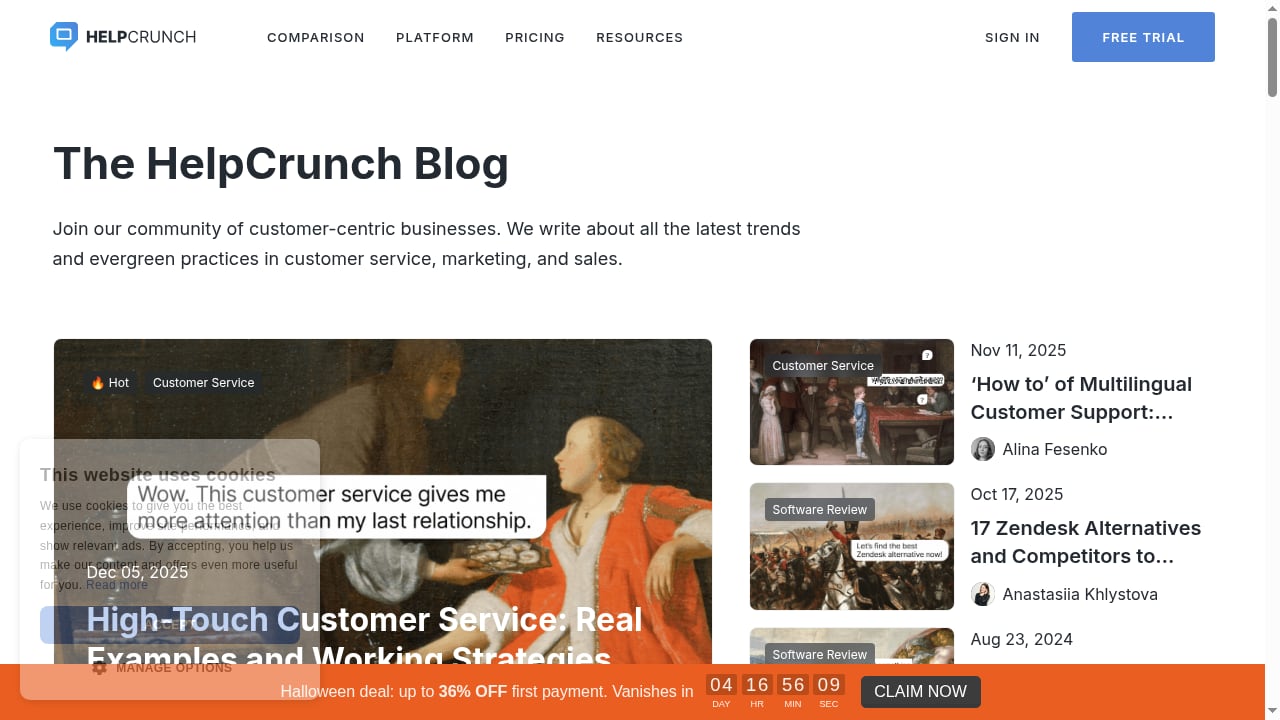
First viewport screenshot of helpcrunch.com.
HelpCrunch is not a single-purpose live chat widget. It is a multichannel communication suite aimed at small and mid-sized businesses that want to support, engage, and market to customers from one dashboard. The core modules are:
- Live chat and shared inbox for real-time support across web chat, email, and messengers such as WhatsApp and Instagram.
- Chatbots and auto messages for lead qualification, FAQ deflection, and proactive engagement.
- Knowledge base and help center with a WYSIWYG editor and SEO options, usable as a standalone site or embedded in the chat widget.
- Popups and email marketing for lead capture, newsletters, and automated sequences.
- AI writing assistance to speed up agent replies and help-article creation.
The product's own messaging emphasizes unlimited contacts and chats, free migration from previous tools, and integrations via native connectors or Zapier. Those claims matter for buyers comparing total cost of ownership.
Who HelpCrunch is best for
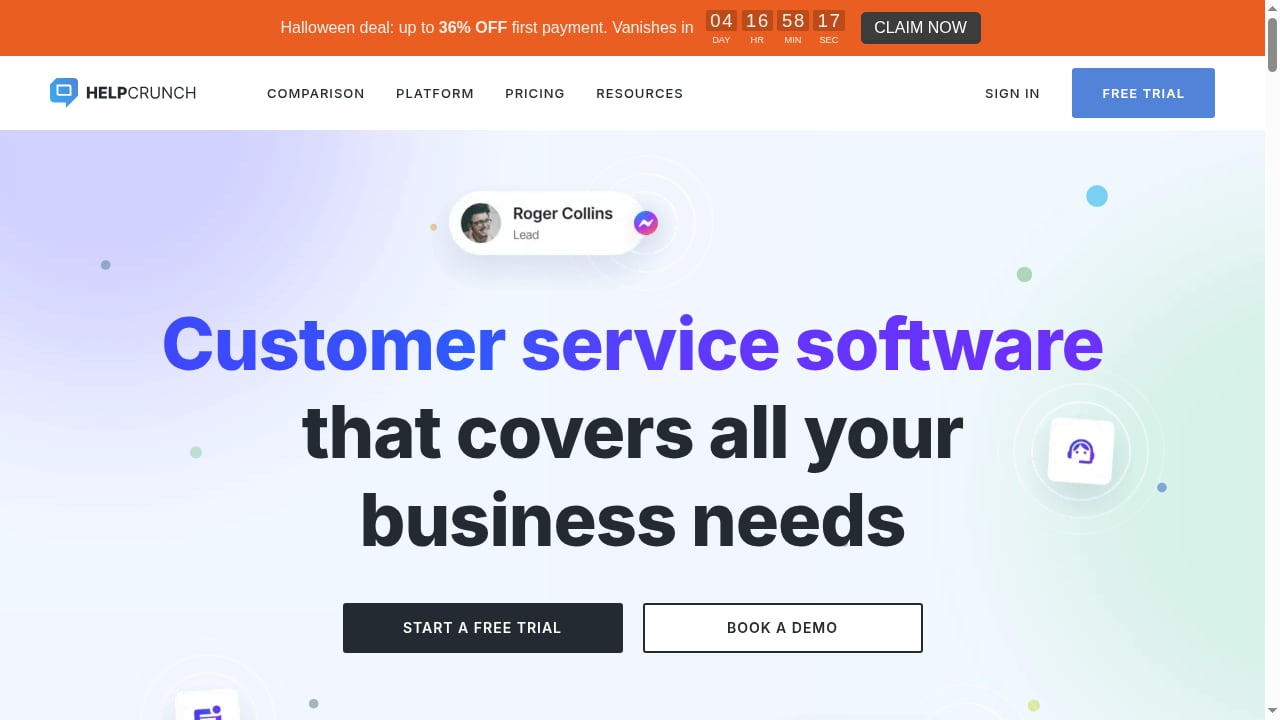
First viewport screenshot of helpcrunch.com.
HelpCrunch fits teams that want a consolidated communication stack without enterprise complexity or pricing. Based on the feature set and third-party assessments, the strongest fits are:
- Small and mid-sized support teams that need live chat, email, and a help center in one place.
- SaaS and ecommerce businesses that want proactive chat, popups, and email sequences to convert visitors.
- Budget-conscious teams migrating from Intercom, Zendesk, or HubSpot, where cost per agent and unlimited contacts are deciding factors.
- Marketing-led organizations that value popups and email campaigns alongside support tools.
Zapier's roundup of customer service software highlights HelpCrunch for "solid automation on a budget" and lists a starting price of $12 per user per month billed annually. That framing is consistent with HelpCrunch's market position: capable automation without premium pricing.
Key strengths
Unified inbox across channels
HelpCrunch's main draw is consolidation. Instead of stitching together a chat tool, an email platform, and a knowledge base, teams manage conversations and campaigns from one dashboard. For lean teams, fewer tools means less context switching and simpler administration.
Practical automation
Chatbots, auto messages, and email sequences cover the common automation needs of a small support or marketing team. The platform is not built for highly complex AI resolution workflows, but it handles lead qualification, FAQ deflection, and proactive engagement well. The AI editor is a useful productivity add-on for drafting replies and help articles.
Self-service and SEO-friendly knowledge base
The built-in help center editor supports SEO optimization and can function as a standalone site or be embedded in the chat widget. For teams that want to reduce repetitive tickets without buying a separate knowledge base product, this is a meaningful advantage.
Migration support and integrations
HelpCrunch offers free migration help from previous tools and connects to other apps natively or through Zapier. That lowers switching friction, which is often the hidden cost of changing platforms.
Limitations to weigh
AI depth is not the headline
HelpCrunch includes AI writing assistance and chatbots, but it is not positioned as an AI-first resolution platform. Teams that need autonomous AI agents handling end-to-end conversations, deep CRM-aware automation, or advanced sentiment analysis should compare dedicated AI customer service platforms. If AI resolution is a core requirement, review options like Intercom's approach to autonomous AI agents before committing.
Reporting and enterprise controls
Third-party reviews generally place HelpCrunch in the value tier rather than the enterprise tier. Organizations needing granular custom reporting, complex routing, or extensive compliance controls may find the platform lighter than Zendesk or Salesforce Service Cloud. Zapier's comparison, for example, positions Zendesk for customization and reporting, and HelpCrunch for affordable automation.
Ecosystem breadth
While Zapier extends HelpCrunch's integration reach, the native integration catalog is smaller than those of larger suites. Teams with complex tech stacks should verify that their critical tools are supported before migrating.
Pricing signals
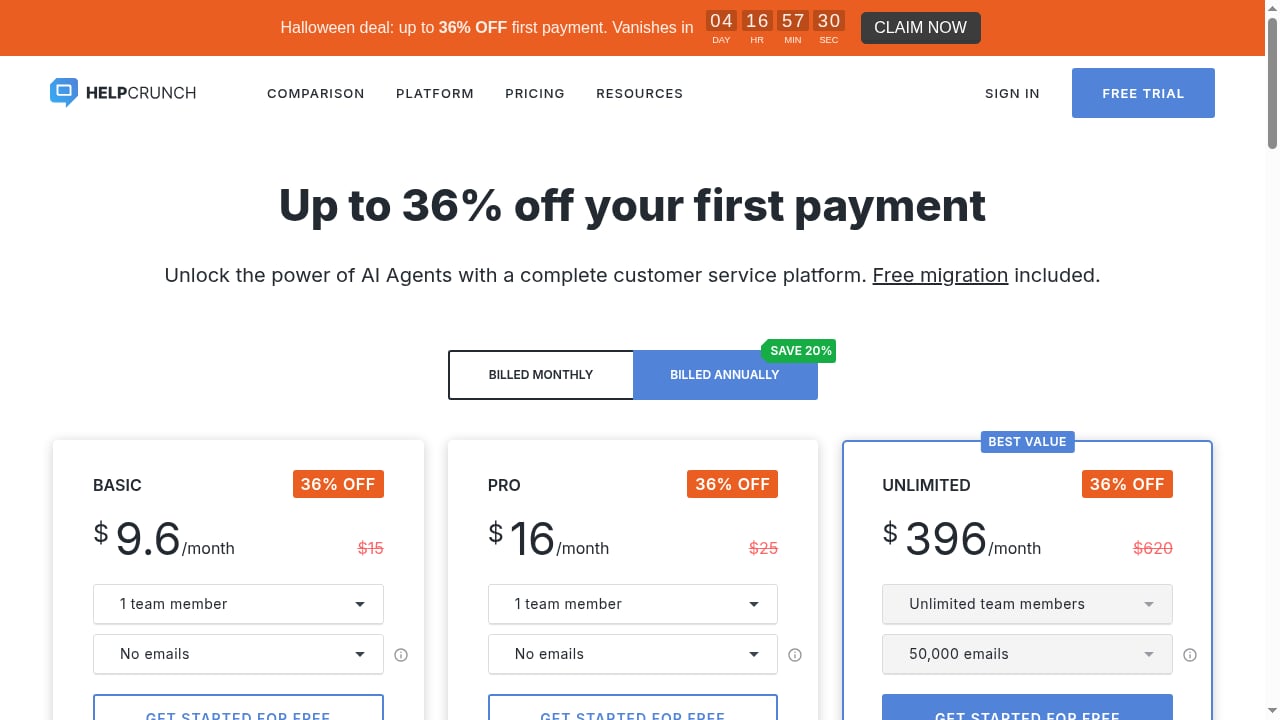
HelpCrunch's public positioning emphasizes paying for what you use, unlimited contacts, and unlimited chats. Zapier lists a starting price of $12 per user per month billed annually, which places HelpCrunch among the more affordable options in its roundup. Pricing tiers typically scale by features such as chatbot volume, email marketing limits, and advanced automation.
For buyers, the practical takeaway is to model total cost across support and marketing seats, not just the entry price. Because contacts and chats are unlimited, cost scales with agents and feature tier rather than conversation volume, which can be favorable for high-traffic websites. Always confirm current plan details directly with the vendor, since packaging changes.
Setup and onboarding
The setup experience is generally described as straightforward for teams familiar with chat widgets and help desks. A typical rollout looks like this:
- Install the chat widget on your website and configure branding, greeting messages, and availability rules.
- Connect channels such as email and messengers to centralize conversations.
- Build the knowledge base and link articles to the chat widget for self-service.
- Set up auto messages and chatbots for lead capture and FAQ deflection.
- Configure email sequences and popups if marketing use cases are in scope.
- Migrate historical data using HelpCrunch's free migration assistance.
Teams with simple requirements can go live quickly. The bigger effort is usually content: writing help articles and designing chatbot flows that reflect real customer questions.
HelpCrunch vs alternatives
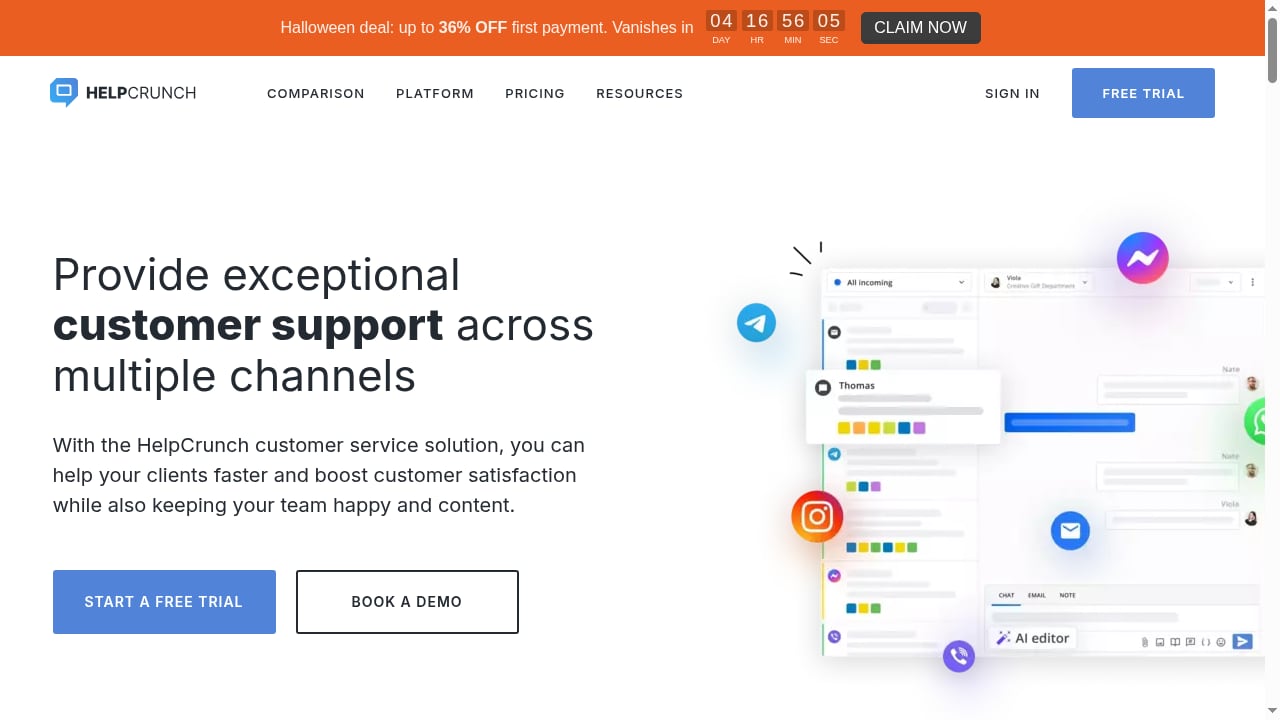
First viewport screenshot of helpcrunch.com.
| Consideration | HelpCrunch | Intercom | Zendesk |
|---|---|---|---|
| Primary positioning | Affordable all-in-one communication | Premium AI-powered support | Customization and reporting |
| Live chat and inbox | Yes | Yes | Yes |
| Chatbots and automation | Yes, practical automation | Advanced AI agent | Advanced, configurable |
| Knowledge base | Built-in, SEO-friendly | Yes | Highly customizable |
| Email marketing and popups | Built-in | Limited | Add-ons |
| Typical fit | SMBs, budget-conscious teams | AI-first support organizations | Enterprises needing customization |
For a broader view of how AI-first platforms compare, see our comparison of Intercom, Helpshift, and Thread. For teams evaluating no-code AI alternatives, the Intercom vs WotNot comparison covers AI resolution, pricing, and channel support.
Decision criteria: is HelpCrunch right for you?
First viewport screenshot of helpcrunch.com.
Choose HelpCrunch if:
- You want live chat, chatbots, a knowledge base, popups, and email marketing in one affordable platform.
- You value unlimited contacts and chats over deep AI resolution capabilities.
- You are migrating from a more expensive suite and want free migration support.
- Your team is small enough that simplicity beats configurability.
Look elsewhere if:
- Autonomous AI resolution is central to your support strategy.
- You need enterprise-grade reporting, compliance, and customization.
- Your tech stack depends on native integrations not available in HelpCrunch.
Related reading
- Top 10 AI Customer Service Automation Software 2026 - Compare the top 10 AI customer service automation software products for 2026 on AI resolution, actions, pricing, and fit. Evidence-based ranking.
- How to Use Intercom with Zapier: AI Customer Service Workflow - Learn how to connect Intercom with Zapier to automate customer service workflows, combine Fin AI Agent with 9,000+ apps, and resolve tickets faster.
FAQ
What is HelpCrunch used for?
HelpCrunch is used for customer communication: live chat, chatbots, knowledge base, popups, and email marketing. It is designed to help businesses support customers and generate leads from one platform.
Is HelpCrunch good for small businesses?
Yes. Its combination of affordable pricing, unlimited contacts, and built-in marketing tools makes it a strong fit for small and mid-sized teams. Third-party reviews describe it as solid automation on a budget.
How much does HelpCrunch cost?
Public comparisons list a starting price around $12 per user per month billed annually. Actual pricing depends on the feature tier and number of agents, so confirm current plans with the vendor.
Does HelpCrunch have AI features?
Yes. HelpCrunch offers AI writing assistance for agent replies and help articles, along with chatbots for automation. It is not positioned as an AI-first autonomous resolution platform.
Can I migrate to HelpCrunch from another tool?
Yes. HelpCrunch advertises free migration assistance from previous solutions, which reduces switching effort.
Conclusion
HelpCrunch is a credible, value-focused customer communication platform. Its strength is consolidation: live chat, chatbots, knowledge base, popups, and email marketing in one place, with unlimited contacts and free migration support. It suits small and mid-sized teams that want practical automation without premium pricing. It is less suited to organizations that need advanced AI resolution or enterprise-grade customization. If your priorities are affordability, simplicity, and an all-in-one toolkit, HelpCrunch deserves a shortlist spot. If AI-first support is the goal, compare it against dedicated AI customer service platforms before deciding.