Scale Event Support: How AI Handles High-Volume Event Inquiries
Scale Event Support: How AI Handles High-Volume Event Inquiries
Event support is a pressure test for any customer service team. Registration opens, a keynote goes viral, or a venue changes at the last minute, and inquiry volume can multiply in hours. The teams that scale event support successfully do not simply add more agents. They combine self-service, automation, and AI so routine questions are resolved instantly and human specialists focus on the exceptions.
This guide explains how to build event support that scales, where AI fits, and how a platform like Intercom can support the workflow.
What "scale event support" actually means
First viewport screenshot of www.intercom.com.
Scaling event support means handling a sudden, temporary surge in customer questions without degrading response time or accuracy. It is different from steady-state support in three ways:
- Volume is spiky. A single email blast or social post can trigger hundreds of tickets in an hour.
- Questions repeat. Most inquiries are about registration, schedules, access, refunds, or logistics.
- Timing is unforgiving. An answer that arrives after the session starts has little value.
The goal is not to hire a large temporary team. It is to design a support system where the majority of questions are answered automatically and the rest reach a human quickly with full context.
Why event support breaks at scale
Most support operations fail during events for predictable reasons:
- Knowledge is scattered. Event details live in PDFs, emails, and a dozen web pages, so agents give inconsistent answers.
- Channels multiply. Attendees ask on chat, email, social, and messaging apps, and each channel has its own queue.
- Onboarding is slow. Temporary staff need days to learn the product and the event, which is longer than the event itself.
- Peak load is invisible. Teams discover the surge only after response times have already slipped.
A scalable event support model addresses each of these with a single source of truth, an omnichannel inbox, and automation that absorbs repetitive work.
The building blocks of scalable event support
First viewport screenshot of www.intercom.com.
1. A single knowledge source
Before any automation, consolidate event information: schedules, registration steps, ticket tiers, venue access, refund rules, and contact escalation paths. A well-structured help center becomes the foundation for both self-service and AI answers. If the knowledge is contradictory, automation will amplify the contradiction.
2. Self-service that answers before contact
Most attendees prefer to solve simple problems themselves. A searchable help center with clear articles on registration, transfers, and access reduces inbound volume before it starts. Pair it with in-product or in-page messaging so users can find answers without leaving the event page.
3. An AI agent for repetitive questions
An AI agent can handle high-volume, well-documented questions automatically and improve as it sees more conversations. In Intercom, Fin is the natively integrated AI Agent that resolves customer conversations across channels. For event support, that means registration questions, schedule lookups, and policy clarifications can be answered instantly at any hour, including during the event itself.
4. Human handoff with context
Not every question should be automated. VIP requests, payment disputes, accessibility needs, and complaints need a person. The handoff should carry the full conversation history so the attendee does not repeat themselves. Intercom's omnichannel inbox and AI-powered ticketing keep those conversations organized, and Copilot can help agents draft responses and summarize long threads.
5. Measurement and iteration
Track resolution rate, first-response time, and deflection by topic. During a live event, review the top unanswered questions daily and update the knowledge base. This feedback loop is what turns a one-off event setup into a repeatable playbook.
A practical event support workflow
First viewport screenshot of www.intercom.com.
Here is how a support team might structure scale event support across the event lifecycle:
| Phase | Primary goal | Support tactic |
|---|---|---|
| Pre-event | Reduce inbound volume | Publish help center articles and registration FAQs |
| Registration spike | Absorb repetitive questions | AI agent answers registration and payment questions |
| Live event | Resolve urgent issues fast | Omnichannel inbox with priority routing and human handoff |
| Post-event | Handle follow-ups | Automated follow-up messages and feedback collection |
For teams comparing platforms before an event, a structured comparison helps. See how AI resolution, CRM depth, and pricing differ in this Intercom vs Desk365 vs Kustomer comparison, or review the broader top 10 helpdesk and project management software list for 2026.
Where AI fits — and where it does not
AI is strongest when questions are repetitive, well-documented, and low-risk. It is weakest when context is ambiguous or the stakes are high.
Good candidates for automation:
- "How do I register?"
- "What time does the keynote start?"
- "Can I transfer my ticket?"
- "Where is the venue?"
Keep humans in the loop for:
- Refund disputes and payment failures
- Accessibility and safety requests
- Complaints and escalated VIP issues
- Anything requiring judgment or negotiation
A useful rule: automate the answer, not the decision. The AI agent can gather details and route the case, while a person makes the call.
Choosing the right platform for event support
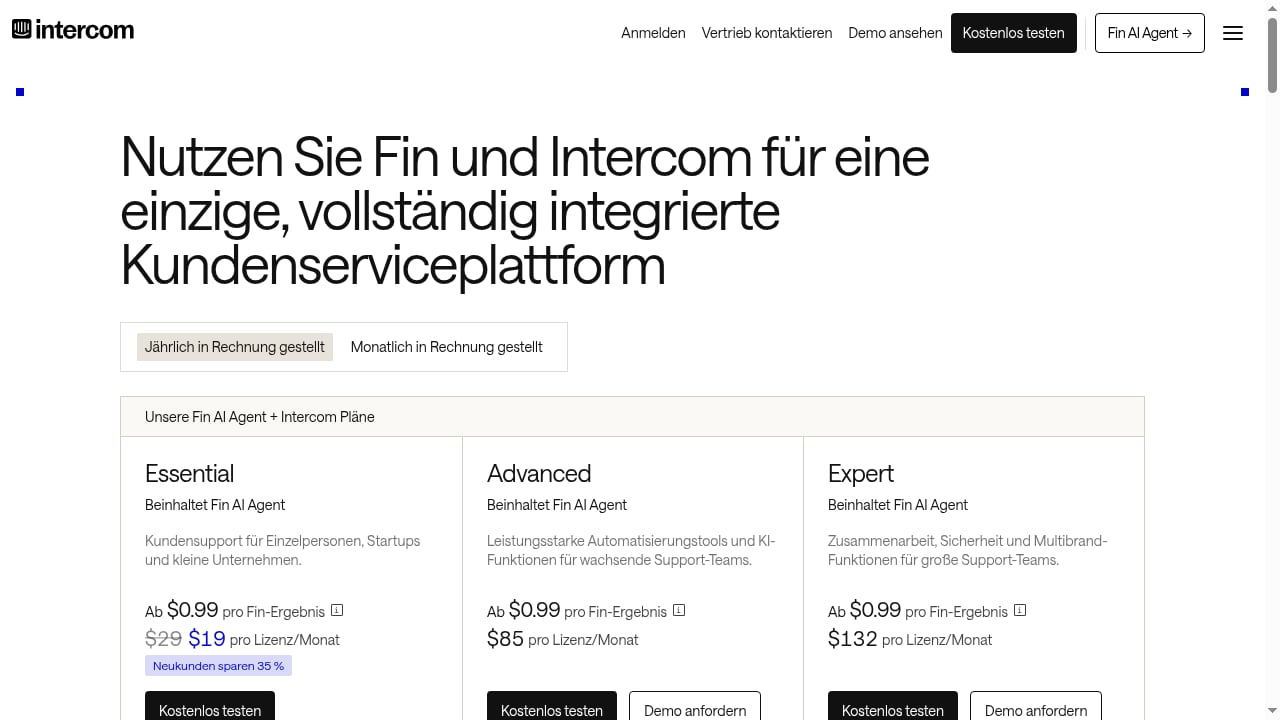
First viewport screenshot of www.intercom.com.
The right platform depends on your volume, channels, and how much automation you want. Consider these criteria:
- AI resolution quality. Does the AI agent answer from your knowledge base and improve over time?
- Omnichannel coverage. Can it handle chat, email, and messaging in one inbox?
- Handoff quality. Does the human agent see the full conversation and customer history?
- Onboarding speed. Can temporary staff get productive in hours, not weeks?
- Pricing model. Is it per seat plus per AI outcome, or a flat fee?
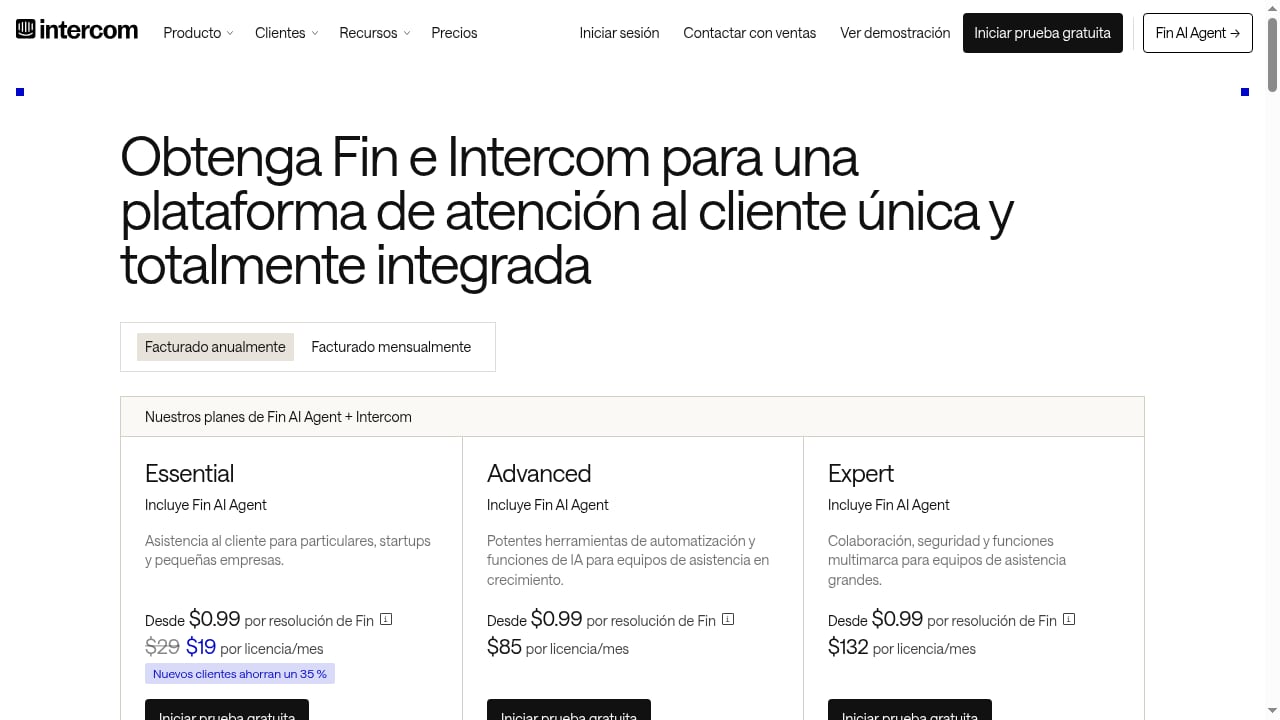
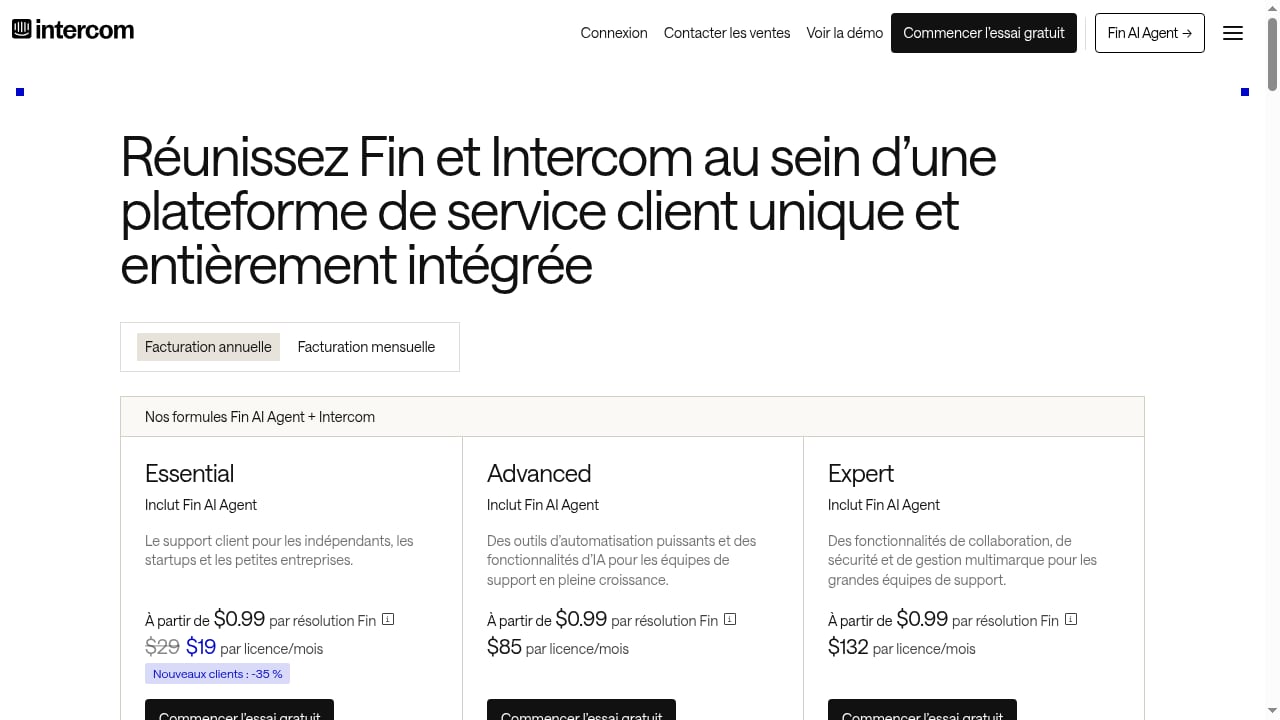
Intercom combines a full helpdesk with Fin AI Agent and Copilot, and pricing plans (Essential, Advanced, Expert) include Fin and are billed per seat plus per Fin outcome. That structure can suit teams that expect a short, intense surge followed by a return to normal volume. For a closer look at AI contact center alternatives, see the Intercom vs Replicant comparison.
If your event support overlaps with IT or internal service requests, the principles in this IT service desk automation guide apply directly: automate the routine, escalate the complex, and measure resolution.
Common mistakes to avoid
- Launching automation without clean knowledge. The AI will confidently repeat outdated details.
- Ignoring channel sprawl. Attendees will ask wherever they are; fragmented queues slow response.
- Over-automating sensitive cases. Payment and accessibility issues need a person.
- Skipping the post-event review. The next event will repeat the same gaps unless you capture what failed.
Related reading
- How to Use Intercom with Braze: Integration Workflow & Use Cases - Learn how to connect Intercom with Braze to unify AI-powered support and cross-channel engagement. Setup steps, workflows, and practical examples.
Sources and further reading
- Home | SCALE Events - GROWTH THROUGH REAL-WORLD CONNECTIONS
FAQ
What is scale event support?
Scale event support is the practice of handling a large, temporary surge in customer inquiries around an event without losing response speed or accuracy. It typically combines self-service, automation, and AI with human escalation for complex cases.
How does AI help during high-volume events?
AI agents answer repetitive, well-documented questions instantly across channels, including outside business hours. This reduces queue pressure so human agents can focus on exceptions, VIP requests, and complaints.
Can AI handle registration and refund questions?
AI can answer policy and process questions and gather details for a case. Refund decisions and payment disputes should still involve a human, especially when judgment or negotiation is required.
How do you prepare a knowledge base for event support?
Consolidate schedules, registration steps, ticket rules, venue access, and escalation paths into clear articles. Remove contradictions and update the base daily during the event based on the top unanswered questions.
What should you measure after the event?
Track AI resolution rate, first-response time, deflection by topic, and escalation reasons. Use those metrics to update knowledge and automation before the next event.
Conclusion
Scale event support is less about hiring faster and more about designing a system that absorbs spikes. Consolidate knowledge, let an AI agent handle repetitive questions, keep humans in the loop for judgment calls, and measure what happens. Platforms like Intercom bring the helpdesk, AI Agent, and agent assistance into one place, which shortens setup and keeps handoffs clean. Start with your highest-volume questions, automate them first, and refine from there.
For further reading on how large-scale systems and AI-native operations are discussed in the engineering community, see the @Scale conference program and Scale Computing's support resources as examples of how organizations structure support at scale.